 LeCoqRoti
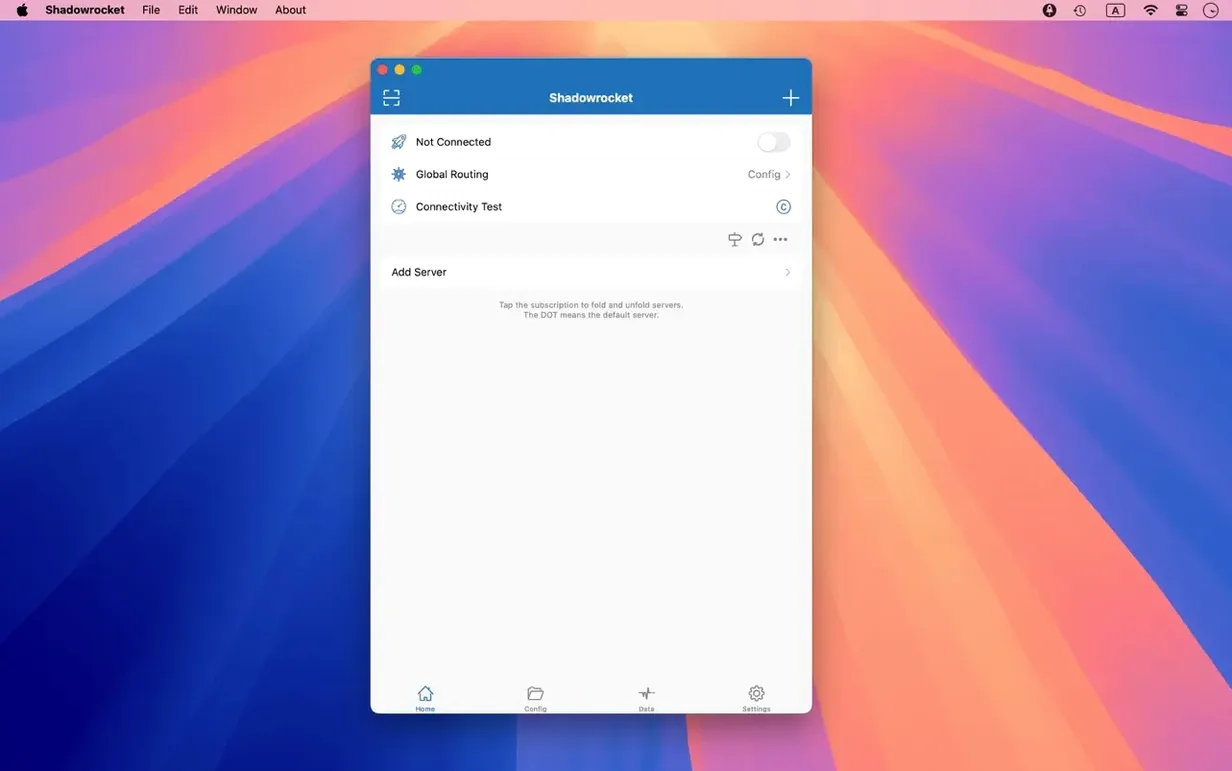
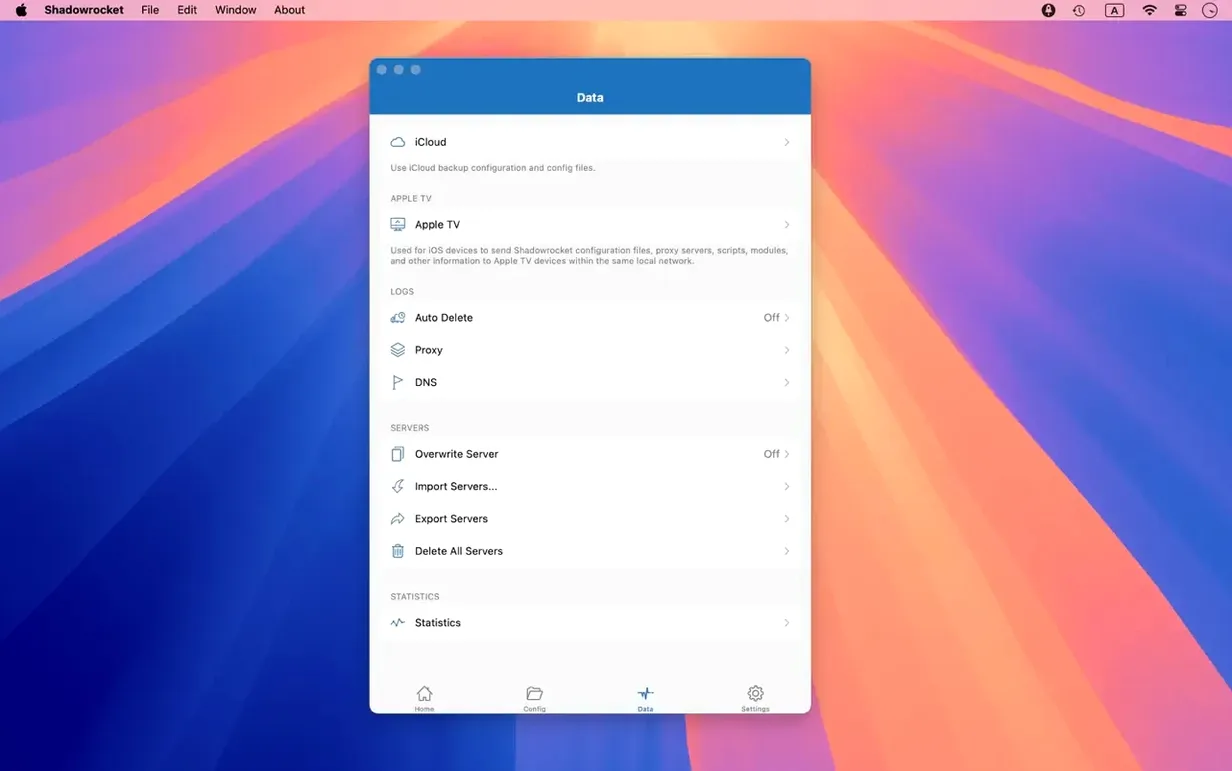
A colleague in Seoul has just sent over a staging build that needs testing against a local payment gateway. The gateway is geofenced, and the QA report requires a clean log of every HTTP request the app makes during checkout. Open Shadowrocket, select the Seoul proxy from the server list, and toggle the connection on. The menu bar icon turns solid: traffic is now routed through the node.
The main window begins to populate with rows immediately. Each one is a request — DNS lookups, HTTPS handshakes, image loads from the staging CDN. Clicking any row expands the detail view, showing request headers, response codes and the full JSON body of the API call. Because the app can decrypt HTTPS traffic, the exact parameters sent to the payment endpoint are visible, not just a sealed TLS tunnel. A quick copy of the cURL command from the context menu and the evidence is pasted into the ticket.
While the checkout flow plays out, the speed meter in the toolbar shows live throughput on the proxy connection. It is useful for spotting whether a slow response is server-side or simply a saturated hop. The app also tracks total data usage per proxy, so by the end of the session there is a clear record of how much traffic the test consumed — helpful when working on a metered mobile link shared to the Mac.
Between tests, domain-based ad blocking keeps analytics and marketing tags out of the request log. The filter list is plain text, easy to edit, and can target user-agent strings as well. Once the build is signed off, a right-click on the Seoul proxy disconnects the session and traffic falls back to the direct Wi‑Fi connection.
How it fits: proxies, rules and the rest of the system
Shadowrocket is not the kind of app that demands to own your network stack. It sits alongside other tools quietly. A common setup in our studio pairs it with the built-in /etc/hosts overrides that Homebrew occasionally edits, plus a local DNS server running in Docker for staging environments. Because Shadowrocket supports local DNS mapping, it can be told to resolve certain internal hostnames against that Docker container while leaving public domains untouched — two layers that do not fight each other.
On the macOS side, the app works as a network extension rather than a system-wide VPN profile in the traditional sense. That means you can still use iCloud Private Relay, a corporate VPN for office file shares, or a Tailscale mesh, and Shadowrocket will handle only the traffic you direct to it by rule. The menu bar icon gives a quick visual cue — hollow when idle, solid when connected — so there is no guessing which path requests are taking. In our shared studio, the audio producer keeps a WireGuard tunnel open for remote Pro Tools sessions while Shadowrocket proxies only browser traffic to a Tokyo node for streaming region-locked reference tracks. They coexist without a single dropped ping.
Proxy client vs VPN: what it actually tunnels
Does it replace a VPN, or sit on top of one? It is a proxy client, not a VPN in the sense of a full tunnel that encrypts all system traffic. It handles HTTP, HTTPS, and TCP connections from applications that respect the system proxy settings or allow you to configure an outbound proxy. Apps that bypass those settings — some terminal tools, for instance — may need environment variables set separately. You can run a conventional VPN alongside it; Shadowrocket will route its own traffic through whichever interface you specify, and the VPN can handle the rest.
What happens to apps that do not support SOCKS5 or HTTP proxies? The rule engine can capture TCP traffic at a lower level, so many apps that simply open a socket will be intercepted. For those that escape, the multi-level proxy feature lets you chain an upstream that the app can reach — say, a local SOCKS5 relay — and Shadowrocket forwards from there. It is not magic, but it covers far more than a browser proxy extension ever could.
Is HTTPS decryption safe to leave on? The decryption is local: traffic is unsealed on your own machine so the request log can show plaintext headers and bodies. It is not sent anywhere else. For everyday browsing, most people turn it off and only enable it for specific debugging sessions, which is how we use it in the studio. A toggle in the main window controls it per session.
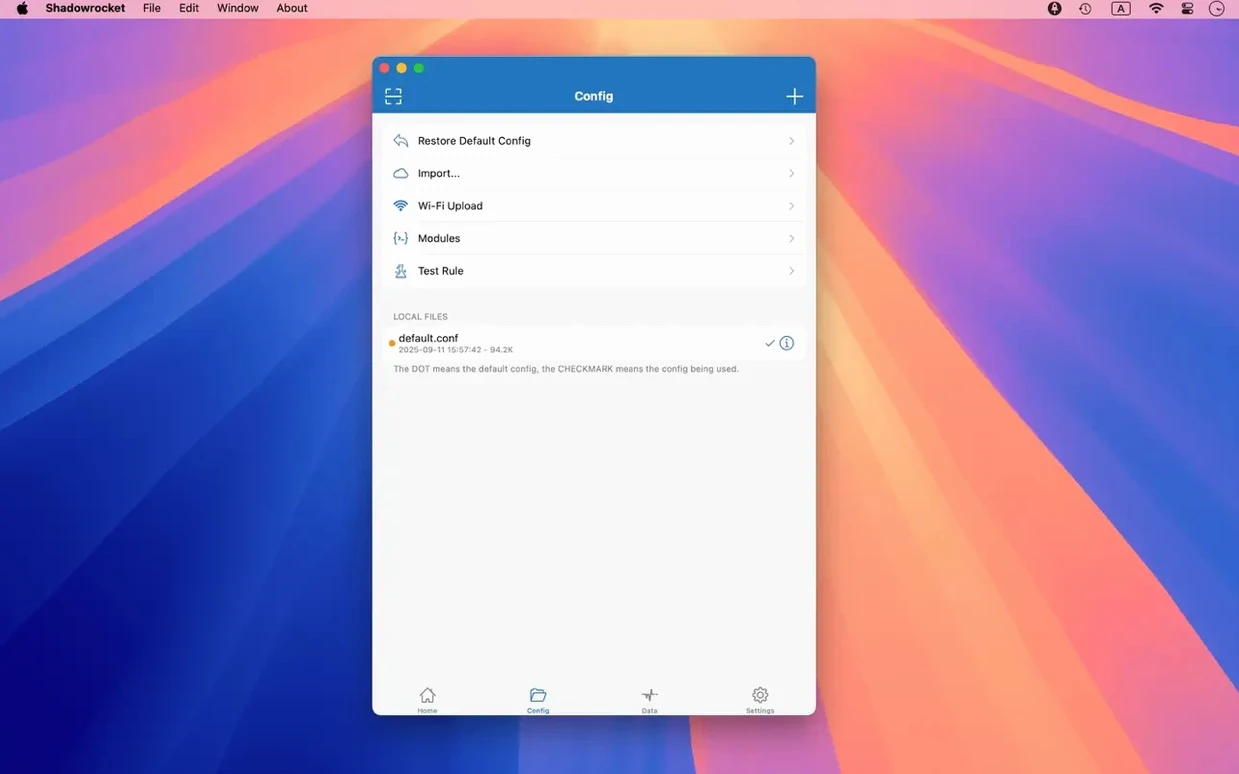
Can I import rules someone else wrote? Yes. Rule files can be pulled from a URL or from iCloud Drive. A common community practice is to maintain a GitHub gist of domain-suffix rules for region-specific services, then point Shadowrocket at the raw URL. The app re-fetches on demand, and you can merge foreign rule sets with local overrides.
A working session: debugging a mobile API from the desktop
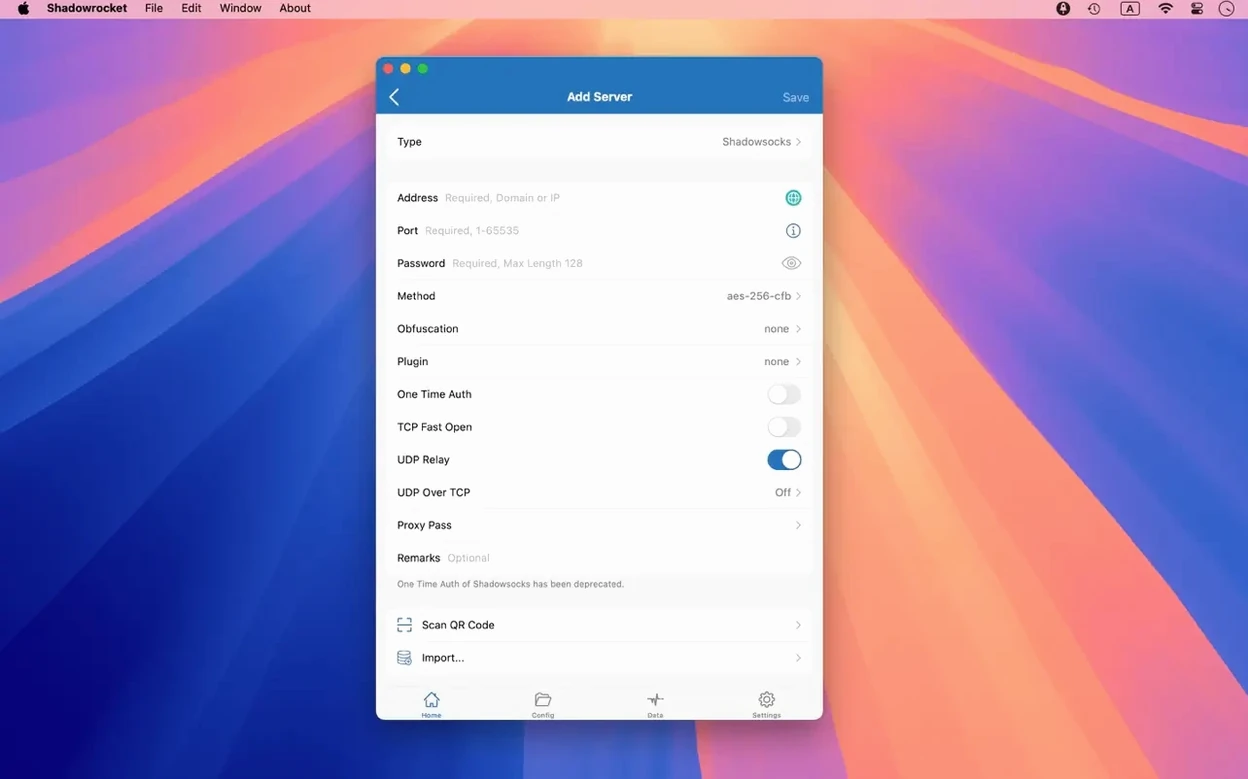
The video maker is on location, and the Android build of our client app has started returning HTTP 429 errors from the staging API. The back-end team in Sendai says it is not them. The front-end team says it is not them. You open Shadowrocket on the Mac and configure a new proxy entry for the API gateway — a single SOCKS5 hop through a Shanghai relay that mirrors the route the mobile app takes in the field.
Step one: you switch on HTTPS decryption for this session only. Step two: you add a domain-suffix rule that sends api.staging.example.jp through the Shanghai proxy while everything else stays direct. Step three: you fire up the iOS Simulator, which shares the Mac's network stack, and run the mobile app. The request log populates. There it is — a X-Rate-Limit-Reset header showing a window of zero seconds, plus a Retry-After value that the mobile client is ignoring. The back-end team misconfigured the staging gateway's throttling tier.
You select the offending request, copy the full cURL command, and paste it into a Slack thread with the header values highlighted. The session took under three minutes from opening the app to identifying the root cause. You disable decryption, disconnect the proxy, and the Mac is back to normal routing. The entire trace remains in the history pane if you need to refer to it later.
Rule refresh on launch: set it first
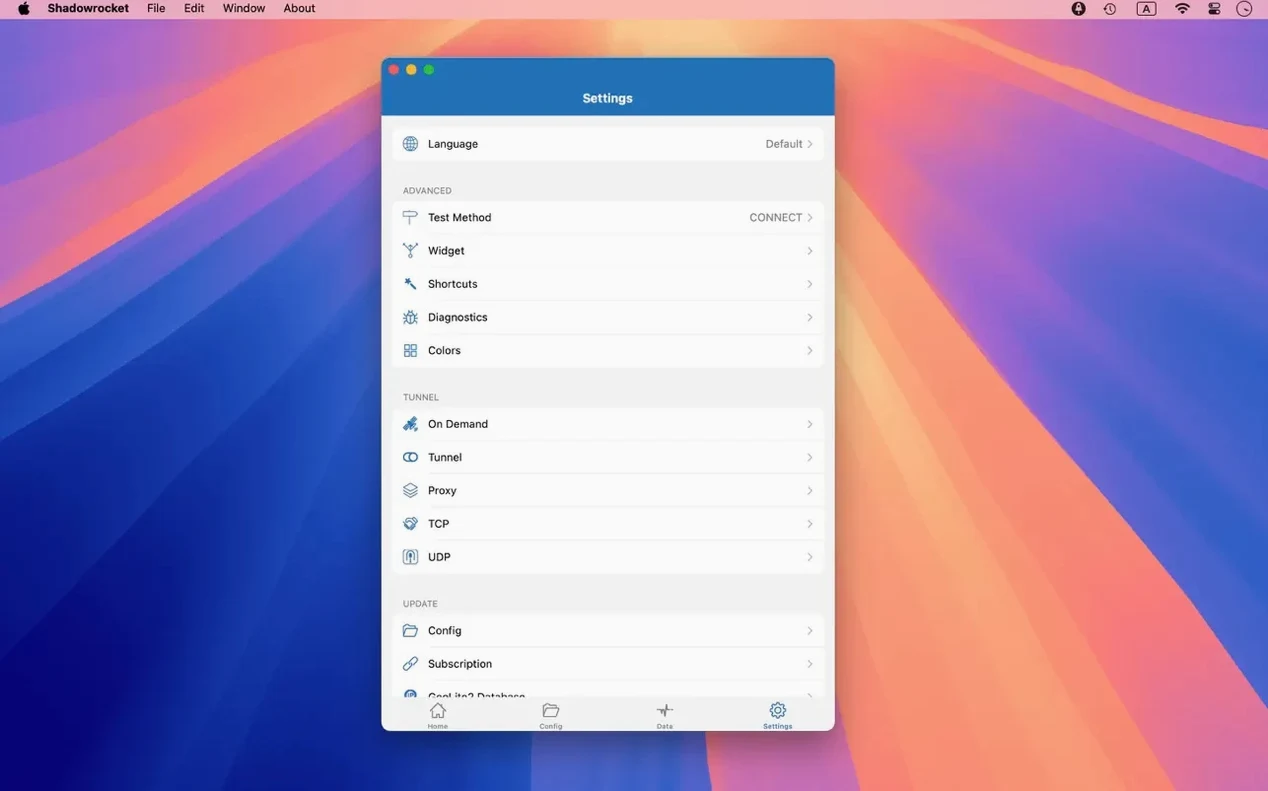
Out of the box, Shadowrocket works with sensible defaults, but a few adjustments make daily use smoother. The first stop is the rule update behaviour: if you rely on remote rule files, set them to refresh on launch rather than manually. It costs a second of start-up time and saves you chasing stale matches later.
Next, visit the DNS section and pick a resolver. The app supports DNS over HTTPS, DNS over TLS, and DNS over QUIC. Cloudflare and Quad9 both work; choose the one with the lowest round-trip time from your location. If you are using local DNS mapping for internal services, add those overrides here and they will take precedence over upstream queries.
In the interface preferences, you can decide whether the menu bar icon shows live throughput or just a static indicator. The live readout is compact and useful on laptops where every menu bar pixel counts. While you are there, you may want to pin the app to start at login — it can sit idle with no proxy connected and add zero overhead.
Finally, set up traffic measurement to reset on a schedule that matches your mobile billing cycle if you tether. The app tracks usage per proxy and per direct connection, and a monthly reset gives you a rolling tally without manual intervention. It is a small thing, but it stops surprise overages when you are working from a café hotspot.







Correspondence 0
Take a chair or join the table to send a letter.
No correspondence on this note yet. Letters are read before they appear.