 LeCoqRoti
If you have spent time in a traditional DAW, you will recognise the thinking behind one of Dorico Pro’s most practical additions: a sequencer-style MIDI editor with a piano-roll view. It sits inside a notation environment built for the long road from first sketch to publication-ready score, which makes the combination feel less like a feature checklist and more like a considered workspace.
How does the piano-roll editor fit into a notation workflow?
It lets you adjust note positions, velocities and durations with the directness of a DAW, without leaving the score. For composers who move between step input and freeform MIDI editing, this removes a layer of friction.
Hidden notes: cleaner collision avoidance after re-layout
The main refinement is improved handling of hidden notes. It is a small change on paper, but anyone preparing dense scores for print or video will notice cleaner collision avoidance and fewer manual corrections after re-layout.
What does it share with other tools?
Data moves in and out through MusicXML, MIDI and PDF, so exchanging projects with other notation software or a DAW is straightforward. The thirty included VST 3 processors also mean playback and mixing can happen inside the same session.
Automatic collision avoidance: still the engraving engine
The automatic page layout with collision avoidance remains the engine underneath the engraving process. Complex chord symbols, percussion notation and non-piano staves are still handled natively, and the software continues to support score preparation for professional copying and publishing on both Apple Silicon and Intel Macs running macOS 12 or later.
Workflow: preparing a chamber score from sketch to print
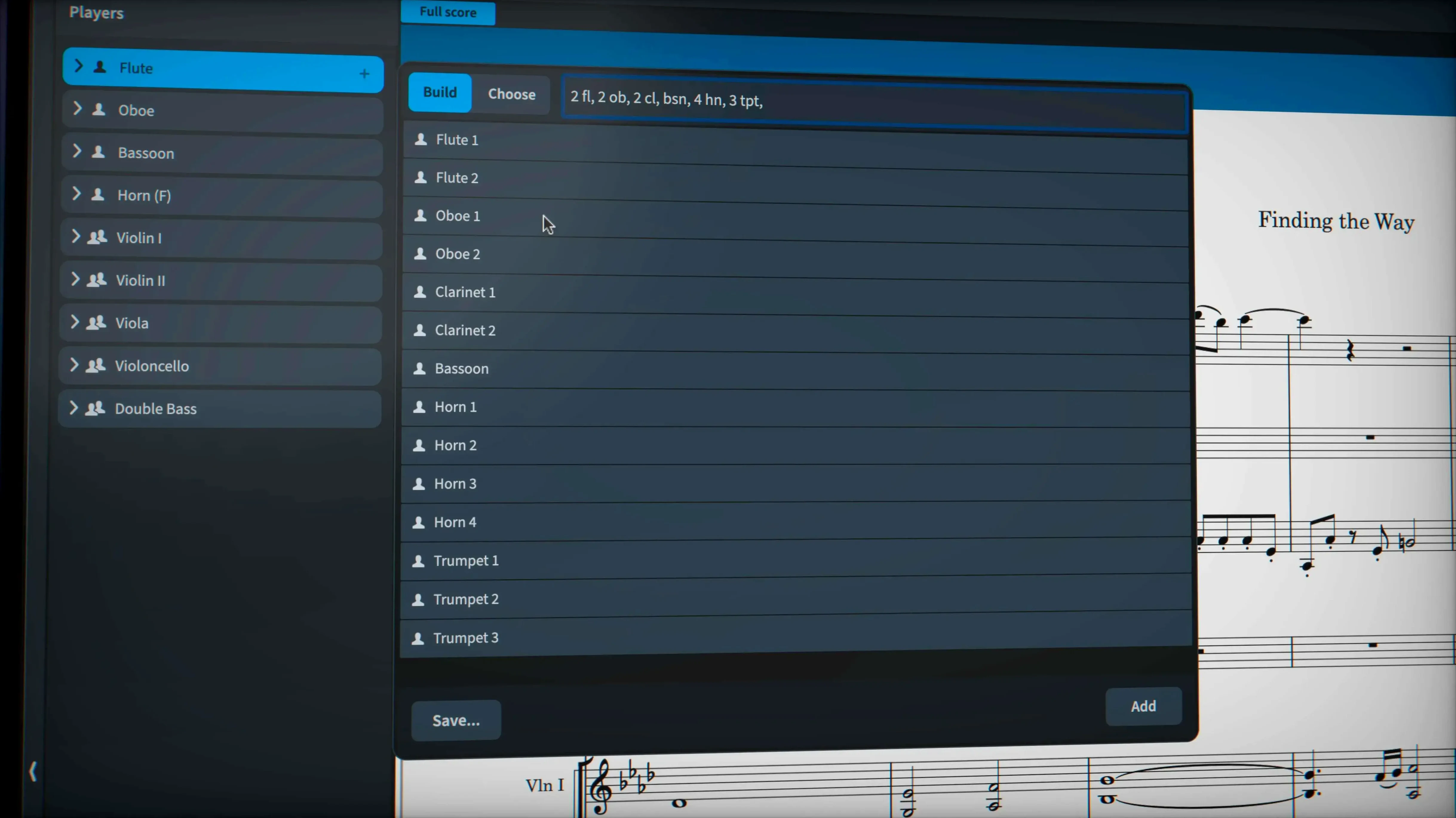
A string quartet sketch often begins with a piano reduction or a few bars hummed into a voice memo. Opening Dorico Pro, I set up a quartet template with condensing enabled — the software will later merge two violin staves where they rest, saving vertical space — and begin note entry directly into the full score using step-time input from a MIDI keyboard.
The first pass is rough. Note lengths are approximate, articulations missing, dynamics absent. I switch to the piano-roll editor in Write mode to nudge a viola line that arrives a sixteenth too early, then drag velocity bars for the cello pizzicato so it speaks without overpowering the upper voices. No switching applications, no exporting MIDI to another program: the edit happens inside the notation environment, and the score updates immediately.
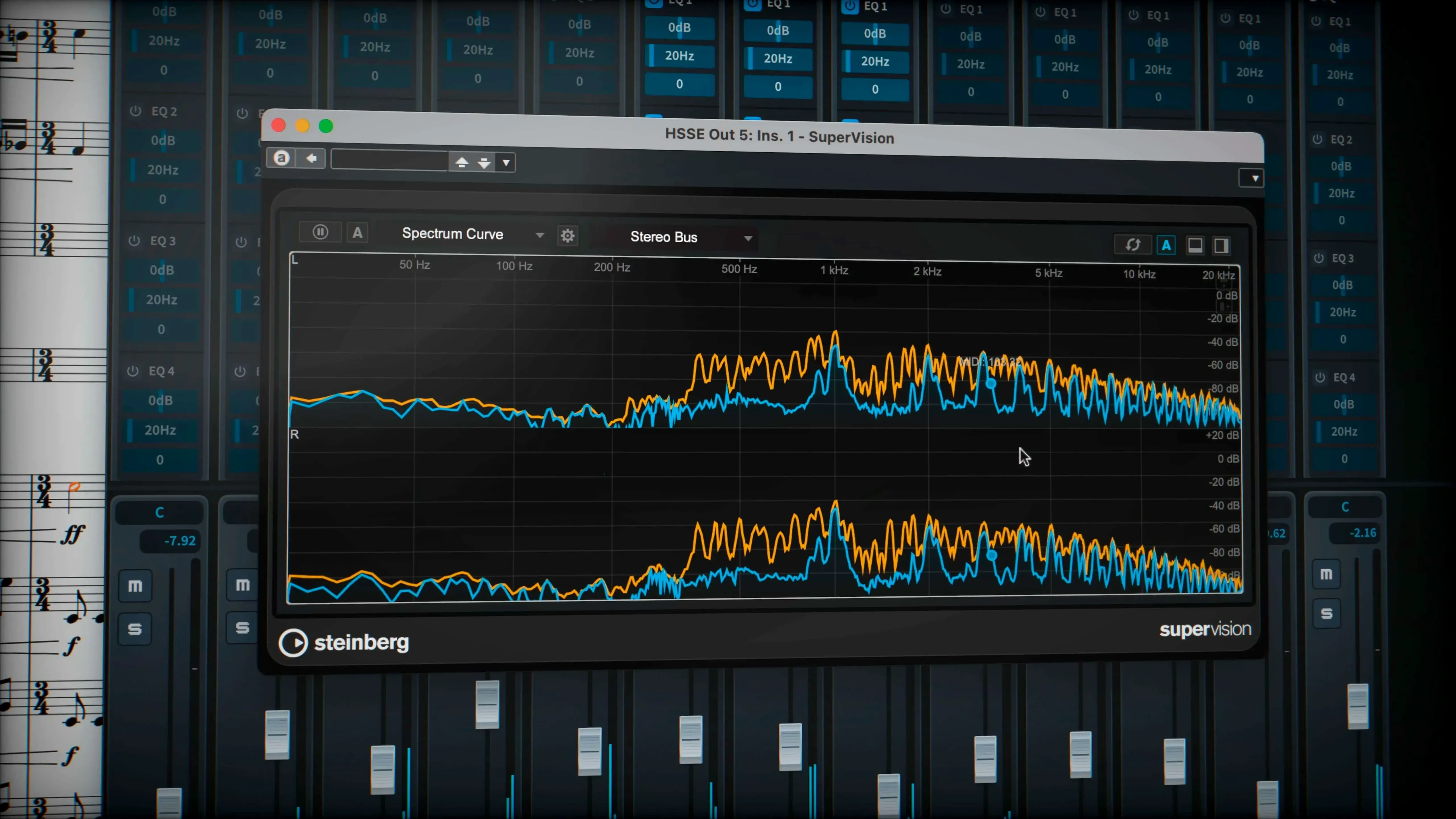
Once the notes are in place, I turn to the playback template. With almost 1,500 built-in sounds, the default HALion library gives a credible first impression. For a more polished mock-up, I insert a few of the thirty included VST 3 processors — a touch of reverb on the master bus, gentle compression on the first violin — and audition the result. The independent voice playback option, now accessible from the Track Inspector in Play mode when routing to Cantai, lets me isolate the second violin’s inner line without muting the entire stave.
Engraving mode is where the score becomes a document. Dorico’s automatic collision avoidance handles most spacing, but I still check system breaks and page turns. A wiggly glissando line between two harmonics in the viola part: I select it, open the properties panel, and override the line style to use the traditional trill wiggle glyph instead of the project default. The change applies only to that one glissando, leaving the rest of the score untouched. When I export to PDF for the performers, sustain and sostenuto pedal lines — added during the editing pass — carry through to the printed parts without manual cleanup.
Tuplets across barlines: native, no workarounds
Does it handle tuplets that cross barlines without workarounds? Yes. Dorico was designed from the ground up to treat rhythm as a flexible hierarchy rather than a fixed grid. Tuplets that span beats, barlines or even system breaks are native constructions: you enter them once and they remain stable through layout changes, transpositions and part extraction. The same applies to unmetered music and stemless notation, both of which the software treats as first-class scenarios rather than edge cases.
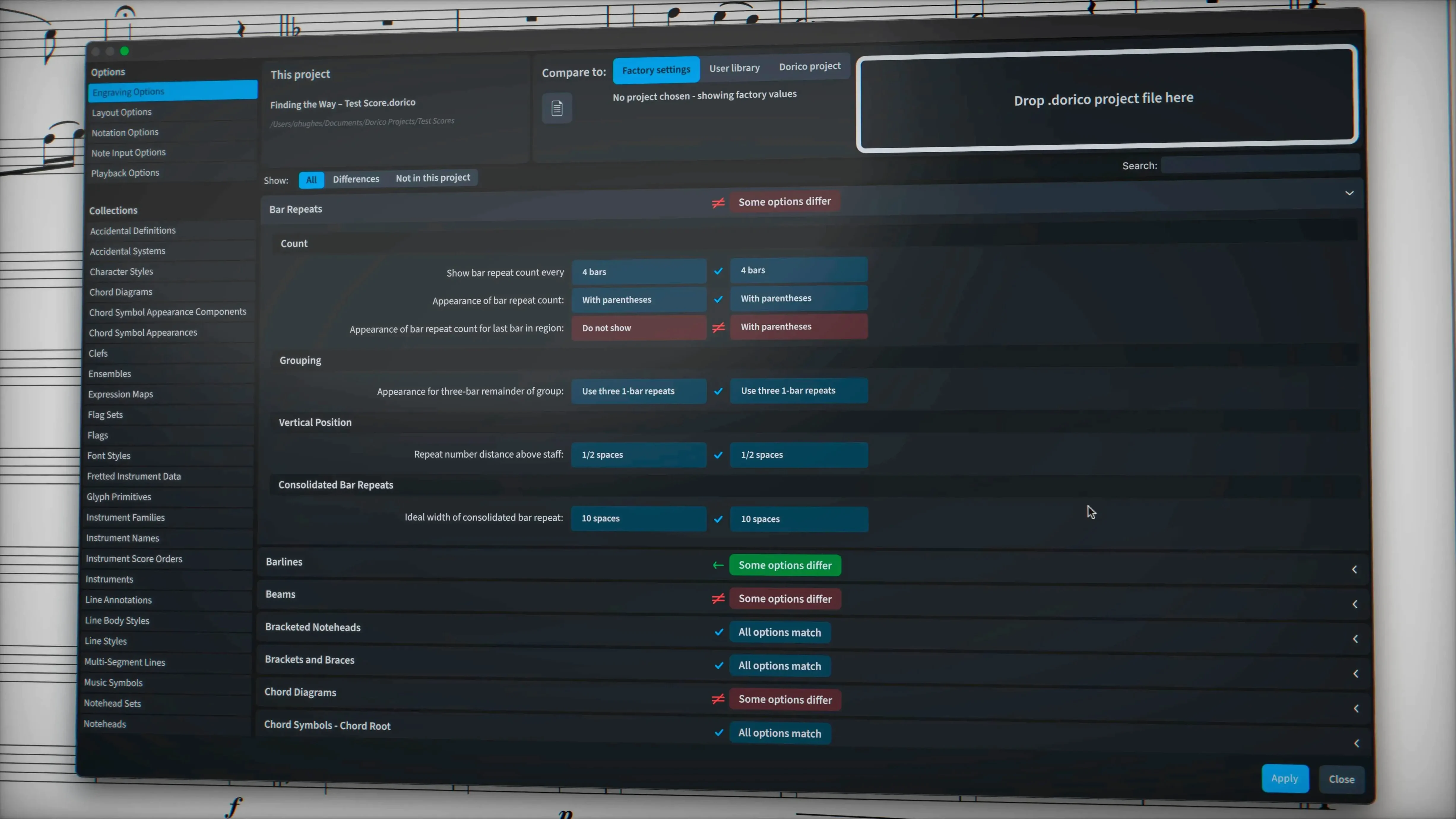
Will my existing scores come across cleanly? The MusicXML import and export pathway improved further in version 6.2.30, with fixes for tuplet bracket and number visibility when controlled by engraving options. Complex chord symbols, percussion notation and microtonal accidentals generally survive the round trip, though projects that lean heavily on proprietary DAW features may need a few adjustments after import. MIDI import works for basic note data; PDF import is not part of the feature set.
How much of the sound library is included? The application ships with close to 1,500 sounds covering orchestral, band, choral and keyboard instruments. These load from the HALion Sonic SE engine and cover enough ground for credible mock-ups without third-party libraries. For users who need more, VST 3 instrument and effect support means you can load your own sample libraries directly into the playback engine.
Does it run on Apple Silicon? Yes, the application is a universal binary that runs natively on both Apple Silicon and Intel Macs under macOS 12 or later. No Rosetta bridge is required on M-series machines.
Launch and scroll: full orchestral project in ten seconds
On an Apple Silicon Mac, the application launches in under ten seconds and opens a full orchestral project in roughly the same time. The user interface draws at the display’s native refresh rate during scrolling and zooming, even with a sixty-stave score in page view. This responsiveness extends to the piano-roll editor: dragging notes or resizing velocities in the lower zone feels as immediate as in a dedicated DAW, without the redraw lag that plagues some cross-platform notation tools.
Memory use scales with the project. A chamber piece with ten staves and HALion sounds typically occupies around 1.2 GB of RAM; a full orchestra with a dozen loaded VST instruments can reach 4 GB or more. The audio engine runs on a separate thread from the notation interface, so playback rarely stutters even when the score is recalculating page layouts in the background. The 6.2.30 maintenance update addressed more than forty bugs, including several that affected MusicXML export reliability and the handling of hidden notes — small fixes that collectively reduce the number of times you need to pause and troubleshoot.
Disk footprint is modest for a program of this scope: the core application and its bundled sound library require roughly 12 GB, with additional space needed for projects and third-party samples. The installation package includes an activation guide, and once set up the software does not phone home or require a persistent internet connection for daily use.
Composing to picture: write, mock up and print in one app
Composers working to picture. The combination of a mature notation engine, a piano-roll editor, and VST 3 hosting means you can write, mock up and print parts without leaving one application. Hidden-note improvements in the latest update help when preparing clean scores for recording sessions where only some staves need to appear on paper.
Engravers and copyists. Dorico’s page layout model is automatic but not opaque: every spacing decision can be overridden, and the properties panel gives per-item control over glissando line styles, pedal markings and tuplet visibility. The 6.2.30 release fixed several engraving-option-related export issues, which matters when deliverables go to a publisher.
Music educators and arrangers. Percussion notation, chord symbols and non-standard staves are handled without workarounds. The independent voice playback option added in this version is useful for isolating a single instrumental line during a lesson or rehearsal preparation, especially when routed through the Cantai playback engine. And because the software runs on both older Intel hardware and current Apple Silicon machines, it fits into school labs with mixed fleets.
In short: the application rewards users who need notation precision and DAW-style editing in the same session, and the 6.2.30 update quietly removes friction that only surfaces after dozens of hours with a score.





Correspondence 0
Take a chair or join the table to send a letter.
No correspondence on this note yet. Letters are read before they appear.