 LeCoqRoti
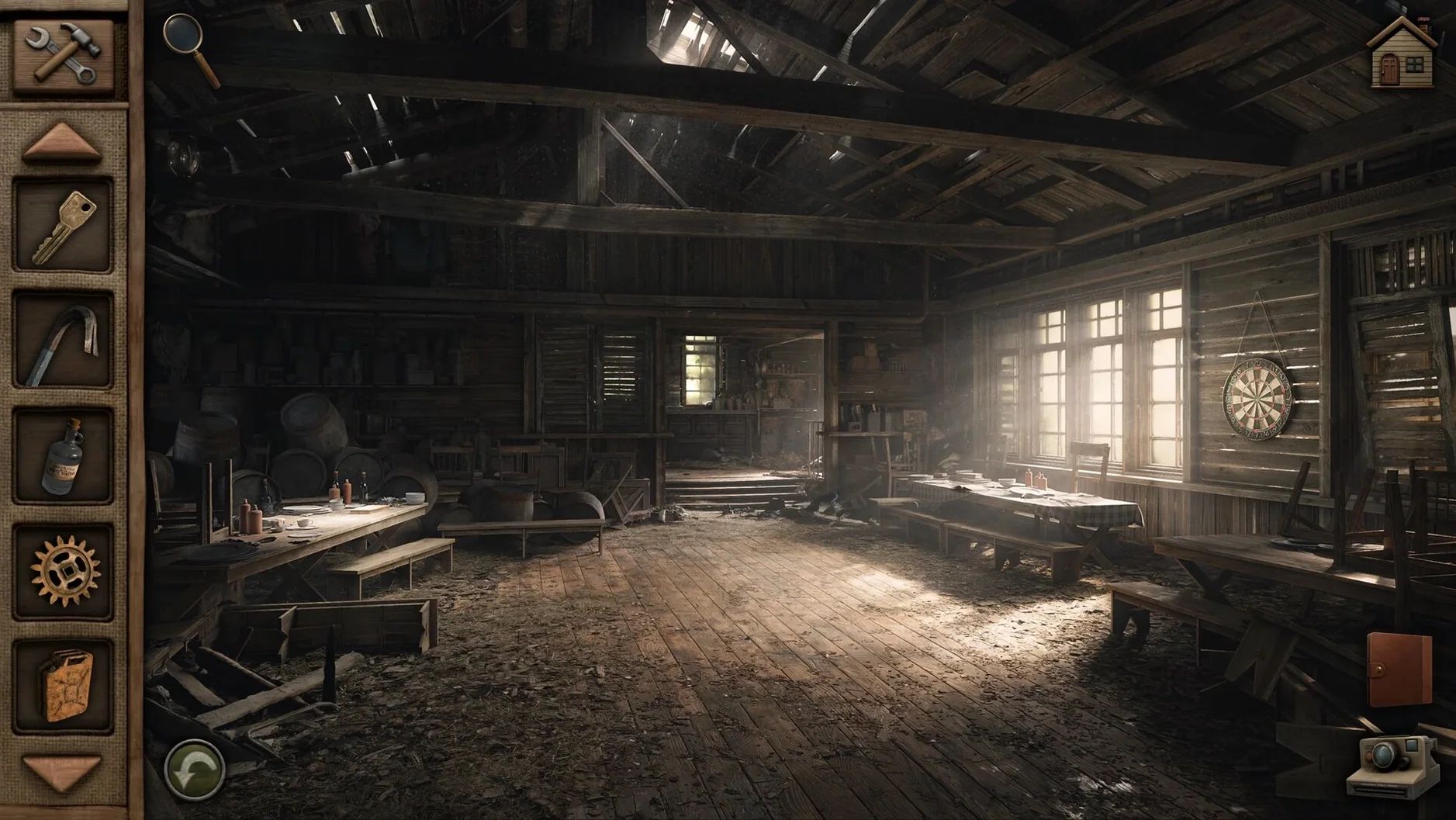

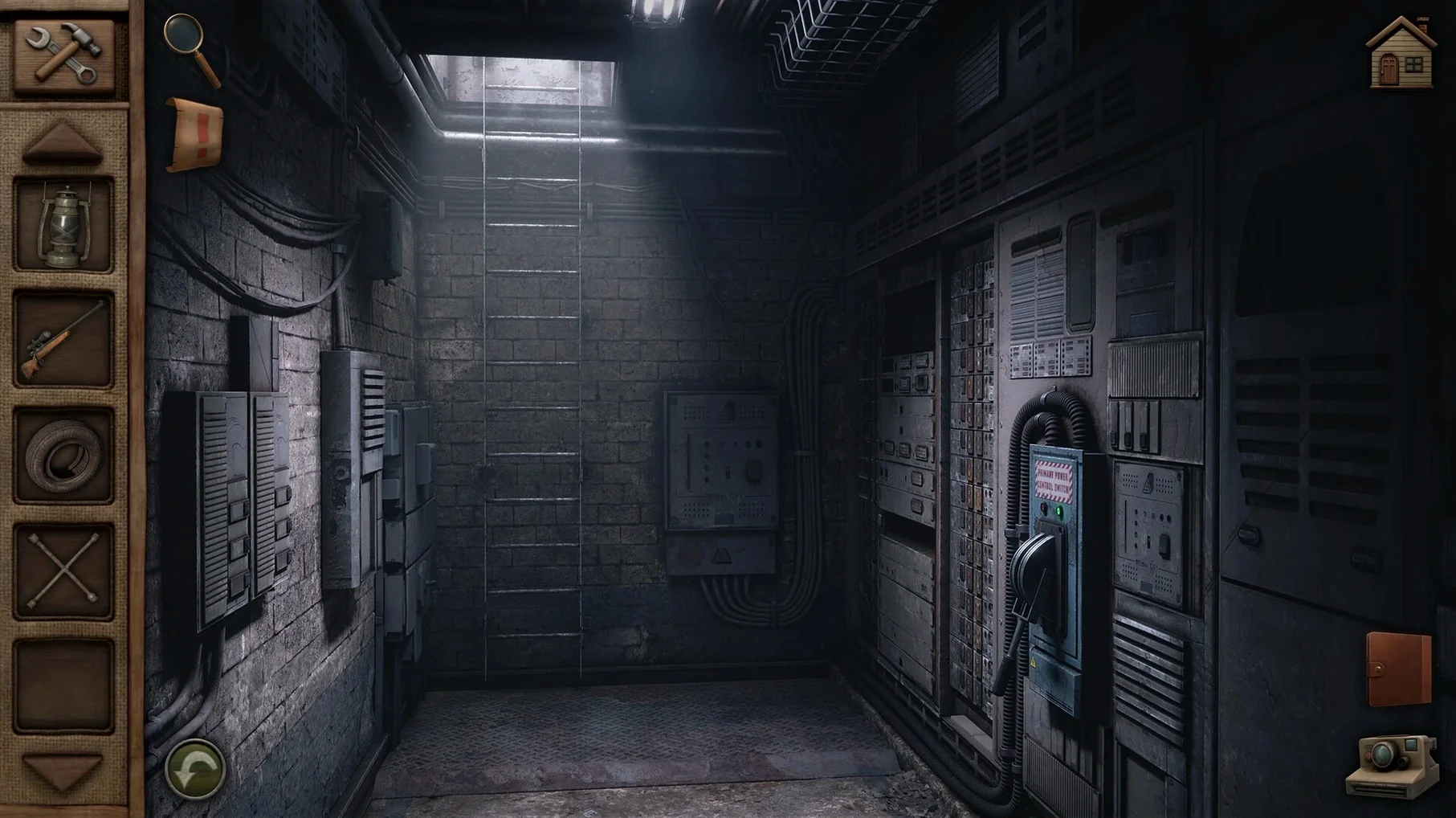
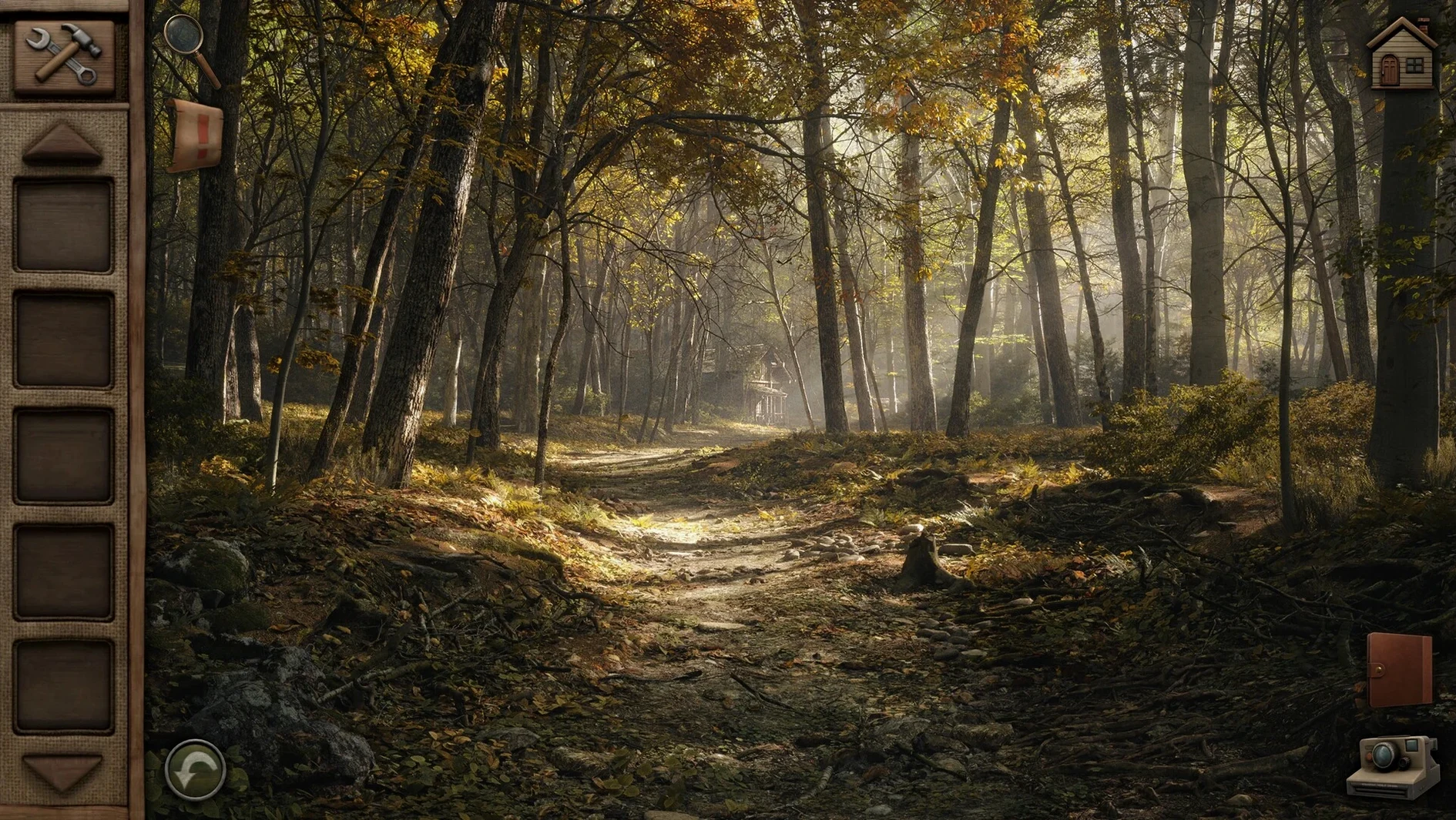
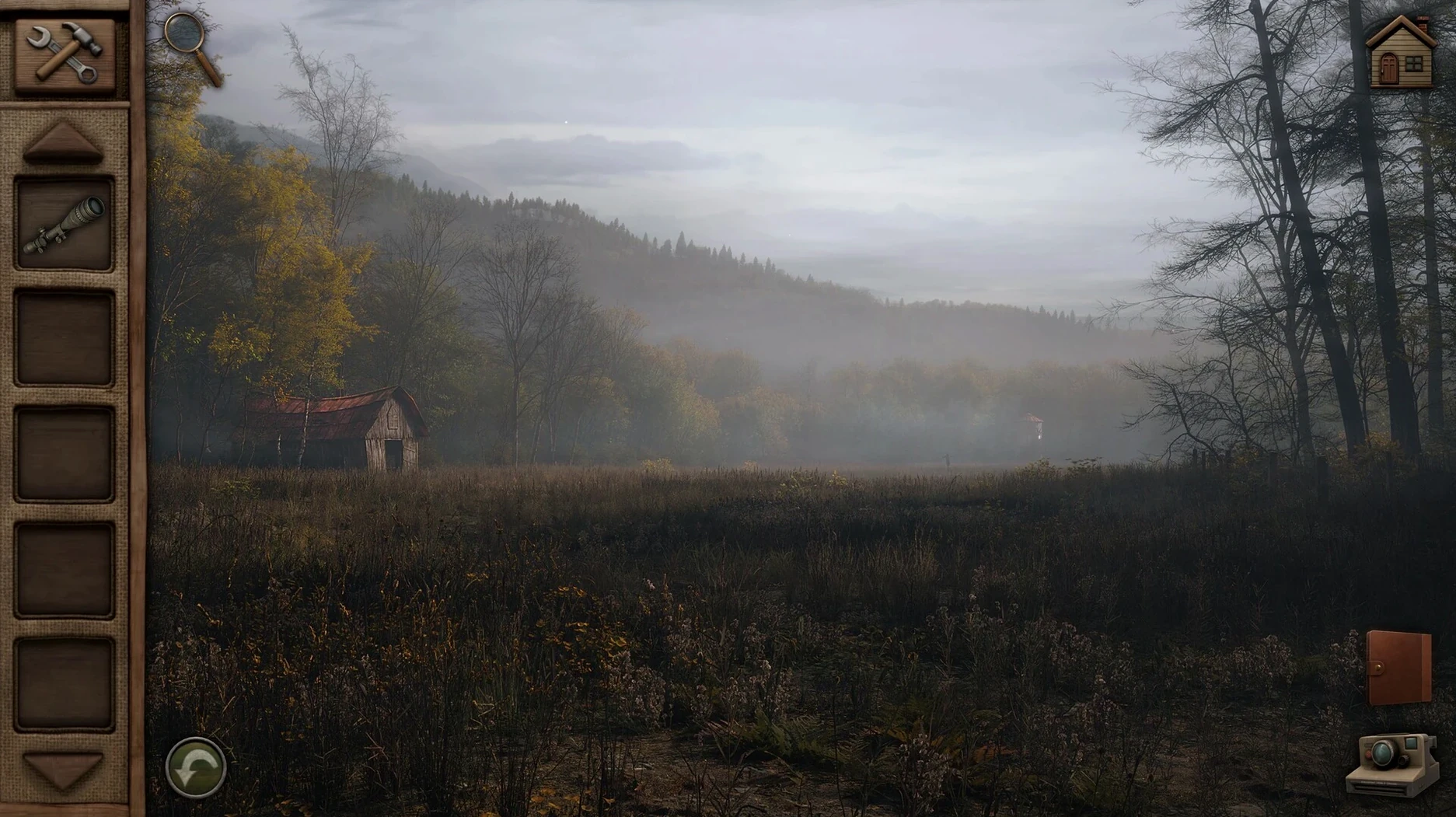
Players who enjoyed the first Aurora Hills will slip straight back into Ethan Hill's boots. This second chapter follows the park ranger deeper into a small West Virginia town, where the autumn of 1981 conceals more than fallen leaves. The story picks up with a search for missing people, and the clues are tucked into the quiet corners of a national park that feels increasingly unsettled.
Gameplay remains firmly in the point-and-click tradition. You explore remote stretches of woodland and weathered park buildings, collecting objects and piecing together what happened. A two-level hint system keeps the puzzles approachable without handing over the solution outright — useful on days when a locked drawer or a torn note refuses to give up its secret. The custom soundtrack deserves mention: understated, era-appropriate instrumentals that shift with the tension of a scene.
From the same studio that made Meridian 157, the game carries that team's fondness for environmental storytelling. The interface includes a colour-blind mode, a thoughtful touch that more puzzle adventures ought to adopt. Text and object highlights rely on shape and contrast rather than colour alone, so the visual clues stay legible across the palette.
In short: a quiet, carefully paced mystery that leans on atmosphere rather than shock. It works best with a cup of coffee and a free afternoon.
Connected apps: what it plays nicely with
A point-and-click adventure is a solitary thing by nature, but a few macOS features and companion tools make the experience smoother. The game respects Mission Control and Spaces without fuss: swiping left to a notes app, then back to the game, causes no resolution jolts or cursor capture issues. That matters when you are keeping a handwritten journal of clues — a habit the game quietly encourages, since the in-game notebook tracks broad progress but not the small deductions you make along the way.
QuickTime screen recording works without dropped frames, handy for capturing a puzzle sequence you want to revisit. The audio sits comfortably with other sound sources: playing with the game's music at half volume while keeping a background ambience app like Noizio running creates a layered atmosphere that suits the West Virginia woods. Voice audio is English only, so players working in one of the eight other interface languages may find it useful to keep a translation dictionary in Split View — the window resizes cleanly to half-screen on a 1440p display.
Beginner missteps: three common ones
Most friction in the first hour comes from three habits carried over from faster-paced adventures.
Ignoring the hint system's layered design. The first hint level nudges you toward the right screen or object; the second spells out the solution. Players who skip straight to the second level miss the quiet satisfaction of the nudge, and the game's pacing suffers. Treat the first hint as a collaborator, not a last resort.
Overlooking audio cues. Several puzzles in the park's remoter sections use sound to signal an interaction — a faint metallic scrape when you are near a hidden latch, a change in wind direction through a cave entrance. Players with the music set too loud or with system audio muted often stall on these. Keep the sound effects channel at full and let the music sit a notch lower.
Rushing the inventory. Objects picked up early in Chapter 2 do not always find their use for another hour. A worn photograph found in a ranger station drawer, for example, has no immediate purpose — until a conversation with a town resident unlocks its meaning. Cycling through the inventory and re-reading item descriptions after each major story beat prevents the frustration of a forgotten tool.
Workflow: solving the forest clearing puzzle
A puzzle that appears roughly midway through the chapter involves a locked supply cache in a forest clearing, surrounded by four carved wooden posts. Each post bears a symbol that matches a season. The cache itself has a four-dial combination lock. Here is one way through it, start to finish.
- Enter the clearing and pan slowly across all four posts. Note the symbols and their positions relative to the compass rose on the ground — the game does not record these automatically.
- Open your inventory and examine the park ranger's logbook. A handwritten entry from three weeks earlier mentions a seasonal trail maintenance rotation: spring is east, autumn is west. That gives you two of the four dial positions.
- Walk back to the ranger station and check the noticeboard. A faded memo lists the order of trail closures by season, which fills in the remaining two dials.
- Return to the cache and set the dials — summer, autumn, winter, spring — from left to right. The lock releases with a satisfying mechanical click.
The puzzle rewards patient observation over guesswork, and the logbook entry is easy to miss if you have not checked the inventory descriptions since picking it up an hour earlier. A good reminder that in Aurora Hills, the objects you carry often hold the map as much as the destination.








Correspondence 0
Take a chair or join the table to send a letter.
No correspondence on this note yet. Letters are read before they appear.