 LeCoqRoti

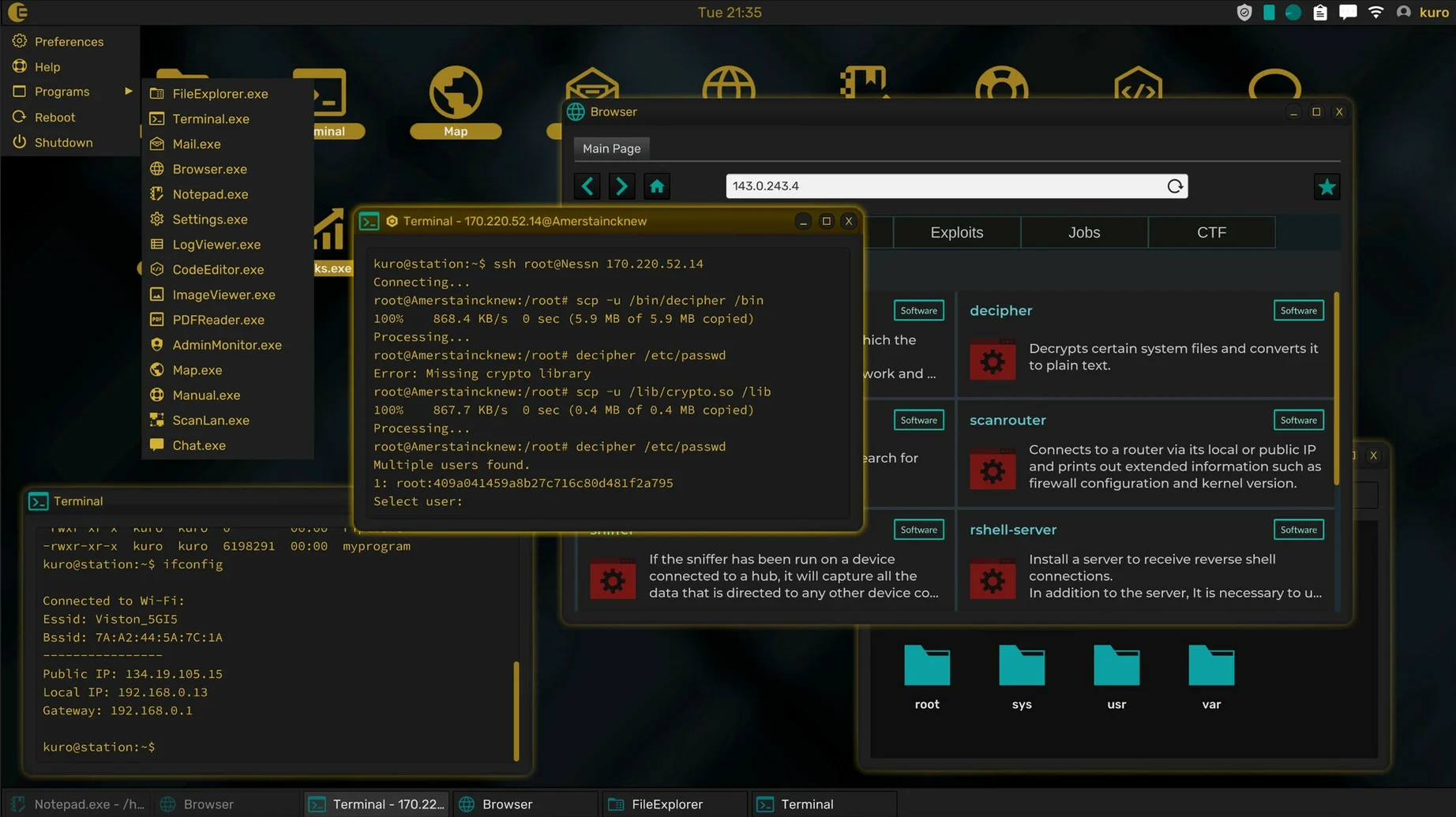
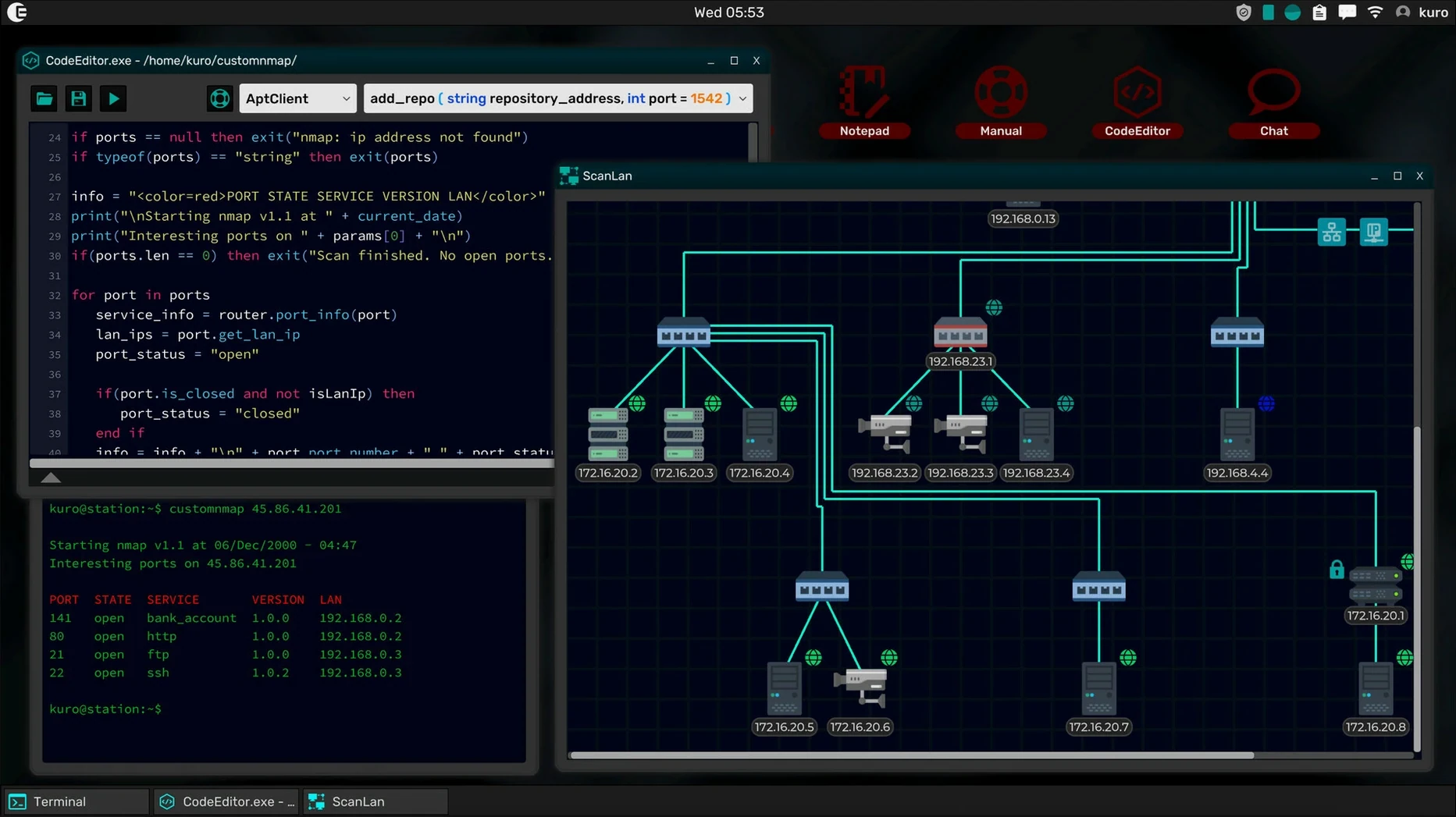
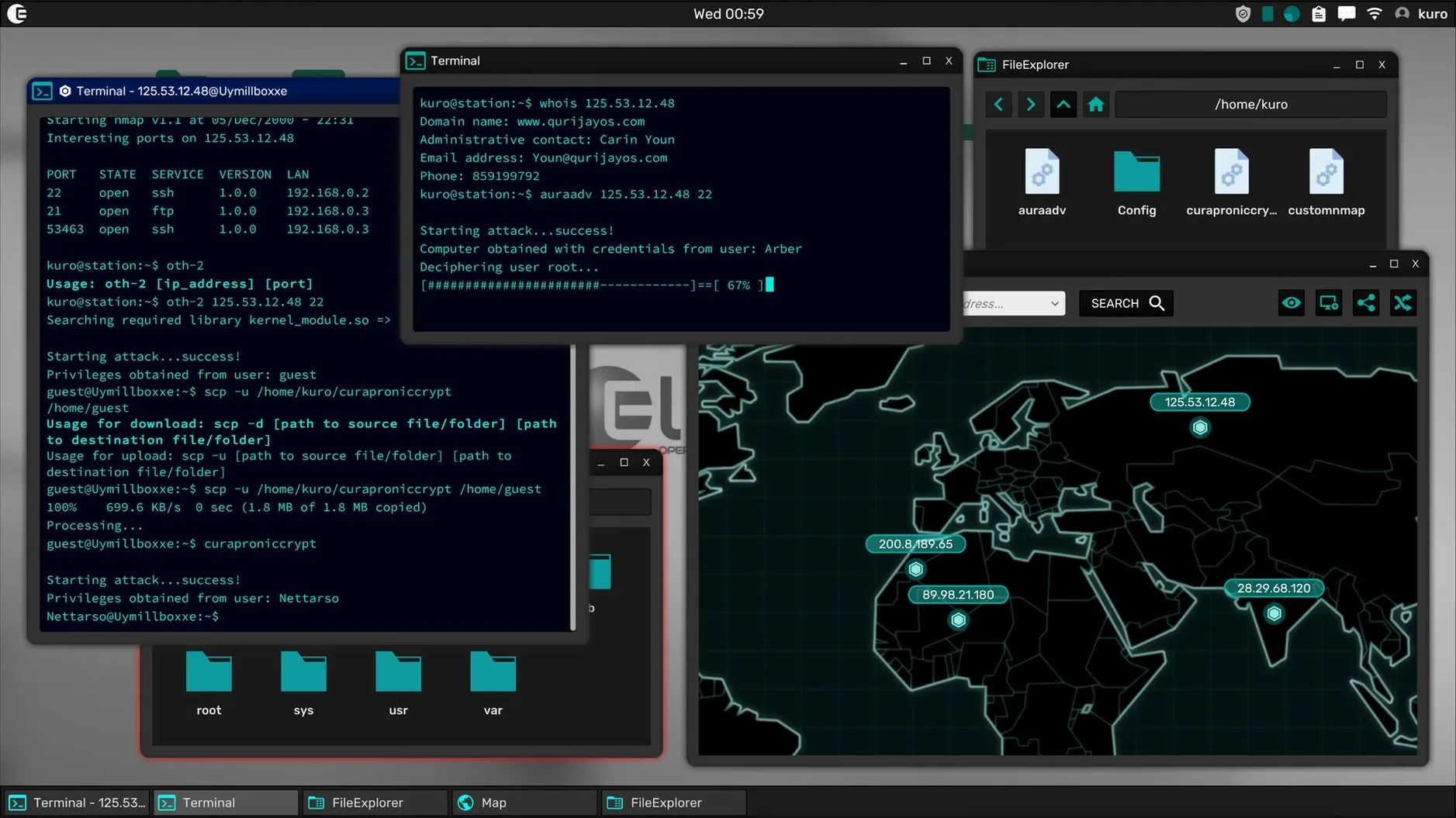
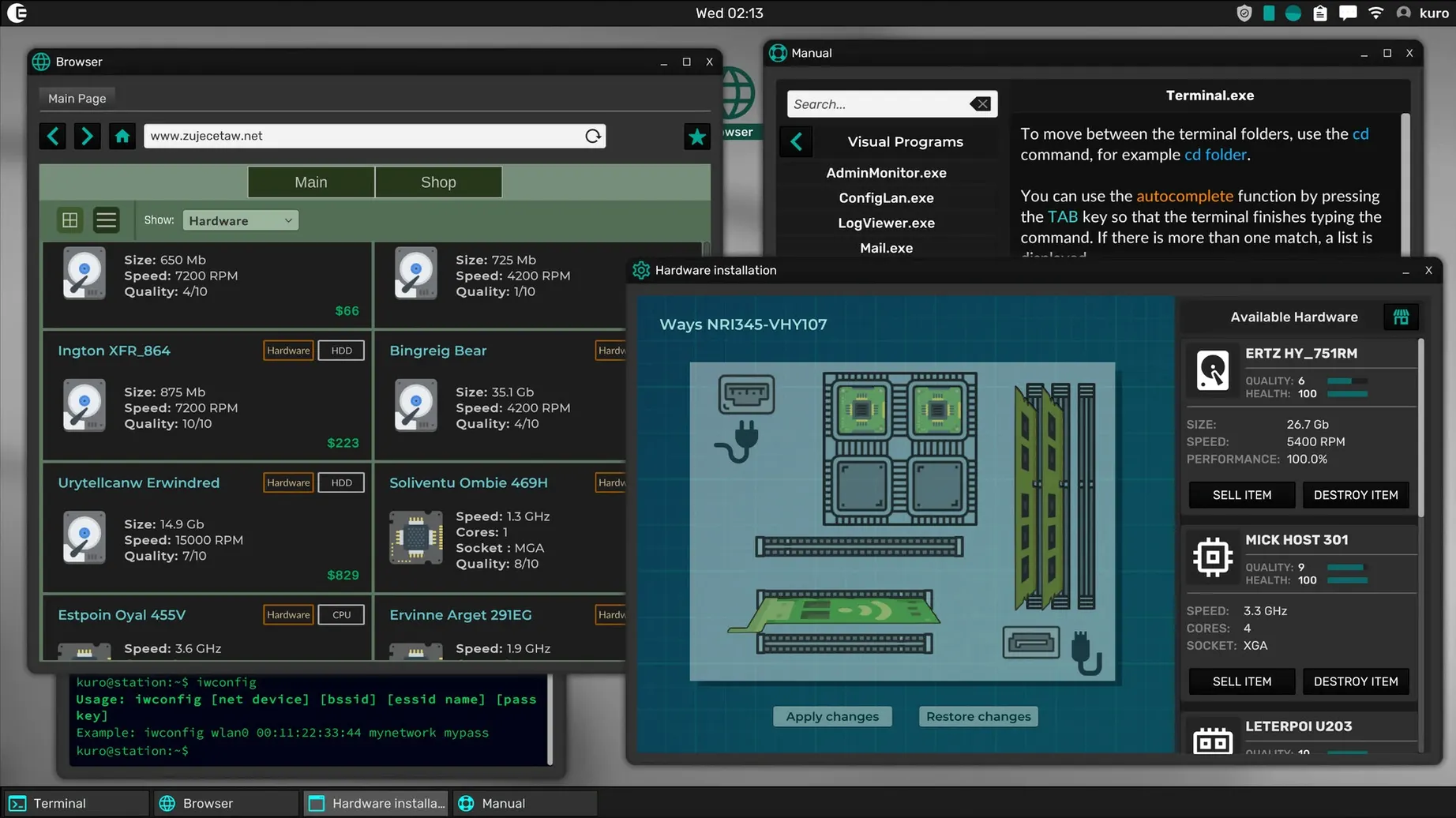
Grey Hack runs on any Mac with an Apple Silicon or 64-bit Intel processor.
Premise: a networked sandbox where you operate as a hacker with complete freedom of action.
Terminal: the central instrument for every successful attack — command-driven, unforgiving, and deeply satisfying to master.
Starting toolkit: File Explorer, Terminal, and a Text Editor. From these three basics, you probe, script, and escalate.
Progression: new utilities become installable as your skills grow, letting you craft custom tools and automate routines.
Multiplayer world: every machine you encounter belongs to another player or a simulated entity, turning each session into a quiet contest of wits.
First days: setting the ground rules
A fresh install drops you into a small home machine with little more than a blinking cursor. The instinct is to type something ambitious. Resist it. Spend the first hour reading the in-game manual pages — man is your friend, and every command worth knowing has an entry. Bookmark the ones you will reach for constantly: scan, ssh, nmap, scp.
Create a plain-text notebook in the editor before you do anything else. Paste in every IP address you discover, every password you lift, every port that returns something interesting. The game does not keep this record for you, and losing a working credential because you forgot to write it down feels exactly as foolish as it should.
Stay local for the first few sessions. Scan your own subnet, map what is reachable, and resist the temptation to brute-force a machine three hops away. The network punishes haste: failed logins leave traces, and traces attract attention you are not ready to handle. Learn the rhythm of a quiet reconnaissance first — probe, note, withdraw, and only then act.
Performance and stability: quiet and lean
On a Mac mini M4 running macOS Tahoe, Grey Hack sits lightly. Memory use hovers around 400 MB during typical play; CPU draw is modest except during world generation, which completes in under ten seconds. The interface paints at a steady 60 frames with vsync on, and I have yet to see a single beachball or stutter.
Stability matches the resource profile. Over two dozen sessions — some stretching past three hours, some terminated ungracefully when a shell I had compromised was traced back to my machine — the game never once crashed to desktop. Network hiccups manifest as in-game latency rather than disconnections, which feels appropriate for a simulation where a lagged ping can mean the difference between slipping away and getting caught.
The build is universal, and the ARM-native path shows in how quickly the terminal redraws during rapid command sequences. There is no discernible difference between architectures in practice; the game simply runs, and runs well, on both.
A working session: three hours in the dark
I start with coffee and an empty text file. The first ten minutes are purely administrative: I check my home machine's logs for anything unusual, confirm my firewall rules, and ping the three machines I have been cultivating as low-risk jump hosts since the weekend. One of them does not respond. Either it was patched, or someone else found it first. I cross it off the list and move on.
My target tonight is a corporate mail server two hops from my current position. I know its IP from an earlier scan, but I have no credentials. The approach is indirect: I nmap the subnet, identify a web server running an outdated build, and spend forty minutes probing its file structure for a config file that might contain a database password. The terminal scrolls. The music — sparse, electronic, unobtrusive — keeps the tension at a low hum.
I find the config file buried three directories deeper than expected. The password works on the web server's local database, which contains hashed user accounts. Cracking them takes twenty minutes of dictionary work with a tool I wrote the previous week — a clumsy Python script, but it is mine, and watching it cycle through candidates is quietly satisfying. One hash resolves to a weak password. The account exists on the mail server too.
I connect. The mail server's shell is unfamiliar, heavily restricted, but the sudo binary is present and the version has a known exploit. Three commands later I am root. I pull the mail spools, scp them back through the chain of jump hosts, and wipe my traces on each machine in reverse order. The whole sequence runs just under three hours. When I disconnect, the adrenaline lingers for a good ten minutes.
This is the pattern Grey Hack settles into after the learning curve flattens: methodical, patient, occasionally tense, and entirely your own. No two sessions follow the same script, because the network is not a script — it is a living map of other people's choices.








Correspondence 0
Take a chair or join the table to send a letter.
No correspondence on this note yet. Letters are read before they appear.