 LeCoqRoti

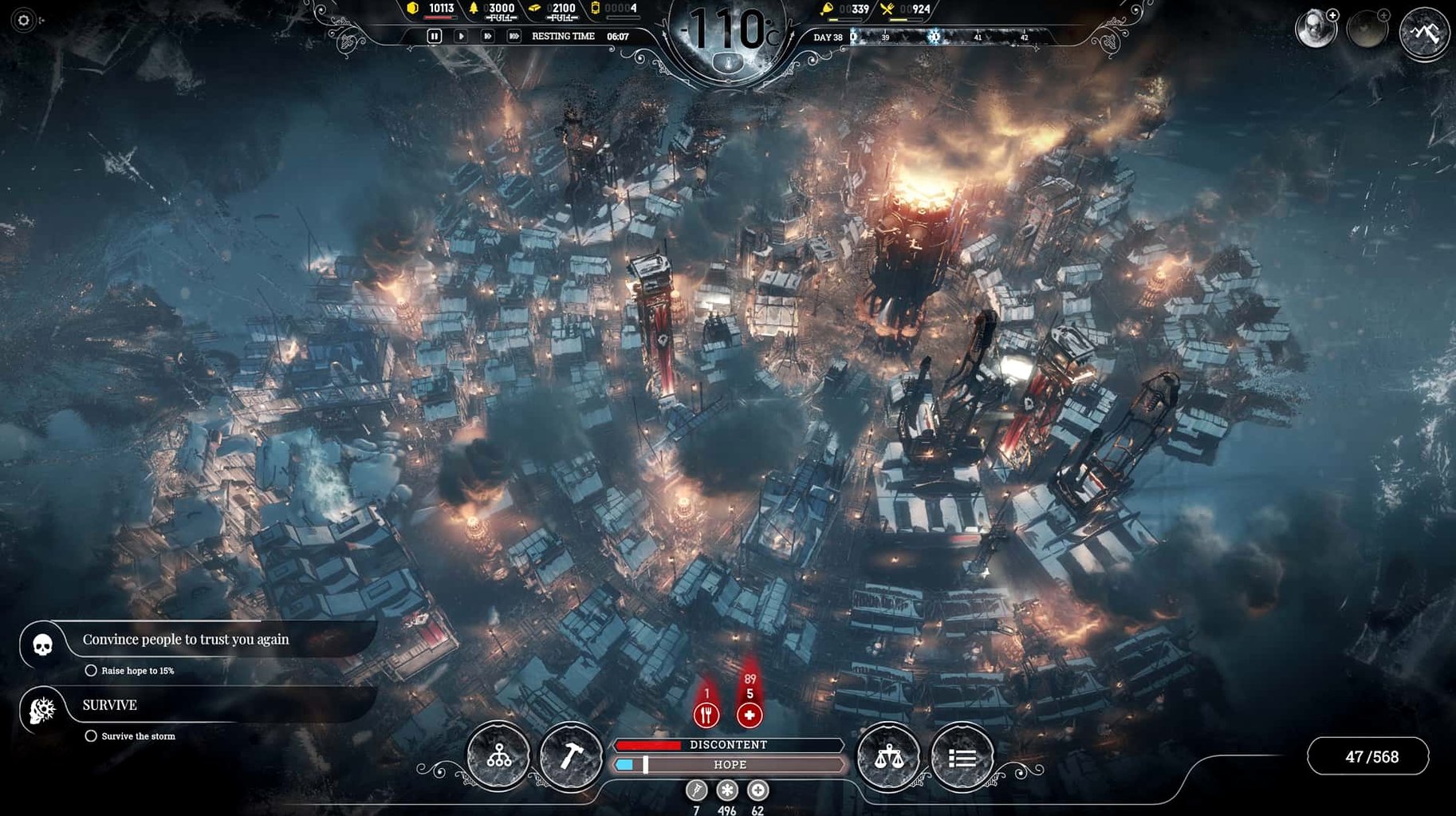
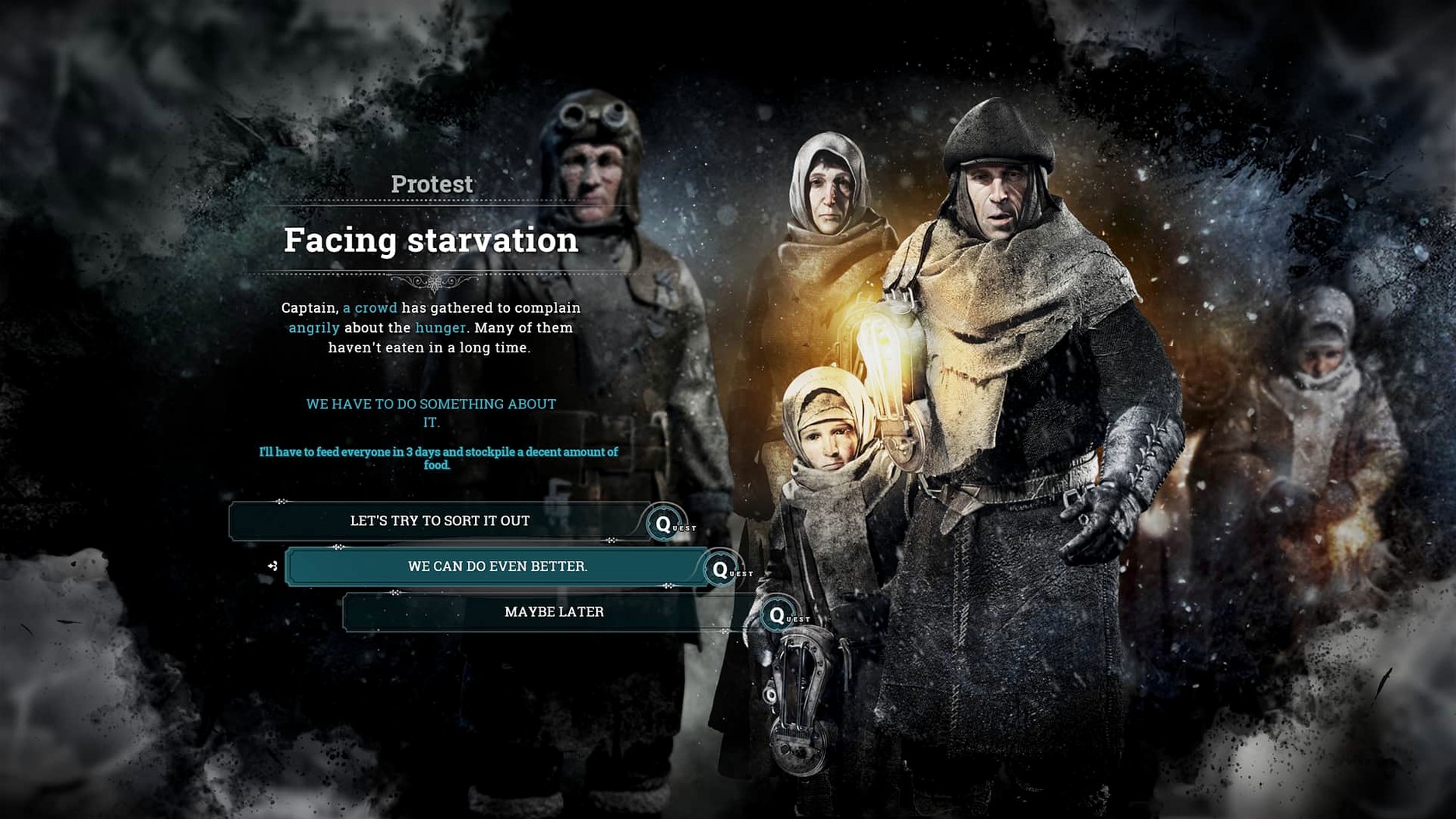
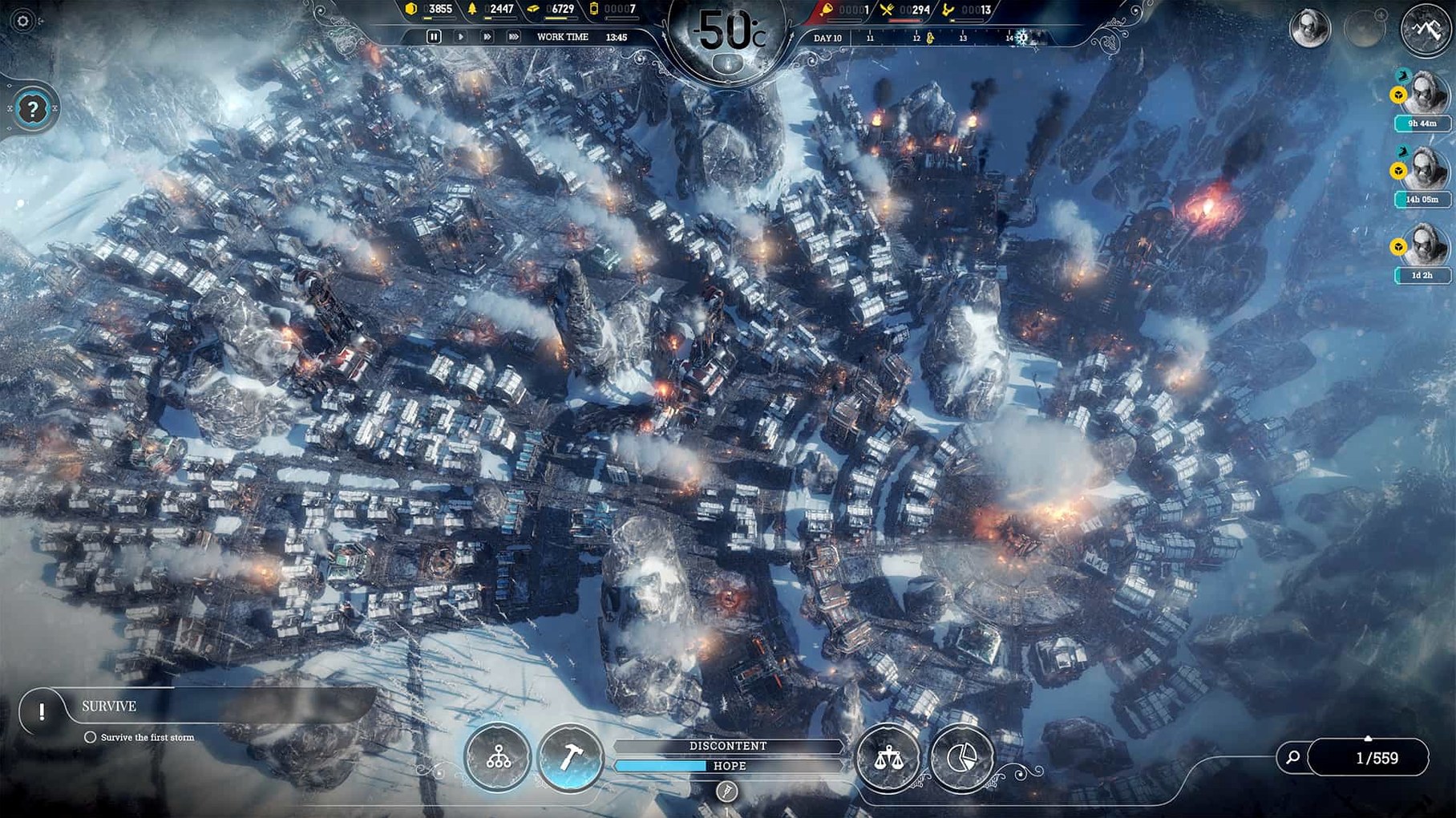
The Mac version of Frostpunk runs on Intel machines with macOS 10.15 or later, requiring a dedicated AMD graphics card and a reasonably fast Core i7 processor. It is a city survival game where you lead the last society on Earth through a volcanic winter, managing both infrastructure and moral choices. The port arrived alongside the Steam release and performs best when you meet the recommended specifications below.
- Architecture: 64-bit Intel only; Apple Silicon is not natively supported.
- System demands: a 2.6GHz quad-core i7, 16 GB of RAM, and a Radeon Pro 5300M or 560X are the baseline for smooth play.
- Setup: keyboard and mouse controls feel precise; trackpad is workable but less immediate during tense temperature drops.
- Endless mode: three variants—Endurance, Builders, and Serenity—spread across eight maps with distinct weather patterns and terrain.
- Languages: the interface and subtitles support eleven languages, including Russian, Polish, Simplified Chinese, and French.
The game’s bleak aesthetic and sharp UI scale well on a MacBook Pro display. Frame rates stay stable when you lower the shadow and particle settings, though the late-game blizzards can tax the GPU. In short: a demanding but rewarding port for Intel Macs that still hold a discrete graphics card.
Pre-storm audit: settings that soften the early game
A few interface and gameplay options make the early hours less punishing if you set them early. Open the settings panel from the main menu before starting a scenario: the defaults are sensible, but they reward a quick personal audit.
- Camera sensitivity and edge scrolling: the default pan speed feels sluggish when you need to jump between districts during an emergency. Increase it by about twenty percent and enable edge scrolling with a narrow dead zone — this shaves seconds off your response time when the generator falters.
- Pause on notification: the game can notify you of a new law available or a scouting report while you are deep in the resource panel. Turn on pause for critical events. Missing a hungry population’s mood swing by thirty seconds has real consequences.
- Auto-save frequency: Frostpunk’s auto-save is generous, but the interval defaults to every in-game day. Lengthening it to every two or three days reduces disk chatter on older Intel Macs, especially those with Fusion Drives. Keep the save-on-exit option active; you will want it after a failed run.
- Sound balance: the generator’s hum and the wind dominate the mix. Lower ambient volume slightly and raise the UI feedback layer. Early warnings — a sick citizen, a protest forming — are audio cues first, visual second.
- Language and subtitle defaults: the Mac build installs with English voice and system-language subtitles. If you prefer the original English script alongside another subtitle language, switch the text language independently in the game tab, not the launcher.
Apple Silicon reality: Rosetta 2 performance on M-series Macs
Does Frostpunk work on an Apple Silicon Mac through Rosetta 2?
The game is compiled for 64-bit Intel and has no native ARM binary. It runs under Rosetta 2 translation on M-series machines, but the experience depends on your specific chip and cooling. On a 2020 MacBook Air with M1, the title is playable at medium settings with shadows reduced; sustained late-game blizzards cause occasional frame drops. A MacBook Pro with active cooling handles the load more gracefully. The developer has not announced a universal binary.
How much free disk space does it really need after installation?
The installer asks for 10 GB. After the initial unpacking and a few save files, expect around 8.5 GB occupied. Endless mode saves, especially across multiple map seeds, can add several hundred megabytes each. Keep a buffer of 2 GB free if you experiment with many settlements.
Will the Mac version receive the same updates as the Windows version?
The Mac port follows the same update track as the Steam release. Version 1927 (46330) is current and includes all expansions and endless mode variants. Patches arrive simultaneously across platforms; there is no separate Mac delay cycle.
First days: practical survival rhythms
Your opening hours establish patterns that carry into the mid-game. The city does not forgive a slow start, so the first three in-game days benefit from a deliberate order of operations.
Gathering posts should cover your initial resource piles before the first night. Assign workers directly to piles only for the first half-day; the insulation bonus from a post keeps the sick count manageable. Two medical tents, even if you have no patients yet, signal the population that care exists — hope stays level. Heat zones around the generator are not circular at first: extending them in a T-shape toward steel and wood sources is cheaper than ring expansion.
Scouting outposts are not a luxury. Launch the first expedition by day two, even if it means running a raw food deficit for a few hours. The map outside the crater holds survivors, steam cores, and the narrative triggers that unlock better technology. In endless mode, early scouting reveals the landscape’s resource gradient and lets you decide where to place permanent districts before the cold deepens.
Law cooldowns are a resource as much as coal. Signing a law resets a timer; delaying a signature wastes potential progress. The Emergency Shift law is powerful but dangerous — use it only until the first death threat appears, then switch to Extended Shift for workshops. A discontent spike from long hours is easier to manage than a scripted event triggered by an overworked corpse.
Technology priorities settle quickly after a few runs. Faster gathering and heaters unlock before the first temperature drop; after that, the workshop’s queue should target the beacon, then drawing boards. Steam hubs are more coal-efficient than range upgrades on the generator during the early mid-game, and they let you compartmentalise heat for working districts without warming empty housing.








Correspondence 0
Take a chair or join the table to send a letter.
No correspondence on this note yet. Letters are read before they appear.