 LeCoqRoti
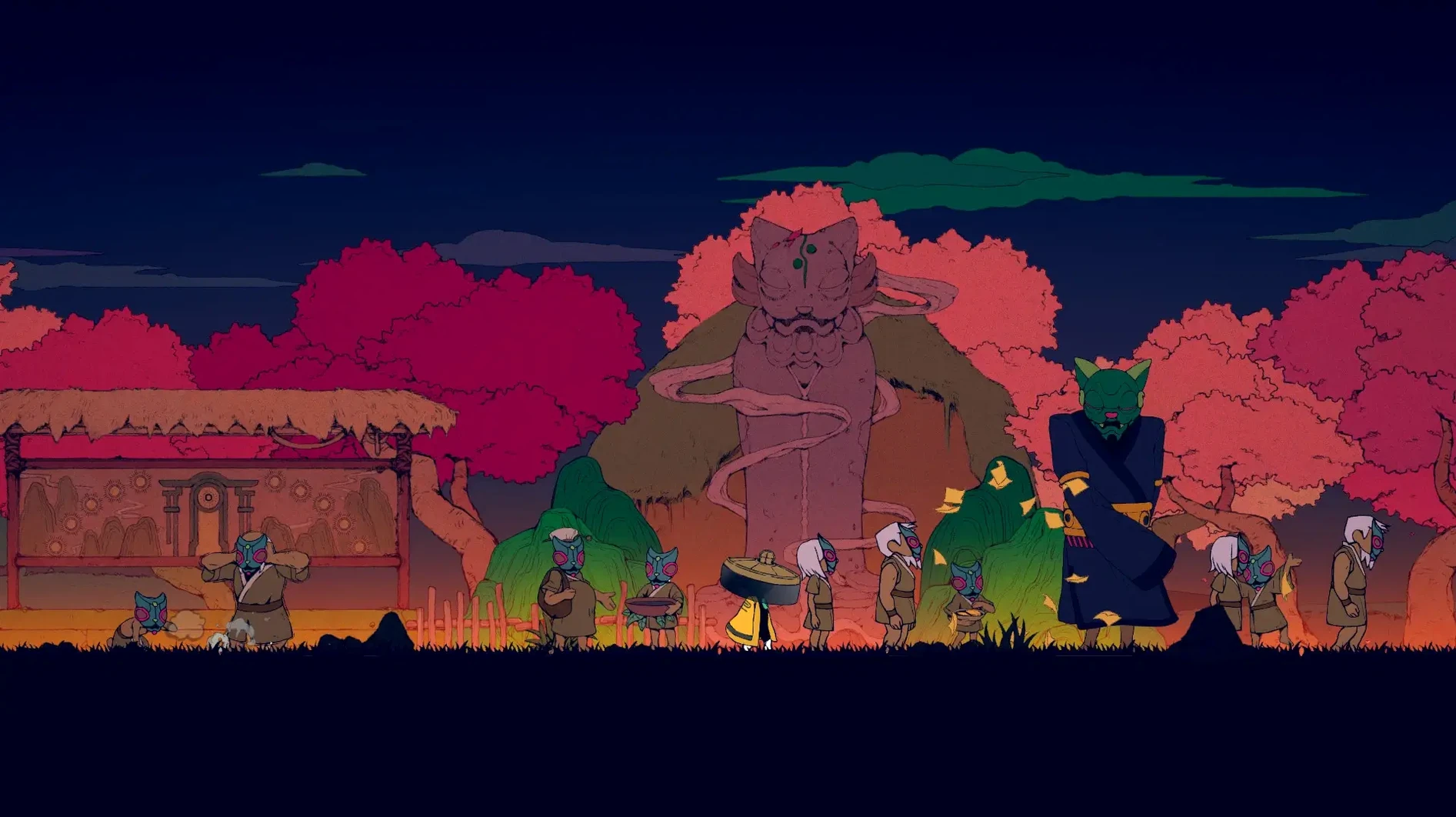
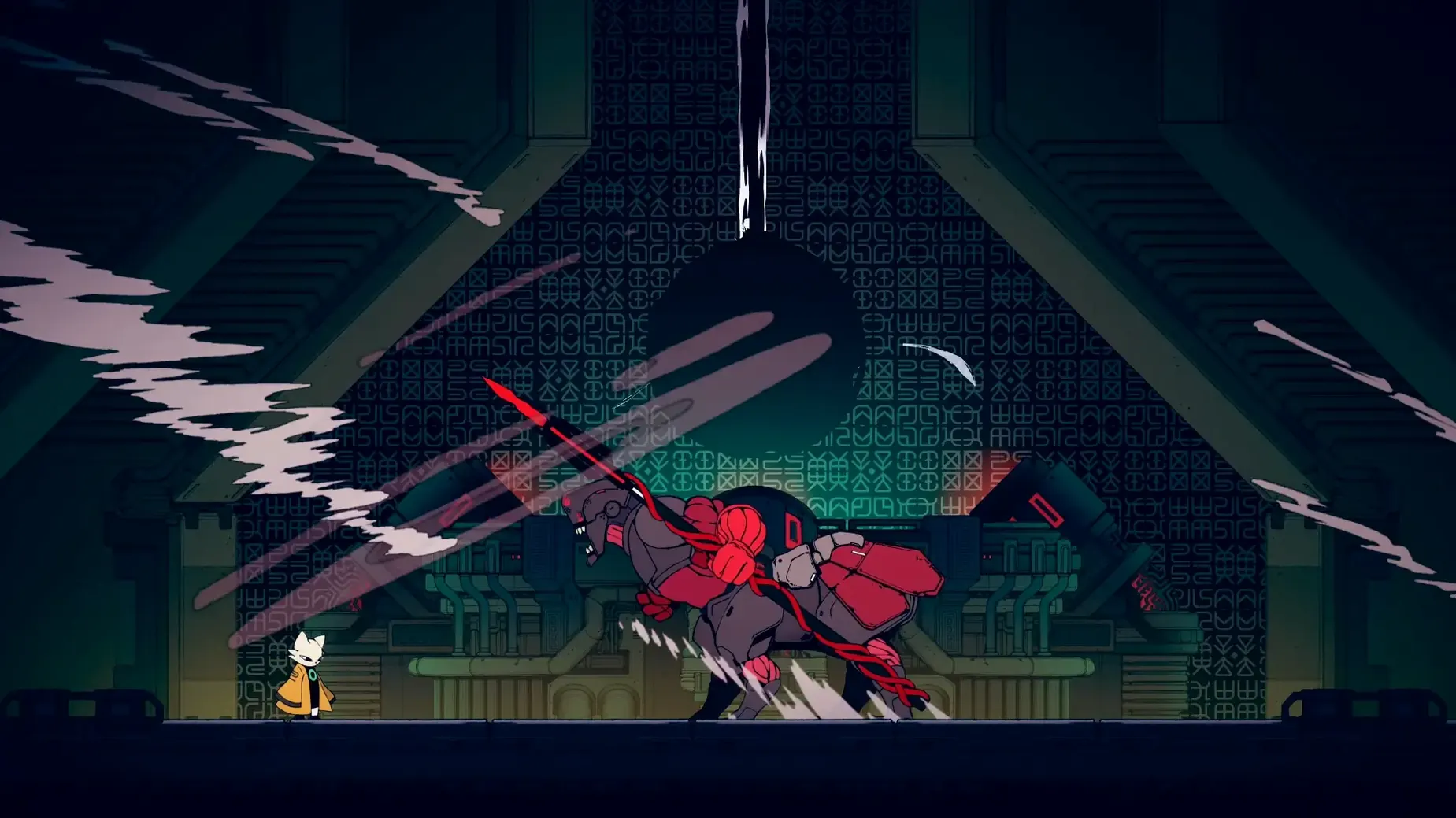
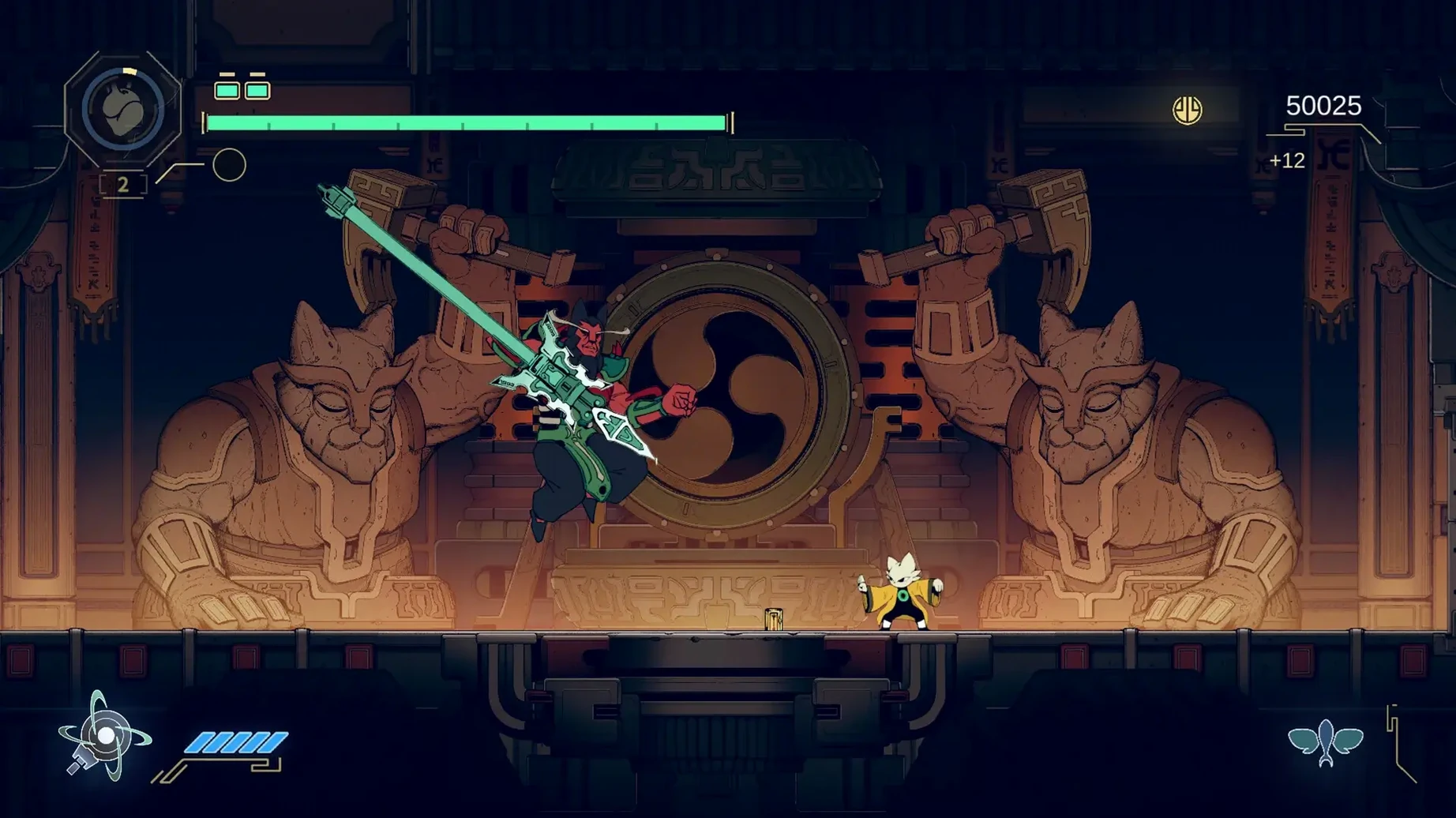
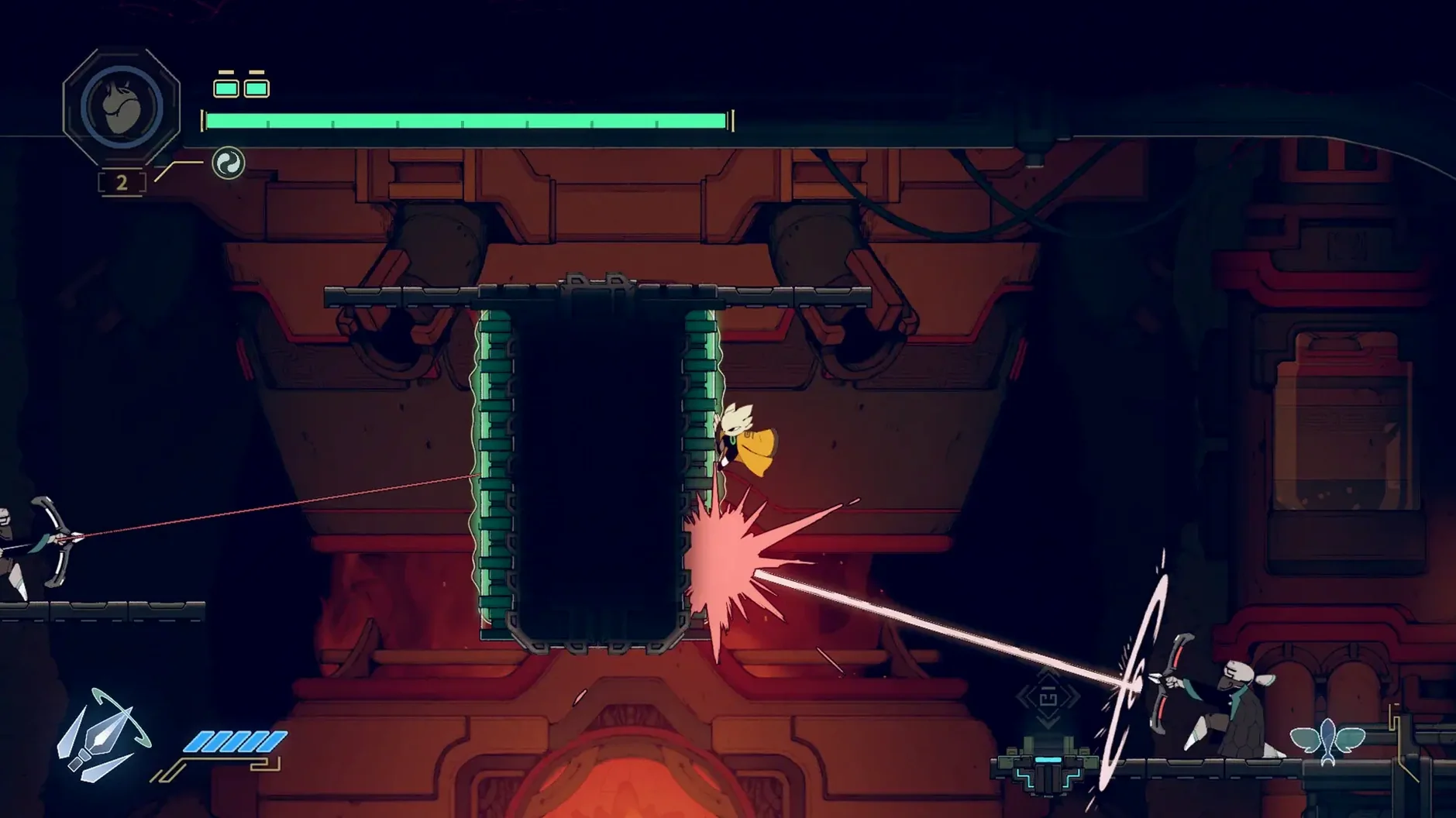
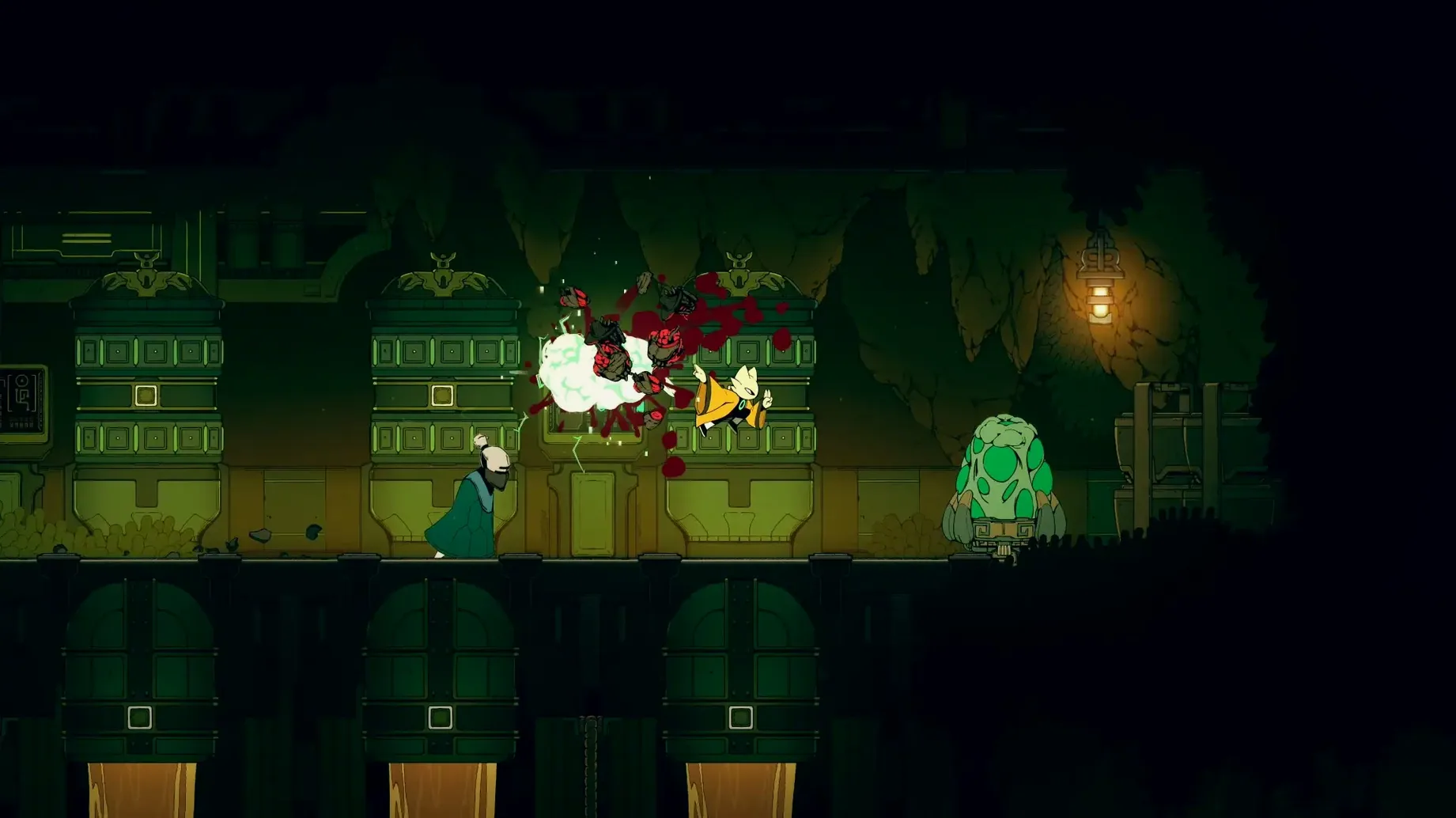
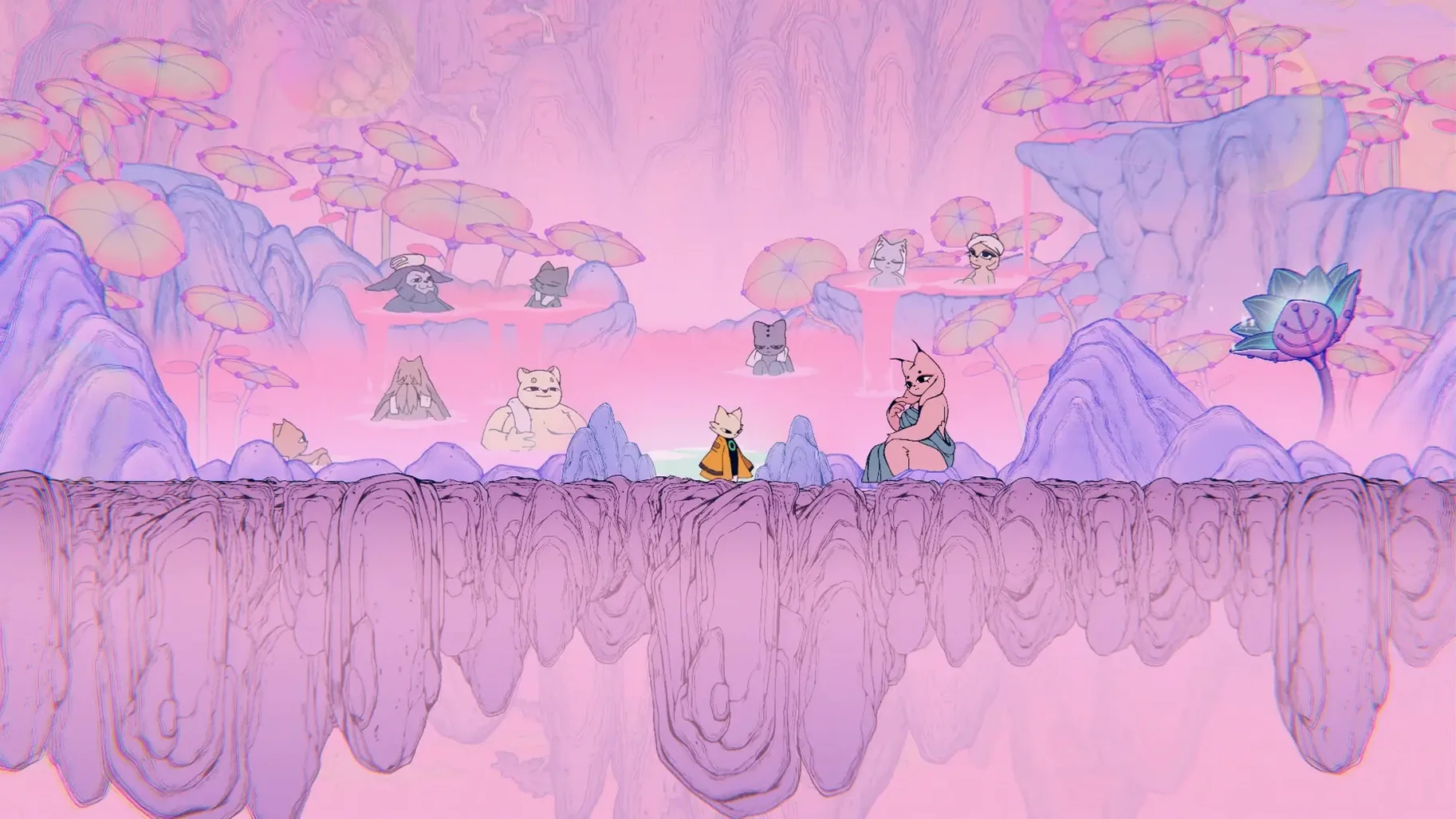
Fifteen gigabytes. That is the storage Nine Sols asks for on macOS, and the space is put to work: hand-drawn 2D animation, layered fantasy environments, and a combat system that rarely lets you stand still. The action takes place in New Kunlun, a land rendered in ink-and-brush tones, where a vengeful hero moves through a world that is equal parts myth and machinery.
Minute to minute, the loop is simple to describe and difficult to master. You run, jump, and strike, but the heart of every encounter is deflection. Attacks are not meant to be dodged so much as met: a well-timed parry turns an enemy's momentum against them, builds your own openings, and gives even ordinary skirmishes a sharp, rhythmic feel. Boss battles push this further, demanding that you learn patterns, read tells, and answer with precision rather than button-mashing.
Between fights, the platforming keeps the pace varied. You move through the lands of New Kunlun with a growing set of abilities, uncovering shortcuts and passages that fold the map back on itself. The hand-drawn art does more than decorate; it gives each area a distinct visual temperature, from quiet shrines to industrial ruins, all of it readable at speed.
The macOS version runs on both Intel and Apple Silicon machines, with an M1 Air listed as the minimum processor and an M1 Pro recommended for graphics. It supports English, Russian, Traditional Chinese, Simplified Chinese, Korean, and Japanese. In short: a demanding, elegant action-platformer for players who enjoy learning a fight as much as winning it.
Common snags: timing, traversal, and the unspoken rules
A deflect that arrives a fraction early is still a block — and a block that eats chip damage. The parry window is tighter than it first appears, and the game rewards pressing the button a beat after the attack animation begins its forward motion, not when the enemy telegraphs. If you find yourself blocking more than deflecting, try waiting half a second longer. Against bosses, switching off the music for a few attempts can help isolate the audio cues tied to incoming strikes.
Some areas of New Kunlun open only after you have a specific ability, but the map gives no explicit hint. A locked door marked with a faint talisman symbol, for example, requires the Talisman Pierce skill — something the game never states outright. As a rule: if a path seems blocked by an object that looks like it could be cut, pulled, or pierced, note it and return after acquiring a new tool. The interconnected regions are designed for this kind of patient backtracking.
A more technical quirk on Mac: launching the game on an external display with a non-native resolution occasionally clips the HUD elements. Switching to windowed mode, then back to fullscreen, usually resets the scaling correctly.
Quick-rest at shrines: skip the prompt
- Quick-rest at shrines. Tapping the interact button at a shrine you have already activated skips the confirmation dialogue and restores your health instantly — useful when retrying a boss run.
- Directional deflects. Holding left or right while parrying alters the knockback angle. Against enemies near ledges, this can push them into instant-kill drops.
- Dialogue-skip during upgrades. Holding the dash button while an NPC delivers upgrade dialogue fast-forwards the entire sequence, shaving seconds off repeated visits.
- Hidden animation cancels. A jump input during the first frames of a grounded slash cancels the recovery, letting you chain into aerial combos earlier than the tutorial suggests.
None of these are explained in the menus. They surface through habit — or by watching a more experienced player and wondering why their hero moves a little differently than yours. In a game built around precision, these small efficiencies accumulate.







Correspondence 0
Take a chair or join the table to send a letter.
No correspondence on this note yet. Letters are read before they appear.