 LeCoqRoti

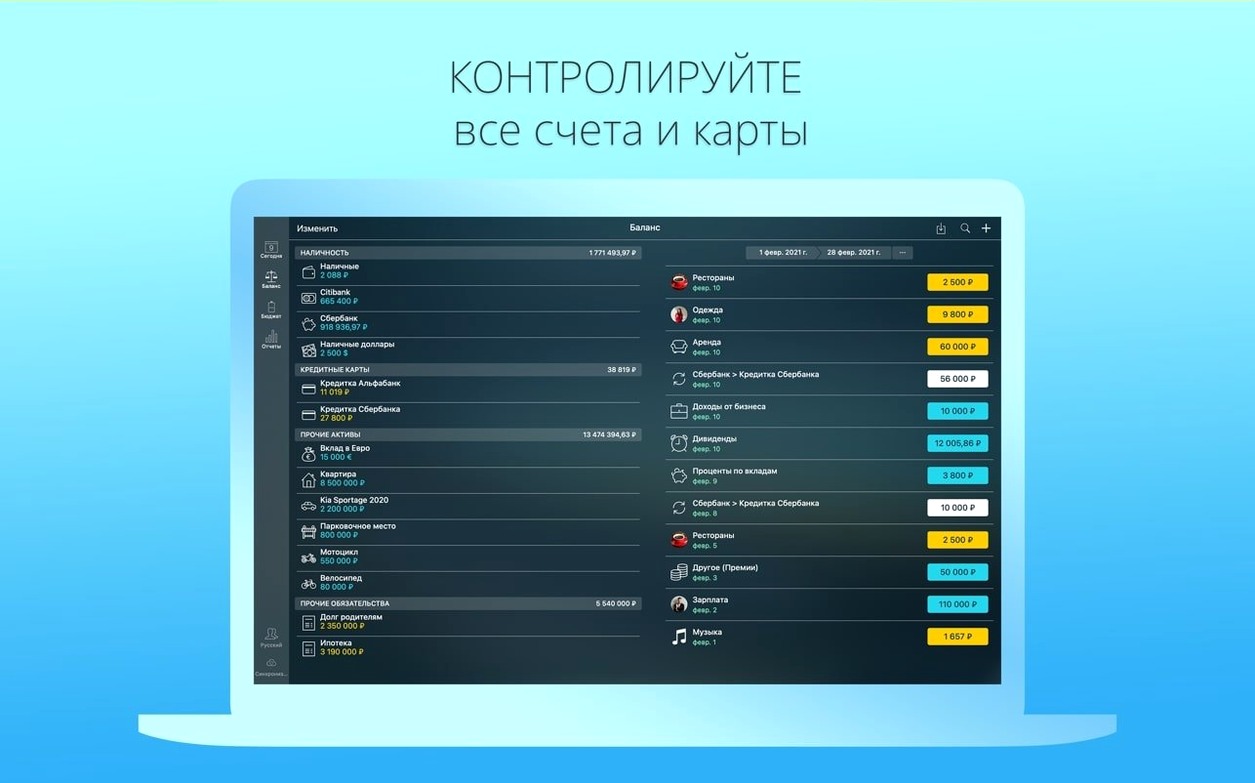
Money Pro is a personal finance organiser built around bill planning, budgeting, and account tracking. The Mac interface divides the job into clear zones: accounts on the left, a transactions list in the centre, and a summary pane that shows upcoming commitments without any visual noise.
This morning I opened the app to review what needs to be paid before Friday. A glance at the scheduled section revealed the electric bill, a quarterly insurance premium, and a standing order for the studio internet. Each item sits in its category with a date, an amount, and a small status marker: pending or completed. The typography is compact but legible, and the colour palette stays out of the way.
I selected the internet payment, checked the payee and the confirmation number noted earlier in the transaction details, then marked it as done with a single tap on the status button. A search filtered by payee and amount confirmed the payment had moved to the completed list — useful when you handle several profiles on one device and need to keep household and freelance accounts separate.
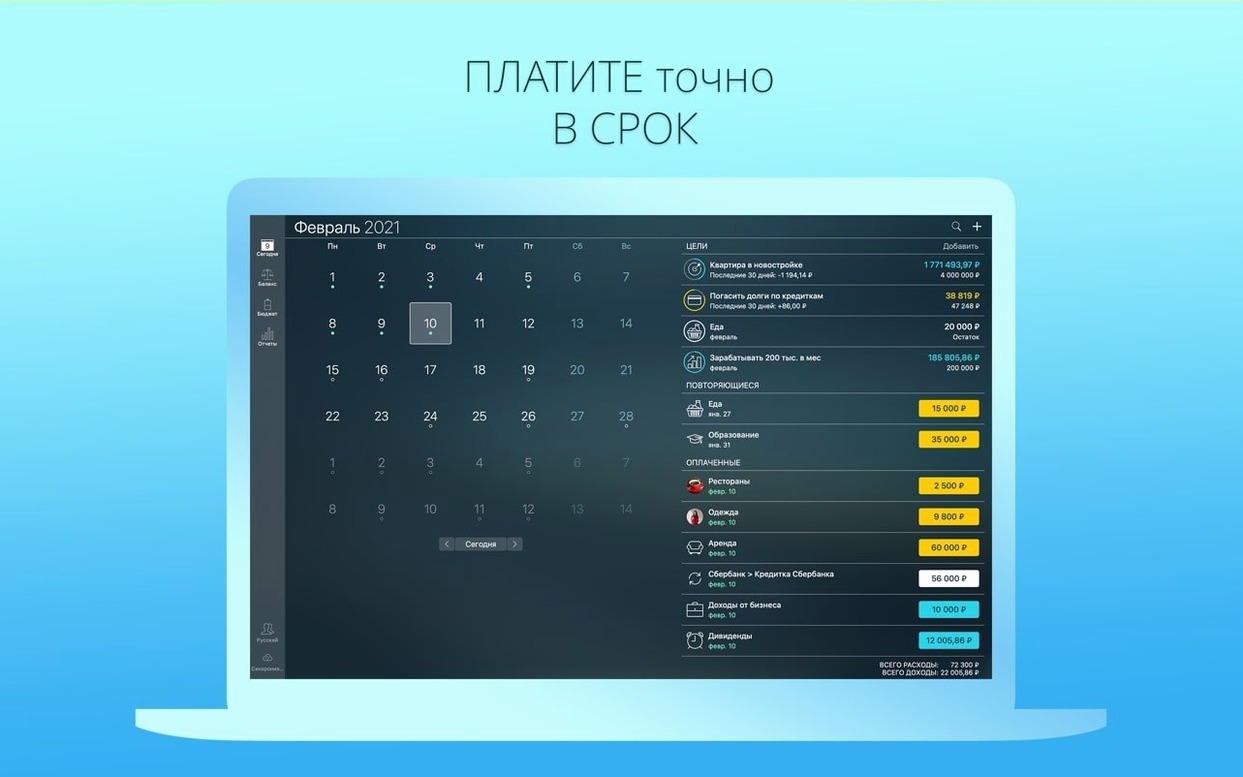
The calendar view gave me a fast visual cross-check of what remains for the week. I exported a PDF summary of the month so far, which prints cleanly and includes the custom icon I had assigned to the studio account. No graphs, no motivational quotes — just a calm tool that does the small accounting jobs without fuss.
Monthly freelance reconciliation: a start-to-finish path
On the first Monday of the month I sit down with a coffee and a stack of receipts — some paper, some photographed. The task is to reconcile the studio account against the bank statement and close last month’s budget period. I begin by importing the latest OFX file my bank emailed overnight. Money Pro reads it without complaint, matching most transactions to existing payees and flagging three unfamiliar entries for review.
One flagged item is a software subscription I had forgotten to log. I open the transaction, split it across two expense categories — half to Tools & subscriptions, half to Project: branding kit — and attach a screenshot of the invoice from my desktop. The split tool handles the arithmetic, and the running balance updates in the left panel as soon as I save.
Next I turn to the budget section. Last month’s Print & production envelope had a modest surplus because I postponed a risograph run. Money Pro offers to carry the unused amount into the current period, which I accept. I raise the limit slightly for Client meals — a new project means more working lunches — and leave everything else untouched. The forecast balance report, viewed as a line chart, confirms I have headroom through the end of the quarter.
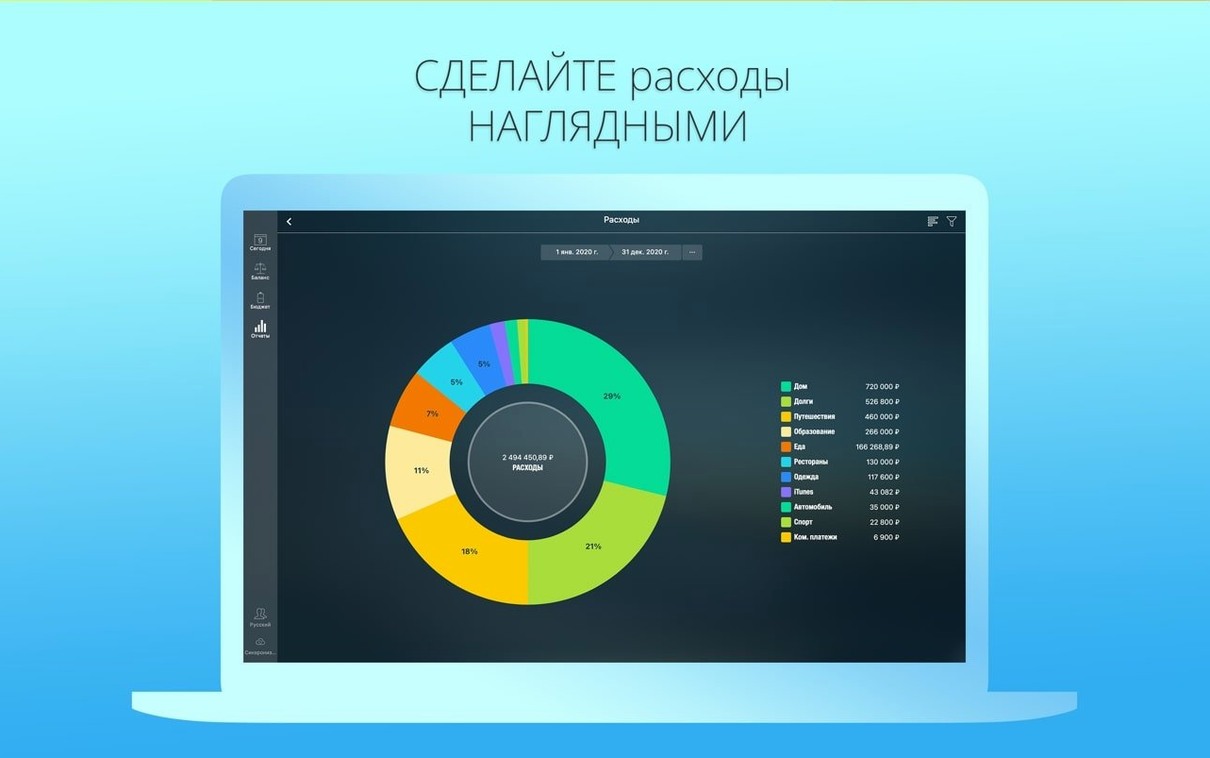
Before closing the session I run a cash-flow report for the past three months, export it as a PDF, and drop it into a shared folder for my accountant. The whole sequence — import, split, budget adjustment, report — takes about twenty minutes. It has become a small monthly ritual, and the app’s lack of animation or alert badges makes it feel closer to a ledger than to a gamified dashboard.
Export-only bridge to spreadsheets and logs
Money Pro does not try to replace a spreadsheet or an invoicing tool. I use it alongside Numbers for annual projections and a plain text file for client-hour logs. The connection between them is the export menu: QIF and CSV let me move data into a spreadsheet when I need custom charts, while the PDF export feeds into the same Finder folder where I keep tax-year records.
On macOS, the app respects a few system conventions that matter in daily use. Drag-and-drop works for attaching receipt photos from the desktop. The print panel uses the standard macOS dialogue, so I can save a paper trail to the system PDF workflow and route it through Shortcuts if I want to rename and tag automatically. Spotlight does not index transactions, but the in-app search by amount and category is fast enough that I rarely wish it did.
Sync with the iPhone version happens over iCloud without a subscription. I enter petty cash on the phone during the day — a taxi, a pack of masking tape — and the Mac picks it up when I return to the studio. The two profiles I maintain, one for household groceries and one for the design practice, stay separate on both devices, which keeps Saturday-morning grocery maths from polluting the studio ledger.
A small-business morning in practice
A friend who runs a tiny ceramics workshop uses Money Pro on a second-hand MacBook Air. Her morning routine: open the app, check the calendar for supplier payments due that week, and mark off anything paid the day before. She keeps three accounts — current, savings, and a credit card used only for kiln repairs — and reconciles the card once a week against emailed OFX statements.
Last Tuesday she noticed a scheduled clay-supplier payment had doubled because a recurring entry overlapped with a manual one. She caught it in the upcoming-payments overview, deleted the duplicate, and adjusted the recurrence rule to end in December. The whole correction took under a minute. She told me later that the calendar markers are what keep her sane: a visual grid of coloured dots that mean “pay this” or “already sent”, with no pop-ups or motivational nudges.
When she needed a quick profit-and-loss snapshot for a grant application, she set the date range to the last six months, ran the income-and-expense report, and printed it directly from the app. The figures matched her bank balance, and she attached the sheet to her application without further formatting. For a solo maker who dislikes bookkeeping, that was enough.








Correspondence 0
Take a chair or join the table to send a letter.
No correspondence on this note yet. Letters are read before they appear.