 LeCoqRoti

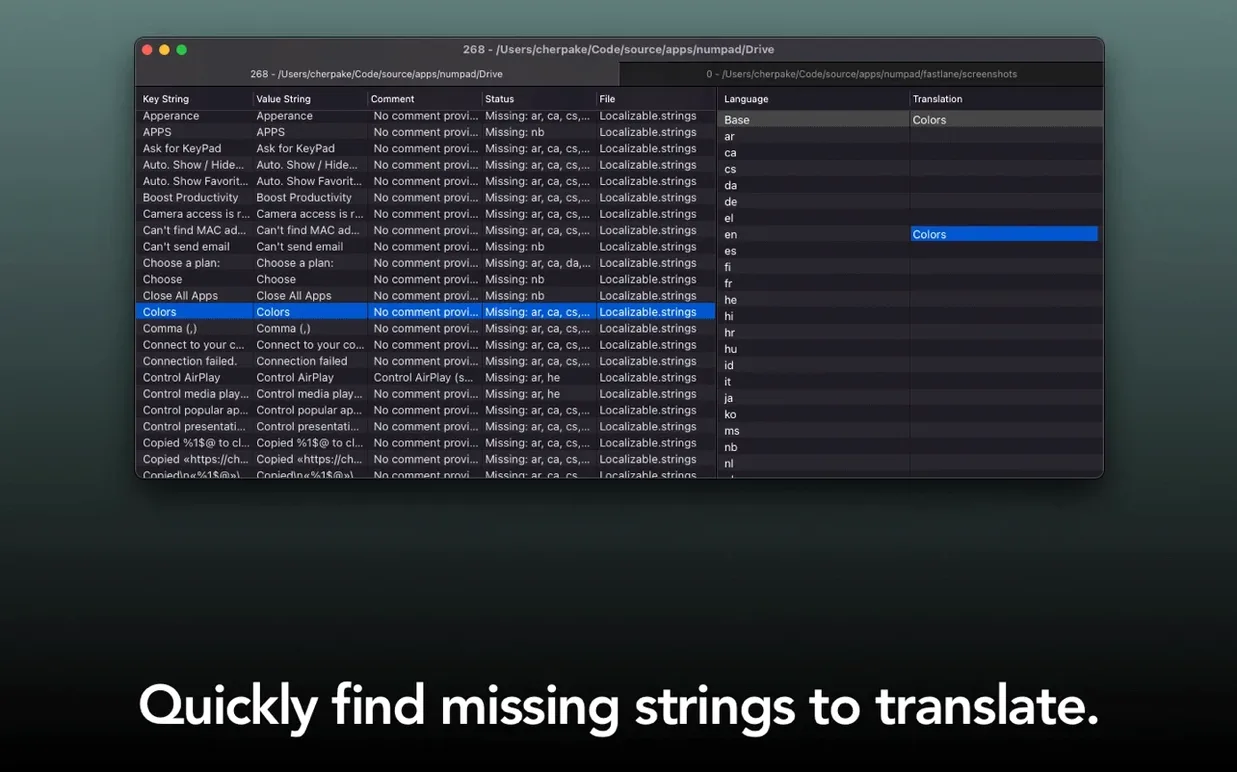
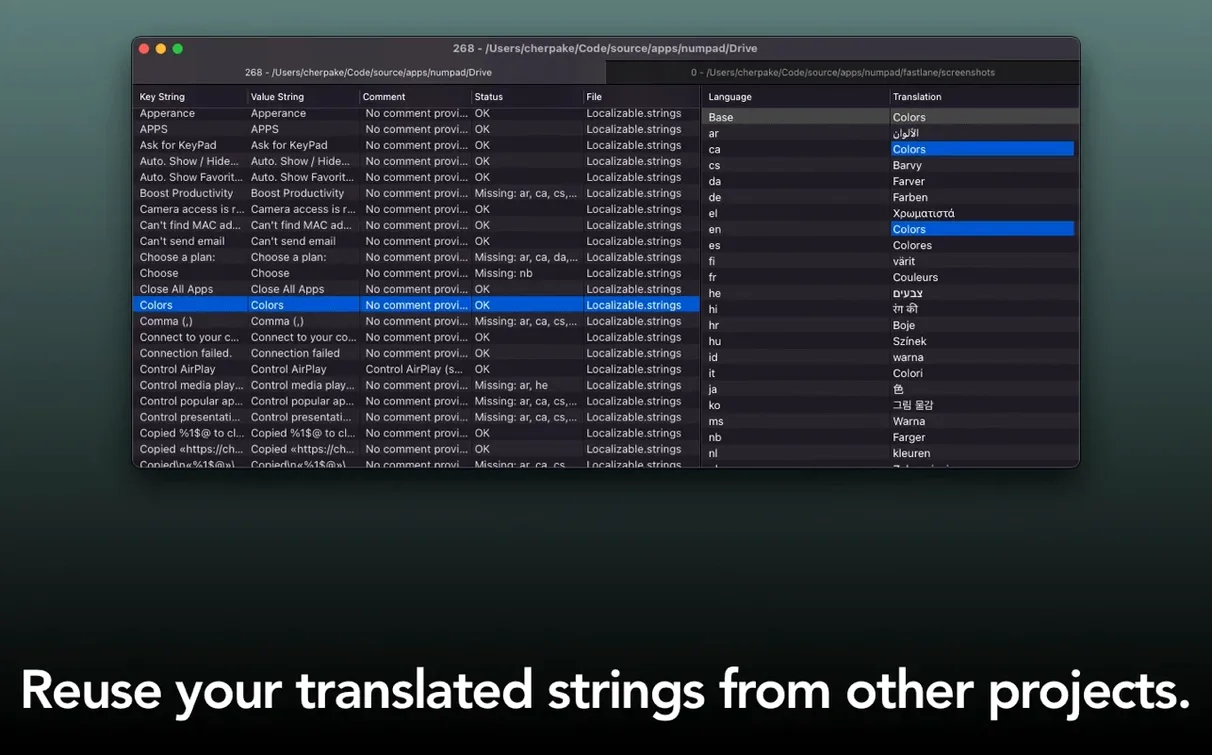
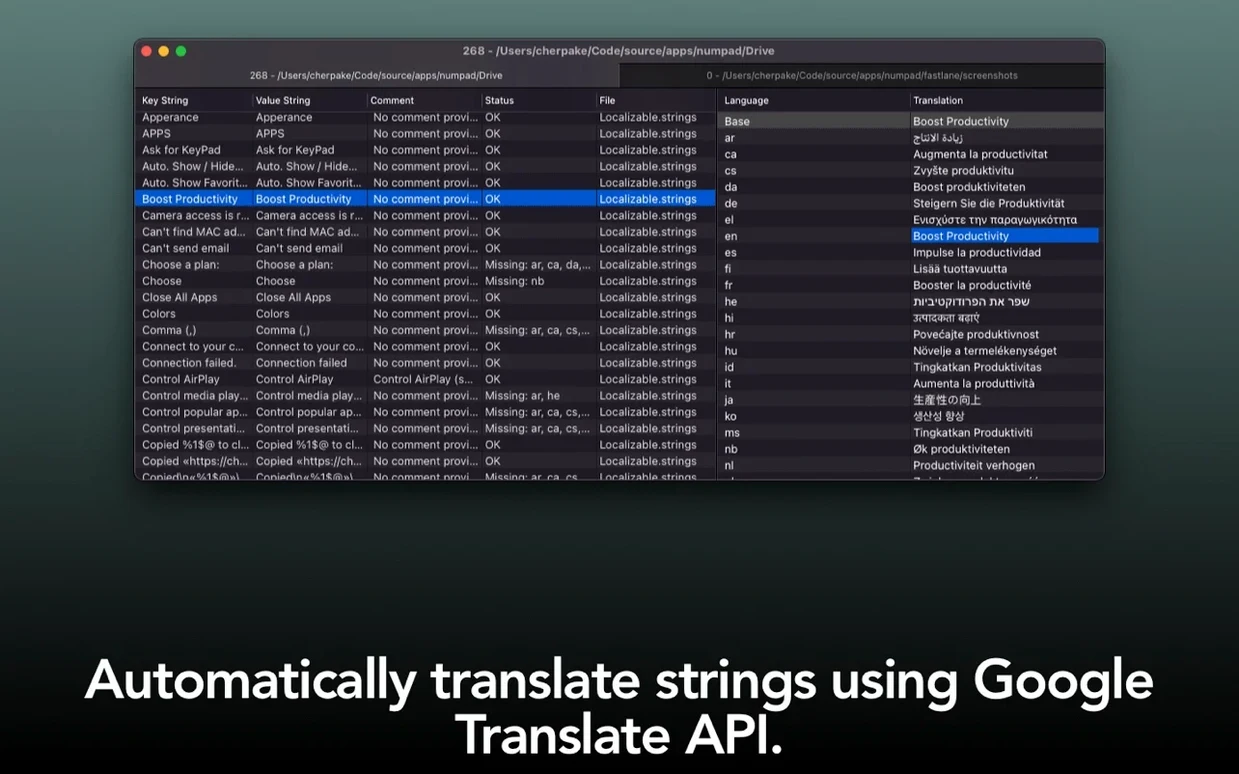
18 Strings is a Mac utility for reviewing localisation files and managing translation strings in Xcode projects. Its interface opens all string files in a single window using tabs, so you can move between languages without digging through folders.
- Open your Xcode project and let 18 Strings scan for localisation files.
- Review each string file in its own tab; edit keys or values directly.
- Hide completed translations to focus only on unfinished items.
- Export a list of strings with missing translations to send to a translator.
- Import the translator’s response back into the project, keeping everything in sync.
Speed and stability in daily work
Eighteen Strings loads project files quickly, even with several dozen localisation files open across multiple tabs. The interface remains responsive when scanning large Xcode projects; there is no perceptible lag when switching between tabs or editing string keys.
Crash reports are absent from my workflow. The app opens and closes cleanly, saves edits without hesitation, and handles the import-export cycle without glitches. For a tool that touches the structural files of a project, this reliability matters more than any single feature.
Solo developer: scanning and reviewing language tabs
Consider a developer who builds a Mac app alone and ships it in English, French and Japanese. They use 18 Strings to prepare the localisation bundle before each release. The workflow is straightforward: scan the project, review each language tab, hide completed translations and export the missing strings as a clean list. That list goes to a freelance translator; the returned file comes back into 18 Strings for integration. The developer can then spot cases where a base-language English string was accidentally copied into the French or Japanese tab — the app highlights those as likely mistakes. A quick edit, a final check, and the project is ready for build. Without the tool, the same process would mean opening each file manually and risking a missed string.
2022.6: restores open files and smooths imports
Version 2022.6 refines the experience in several practical ways. The tab-based interface now remembers which files were open when you last quit, so reopening a project restores your working state exactly. Importing translations from external files is smoother: the app better detects the target language from the imported data and places strings in the correct tab automatically. Export filters are also more precise — you can now limit an export to a single language tab rather than exporting the whole project and sorting through the results yourself.
For those managing larger projects, the bulk delete action has been improved: selecting multiple strings and removing them in one step now works without the interface stuttering or losing your place. These changes sound small on paper, but they save a few seconds each time — and those seconds add up over a week of localisation work.
The app suits developers who handle localisation themselves or work with external translators: it keeps the round-trip clear and the files organised.







Correspondence 0
Take a chair or join the table to send a letter.
No correspondence on this note yet. Letters are read before they appear.