 LeCoqRoti
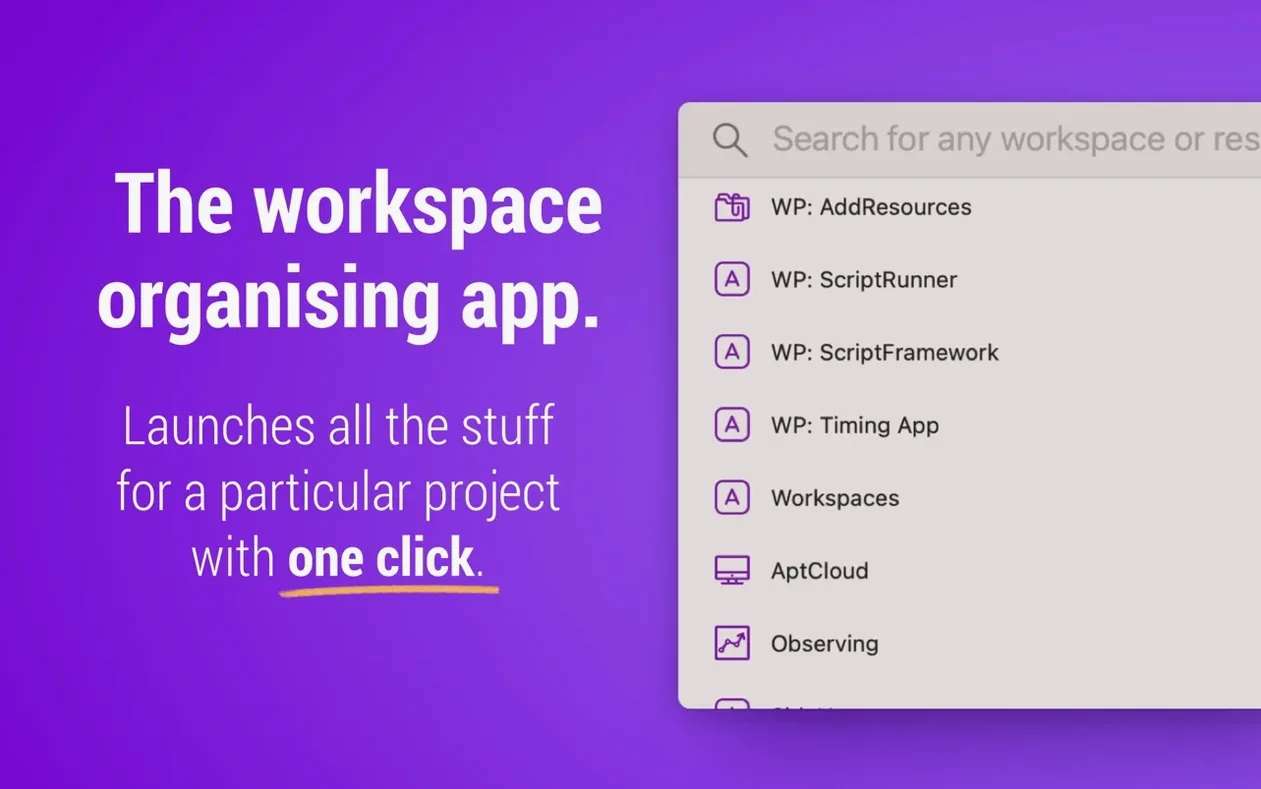
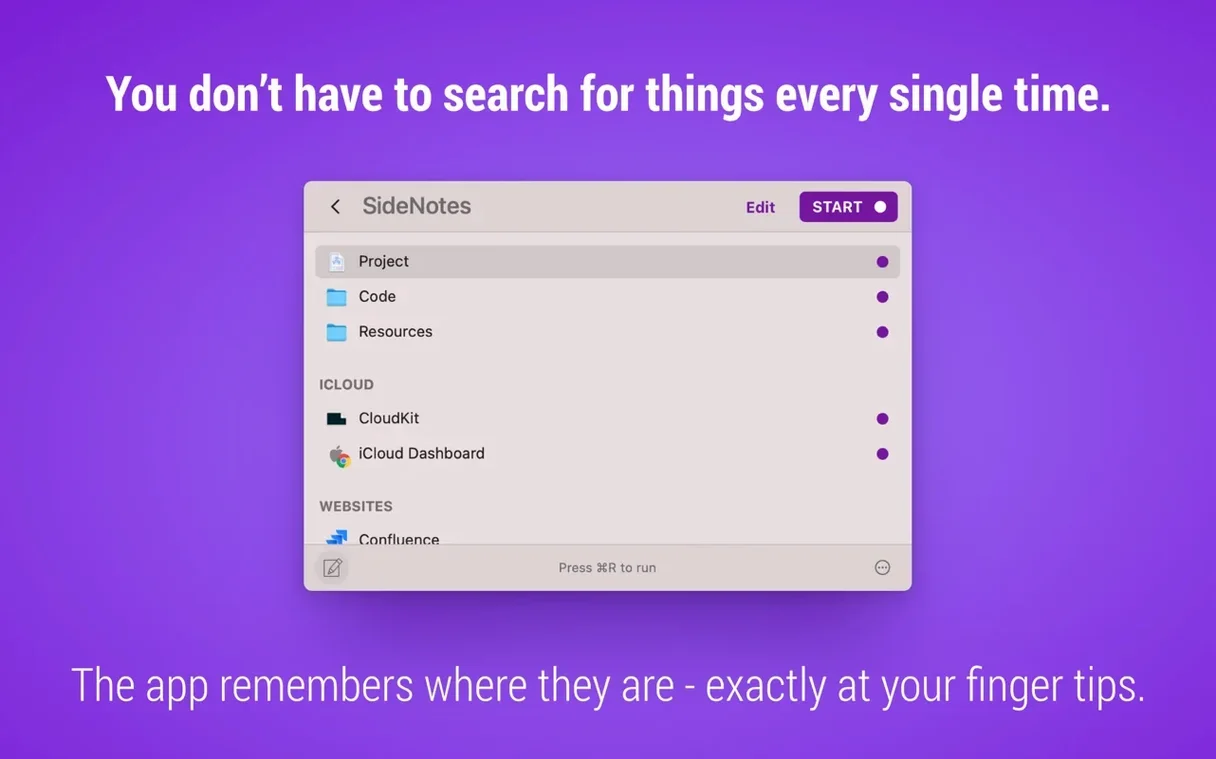
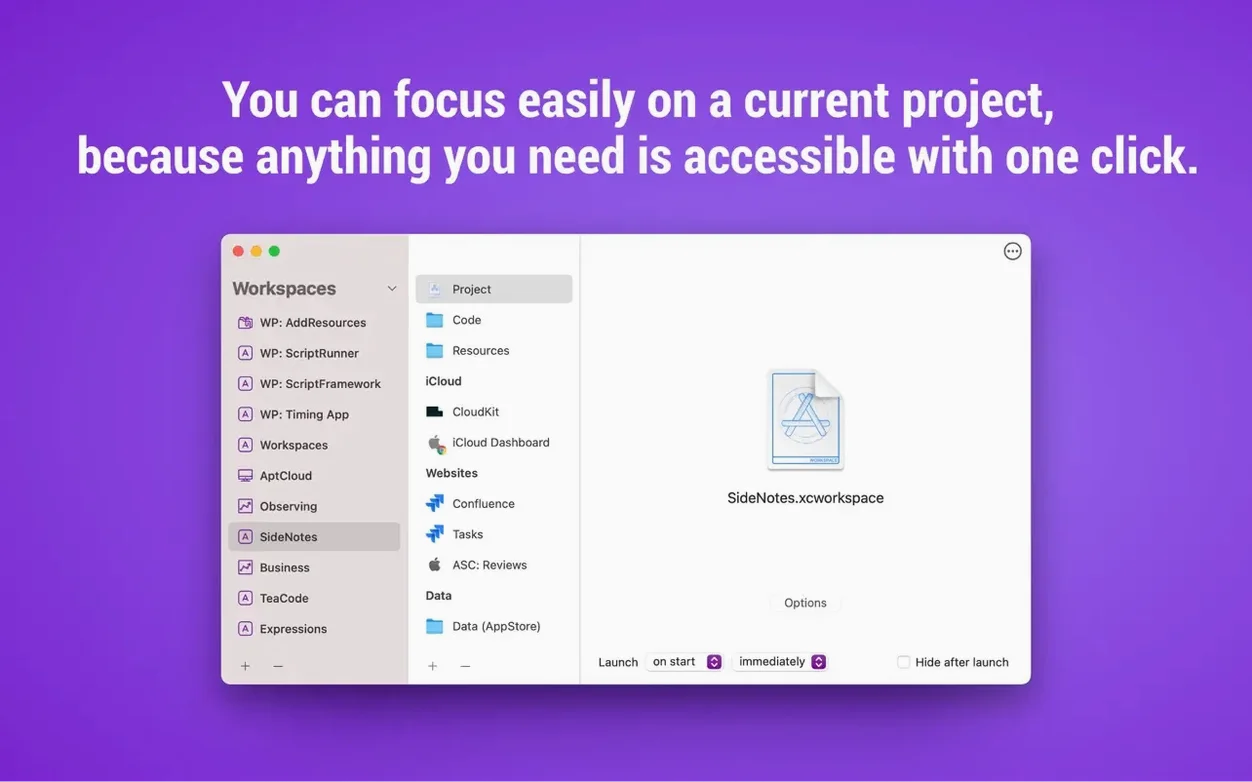
If you have ever relied on the Dock or Spotlight to gather the materials for a fresh project, Workspaces offers a more structured alternative: it acts as a project-based launcher where files, folders, websites, applications and even email messages live together in one clickable set. Think of it as a tidy drawer you build for each task, rather than hunting across the system every morning.
- Build your first workspace. Drop in the key document, the client’s folder and the staging URL for the website. Name the workspace after the project and it stays in the menu bar, ready to open everything at once.
- Launch a single resource fast. Call up Search from the menu bar icon, type a few letters and press Return. Since version 2.2 a single click is enough to open the result.
- Run a workspace straight from the editor. While you are still arranging the set, use the editor’s run command to test that every resource opens correctly without leaving the window.
- Explore the plugins. Several Workspaces plugins extend what a workspace can contain, adding specialised actions beyond the default file and URL types.
Each of these moves takes under a minute to learn, yet they shift the rhythm of starting work from scattered to deliberate. In short: build the set, name it, launch it.
Comparisons with similar Mac launchers help place Workspaces in a practical context. Where a general clipboard manager keeps a running history of everything you copy, a project launcher narrows the scope to what matters for a specific piece of work. Bunch, for instance, can open sets of apps and documents but relies on plain-text configuration files, which appeals to users who enjoy scripting their launch sequences. Workspaces takes a more visual approach: you drag items into a window and see the collection take shape immediately. Another tool, Station, wraps web services into a unified browser container, yet it does not reach into the Finder to group local files and folders in the same gesture. Workspaces sits between these poles — less code-driven than Bunch, more file-system-aware than Station — and the menu bar presence keeps a workspace one click away without demanding a separate window on screen.
Motion designer opens a morning setup with one menu bar click
A freelance motion designer who switches between client briefs, asset folders, After Effects and a review URL each day can open an entire morning setup with a single menu bar click. A backend developer maintaining several microservices stores the terminal project folder, the API documentation page and the local database GUI in one workspace per service; spinning up an environment becomes a matter of seconds rather than a trail of Finder tabs. A technical project manager juggling proposals, spreadsheets and email threads appreciates that a workspace can hold a Mail message reference alongside the contract file, so the communication thread and the document stay linked. In each case the common thread is repeat work: anyone who opens the same constellation of resources more than twice gains from storing it as a named set.
A working session: picking up where you left off
Imagine a Tuesday morning after a long weekend. The last thing you want is to reconstruct Friday’s focus. You click the Workspaces menu bar icon and select the project labelled Brand refresh — Q3. Instantly the Illustrator file opens, the shared Dropbox folder appears in a Finder window, the brand guidelines PDF fills the screen and the staging site loads in your default browser. You notice the PDF opened in Preview rather than your preferred reader, so you open the workspace editor — a single keystroke from the menu bar — and change the default application for that file type inside the workspace. While the editor is open you drag in a new Slack deep link that points straight to the client channel. You close the editor and run the workspace again to confirm everything launches as intended. The whole adjustment takes under a minute. On Wednesday you will repeat the same two-second click, and the setup will feel as if you never stepped away.







Correspondence 0
Take a chair or join the table to send a letter.
No correspondence on this note yet. Letters are read before they appear.