 LeCoqRoti
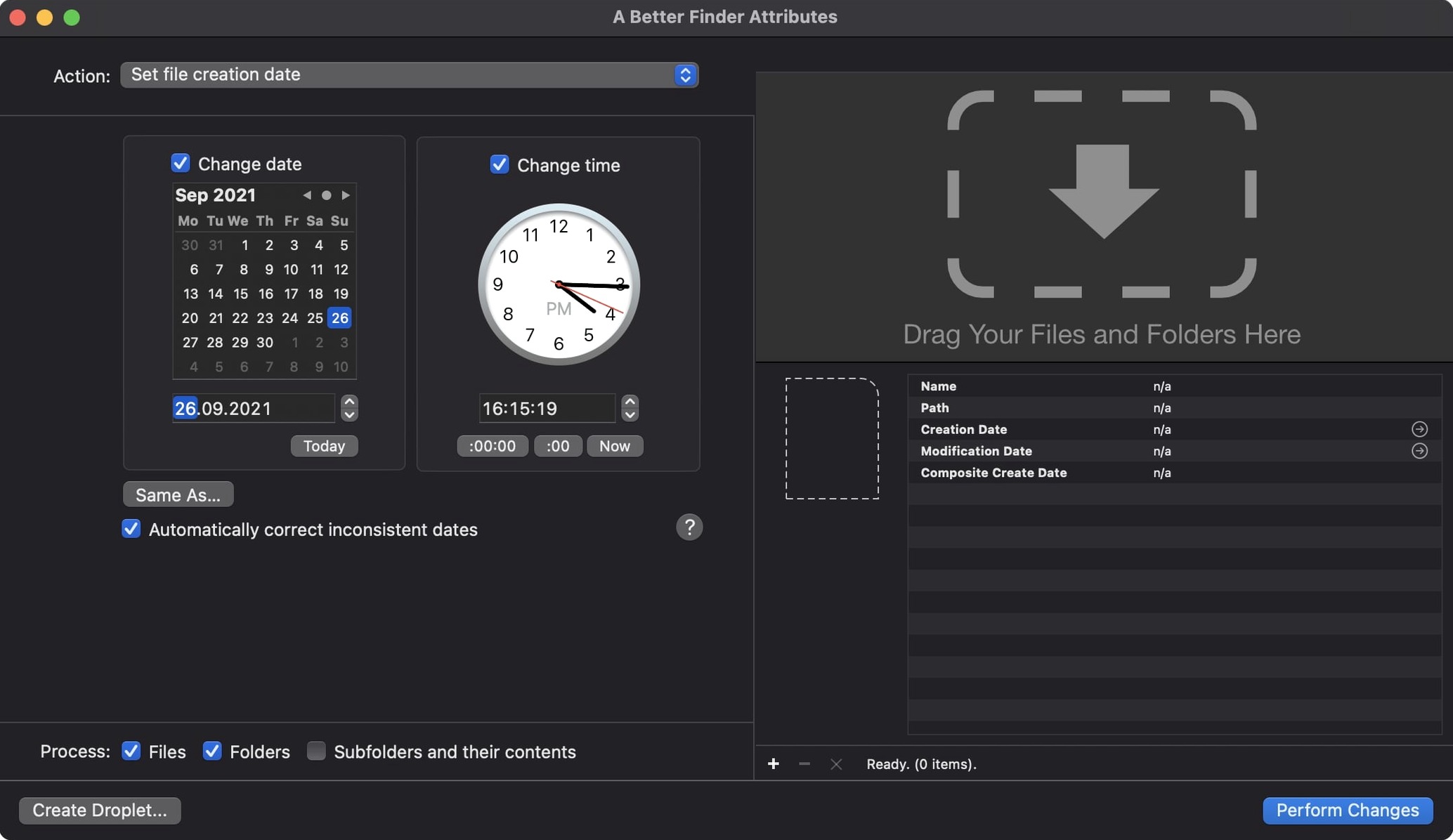
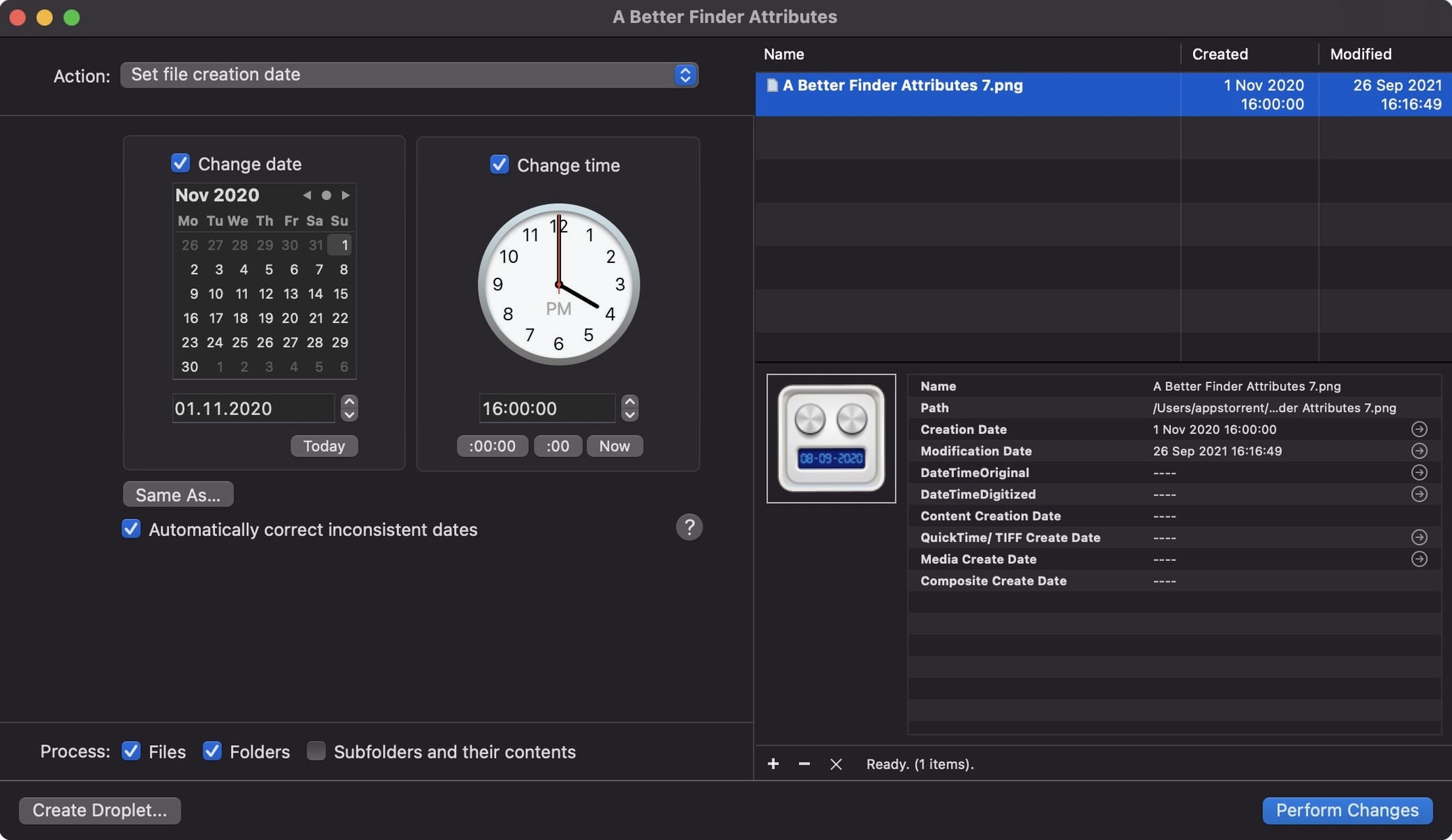
Photographers straightening out a timeline after a multi‑camera shoot, archivists who need file creation dates to match document headers, and anyone who has copied a folder only to watch its chronology dissolve — these are the people Publicspace had in mind. A Better Finder Attributes 7 puts a deep set of date and metadata controls inside a single Mac window, and the best way to learn it is to try three small, real‑world tasks.
Start with a single date: creation or modification
Open a folder of files in the list, select one, and look at the Date & Time action. The simplest move is to set the creation date to a known moment: a scan’s original capture, a contract’s signing day. The same panel lets you shift the modification date by a fixed offset — useful when a camera body was set to the wrong time zone. You see the result in the preview column before you apply it, so there is no guesswork.
Sync a photo’s modification date to its shooting date
This is the action that wins over newcomers working with NEF or CRW files. Choose the EXIF/TIFF action, then tick the option to synchronise the file’s modification date with its shooting date. One pass, and your raw files slide into the correct position inside any photo browser. Version 7.50 also writes shooting dates back into Photoshop files and fixes a one‑hour DST error that could creep into QuickTime movies — small corrections that keep your library honest.
A scenario: the multi‑camera wedding edit
A wedding photographer returns with four bodies and a phone used for behind‑the‑scenes clips. The cameras were not clock‑synced at the start of the day, the phone jumped time zones mid‑day, and the videographer delivered MOV files with blank creation dates. The deliverable is a single chronological gallery, and the tools inside A Better Finder Attributes 7 are built for exactly this sort of untangling.
Subtracting three hours from Camera A: a time shift routine
She opens the application and drags in the folder from Camera A, the one she trusts. She selects all files and uses the Time shift action to subtract three hours from the EXIF Date/Time Original — the offset she knows was set wrong. The preview column confirms the correction before she presses Apply. Next she loads the phone footage: she selects the clips, opens the Set date action, and writes a fixed creation date based on the first photo timestamp from that part of the day. Version 7.50 writes the Apple QuickTime creation date into each file, so they will sort correctly inside Final Cut Pro. Finally she drags in the videographer’s MOV folder, sets the modification date to the shooting date pulled from the media, and watches the timeline snap into place.
A workflow: matching file dates to document headers
For the archivist, the task is less about cameras and more about paper. A batch of scanned contracts arrives with creation dates that reflect the day they were digitised, not the date printed at the top of each page. The archivist opens A Better Finder Attributes, navigates to the scan folder, and sorts by filename to match the chronological order of the originals.
With the first scan selected, she chooses Adjust creation date and enters the date from the document header. She repeats this for each file, working down the list — the preview updates as she types, so she can catch typos before committing. When the whole folder is set, she runs a quick sort in Finder to verify the sequence. For documents that need both a creation date and a matching modification date, she uses the Set both dates action in one pass, which saves her from switching panels. The result is a folder that sorts correctly in any legal document management system, with dates that match the paper trail.
QuickTime and the one‑hour fix
One detail worth knowing: when you set creation dates on MOV files, version 7.50 corrects the one‑hour DST offset that older builds could introduce. The difference is invisible until you drop the clip into a timeline that spans a daylight‑saving boundary — then it is the difference between a clip that lands on the correct beat and one that drifts. For the wedding photographer syncing speeches to music, that small correction matters.








Correspondence 0
Take a chair or join the table to send a letter.
No correspondence on this note yet. Letters are read before they appear.