 LeCoqRoti
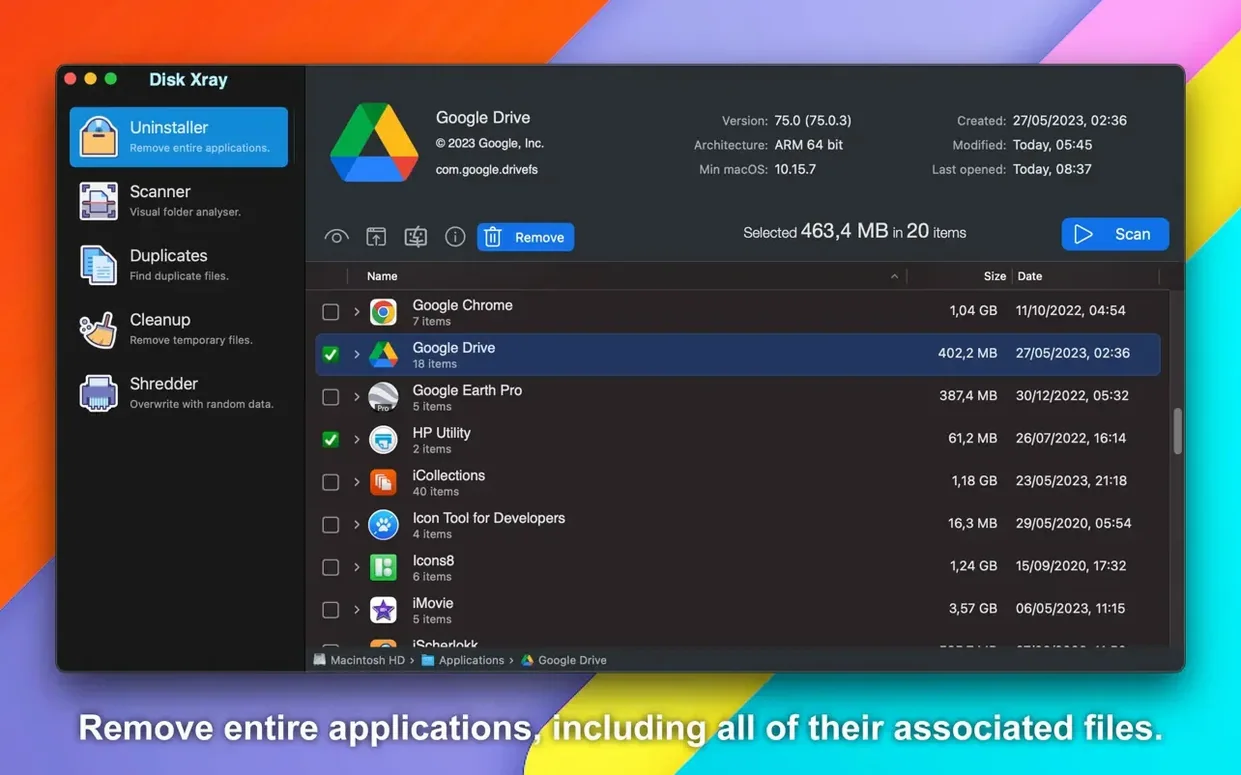
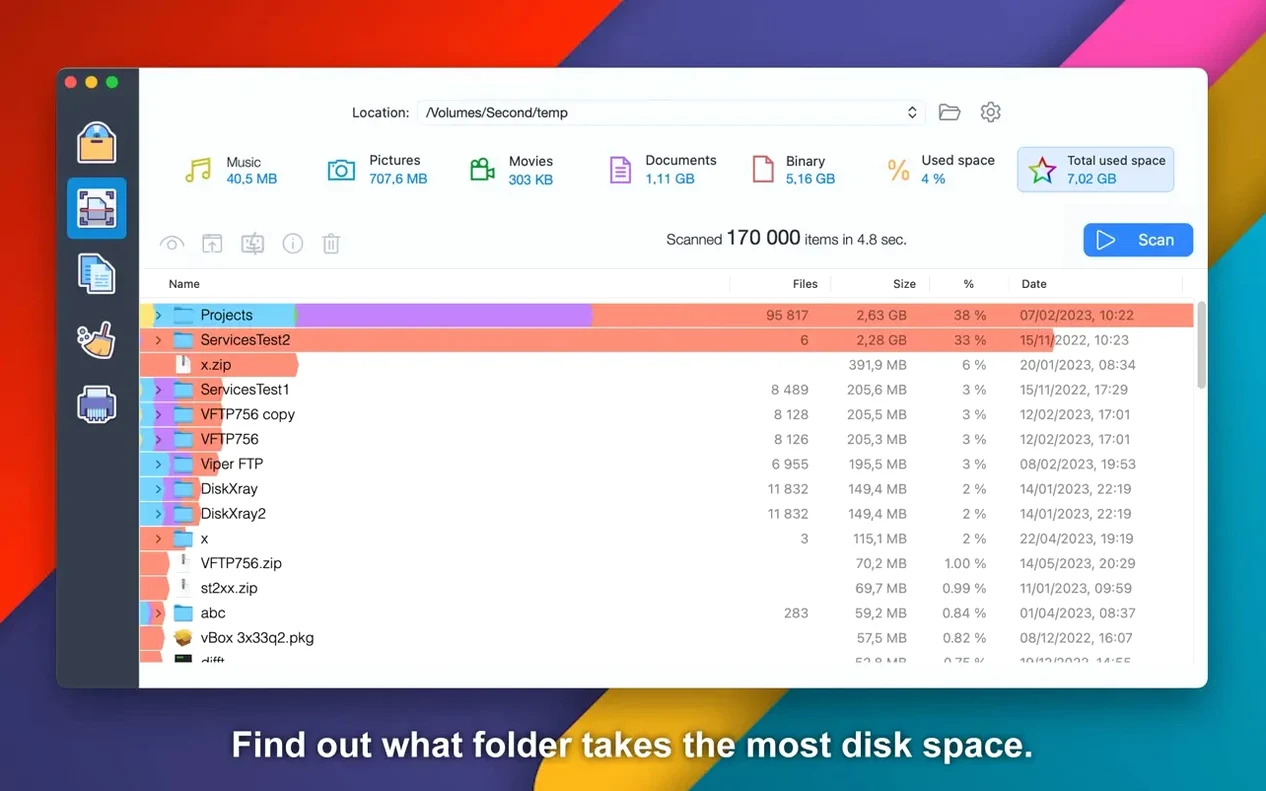
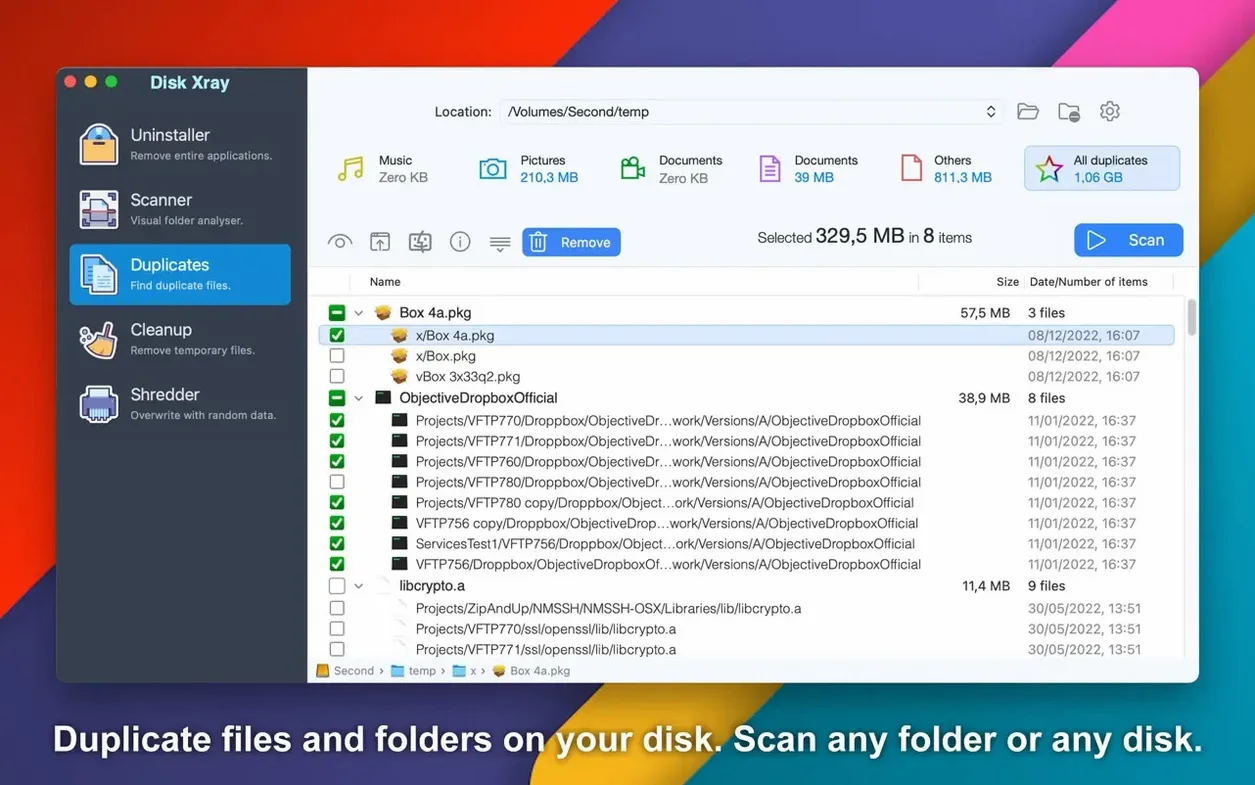
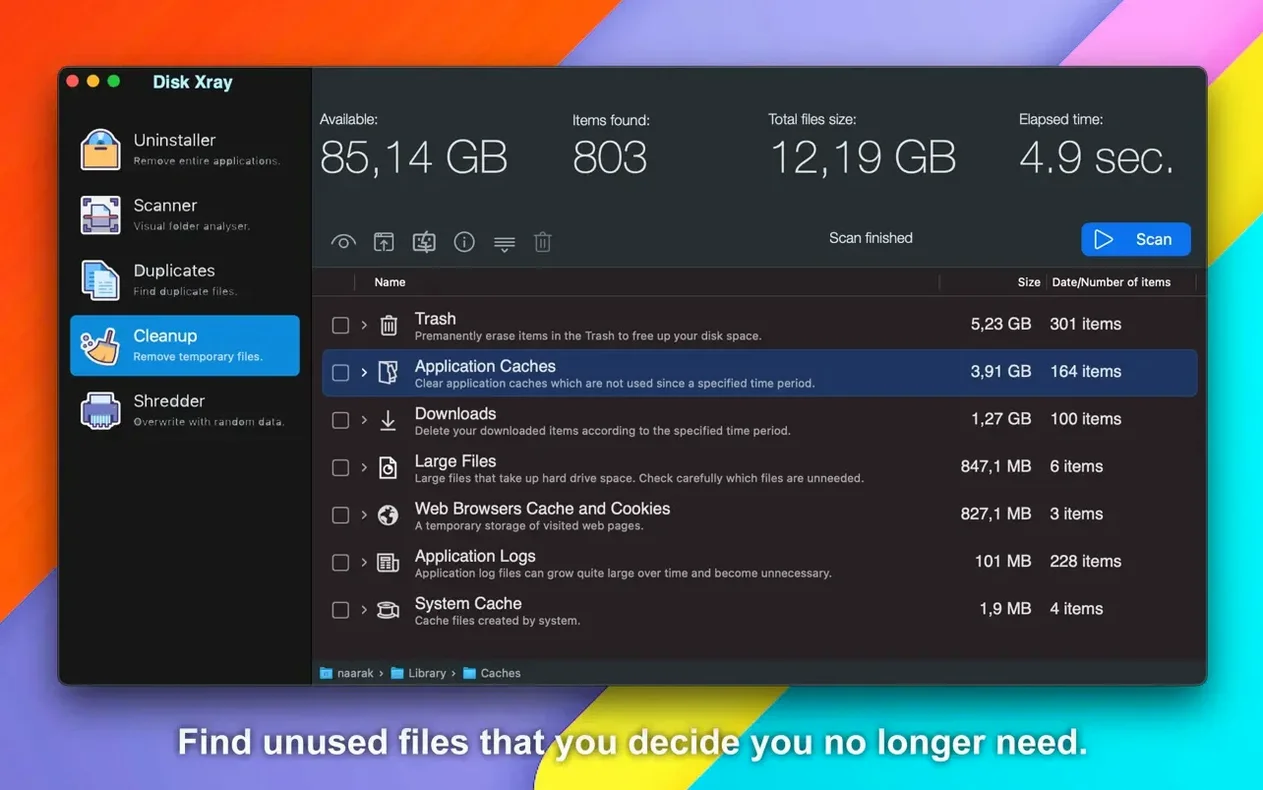
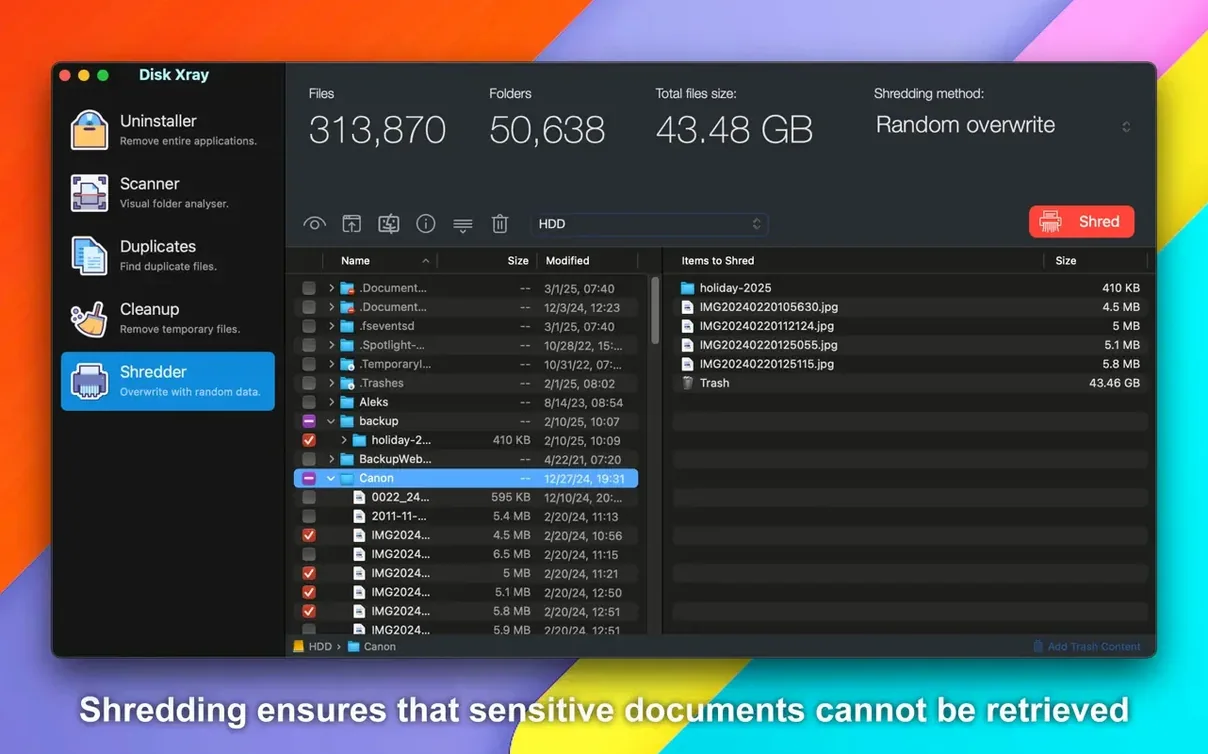
A designer I share the studio with keeps every revision of every asset. Last week his drive dropped below ten gigabytes free, and he had no idea what was consuming the space. He opened Disk Xray, pointed it at his home folder, and within a minute had a visual map of the largest offenders: forgotten render caches, duplicated PSDs and an old Dropbox archive he’d dragged sideways three years ago.
Scan: where the space went
The scan mode reads a folder or an entire volume and sorts results by size, giving you an immediate view of large files and folders. It works alongside the Finder’s column view — one to browse, the other to diagnose.
Find duplicates: byte-level comparison
Duplicate detection runs a byte-by-byte check on files and can identify duplicate folders too. This sits next to tools like Gemini or dupeGuru, but keeps the operation inside a single utility that also handles general cleanup.
Clean: targeted removal
The built-in cleaner can empty Trash and Downloads items, and any file or folder scanned can be moved to Trash directly from the app. An undo option sits in the menu after deletion — a quiet safety net that makes the tool usable in a working folder without constant dread.
Permission deadlocks: when a Time Machine folder halts progress
Most stalls happen because Disk Xray is waiting on a folder with restrictive permissions — a system library, a Time Machine backup that macOS considers off-limits, or an external drive that has disconnected mid-scan. The interface does not always announce the holdup loudly; the progress bar simply stops advancing. Cancelling the scan and re-running it on a narrower set of folders almost always resolves this. If you need a full-volume picture, add the offending directory to the exclusion list in preferences before the next pass: the scan will skip it and keep moving.
Another recurring issue involves duplicate detection on network volumes. Byte-by-byte comparison across a Wi‑Fi connection can be slow enough to feel frozen. For NAS drives, the workaround is to copy suspect folders to a local disk first and run the duplicate check there — Disk Xray handles local comparisons at the speed of your internal bus, which is far more practical.
File-level actions: no conflict with Apple’s high-level storage tips
A question I hear often is whether Disk Xray conflicts with macOS’s built-in storage management. It does not. Apple’s tools show high-level recommendations; Disk Xray gives you a file-level view and lets you act on it directly. The two sit beside each other without overlapping, and the app does not install kernel extensions or background daemons that would tangle with system processes.
Users also ask about the Trash behaviour. Deleted items move to the Finder’s Trash, not a proprietary quarantine. The undo command in the menu reverses the last move — it does not restore files permanently erased by a separate secure shred, so it is wise to keep the shred function for files you are certain about.
Home folder cleanup: spotting forgotten disk images and archives first
Begin with a top-level scan of the home folder. When results appear, switch to the file-type grouping view and note which categories dominate: disk images, video files, or archives often top the list with items you forgot you downloaded. Select the largest category and sort by size; glance at the file paths to avoid removing anything still in use. Move the obvious discards to Trash.
Next, run the duplicate finder on the same home folder. Filter results by file type if you know where duplication tends to happen — designers might start with .psd and .tiff, while anyone who backs up iOS devices manually could filter for .ipa. Review the duplicate folders tab separately; identical folder structures often reveal old project backups you can safely remove.
Finally, open the cleanup module and work through the categories that apply: browser cache, application logs, and local email attachments are safe choices. Leave Downloads unchecked if you have not already reviewed that folder manually. When the cleaner finishes, a second quick scan of the home folder gives you a before-and-after size reading — usually a satisfying drop after twenty minutes of methodical work.
In short: one scan to understand, one duplicate pass to reclaim wasted space, and a targeted cleanup to sweep the corners. Each step informs the next, and the undo command means you can correct a mistake without drama. That is the rhythm that keeps the utility on my dock. You can download Disk Xray for Mac and follow the same sequence on a cluttered drive this afternoon.







Correspondence 0
Take a chair or join the table to send a letter.
No correspondence on this note yet. Letters are read before they appear.