 LeCoqRoti
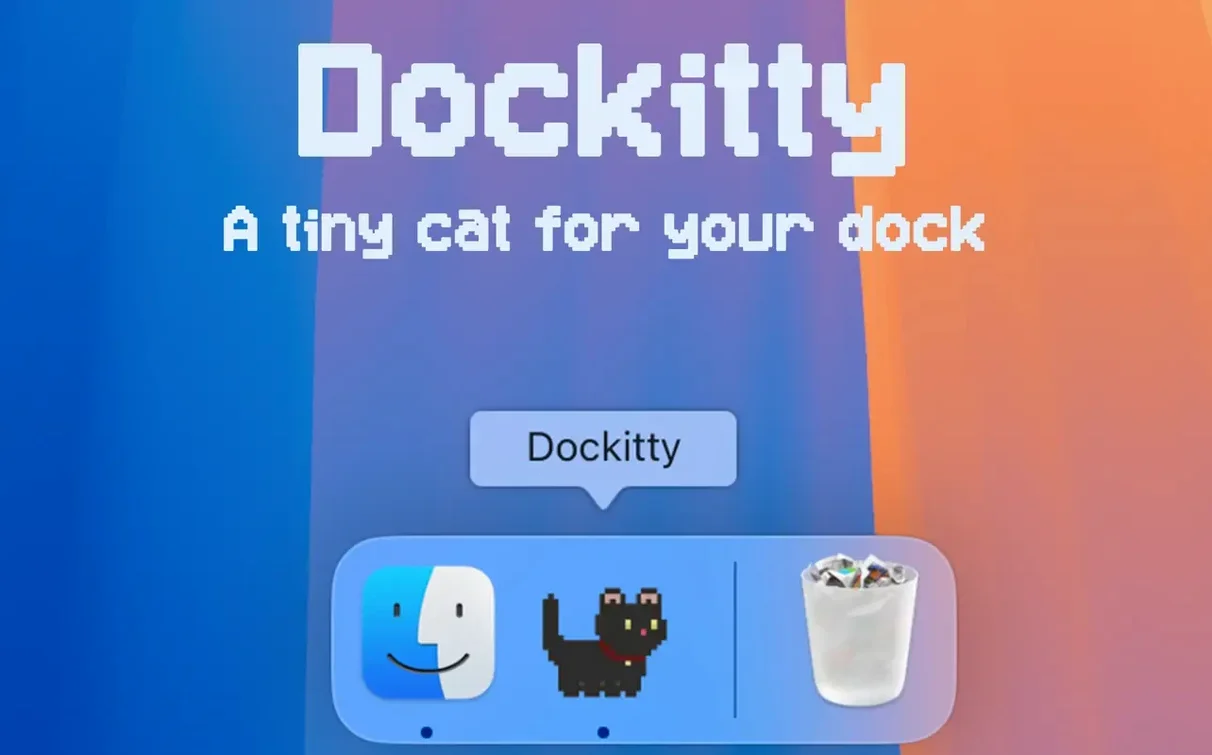
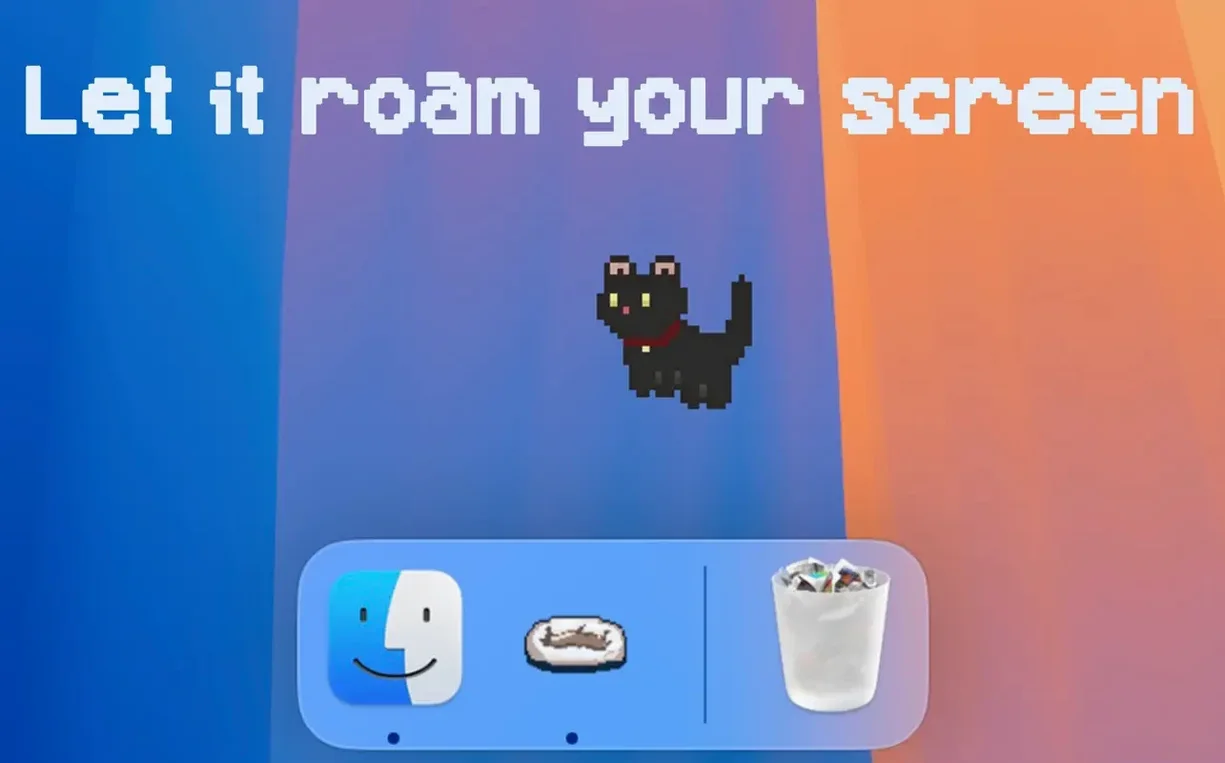
The app sits in your menu bar, having claimed the Dock tile for itself. A single click wakes the cat — it blinks once, stretches, and then watches the cursor with the quiet intensity of a creature that has all day. It is, in every sense, a small presence rather than a tool.
First behaviour: follow the cursor
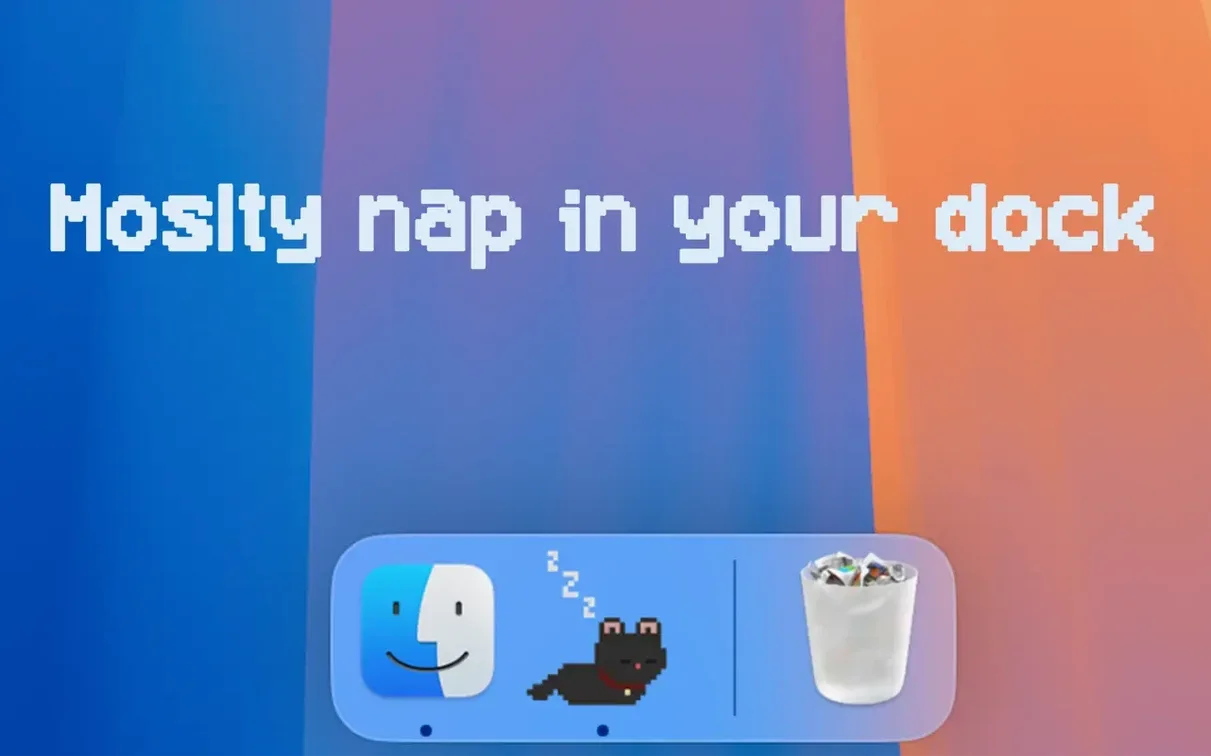
By default the cat tracks your pointer, its head turning in tiny pixel increments. The motion is smooth but unmistakably 8-bit, as though a Game Boy Colour sprite learned to inhabit macOS. You can let it do this while you work; it never interrupts, never asks for anything. If you leave the cursor still for too long, the cat will eventually curl up and sleep — a detail that rewards idleness in a way most software does not.
Window Napper and leaving the Dock
Version 1.2.6 introduces a walk mode called Window Napper. When enabled, the cat climbs out of the Dock and strolls across the desktop, occasionally settling on an open window as if it were a sunlit patch of floor. It can also run, jump, and — should you neglect it entirely — die in a small theatrical collapse, after which it revives with no hard feelings. The settings panel, recently modernised, lets you toggle these behaviours without clutter; thirty languages are available, from Arabic to Vietnamese, though the cat itself communicates purely through posture and timing.
Small conveniences: the right-click and the drag
Hover over the Dock tile and right-click to reveal a compact menu of states: sleep, play, bath, and the more dramatic options. It saves you opening the full settings panel when you simply want the cat to wash itself or stop following the cursor for a while. The bath mode is a brief, self-contained animation — the cat shakes itself dry afterwards and returns to its previous behaviour without a reset.
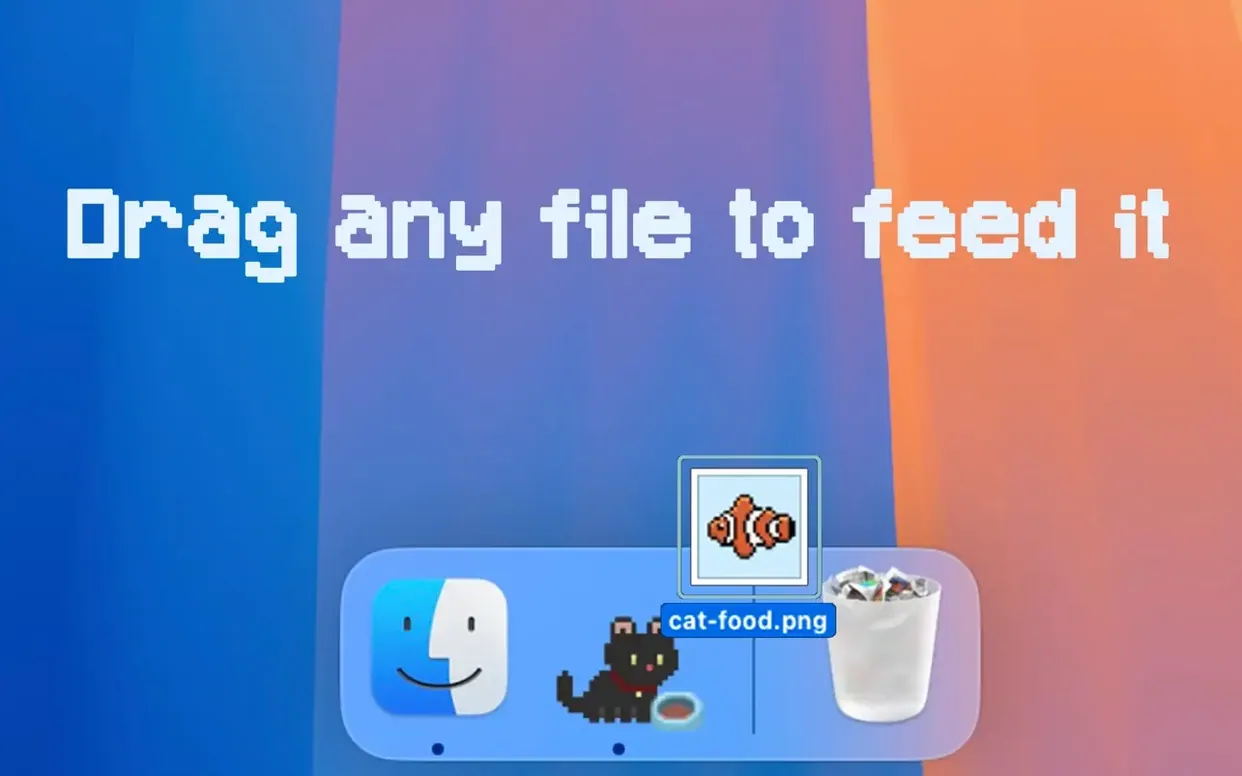
Dragging a file onto the icon is registered as feeding. The cat will snap at the document or image as though it were a treat, and the file itself is untouched; nothing is moved, copied, or altered. It is a purely cosmetic interaction, but a careful one, and it works with any file type. If you drag several files in quick succession, the cat grows visibly excitable — a sequence of small jumps that suggests overfeeding — before settling again.
Behaviour on launch: switch to Window Napper
Open the preferences and look immediately at Behaviour on launch. The default is to follow the cursor, but switching it to Window Napper gives you a cat that explores the screen from the moment the app starts. Combined with the Stay at screen edges toggle, this produces a quieter presence: the cat walks along the top or bottom of the display, rarely crossing your work, visible only in peripheral vision.
The Multiple cats slider is set to one by default. Raising it to two or three splits the pixel sprites into independent actors, each with its own sleep cycle and movement pattern. They do not collide or acknowledge one another — the effect is more like a small colony of solitary animals sharing the same glass box. On a large display, three cats spaced along the bottom edge produces something close to a living frieze.
If you use a laptop with the notch, disable Allow cat near menu bar. The sprite can otherwise wander behind the camera housing, disappearing for seconds at a time, which is less charming than it sounds.
Resource footprint: 90–110 MB with one cat
On an Apple Silicon machine, the app consumes roughly 90 to 110 MB of RAM with a single cat active and the frame rate capped by the sprite’s own animation cycle. CPU usage sits at one to two percent during cursor-following, rising briefly to four or five percent when the cat jumps or runs. Opening a third cat pushes memory toward 140 MB but does not meaningfully alter CPU draw. The app never spins up the fans, even on Intel Macs tested under light load.
Window Napper is slightly heavier: the cat recalculates its path every time a window moves or resizes, and on a desktop with many overlapping windows, you may notice a fractional hitch in the animation — a single frame dropped, rarely more. The developer has tuned the walk cycle to prioritise smoothness over precision, so the cat occasionally clips a window edge by a pixel or two rather than stutter.
Stability is excellent. Across days of continuous use, the app has never crashed or leaked memory in any noticeable way. It survives system sleep without issue: the cat returns exactly where it was, blinks once, and resumes its routine. The only quirk observed is that after a display resolution change, the cat may teleport to the centre of the screen for a moment before recalibrating — a single-frame glitch, harmless and almost apologetic.
One final shortcut: holding the Option key while clicking the Dock icon instantly puts the cat to sleep. No menu, no delay — just a small pixel creature curling into a tight circle and closing its eyes. It is the fastest way to reclaim your Dock when you need a moment of stillness, and it works even when the cat is mid-pounce.







Correspondence 0
Take a chair or join the table to send a letter.
No correspondence on this note yet. Letters are read before they appear.