 LeCoqRoti
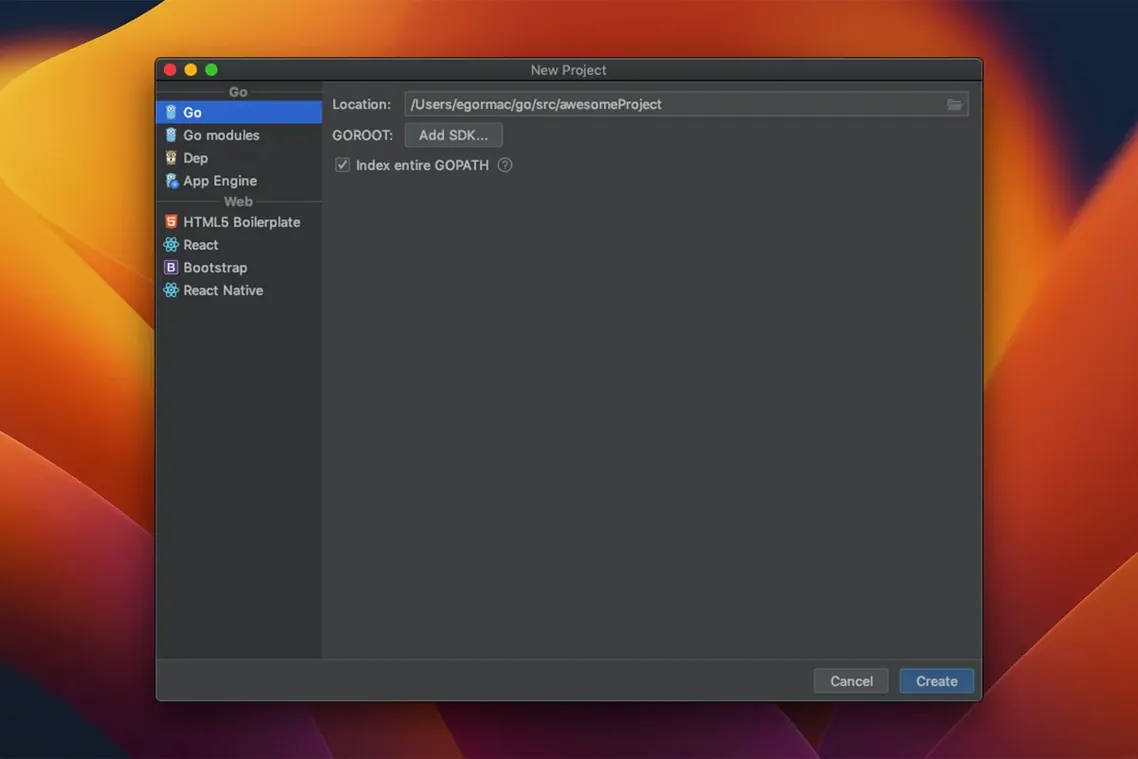
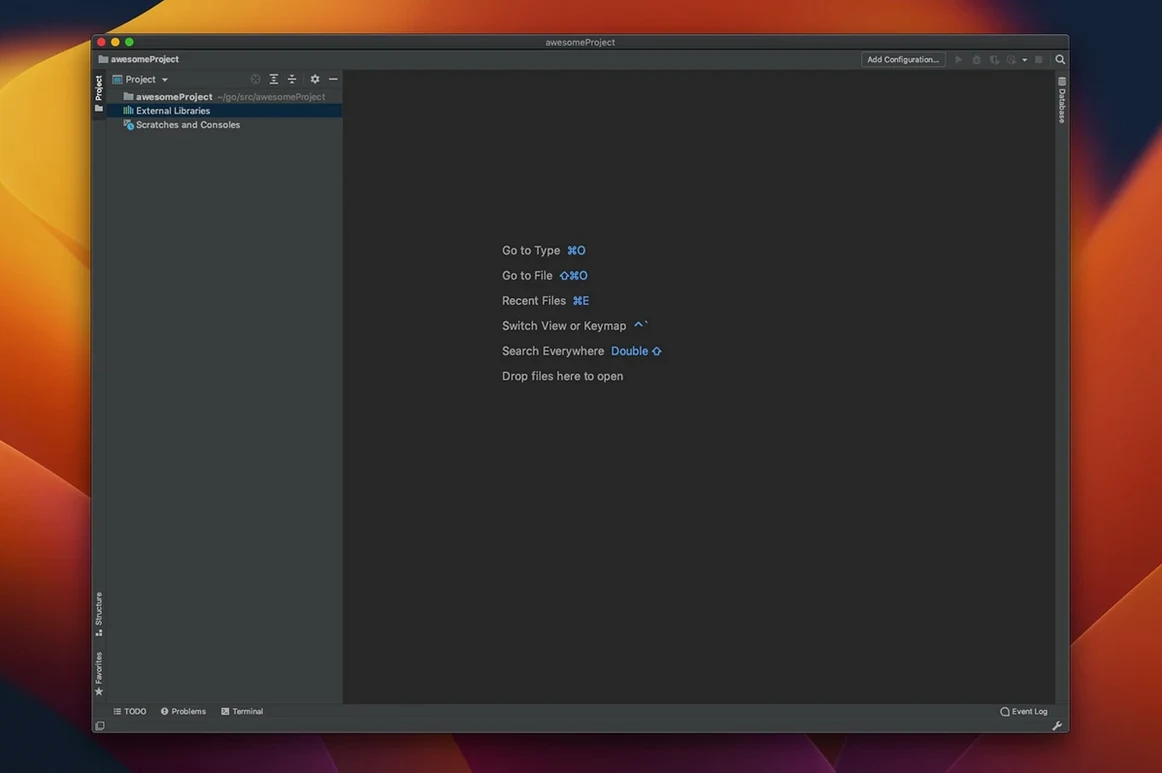
Developers who know IntelliJ IDEA will recognise the structure immediately: GoLand is built on the same JetBrains IntelliJ Platform, with the inspection engine, navigation and refactoring layer tuned for Go. The familiarity is useful; the Go-specific additions are what reward closer attention.
Navigation reaches further than the editor. A single action moves from a method call to its declaration, implementations or the interface it satisfies, which matters in large codebases where interfaces are implied rather than declared. Safe refactorings handle the same territory without breaking implicit contracts.
The debugger is built in, not bolted on, and the current release adds a detail worth noting: compiler escape analysis results appear inline. You see directly where values move to the heap, which makes performance work feel less like archaeology. A struct field alignment quickfix and the Join string literals intention also arrived in 2026.2.3.
Git, GitHub and Mercurial support sit alongside built-in documentation, so checking a signature or reviewing a diff rarely means leaving the window. In short: the deeper tools are there for the users who need them.
Navigation time saved across package boundaries
Developers maintaining mid-to-large Go services, particularly where interfaces cross package boundaries, tend to extract the most value. The navigation shortcuts — jumping from a method call straight to the interface it satisfies — save the kind of cumulative minutes that turn into hours over a sprint. Teams using Docker, Kubernetes or Terraform alongside Go will also find the integrated tooling reduces context-switching: container logs, database consoles and terminal sessions live inside the same window.
Solo developers working on CLI tools or small APIs may use a lighter editor day-to-day, but the refactoring safety net becomes more useful once a project acquires real users and a reluctance to break things. The inline escape analysis, in particular, speaks to anyone who has spent an afternoon staring at go build -gcflags="-m" output and wished for a calmer way to read it.
First-week mistakes worth avoiding
One common misstep is letting GoLand index the entire GOPATH or module cache. The IDE is thorough by default, and on a machine with limited memory the indexing pass can feel sluggish. Marking large directories as excluded in Project Structure keeps the inspection engine focused on your own code.
Another is ignoring the keyboard shortcut overlay. Many new users reach for the mouse to trigger refactorings or navigate to declarations, when a few memorised chords — Cmd+B for declarations, Cmd+Option+B for implementations — cut the friction considerably. The Productivity Guide under the Help menu tracks which shortcuts you are not using.
Beginners occasionally disable the on-the-fly inspection to reduce editor noise, then forget to re-enable it. The real-time error detection is one of the IDE’s strongest features; tuning the highlight level is quieter than switching it off entirely.
Practical first days: a short checklist
- Import your keymap early. If you are coming from another JetBrains IDE, the keymap sync is a checkbox during setup. Muscle memory is harder to rebuild than the colour scheme.
- Set up the embedded terminal to use your shell of choice. The bundled terminal respects
$SHELL, but checking the Shell path preference saves a small surprise on firstgo run. - Pin the test runner. The run configurations for tests support per-file and per-package scopes. Creating a pinned configuration for the package you touch most often makes the feedback loop faster.
- Give the debugger a real workout. Set a breakpoint in a goroutine and step through the scheduler interaction. The inline variable view is more detailed than many realise on first use.
- Install the Terraform and Docker plugins if your project uses them. Both are available from the bundled plugin marketplace and integrate directly with the run configurations.
If you are evaluating the IDE after a goland for mac free download, those first sessions are the right time to configure inspections to match your team's linting rules. The defaults are sensible but not prescriptive; a quarter-hour spent tuning them pays off quickly.








Correspondence 0
Take a chair or join the table to send a letter.
No correspondence on this note yet. Letters are read before they appear.