 LeCoqRoti
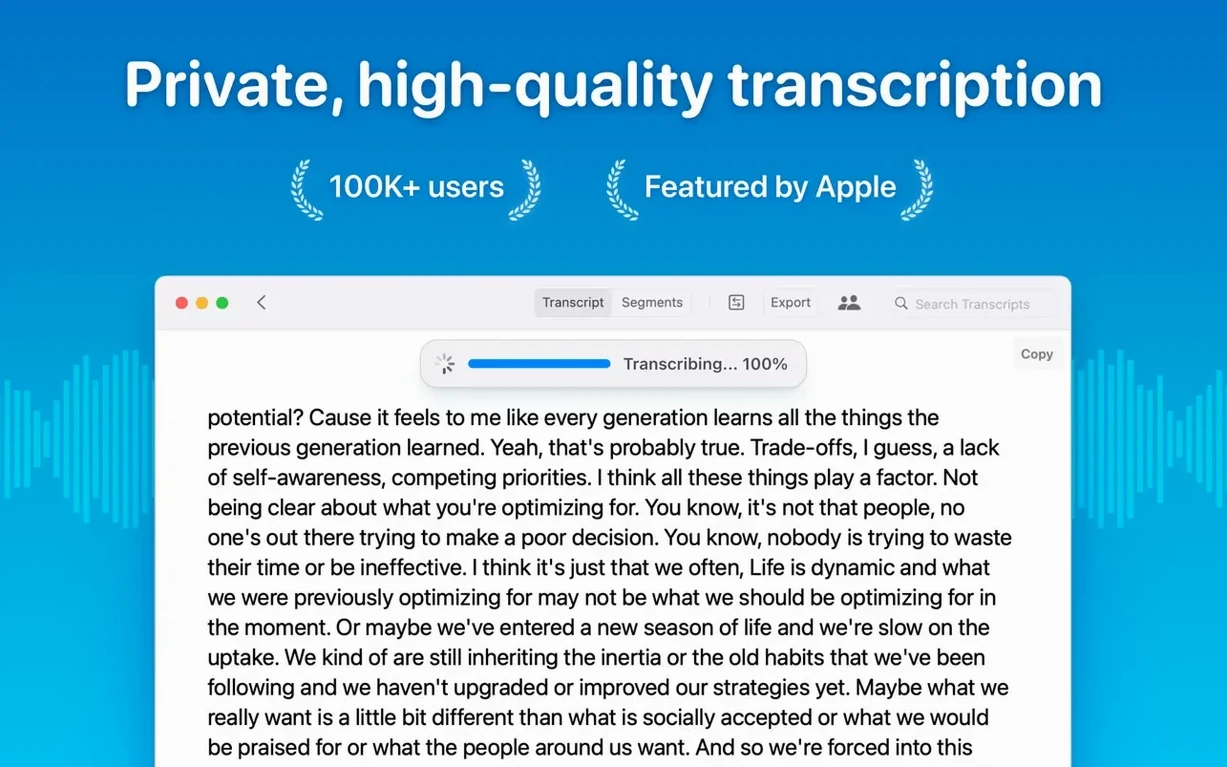
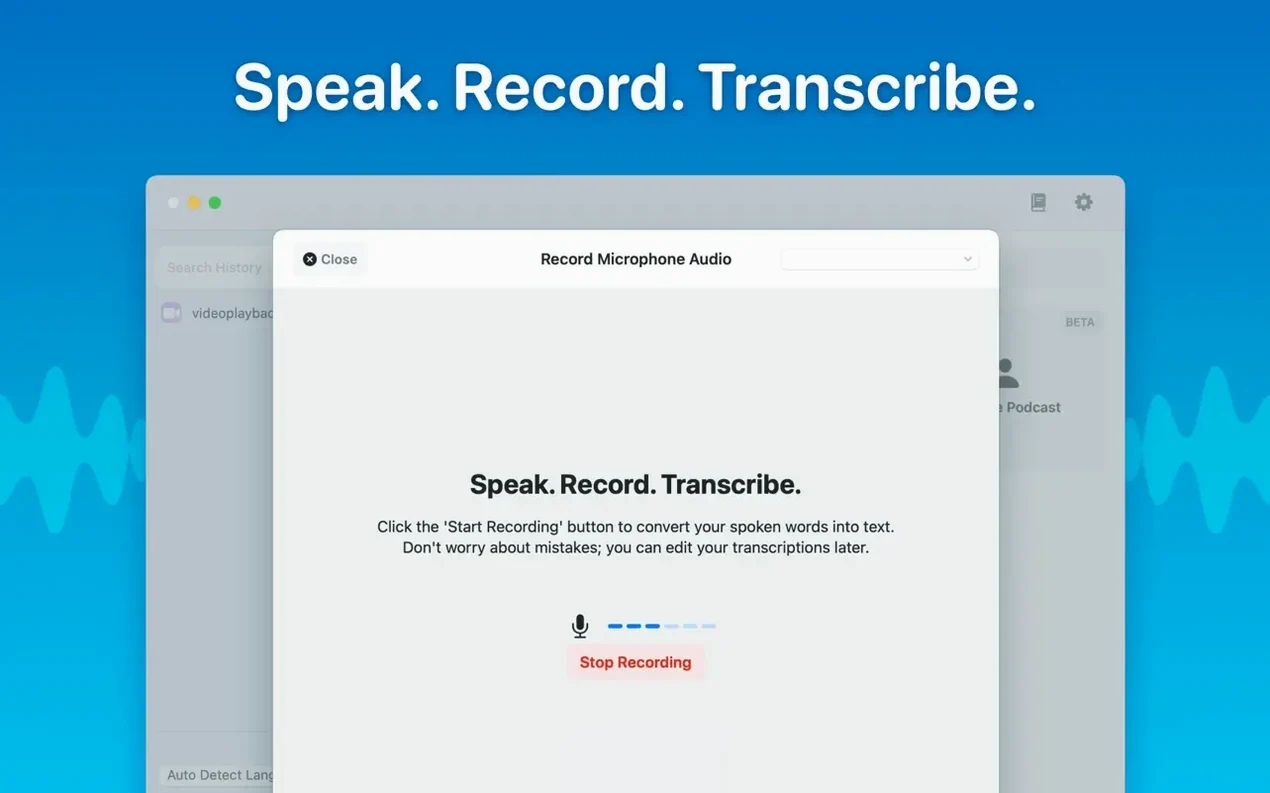
MacWhisper belongs to the journalist filing a piece from a café, the researcher working through hours of interviews, and the producer who needs a clean SRT file before lunch. It keeps audio transcription local: nothing leaves the machine, and the Whisper models run directly on the Mac.
What arrived in version 15.2: meeting transcripts and sharper speaker separation
- Real-time meeting transcripts now sit alongside the existing file transcription, so live conversations and recordings share the same library.
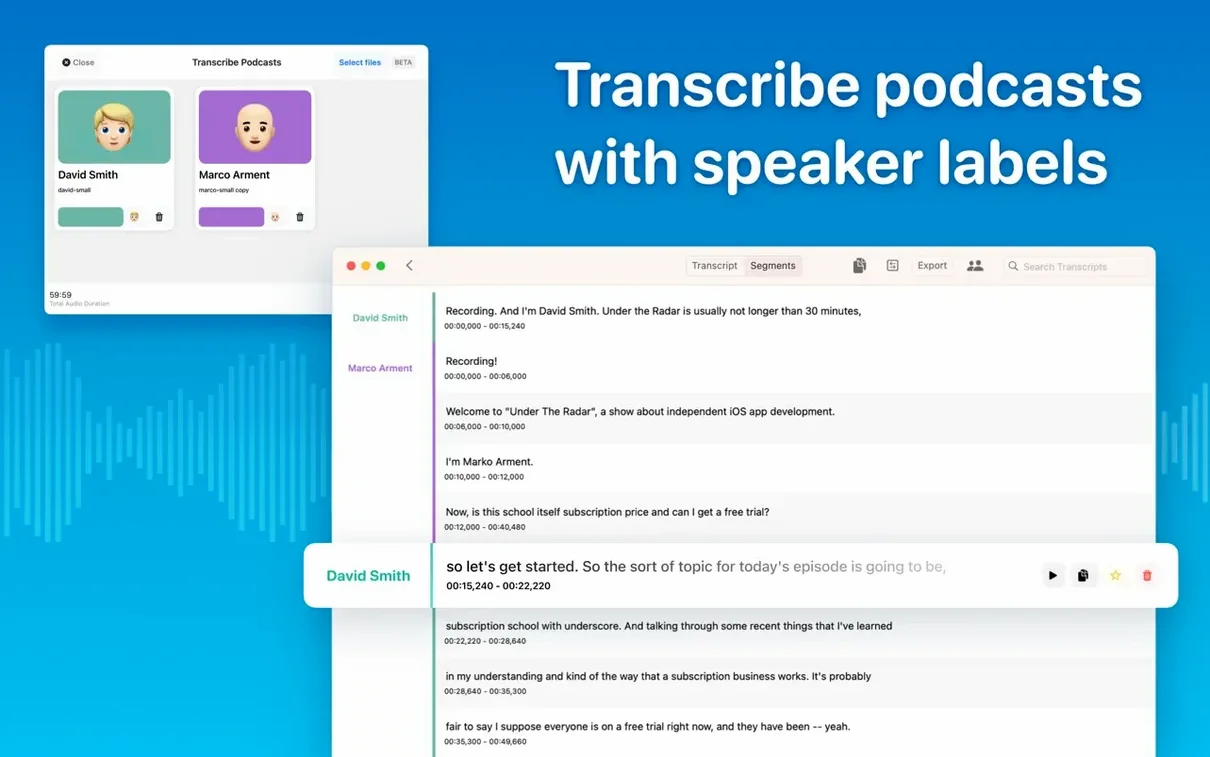
- A new diarization model improves speaker recognition, giving cleaner attribution when several voices overlap.
- Folders and subfolders bring structure to a growing collection of transcripts and meeting records.
The foundation that has not changed
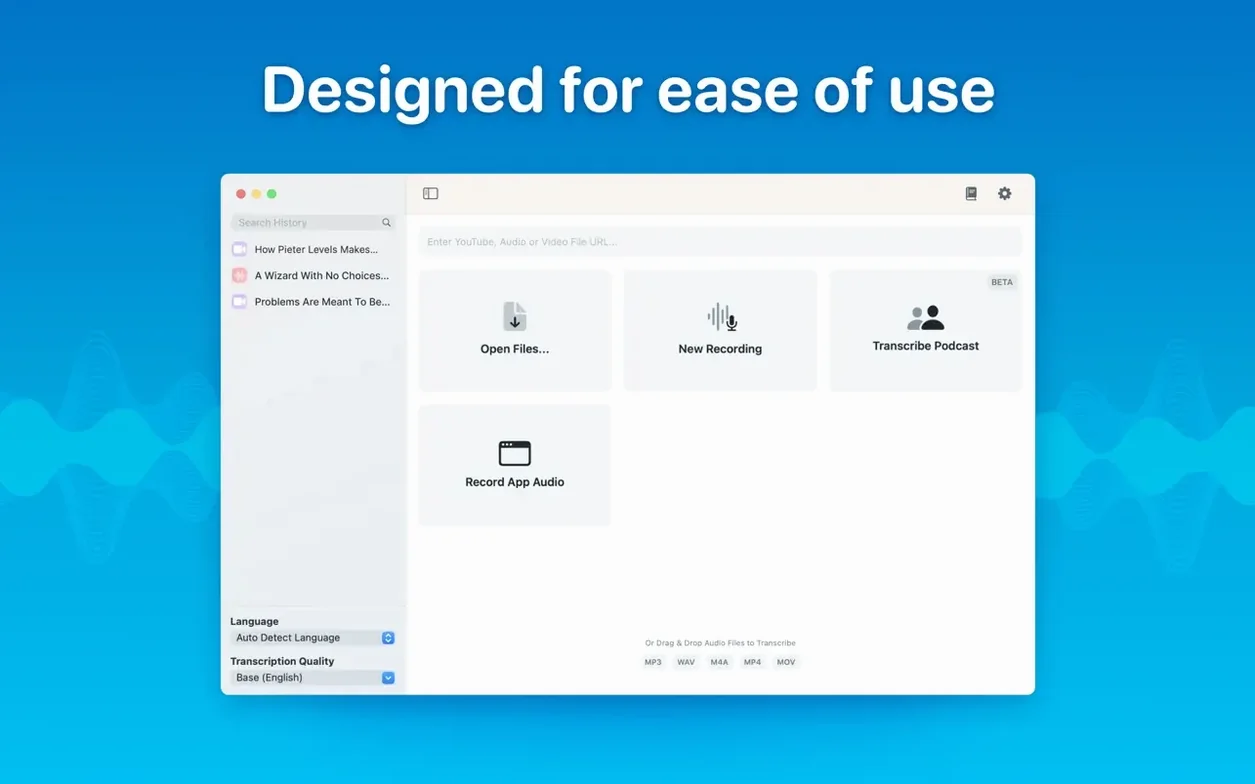
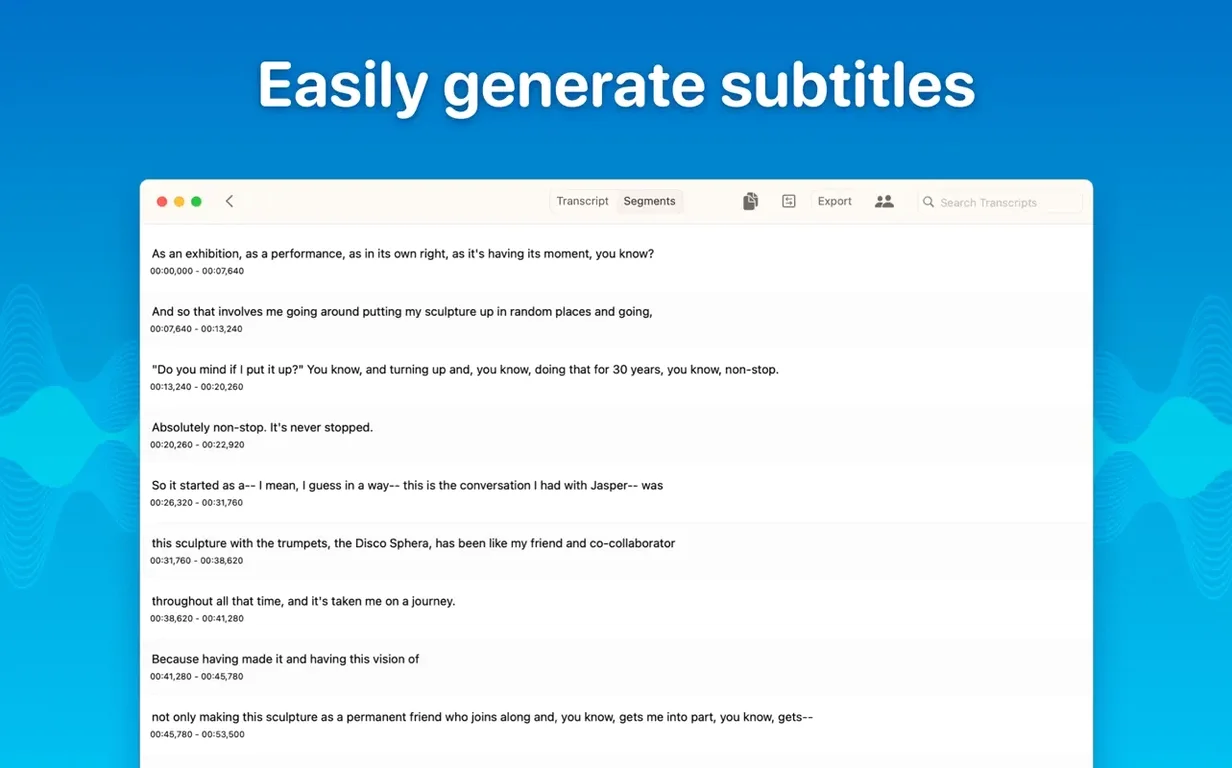
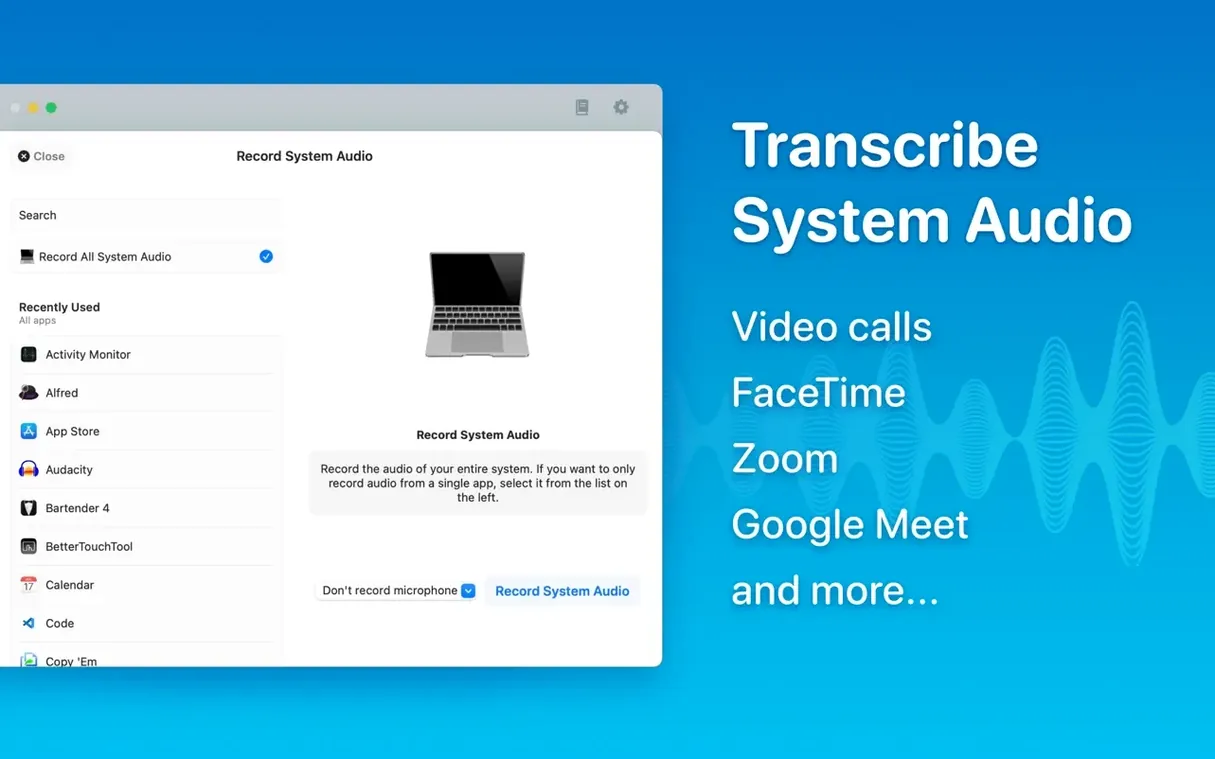
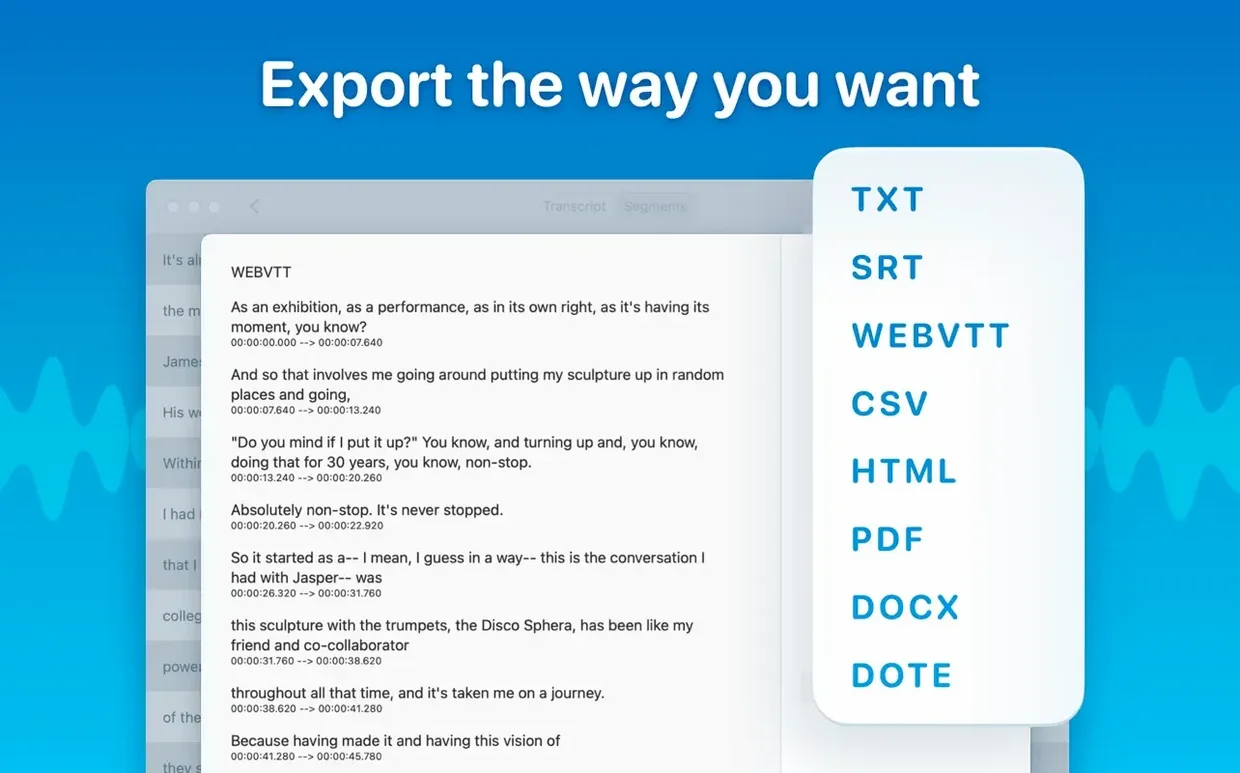
The core remains drag-and-drop conversion of audio and video files into text, with support for mp3, wav, m4a, mp4, mov, ogg and opus. Transcriptions can be edited directly, with the ability to delete segments or copy selected passages. Export options still include SRT and VTT subtitles, and the app continues to transcribe system audio alongside microphone input. Language coverage stays at one hundred, driven by the locally installed Whisper models.
Comparing with other Mac transcription tools: an opinionated view
Three other names appear often when people discuss Mac transcription: Otter.ai, Whisper Transcription (Good Snooze's own App Store variant), and Buzz. They share a family resemblance yet differ in important ways. Here is how I see them, having used each.
Otter.ai works in the browser and on iOS, but its Mac presence is essentially a web wrapper. It uploads audio, stores transcripts on remote servers, and asks for a recurring subscription. The speaker identification is excellent — arguably better than any local alternative — and the live collaboration features are real. But if you are transcribing a confidential meeting or a pre-release podcast episode, the cloud dependency is a deal-breaker. MacWhisper's local-only architecture wins that argument without effort.
Whisper Transcription, from the same developer, is the App Store version. It uses the same Whisper engine and runs locally, but the experience is sandboxed by Apple's distribution rules: fewer export formats, no system audio capture, and none of the batch or folder features that arrived in MacWhisper 15.2. Think of it as the clean, constrained cousin — fine for occasional use, less suited to a daily workflow.
Buzz is open-source, cross-platform, and free. It supports Whisper models and runs locally on macOS, Windows and Linux. The interface is utilitarian, almost spartan, and it lacks the meeting transcripts, speaker diarization polish and export flexibility MacWhisper offers. Buzz appeals to the technically confident; MacWhisper appeals to the professional who wants the engine without the rough edges.
Transcribing Tuesday's interview: from desktop file to polished text
Imagine a Tuesday morning. You have just finished a forty-minute interview recorded as a compressed m4a file. The file sits on the desktop. You open MacWhisper, and the library pane shows the folders you created last week: one for each project, with subfolders for raw transcripts and polished exports.
You drag the m4a onto the window. The app inspects the file, detects French automatically (the interview mixed two languages, but French dominates), and offers you the Medium model as a sensible default for a machine with 16 GB of memory. You select Large-V3 instead — the fan spins for a moment, then steadies — and click transcribe.
Four minutes later the text appears. The new diarization model has split the conversation into speaker A and speaker B with only one obvious misattribution, which you fix by dragging a segment boundary. You play back a section by clicking its timestamp; the audio scrub is tight, and you confirm a name spelling against the waveform.
You delete three false starts and a cough that the model dutifully transcribed. Then you select the best ten-minute passage, copy it, and paste it into a draft in Ulysses. For the full transcript, you choose batch export: an SRT file for the video editor, a PDF with timestamps for the subject's approval, and a plain Word document for the editor. You tick three boxes, click export, and the files land in the project subfolder. The whole process, from drag to delivery, took under twelve minutes.
Integration style: a middle link between Finder and your editor
MacWhisper does not try to replace your text editor, your note-taking system, or your podcast host. It works best as a link in a chain. The drag-and-drop window accepts files directly from Finder, which means you can transcribe a voice memo recorded on iPhone the moment it syncs via iCloud Drive. SRT and VTT exports drop cleanly into Final Cut Pro, DaVinci Resolve, or Premiere Pro timelines, where editors match captions to cuts without reformatting. The PDF export opens in Preview and carries selectable text, so searching a long interview transcript months later requires only Spotlight.
The system audio capture extends the chain into video calls and webinars. Route Zoom or FaceTime output through the system audio source, and MacWhisper produces a transcript while the meeting happens or immediately afterwards, without third-party routing utilities. The live meeting transcripts feature in 15.2 pushes this further: the text builds in real time, and you can highlight a line during the conversation rather than scribbling notes. Afterwards, the transcript and the recording live in the same folder, ready for export or sharing through any app that accepts text.
macOS accessibility features also benefit. The reading mode — a stripped-back view with adjustable type size — pairs naturally with VoiceOver or simply with tired eyes at the end of a long editing day. And because transcripts are stored as local files, they are indexed by Spotlight, searchable from Finder, and backed up through Time Machine without special configuration.
Offline promise: transcribing with Wi‑Fi fully disabled
Does it really work offline? Yes. The Whisper models download once, then everything runs on the device. You can disable Wi‑Fi and transcribe without interruption. The only network call the app makes is to check for model updates, and you can skip that.
Which model should I choose on a MacBook Air? The Tiny and Small models run on almost any Apple Silicon machine without noticeable heat or battery drain. Base is a comfortable middle ground for clean audio on an M2 or better. Medium and Large-V3 demand more memory and time; they reward you with higher accuracy, especially on accented speech or noisy recordings, but on a fanless Air they will warm the chassis. If you transcribe long files regularly, an external microphone recording clean signal matters more than the model size.
Can it handle multiple languages in one file? The automatic detection works well when one language clearly dominates. In a bilingual conversation where speakers switch mid-sentence, you get better results by selecting the primary language manually. The model will still transcribe the secondary language, often with reasonable accuracy, but it will not tag the language boundaries. For podcast transcripts with occasional foreign phrases, this is usually sufficient.
What happens to my audio after transcription? Nothing. The app does not upload, store, or share audio files. The original file stays where it was; the transcript is a new file you save locally. If you delete the app, your recordings and transcripts remain untouched in your home folder.
A podcaster's afternoon: one real-world scenario
Clara runs a weekly interview podcast from a home studio in Bristol. Her guests join remotely, so she records each conversation as separate WAV files on her Mac Studio. Before MacWhisper, she sent audio to a human transcription service and waited two days. Now she transcribes locally before the episode edit even begins.
On a typical recording day, Clara finishes the call and opens MacWhisper while the guest's waveform is still visible in her recorder. She drags the WAV into a folder named after the episode number. She selects the Large-V3 model, because she wants accurate punctuation and proper nouns for the show notes, and sets the language to English. While the transcription runs — about six minutes for a fifty-minute file — she makes tea.
The transcript appears with speaker labels that separate Clara's questions from the guest's answers. She skims through, correcting a few technical terms the model missed, then exports three files at once: an SRT for the video editor who assembles the YouTube version, a PDF for the show notes writer who pulls quotes, and an HTML file that she drops into the episode page on her site. She then uses the system audio capture to transcribe a short pre-roll segment she recorded directly into QuickTime Player. By three o'clock, the episode is transcribed, the captions are in the editor's hands, and Clara has not opened a web browser.





Correspondence 0
Take a chair or join the table to send a letter.
No correspondence on this note yet. Letters are read before they appear.