 LeCoqRoti
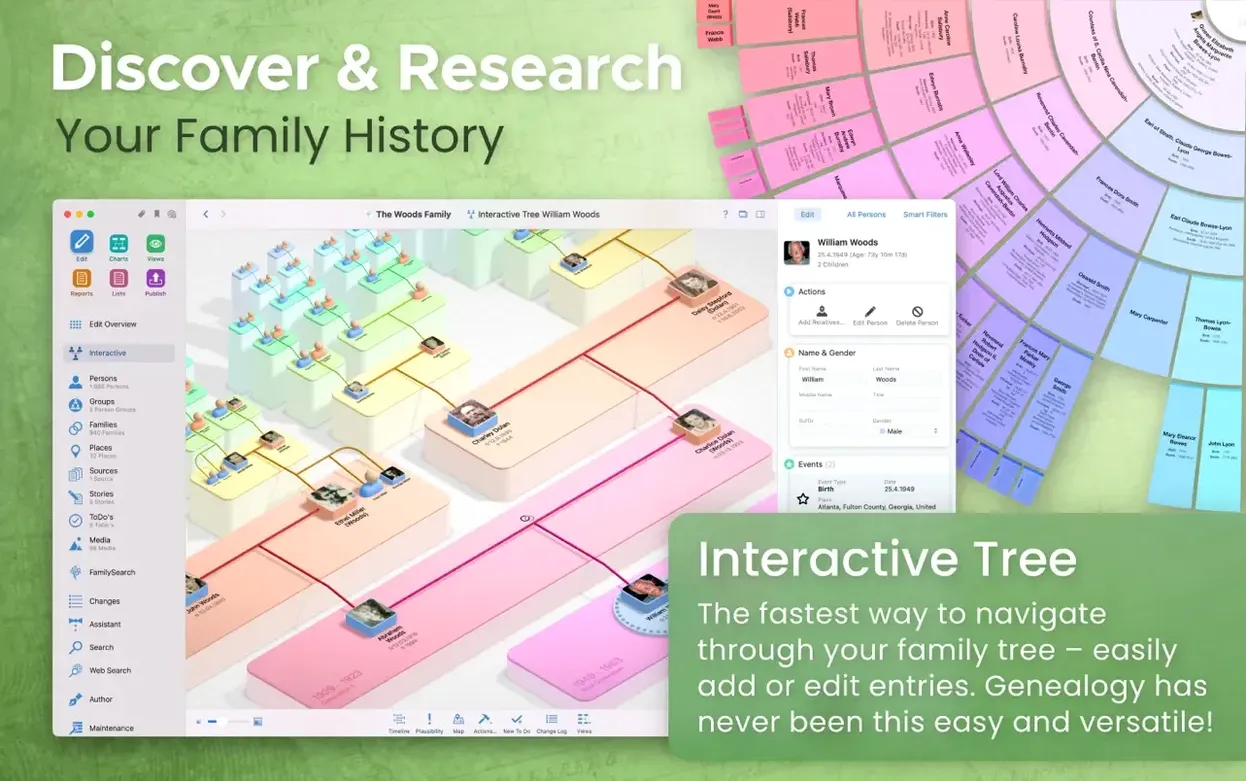
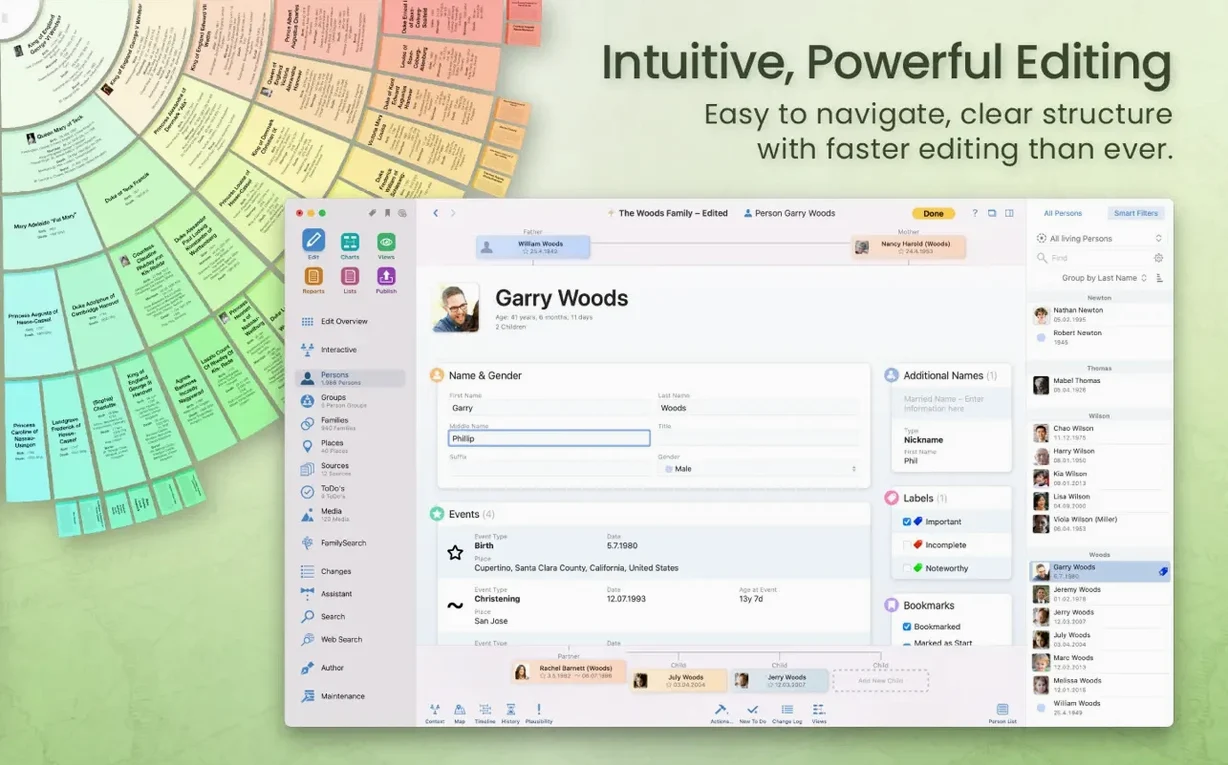
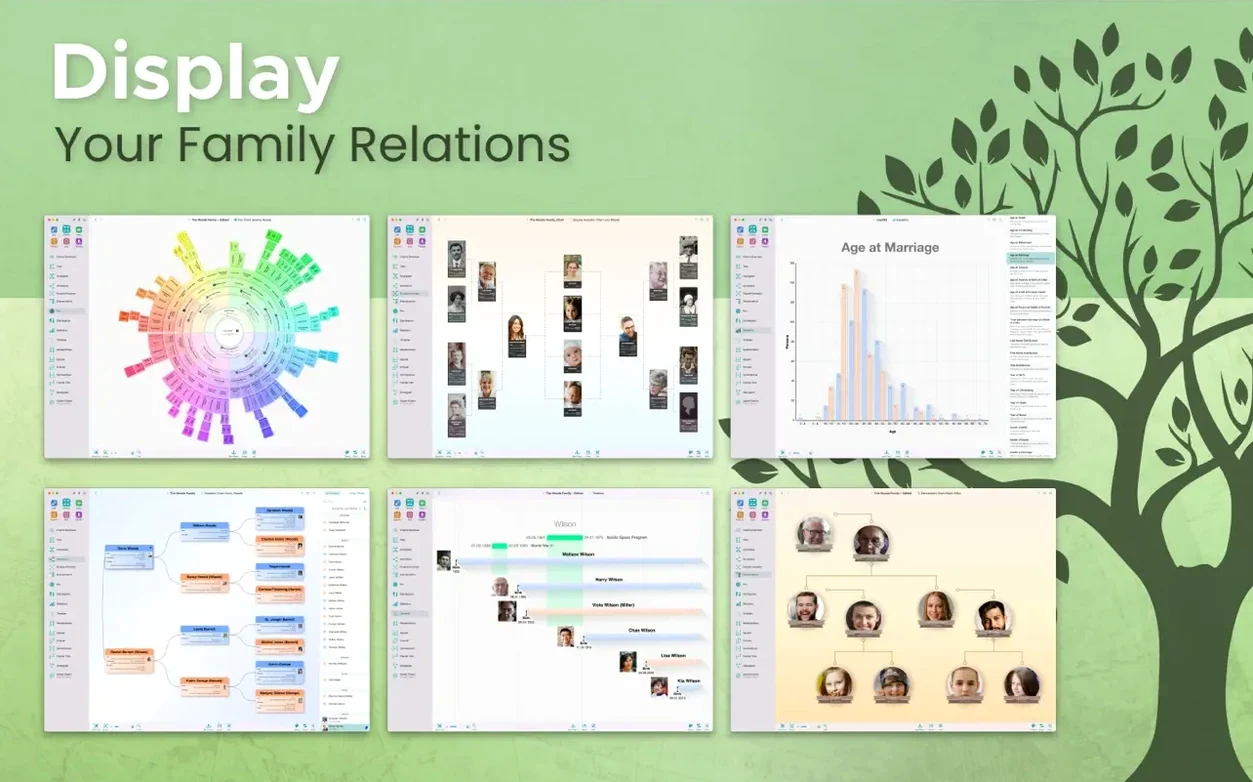
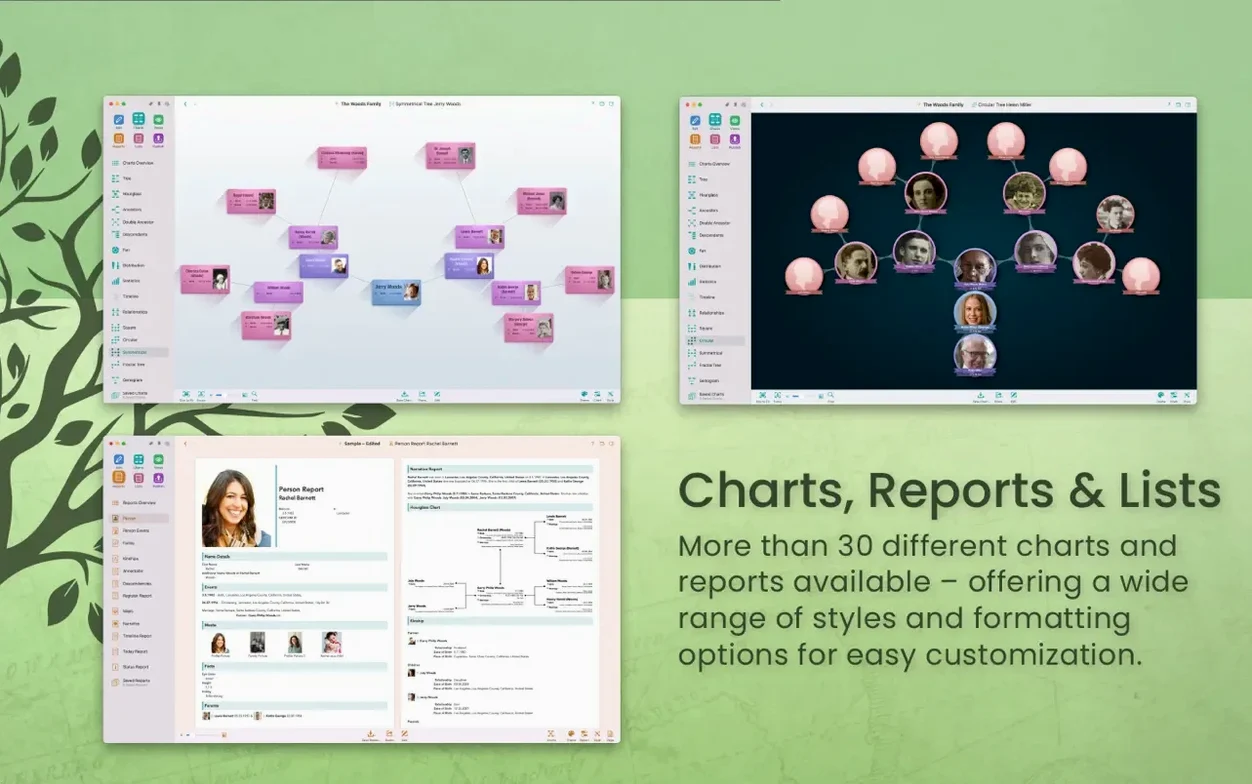
Over forty distinct chart styles sit inside MacFamilyTree, yet the ones that hold an experienced researcher's attention are often the least decorative. The statistical name distribution map, for instance, plots surname frequency across regions using integrated data, while the credibility report assigns a weighted score to every fact based on source quality and conflicting evidence — a quiet tool that can reshape an entire tree.
- Genogram and relationship charts: Built for analysis rather than display, the genogram maps emotional and medical relationships across generations, while the relationship chart calculates the exact connection path between any two individuals.
- Event and source-based reporting: The descendant, narrative and event reports pull directly from attached sources, letting you generate text that traces a single event through multiple branches, with automatic citation formatting.
- Virtual globe and migration mapping: Place data from your tree is plotted onto an interactive globe or a flat map, showing migration paths and clustering events geographically — useful for spotting patterns you might miss in a list.
- Integrated genealogy portal search: FamilySearch and other portals can be queried directly from a person's profile, with matches previewed inside the app rather than requiring a separate browser session.
- GEDCOM plus multi-format export: Import and export are handled through GEDCOM, but charts and reports can also be written out as PDF, PNG, or rich text, keeping data portable across the entire workflow.
A companion app, MobileFamilyTree, mirrors the tree on iPhone and iPad, and the Mac version can publish directly to a hosted family website. The interface, available in sixteen languages, runs natively on Apple Silicon. In short: the surface is welcoming, but the deeper tools are built for people who already know precisely what they want to find.
Source hygiene: building a small library on day one
Genealogy software rewards early discipline, and MacFamilyTree is no exception. The first thing I did after importing a test GEDCOM was create a small source-library hierarchy — just three or four source records for a single branch — to see how the credibility engine behaved. That small exercise revealed something useful: the app does not treat all cited facts as equal, and understanding its weighting logic early prevents a lot of re-scoring later.
Two other habits proved valuable within the first week. First, attach place coordinates whenever you add a location; the virtual globe and migration map draw their intelligence from these, and going back to geotag fifty events is tedious. Second, decide on a naming convention for person entries before the tree passes a hundred individuals. The search bar is quick, but consistent names make the interactive tree view legible at a glance — especially when you zoom out and the text shrinks.
If you plan to sync across devices, set up CloudTree Sync on the first day and verify that a small test edit appears on both the Mac and MobileFamilyTree within a few seconds. The synchronisation is fast, but checking it early confirms your iCloud configuration is sound before you commit hours of data entry.
Local storage: working offline for years without the cloud
One question keeps surfacing: does the app store data locally, or is everything pushed to the cloud? MacFamilyTree keeps the primary database on your Mac; iCloud storage is optional and encrypted. You can work entirely offline for years and never sync a single byte. The cloud layer is there for those who want it, not a requirement for day-to-day use.
Another recurring concern is scale. People with trees numbering several thousand individuals worry about performance. The interactive tree view redraws smoothly on an Apple Silicon Mac even with four or five thousand entries — I have seen it handle a tree of that size without the zoom stuttering. The heavier operation is the credibility report, which recalculates scores across the entire database; on an Intel Mac it may take a few seconds, while Apple Silicon chips it through noticeably faster.
GEDCOM fidelity also comes up often. The import dialog lets you preview how custom tags will be mapped before you commit, and the export function includes an option to hide living individuals and private notes. In my experience, standard GEDCOM 5.5.1 files round-trip cleanly, though some niche extensions from other software may lose their custom formatting.
Migration mapping: tracing one surname across three generations
Here is how I approach a single research task — mapping how one surname moved across a region over three generations — using only tools inside MacFamilyTree.
- Select the earliest known ancestor with that surname and open their person profile. Confirm that every event attached to them — birth, marriage, census, death — has a place record with coordinates. If not, use the place editor to assign latitude and longitude from the built-in map picker.
- Switch to the virtual globe view and filter the tree to show only direct descendants of that ancestor. The globe plots each event as a pin, and you will immediately see clusters forming. Rotate the globe to check for outliers; a single misplaced pin can mislead the whole pattern.
- Open the descendant report from the Reports menu, set the output to include only place names and dates, and export it as a PDF. This gives you a linear, text-based reference to cross-check against the visual plot.
- Run a statistical name distribution map for the surname in question. The app queries its integrated data and overlays frequency bands onto a region map. Compare this with your tree's plotted events: where your family clustered should, in theory, align with higher surname density — and where it does not, you have a lead worth investigating.
- Finally, if the migration crosses international borders, query FamilySearch directly from the profile of the person whose record sits on that boundary. Matches appear in a sidebar; you can attach promising records as new sources without leaving the app, and the credibility score updates automatically.
The whole sequence takes under ten minutes once the place data is in order, and the combination of visual mapping plus external record search often surfaces a connection that a flat list of dates would never reveal.
Messy archive: consolidating scans, GEDCOMs, and handwritten notes
MacFamilyTree makes the most sense for a researcher who already has a messy collection of scanned documents, half-finished GEDCOM files, and handwritten notes, and who wants to consolidate everything into a single structured database without losing the threads they have already pulled. The credibility report alone rewards people who care about source quality — it is not a beginner's feature, and it expects you to have sources worth scoring.
Mac users who work across an iPad and a Mac also benefit disproportionately. The companion app does not dumb down the tree; it presents the same data with a touch-first interface, and edits sync in real time. If your research happens partly at an archive with an iPad in hand and partly at a desk with a large monitor, that continuity alone justifies the ecosystem choice.
People hunting for a macfamilytree torrent or a macfamilytree 11 crack often discover that the application's real-time syncing and FamilySearch integration depend on server-side components that require a genuine installation to operate at all. The software is not merely a local database; its connected features — CloudTree Sync, the website publishing service, the genealogy portal search — are fully available once you complete the standard activation. The same holds true for those searching for a macfamilytree 10 crack or a mac family tree torrent: older versions lack the current reporting engine and the statistical maps, but with a proper license in place they can still connect to the sync infrastructure that makes the Mac-iPad workflow possible.








Correspondence 0
Take a chair or join the table to send a letter.
No correspondence on this note yet. Letters are read before they appear.