 LeCoqRoti
Compatibility: runs from Catalina onward
Scherlokk requires macOS 10.15 or later and runs natively on both Intel and Apple Silicon Macs. You will need to grant Full Disk Access permission for the app to search all protected folders.
Search: any volume, no index needed
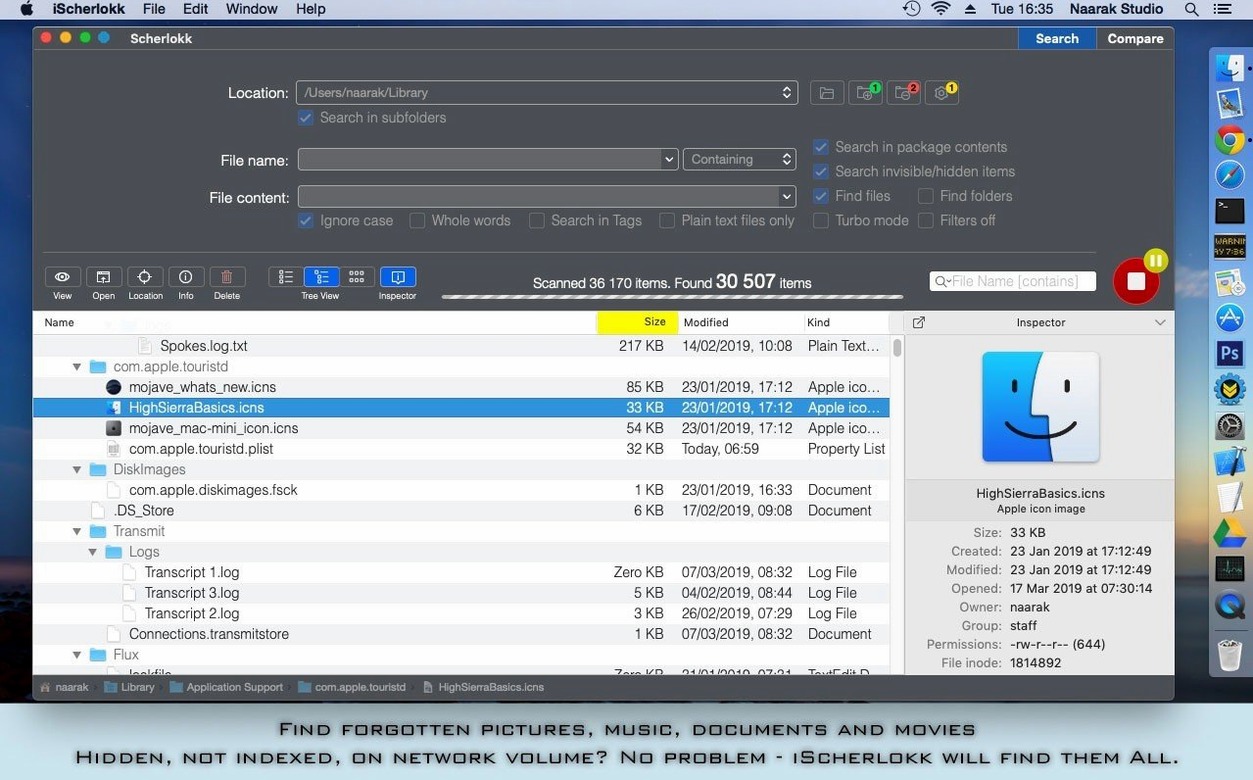
The app uses its own engine to locate files on built-in drives, portable volumes like flash drives and memory cards, and Thunderbolt or FireWire devices. It bypasses the Spotlight index entirely, so it finds hidden and system files that a regular Finder search would miss.
View: flat or hierarchical results
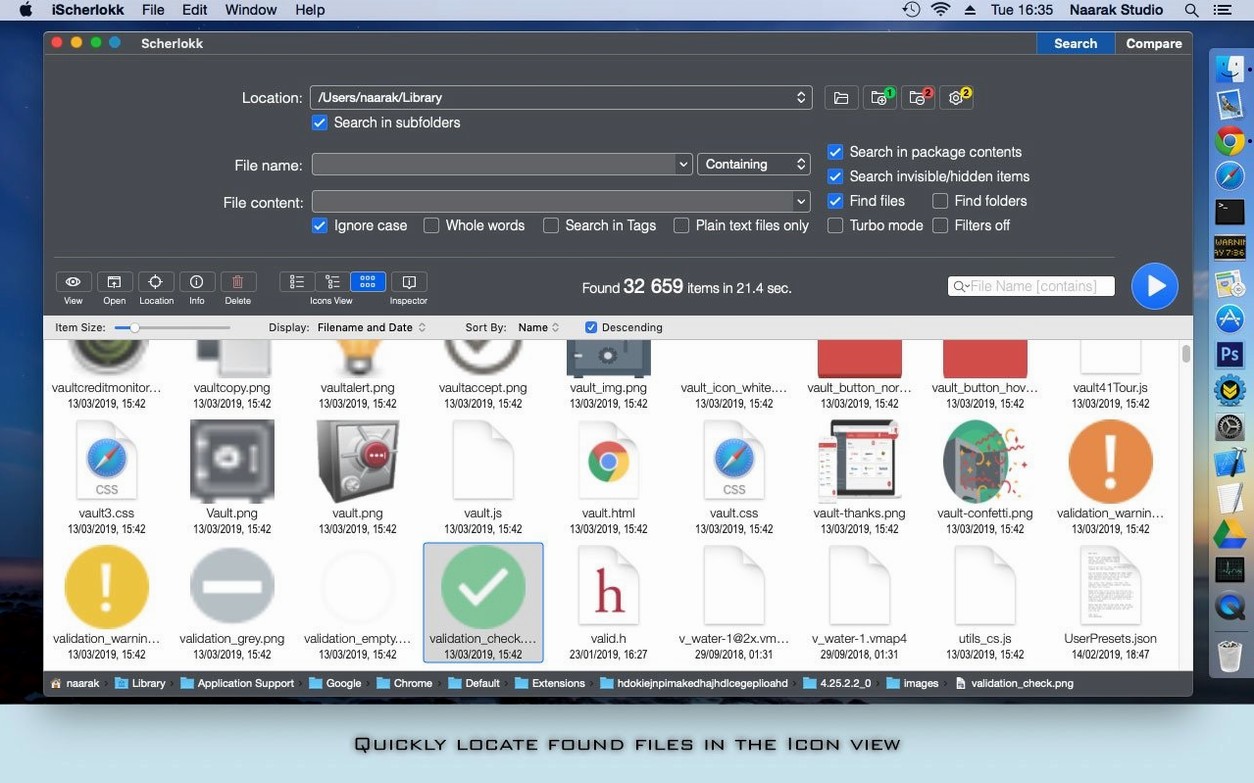
Results appear in either a flat list or a folder-based hierarchy. You can search for music, pictures, movies, documents, or binary files and see them arranged in a way that matches how you think about the folder structure.
A quick audit of the preferences window will make the first few days smoother. Open Scherlokk > Settings and head to the Search tab. The option labelled Always search in package contents is off by default; enable it if you regularly need to peer inside .app bundles, Logic projects, or Sketch files. In the Advanced tab, tick Resolve aliases and symbolic links — without it, a search of your working folders will skip any alias that points to a network location, which can produce confusingly empty results on mounted SMB shares.
One more small change that saves irritation later: in the General tab, set the default double-click action to Reveal in Finder rather than Open. When you are still learning which result is the correct version of a file, seeing it in its folder first provides context that a sudden application launch does not.
Practical ground rules for the first days after installing
Grant Full Disk Access before you run a single search. Scherlokk will prompt you politely, but if you dismiss the dialogue and search /Library or your home folder, you will get incomplete results with no obvious warning. The absence is the warning.
Next, resist the urge to search your entire startup volume as a first test. The engine is fast, but scanning a terabyte of loose assets without a location filter teaches you nothing about the tool. Instead, pick a folder you know intimately — a project directory with a few hundred files and some nested duplicates — and run three or four narrow searches there. Learn what the flat view obscures and what the hierarchical view clarifies before you widen the scope.
When you do move to network volumes, mount the share in Finder first. Scherlokk sees AFP, SMB, and FTP volumes through the standard mount points; if a NAS does not appear in the location picker, it is almost always because the share was not mounted at the system level. Connect in Finder and the volume will appear in the sidebar within a few seconds.
A scenario: the archivist’s afternoon
Consider a photographer who has just inherited a drive from a retired colleague. The drive holds sixteen years of RAW files, layered TIFFs, and client PDFs spread across a folder structure that was reorganised three times and never fully consolidated. The brief is to locate every layered TIFF larger than 200 MB that contains the word “layout” in the filename, and to find out whether the versions in the “Finals” and “Archive” folders are identical.
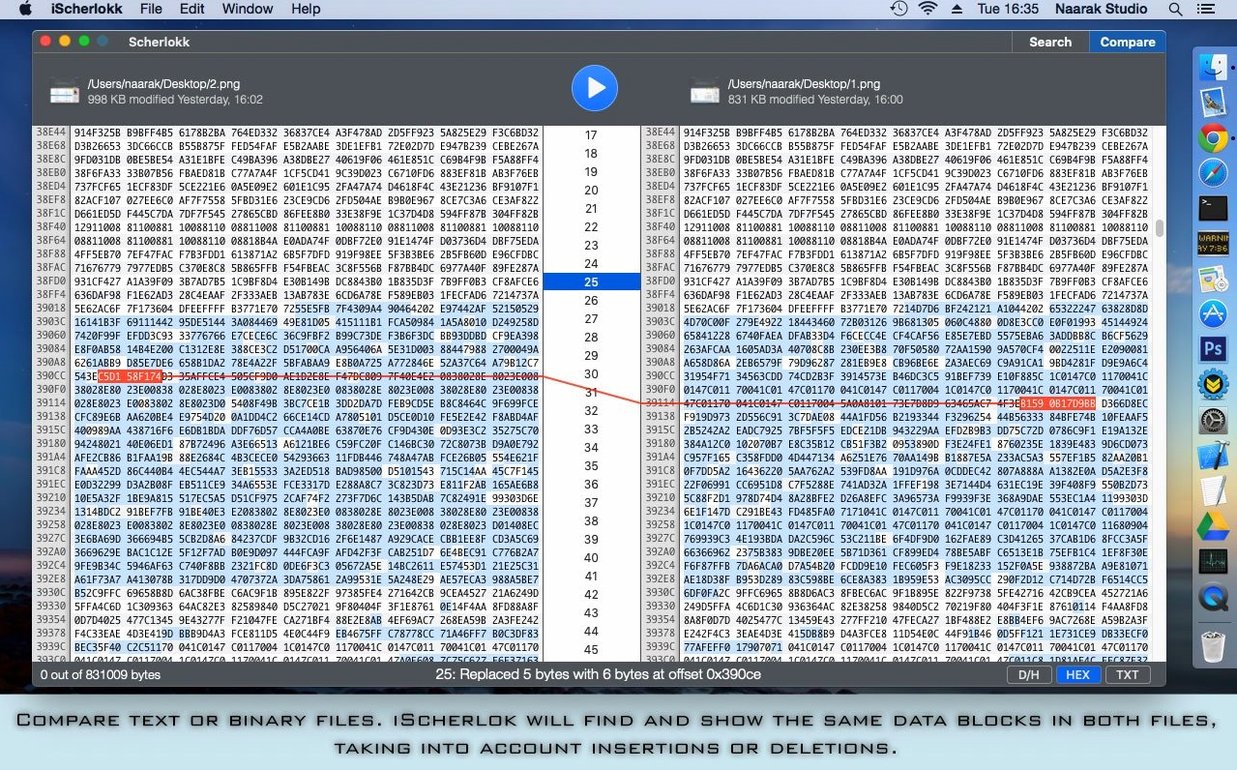
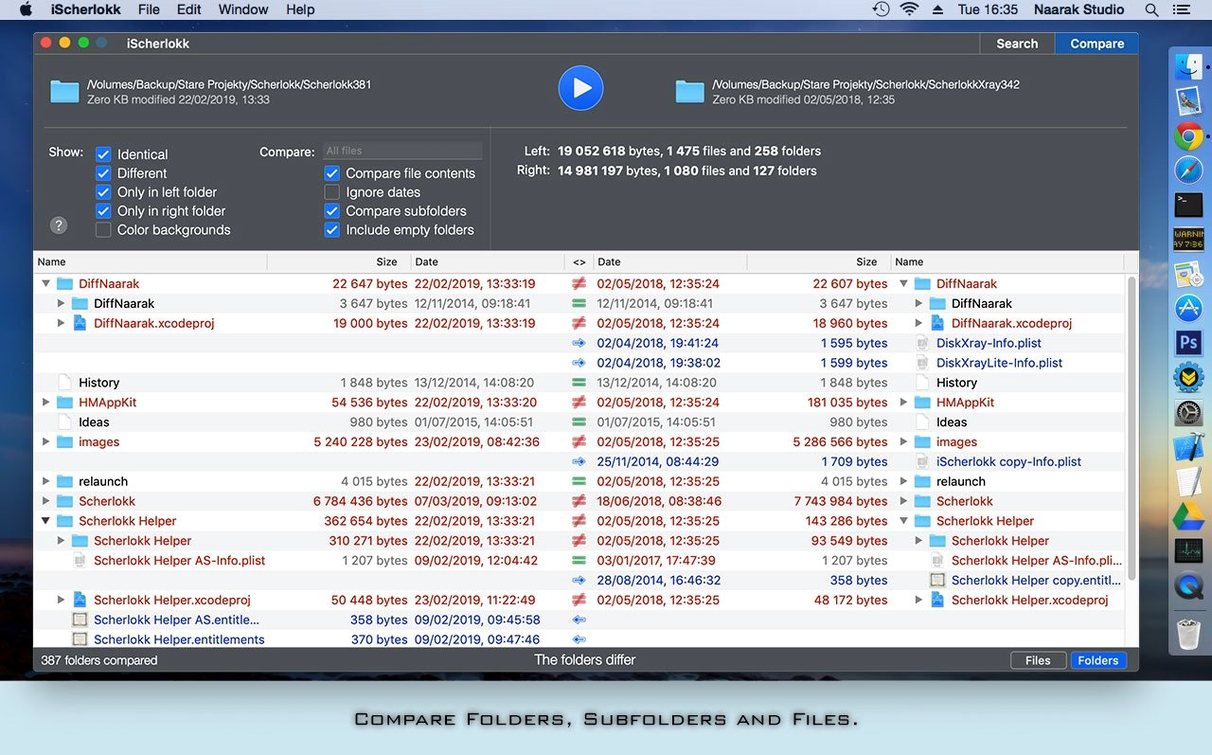
They point Scherlokk at the drive, restrict the search to Pictures, set the file-size filter to 200 MB, and add layout as a name pattern. The result list appears in under ten seconds. They switch to hierarchical view to see which folders still hold candidates, then select a pair of files — one from Finals, one from Archive — and press ⌘D to open the comparison tool. The diff view highlights a single layer that was flattened in the archive copy. A quick Finder reveal, a note to the client, and the question is closed without opening Photoshop once.




Correspondence 0
Take a chair or join the table to send a letter.
No correspondence on this note yet. Letters are read before they appear.