 LeCoqRoti
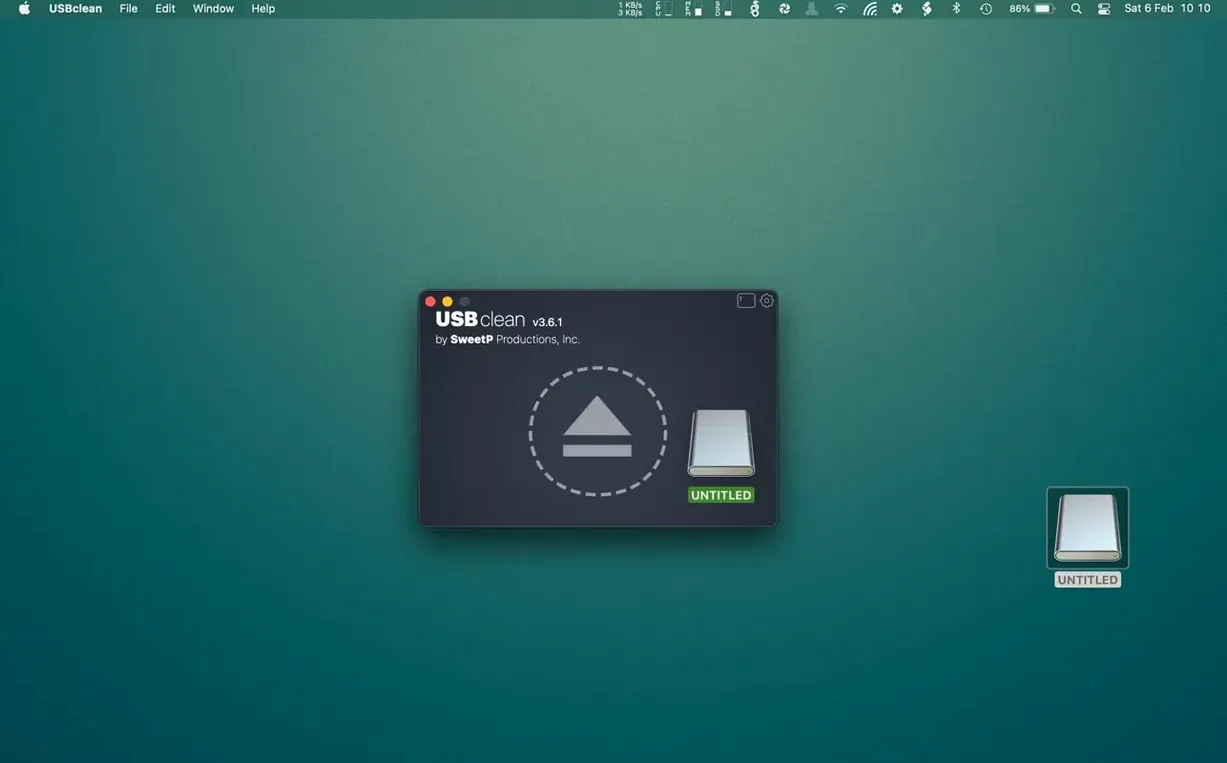
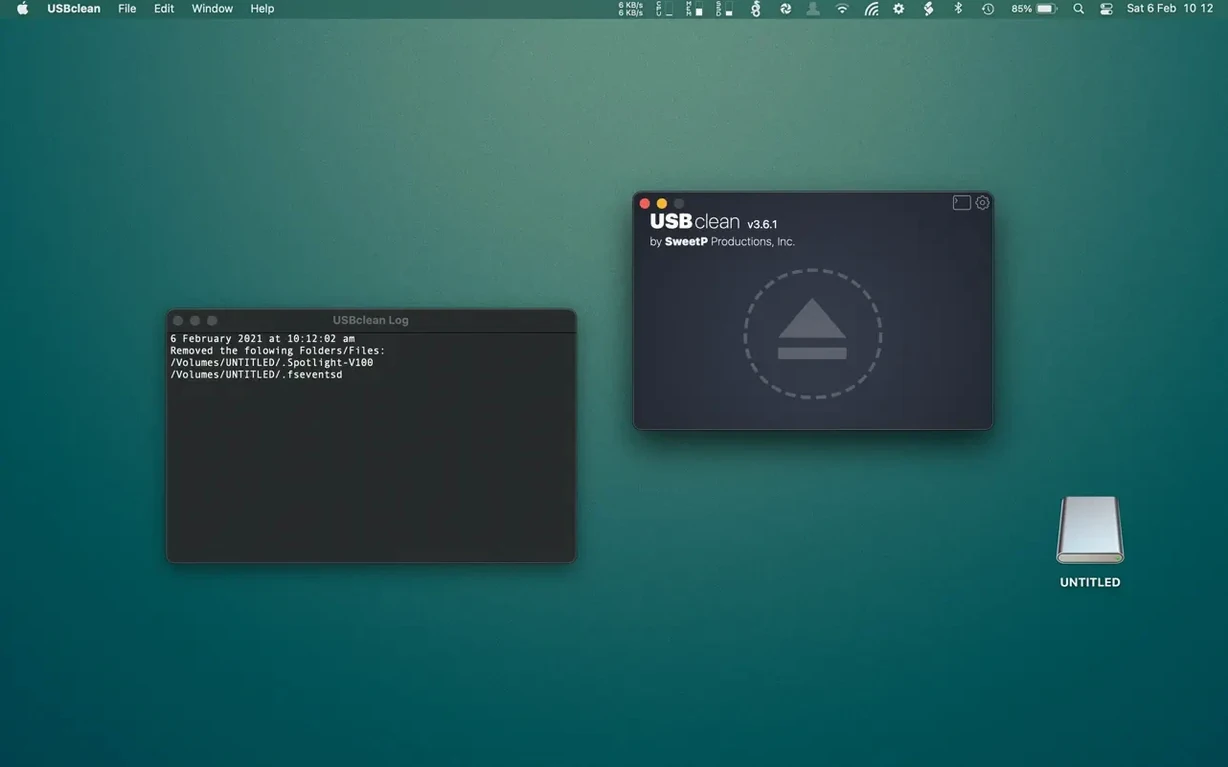
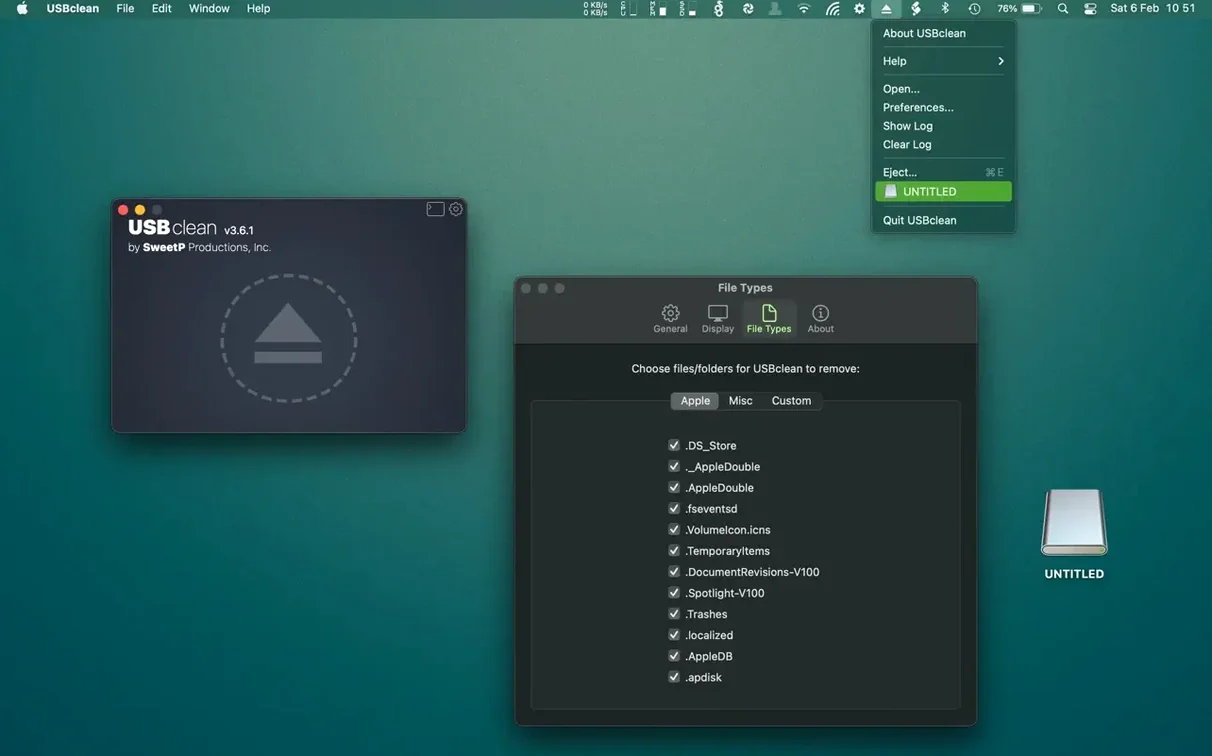
External drives accumulate invisible clutter the moment they touch a desktop: .DS_Store files, orphaned Spotlight indices, Windows thumbnail caches and hidden trashes that sit there doing nothing except confusing shared folders. USBclean targets exactly that layer of digital dust.
Quick scan: see what is hiding
Plug in a USB drive and launch USBclean from the Dock or menu bar. The main window shows a clear list of detected junk — system files you rarely see in the Finder — so you can check what will be removed before touching anything.
Shared drives: strip platform leftovers
For sticks that travel between Mac and Windows machines, tick the option to remove Windows-only files alongside Mac detritus. Thumbs.db and .DS_Store both vanish in one pass, leaving the drive genuinely clean for the next person who mounts it.
Custom types: teach it what to watch for
Beyond the built-in targets, you can add any file extension to the removal list. Temporary export files, editor backup suffixes, forgotten zip archives — whatever tends to collect on your own working drives.
Workflow: preparing a camera card for a new project
A photographer returns from a shoot and inserts an SD card that has travelled through multiple devices: a camera, a Windows laptop for a quick review, and now a Mac. Before importing anything, drag the card’s icon from the desktop straight onto the USBclean window. The scan reveals .DS_Store files left by the Mac preview, Thumbs.db dropped by the Windows laptop, and a handful of hidden .Spotlight-V100 folders the camera itself never asked for.
With the card selected, pick the “Mac-specific” and “Windows-specific” presets together. Add the custom extension .xmp — the photographer knows sidecar files from an earlier culling pass are still sitting in the DCIM folder, no longer needed. USBclean lists every matching item with its full path and size, so a quick visual check confirms the selection. One click clears them all. The card ejects clean, carrying only raw files and the folder structure the camera expects. Ingest proceeds without Finder warnings about hidden files, and the next machine that mounts this card — whatever platform — sees nothing unexpected.
Scans only the drives you select: startup disk left alone
Does USBclean alter files on the internal disk?
It does not. The application only scans and cleans volumes that are explicitly selected, and external drives are its entire focus. The internal startup disk is not touched, so there is no risk of removing system files from macOS itself.
What if a USB drive needs some of those hidden files?
A drive formatted and used only by a single Mac benefits from .DS_Store and Spotlight indices; they store folder view settings and speed up searches. USBclean is designed for drives that circulate — flash sticks handed between colleagues, external SSDs shared with Windows machines, media cards inserted into printers and cameras. If a drive never leaves one Mac, there is little reason to run the utility, but no harm in scanning to see what has accumulated.
Can the removal be undone?
No. USBclean deletes files immediately, not through a quarantine or trash. The preview list is the safety net: reviewing it carefully before clicking “Clean” is the recommended habit, especially when custom extensions have been added.
Rescued multi-terabyte drives: no beachball during folder enumeration
Version 4.5 brought a redesigned scanning engine that handles large drives — multi-terabyte external disks — without beachballing during the enumeration phase. Earlier builds could pause noticeably on deeply nested folders; the current release walks directory trees in a way that keeps the interface responsive, which matters when a drive holds tens of thousands of files.
Finder integration also tightened: the right-click context menu item now appears more reliably across macOS 11 and later, and the menu bar helper no longer requires a separate permission dance on Apple Silicon Macs. Drag-and-drop from the desktop feels snappier, and the results list draws immediately on first launch, where previous versions sometimes showed a blank pane until a manual refresh.
For users seeking a usbclean for mac free download, the current build is packaged with a Gatekeeper-friendly disk image that works on both Intel and ARM machines. Language coverage expanded as well — French and Portuguese localisations joined the earlier set, so the interface adapts to six languages depending on system preferences.








Correspondence 0
Take a chair or join the table to send a letter.
No correspondence on this note yet. Letters are read before they appear.