 LeCoqRoti


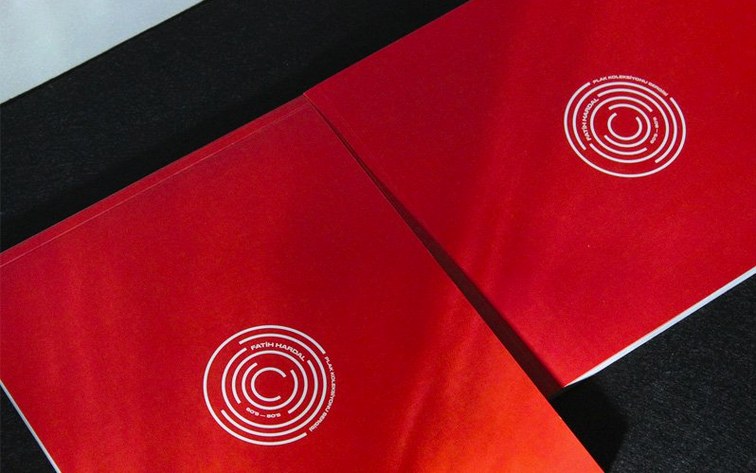
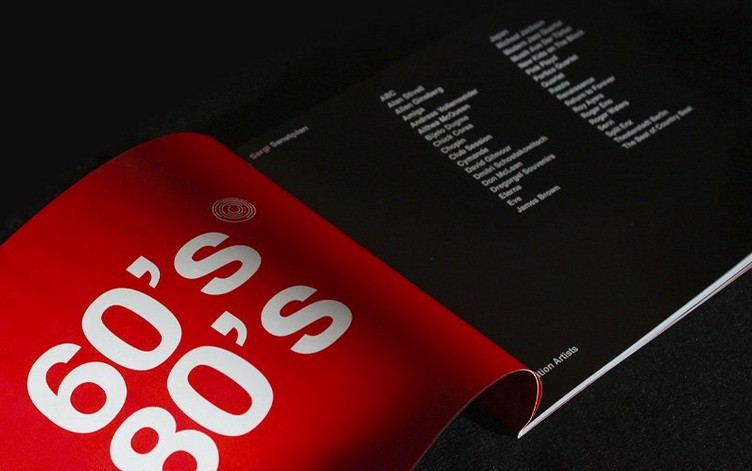
InDesign 21.5.1 runs on any Mac with macOS 13 Ventura or later, on both Intel and Apple Silicon hardware. Eight gigabytes of RAM and about four and a half gigabytes of free disk space cover the minimum; Metal support is recommended for reliable GPU performance. The application remains the standard tool for preparing books, magazines, brochures and digital publications that need precise typography and layout control.
What changed: small, practical refinements
- Data Merge now accepts multiline records and UTF-8 encoded data files, which simplifies working with non-Latin text in variable-data projects.
- HTML previews generate directly, without the separate HTML Preview plugin.
- Table accessibility improvements apply to both PDF and EPUB exports.
- Alt Text can be generated or removed in bulk across multiple images, which matters for long documents.
- The Keyboard Shortcuts dialog box includes a search field.
- Local files can be added as cloud documents, and cloud documents can be downloaded from the home screen.
Core toolkit: frames, master pages and styles endure
The core working method is unchanged: frames for text and images, master pages, character and paragraph styles, and a familiar tool set for long-form layout. Collaboration and review comments remain part of the package, as do publishing options for print, web and tablet apps. The update refines the edges rather than reshaping the tool.
Comparisons: how it sits alongside other layout tools
Three other applications tend to appear in the same conversation: Affinity Publisher, QuarkXPress, and Apple's own Pages. Each has its own centre of gravity.
Affinity Publisher feels lighter and more direct for smaller jobs. The interface is calmer, and the typographic controls are genuinely good. But InDesign's advantage appears the moment a project grows: long books with hundreds of linked text frames, conditional text, GREP styles and shared libraries are simply easier to manage here. Publisher is a fine tool for a poster or a short brochure; InDesign is the tool for a 400-page technical manual across three languages.
QuarkXPress remains a serious alternative, particularly in environments that never left it. The two applications have converged over the years, and a production artist can move between them without much friction. InDesign still has the broader ecosystem: more scripts, more plug-ins, better exchange with Illustrator and Photoshop, and a larger pool of documented solutions. When a layout question arises, the answer is usually easier to find for InDesign.
Pages is not really a competitor for print work. It handles simple documents elegantly, but it lacks the frame-and-style discipline that professional layout demands. Anyone trying to produce a catalogue or a magazine in Pages will eventually hit the same wall: the application wants to help, but it does not understand why a text frame must not move by half a millimetre.
A workflow: from manuscript to print-ready journal
Consider a quarterly journal, around 120 pages, with a mix of essays, photographs and footnotes. The work starts in a word processor, where the editor sends each article as a separate document. The designer begins by setting up the InDesign file: a facing-pages document, margins calculated on a baseline grid, and a set of master pages for the opening spread, the running text, and the section dividers.
The first step is to define the styles. Body text, pull quotes, captions, three levels of headings, footnotes. Each style carries its own paragraph rules, hyphenation settings and language. Once the styles are in place, the manuscript flows into a primary text frame threaded across the document. Footnotes arrive with the text, numbered automatically and placed at the bottom of the correct column.
Photographs go into a separate layer. The designer uses the frame-fitting options to control how each image sits inside its frame, then applies a consistent caption style beneath. With InDesign 21.5.1, Alt Text can be generated in bulk for the image set, which saves a considerable amount of clicking when the journal is exported to accessible PDF.
Before export, the preflight panel checks for overset text, missing fonts and low-resolution images. The designer runs a final pass with the story editor to catch any formatting that escaped the style system. Then the document is exported to PDF with the press profile, and a separate EPUB is generated for the digital edition. The whole process, from manuscript to two finished formats, can happen in a day when the styles and masters are well prepared.
Conveniences worth knowing
Some of the most useful features are also the least visible. The Keyboard Shortcuts dialog box now includes a search field, which makes it much easier to find the shortcut for a command you know exists but cannot remember. Instead of scrolling through a long alphabetical list, type a word like "thread" or "frame" and the matching entries appear immediately.
The Data Merge improvements are subtle but real. Multiline records mean a single address field can contain a street and a second line without awkward workarounds, and UTF-8 encoding removes the character-corruption problems that used to appear with Cyrillic, Arabic or East Asian text in data files.
For those who work across devices, the home screen now accepts local files as cloud documents and allows downloading cloud documents back to the Mac. The distinction between local and cloud work becomes less of a barrier, which is useful when a project moves between a studio machine and a laptop.
HTML preview without a separate preview plugin is another small removal of friction. The preview appears when needed, without the extra installation step, and the exported preview reflects the layout more directly.
Finally, the table accessibility improvements deserve attention from anyone who produces documents for public distribution. Tables tagged properly in InDesign now carry their structure into PDF and EPUB exports more reliably, which means less repair work later in Acrobat or in an editor.







Correspondence 0
Take a chair or join the table to send a letter.
No correspondence on this note yet. Letters are read before they appear.