 LeCoqRoti
Most strategy games hand you a battlefield. This one hands you a blank map and asks what kind of civilisation you intend to build. The problem it solves is simple: the restless desire to shape history from scratch, one turn at a time.
Minute to minute: the rhythm of a turn
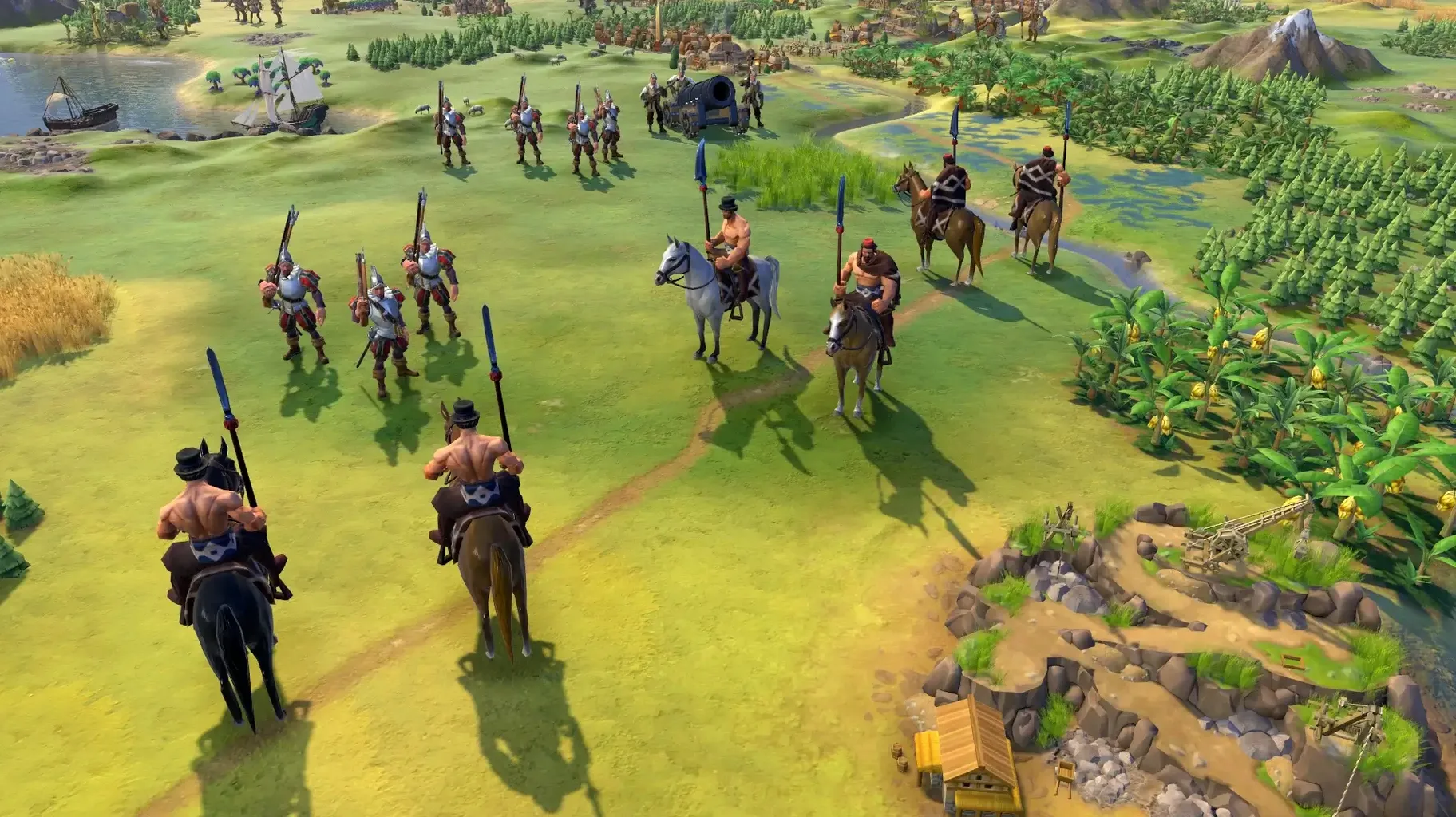
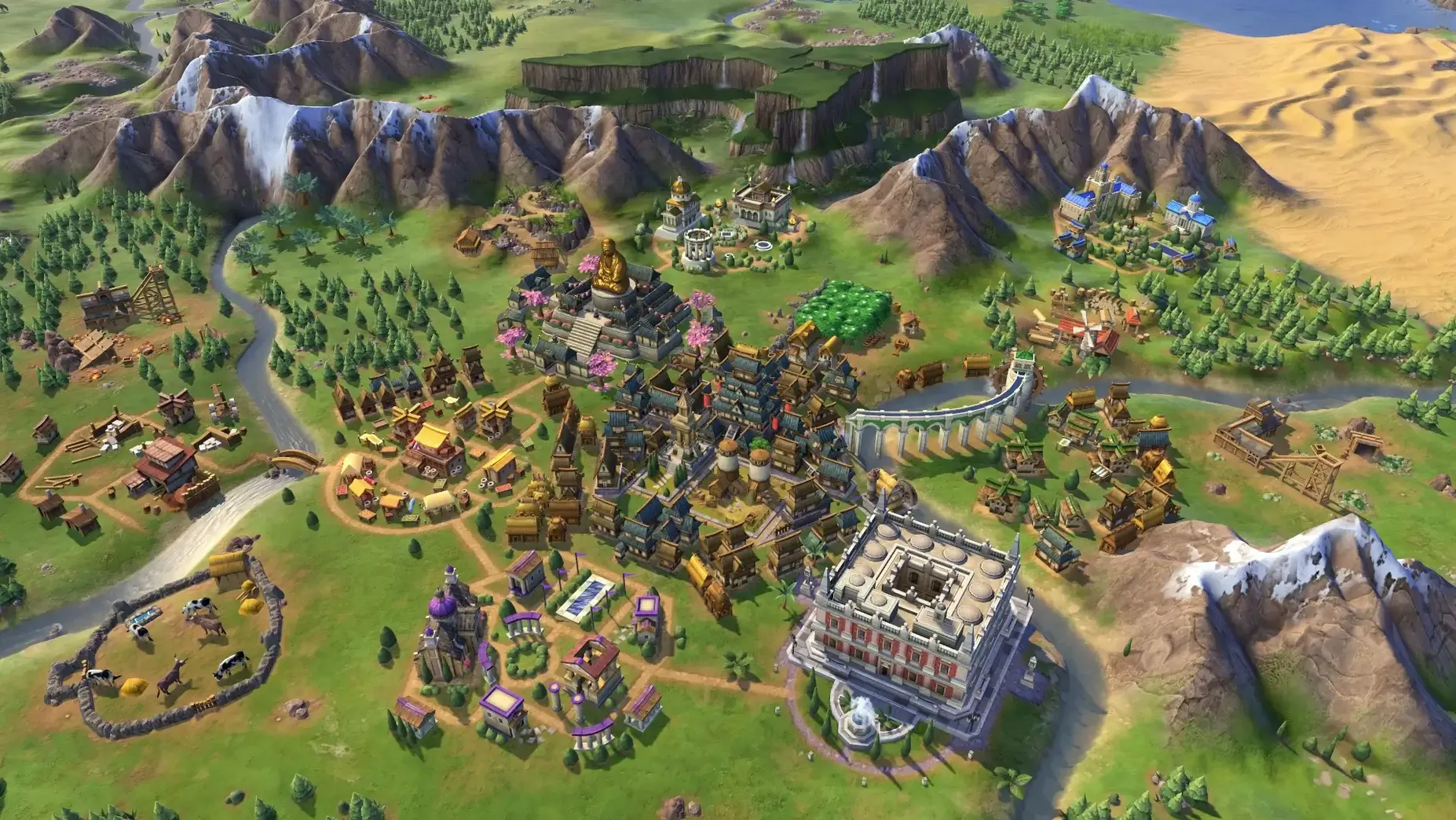
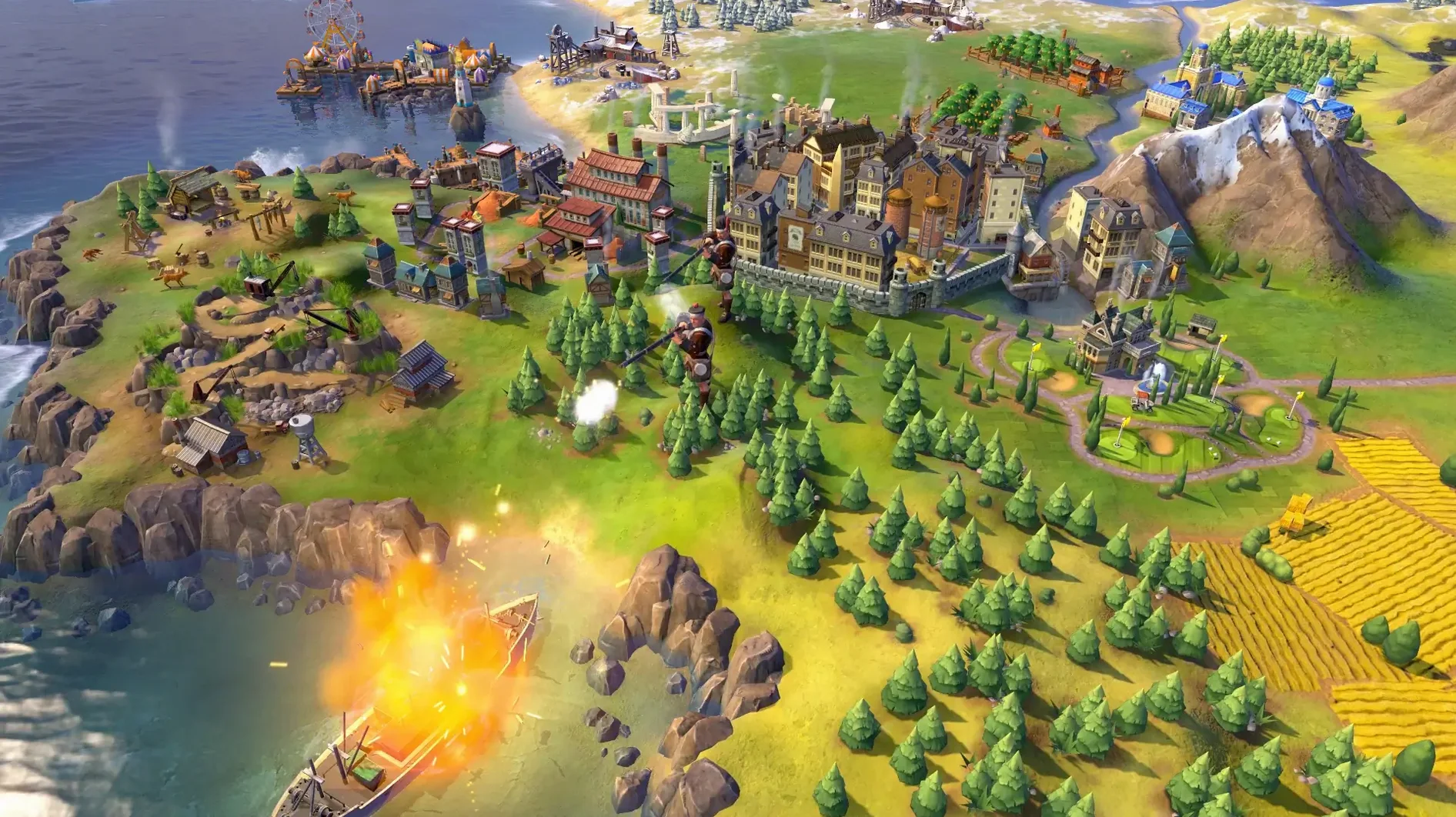
A typical moment finds you scanning the map: your capital’s borders have just expanded to claim a source of iron. A scout in the north spots a barbarian encampment. You queue a builder to construct a mine, select a technology to research, and dispatch an envoy to a neighbouring city-state. Cities grow not in menus but on the map itself, gradually pushing their districts outward. Nothing is abstract. The act of playing is a constant triage of small, satisfying decisions: a wonder begun here, a policy card swapped there. Technological discoveries and cultural knowledge unlock fresh options every few turns, so your toolkit is always changing.
Five routes to the endgame
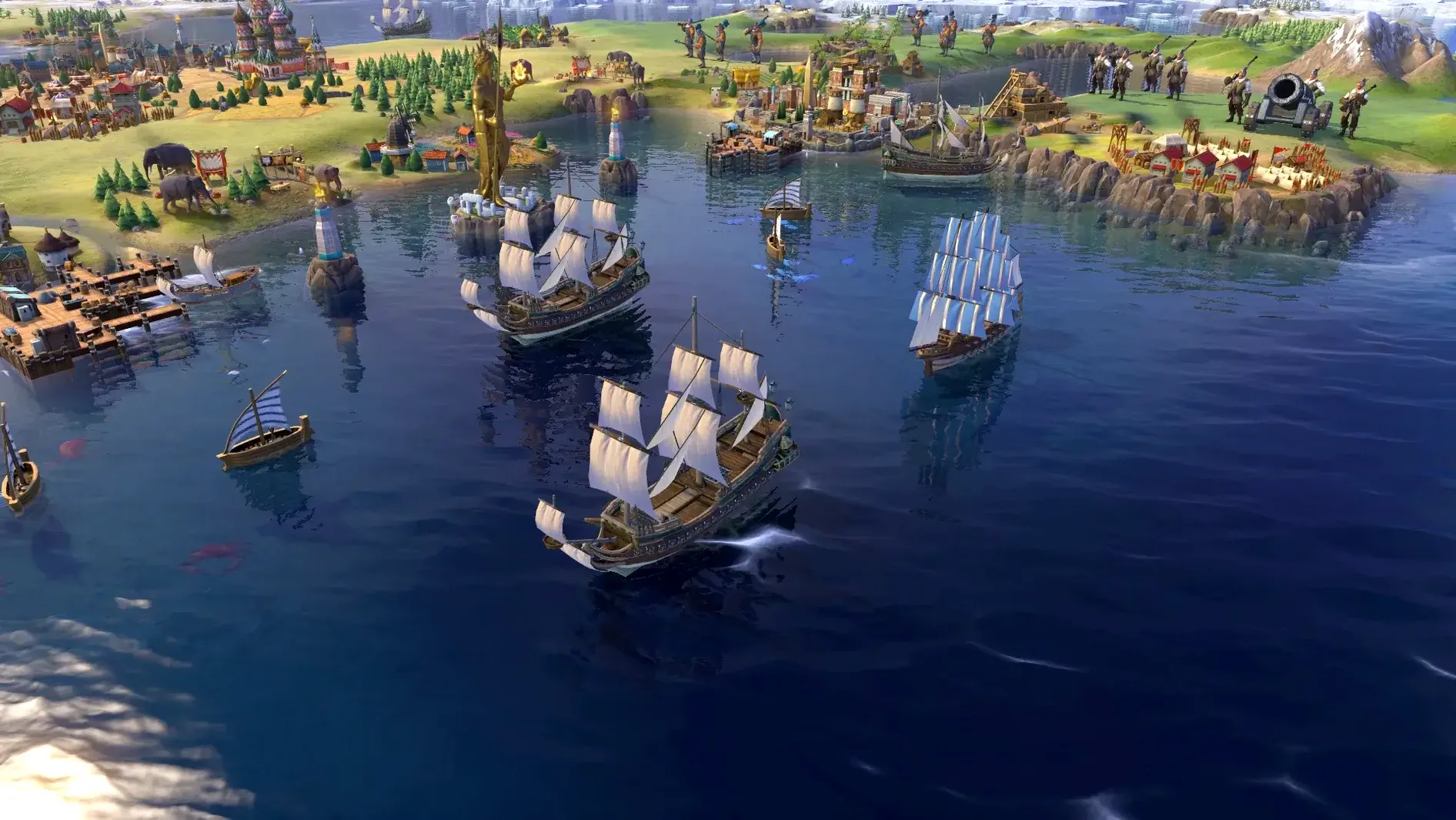
Victory can be achieved in five ways, and you rarely commit to one early. A game that began with a focus on scientific output might pivot toward diplomacy after a well-timed World Congress session. The Platinum Edition bundles the base game with the Rise and Fall and Gathering Storm expansions, which layer in golden ages, natural disasters, and a climate system that gives late-game choices real weight. The update notes for Mac have historically aligned with other platforms, keeping the experience consistent across systems.
A sample workflow: founding a science empire from scratch
Let us say you have drawn Korea under Seondeok. The map is a continents layout, and your first settler stands on a coastal hill beside a river. Before you press Found City, hover over the tile yields: the hill promises production, the river will boost early housing and later allow a water mill. You settle in place. Your warrior moves west, revealing a natural wonder; the +2 science from adjacent tiles will shape your early research. You set your first technology to Writing, queue a scout, and slot the Urban Planning policy card for an immediate production bump.
By turn thirty you have met two neighbours and one scientific city-state. You send envoys to the city-state for bonus science in the capital. Once Writing completes, you place a campus district next to the natural wonder — the adjacency bonus is significant. A builder improves three tiles: a mine on the hill, a farm on the floodplain, a quarry on stone. Research now pushes toward Education. The moment your campus is finished you assign a citizen to work it. Within sixty turns you are generating science at twice the rate of your rivals and have unlocked the Seowon unique district, which you place on a second hill with no adjacent districts, as the bonus demands. The snowball is real.
Pre-game tweaks: skip the animations and lock the map
Civilization VI ships with sensible defaults, but a few tweaks make a noticeable difference. Open the game options before starting a new session and consider these:
- Quick movement and quick combat — turn these on. Watching every unit animate across the map loses its novelty after the first era. The time saved per session is measured in minutes, not seconds.
- Show yield icons — toggle this from the map options menu, just above the minimap. Seeing the raw numbers on every tile (two food here, one production there) makes settling decisions far faster and more deliberate.
- Tile tooltip delay — set it to zero or near-zero under Interface options. You want instant feedback when your cursor lands on a tile, not a half-second pause that interrupts your scanning rhythm.
- Automatic unit cycling — disable it. The default behaviour jumps the camera to the next idle unit, which can be disorienting when you are mid-thought elsewhere on the map.
- Strategic view toggle — keep it bound to a comfortable key. The simplified hex-grid view is a mercy on older Mac hardware when the late-game map fills with units and districts, and it keeps the fan quiet.
Launch failures on macOS: moving the Mods folder
A few friction points recur, particularly on macOS. The first is the application refusing to launch after a system update. The fix is usually straightforward: navigate to ~/Library/Application Support/Sid Meier's Civilization VI/ and temporarily move the Mods folder to the desktop, then try launching again. Corrupted mod data is often the culprit, and the game will regenerate a clean folder on its own.
Another snag concerns the display resolution on Retina screens. If the interface feels cramped, open the in-game graphics options and experiment with the UI scaling slider. A value of 125% or 150% often restores comfortable proportions without blurring the map. On Apple Silicon machines, the game is optimised for the architecture, but some players report occasional stutter when the map scrolls quickly across large cities. Switching the anti-aliasing setting from MSAA to FXAA usually smooths this out with negligible visual cost.
A third issue: local multiplayer sessions sometimes fail to discover one another. Ensure both Macs are on the same Wi-Fi network, then check that the firewall is not blocking the game. The quick test is to open System Settings and temporarily disable the firewall for a test session. If that works, add Civilization VI as an allowed application rather than leaving the firewall off. Finally, saved games can grow unwieldy in late eras. If autosave pauses become intrusive, reduce the autosave frequency in game options from every turn to every five turns and lower the number of stored autosaves to three.







Correspondence 0
Take a chair or join the table to send a letter.
No correspondence on this note yet. Letters are read before they appear.