 LeCoqRoti
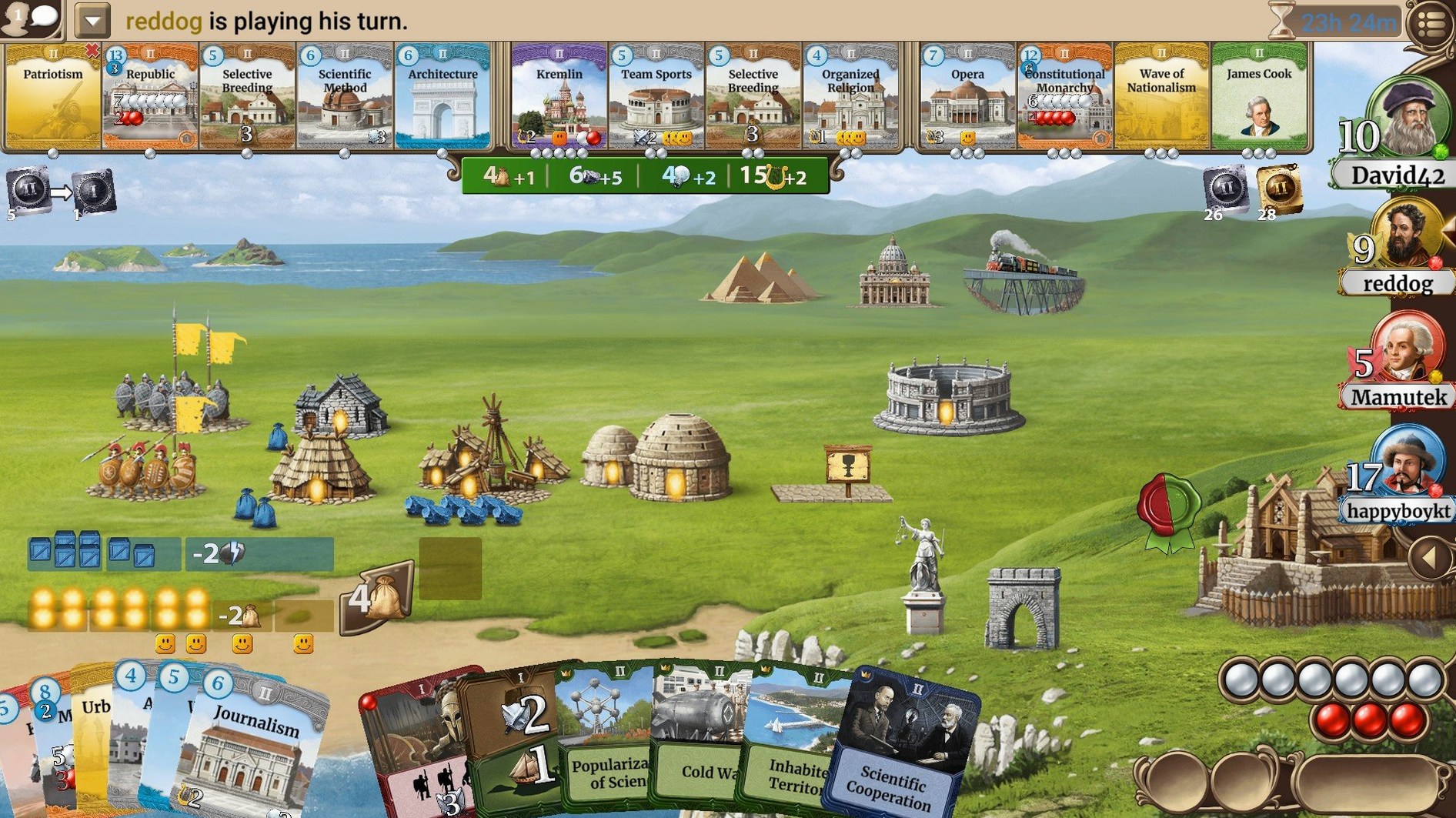
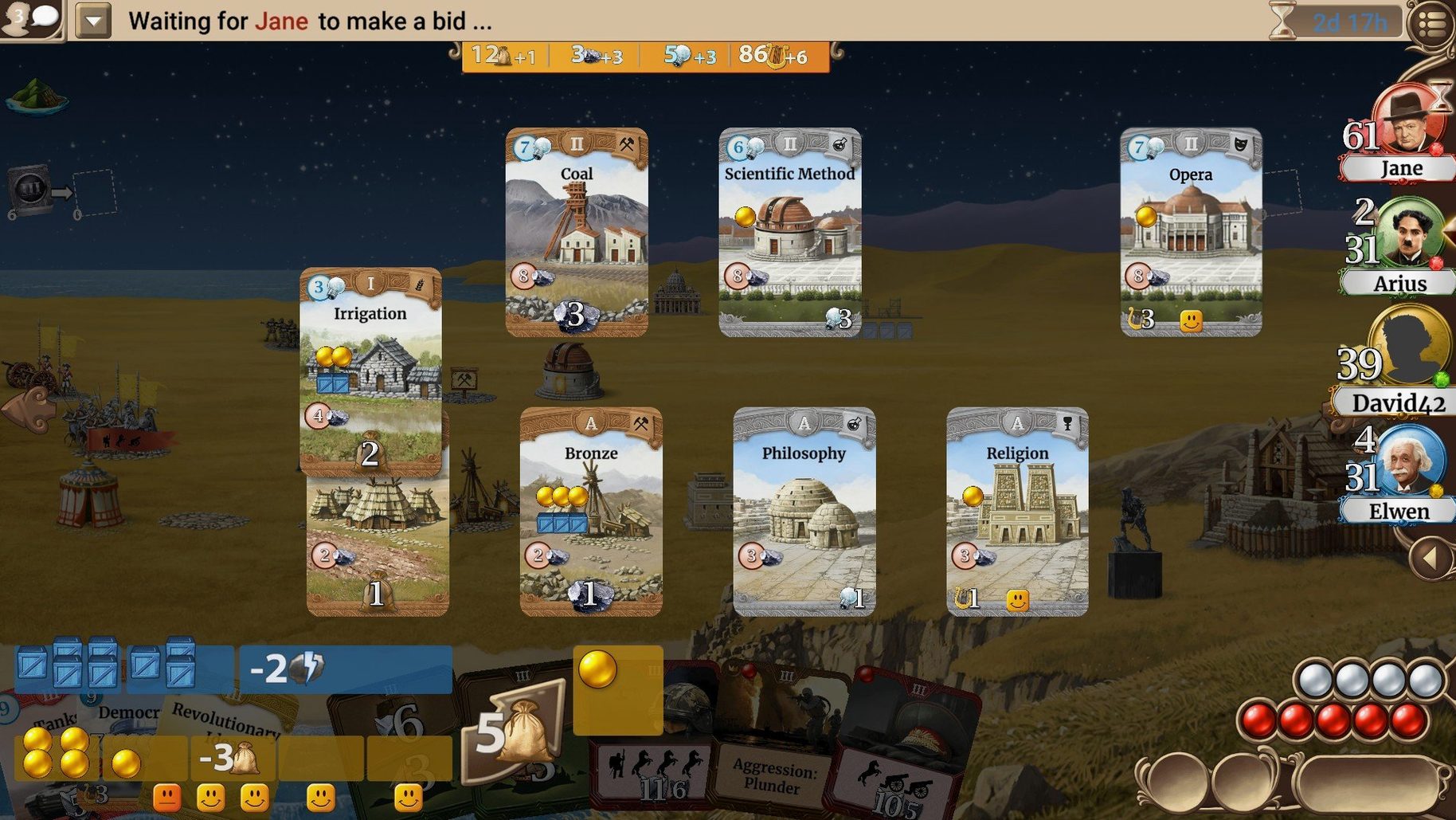
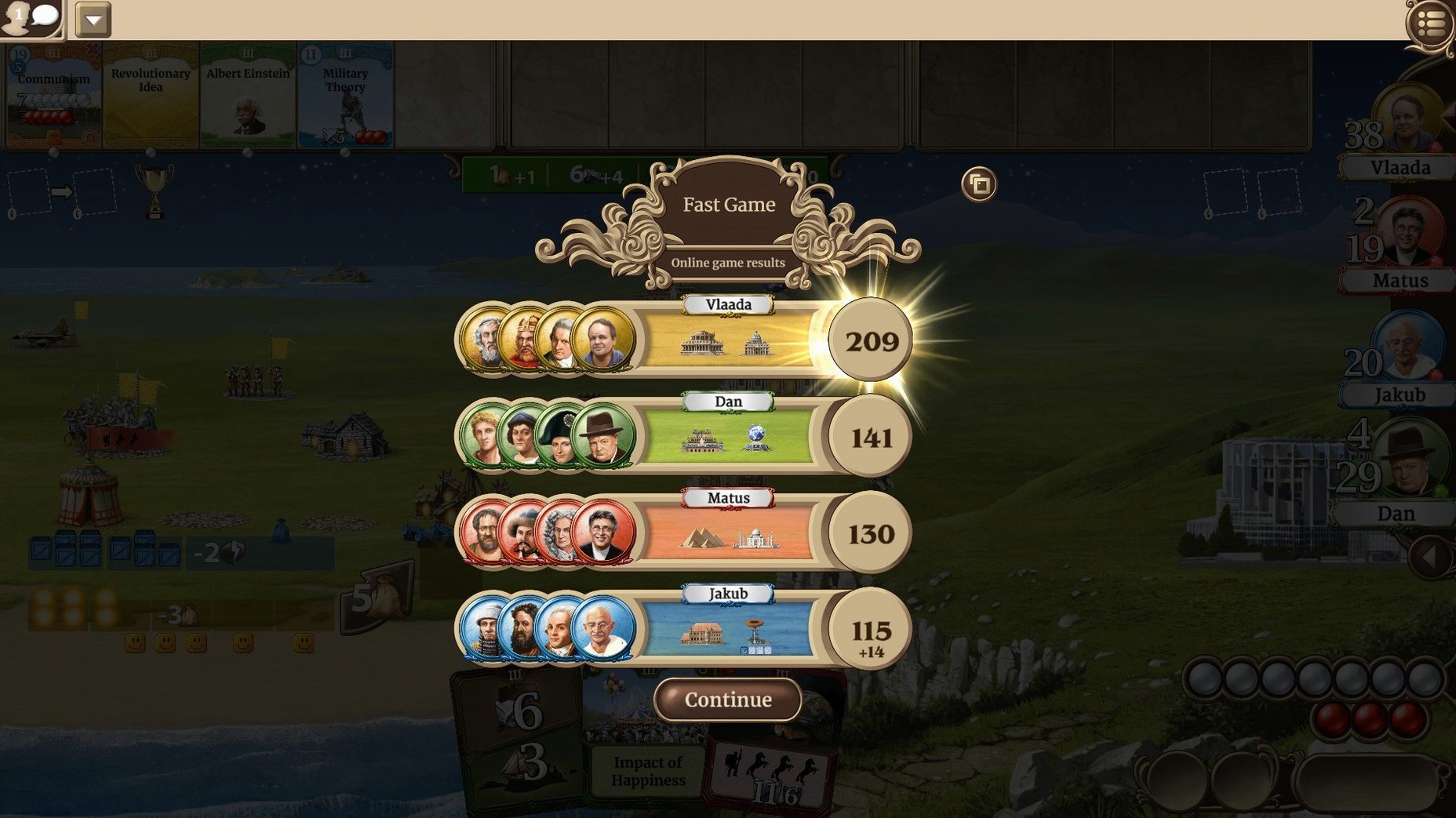
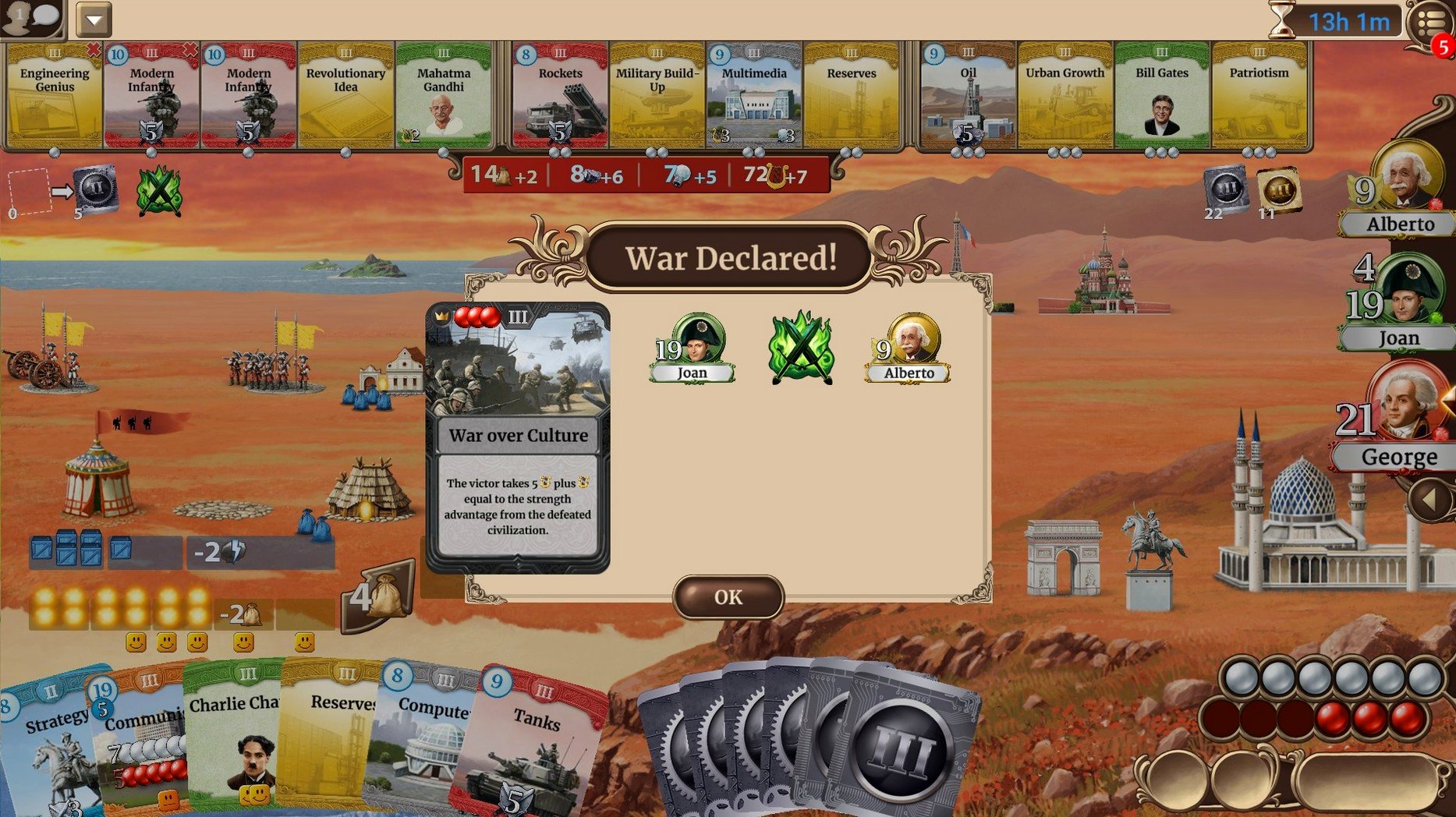
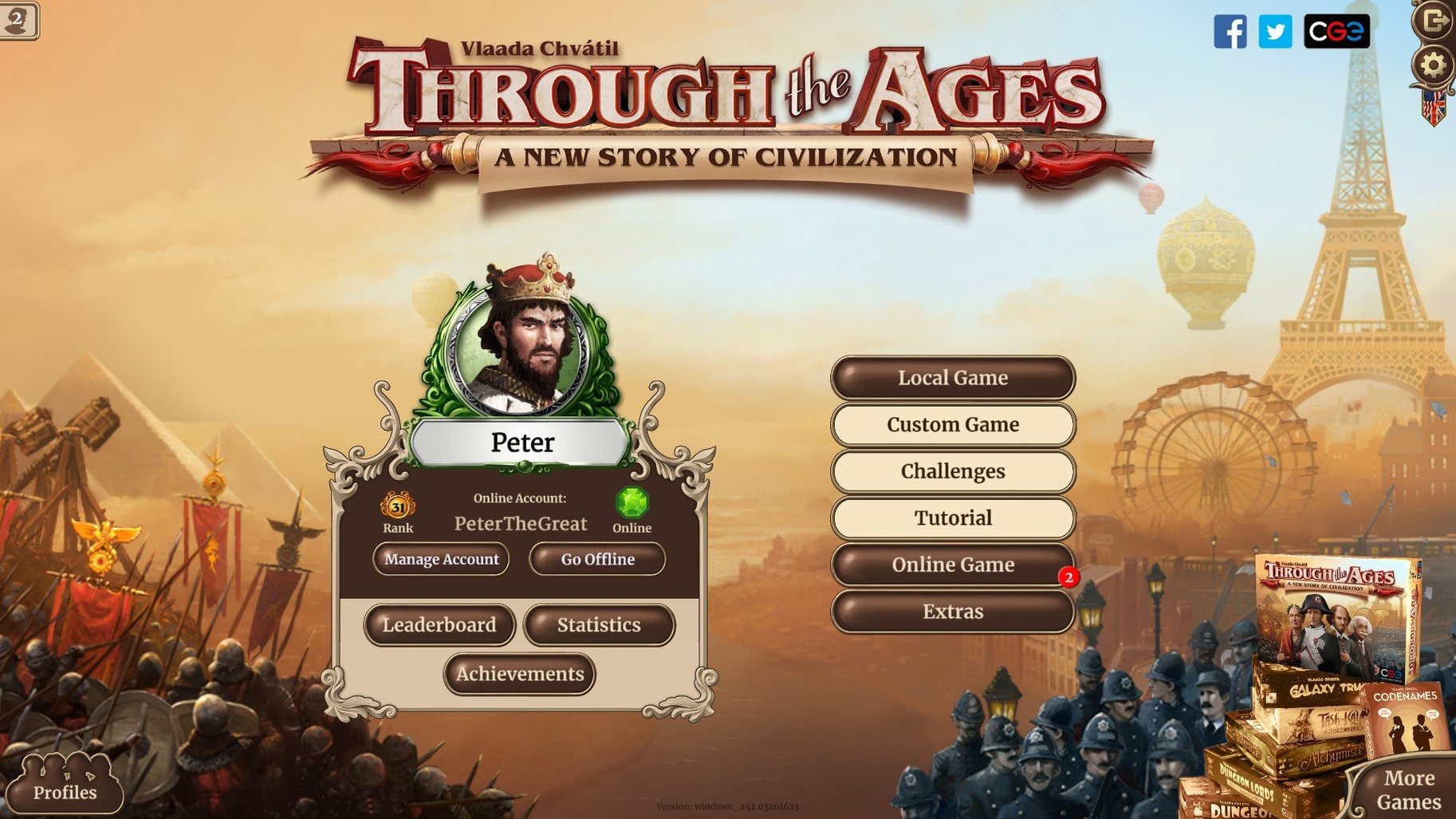
Through the Ages is a digital civilisation-building strategy game, the official adaptation of Vlaada Chvátil’s celebrated board game. Players guide a society from antiquity to the modern era, balancing science, culture, military and food production across a series of increasingly complex turns. The Mac version carries the board game’s weighty decision-making into a clean digital space: card rows are legible, resource tracks stay visible, and the passage of ages unfolds with a quiet, methodical rhythm. Performance on Apple Silicon machines relies on Rosetta 2, as the build is Intel-native; on a 2024 M4 Mac mini under macOS Tahoe, the interface remained responsive and the music — the game’s sole audio element — played without interruption.
- Interface language set includes Russian, English, German, French, Spanish, Italian, Portuguese, Polish, Czech, Hungarian, Ukrainian, Simplified Chinese, Korean and Japanese.
- The game uses music for its entire audio content; there are no voice-overs or sound effects beyond the score.
- Tested on macOS Tahoe with an M4 Mac mini, where it ran smoothly via Rosetta 2 translation.
- Card art and iconography are drawn directly from the physical edition, preserving the board game’s visual character.
- Single-player matches and local pass-and-play are both available; the tempo suits long, contemplative sessions.
A full playthrough can stretch over several hours, and the interface supports that pacing: turn transitions are deliberate, and information stays on screen rather than hiding behind menus. The translation from tabletop to monitor is faithful without feeling cramped. In short: a patient, exacting strategy game that sits comfortably on a Mac screen.
First days: easing into the ages
The tutorial explains card selection and resource spending, but it does not prepare you for the quiet panic of your first full game. Start with a single-player match against one easy opponent. Let the turns run long. Watch how the AI balances mines and farms; it will teach you more than the tutorial slides do. The card row refreshes every turn, and the temptation to grab every appealing technology is strong — resist it. A slim, focused civilisation with one clear advantage (strong science output, say, or a military lead) is far more stable than one that tries to cover every track at once.
In the early days, keep a notepad nearby. The interface shows you raw resource counts, but it will not remind you that you planned to grab Code of Laws two turns from now. Scribble a quick note about which wonder you are racing toward and what yellow card you are saving population for. After three or four games, the mental bookkeeping becomes second nature; until then, a scrap of paper prevents wasted turns.
Right-click card details: hidden gestures
A few interface gestures stay invisible until you stumble on them. Right-click any card in the card row to see its full details without committing to a selection. During the politics phase, hover over an opponent’s name to review their current military strength and their most recent wonder — useful before you decide whether to play an aggression card or hold it. The resource summary at the top of the screen is clickable: selecting your science icon jumps directly to the technology track, and clicking food does the same for agriculture. It saves a surprising amount of scrolling once you build the habit.
If you play with the music on — and you should; the score is understated and helps mark the passage of eras — the volume slider is tucked in the settings under the gear icon, not in the main game view. Adjust it once and it persists across sessions. The game also remembers your last opponent selection, so consecutive matches against the same AI are two clicks faster to start.
Expansion content absent: base game only
People often ask whether this digital edition includes the expansion content. It does not; the cards, leaders and wonders are drawn from the base game, and the pacing reflects the original board game’s arc. That means no political treatise cards and no new leaders beyond the core set. For players who know the physical edition well, this is the game as it existed when first published — no surprises, no additions.
Another frequent question concerns multiplayer. Pass-and-play works on a single Mac, and online play connects you to opponents through the game’s own lobby. There is no asynchronous mode; all players must be present for a match. A full four-player game can run four to five hours, so clear an evening. The Intel build runs under Rosetta 2 on Apple Silicon Macs without visible lag, even during late-game turns when the card row is dense and multiple wonders are in play. If you are looking for through the ages for mac free download, this version — build 2.19.1140 — arrives as a straightforward DRM-free installation: unpack the archive, run the installer, choose the Applications folder, and the game is ready.







Correspondence 0
Take a chair or join the table to send a letter.
No correspondence on this note yet. Letters are read before they appear.