 LeCoqRoti
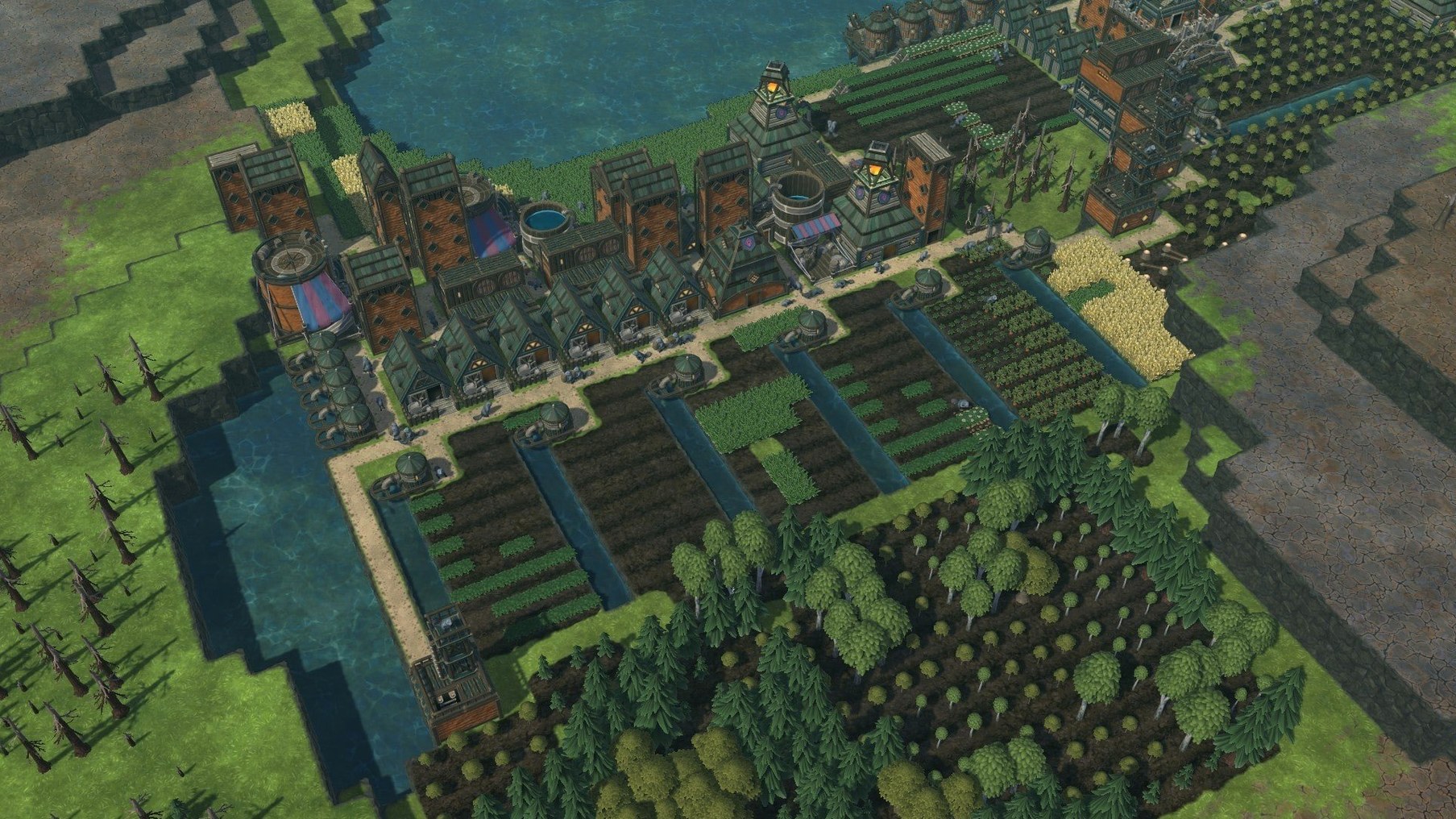
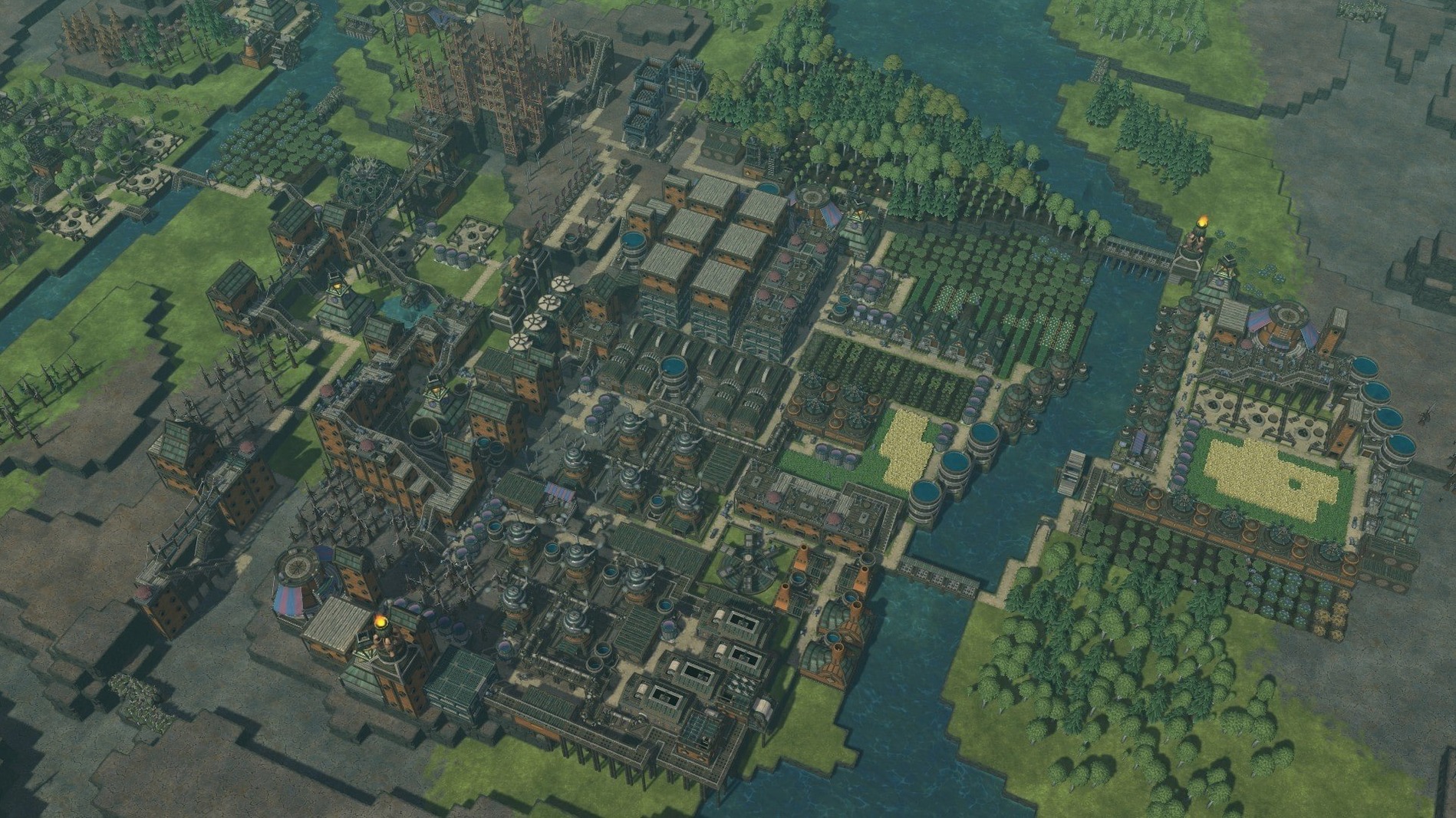
City builders often turn water into a decorative backdrop. A blue plane that props up the scenery. Timberborn treats it as a material — something that flows, pools, evaporates and kills your crops if you misjudge the season. That shift changes every minute of play.
What does a first hour look like?
You place a district centre near a river, drop lumberjack flags and wait for your beavers to clear trees. The early rhythm is gentle: stockpile logs, build water pumps, plant carrots. Then the drought warning appears and the gentle rhythm stops. Your river drops to a trickle. You scramble for a dam.
How does water shape a settlement?
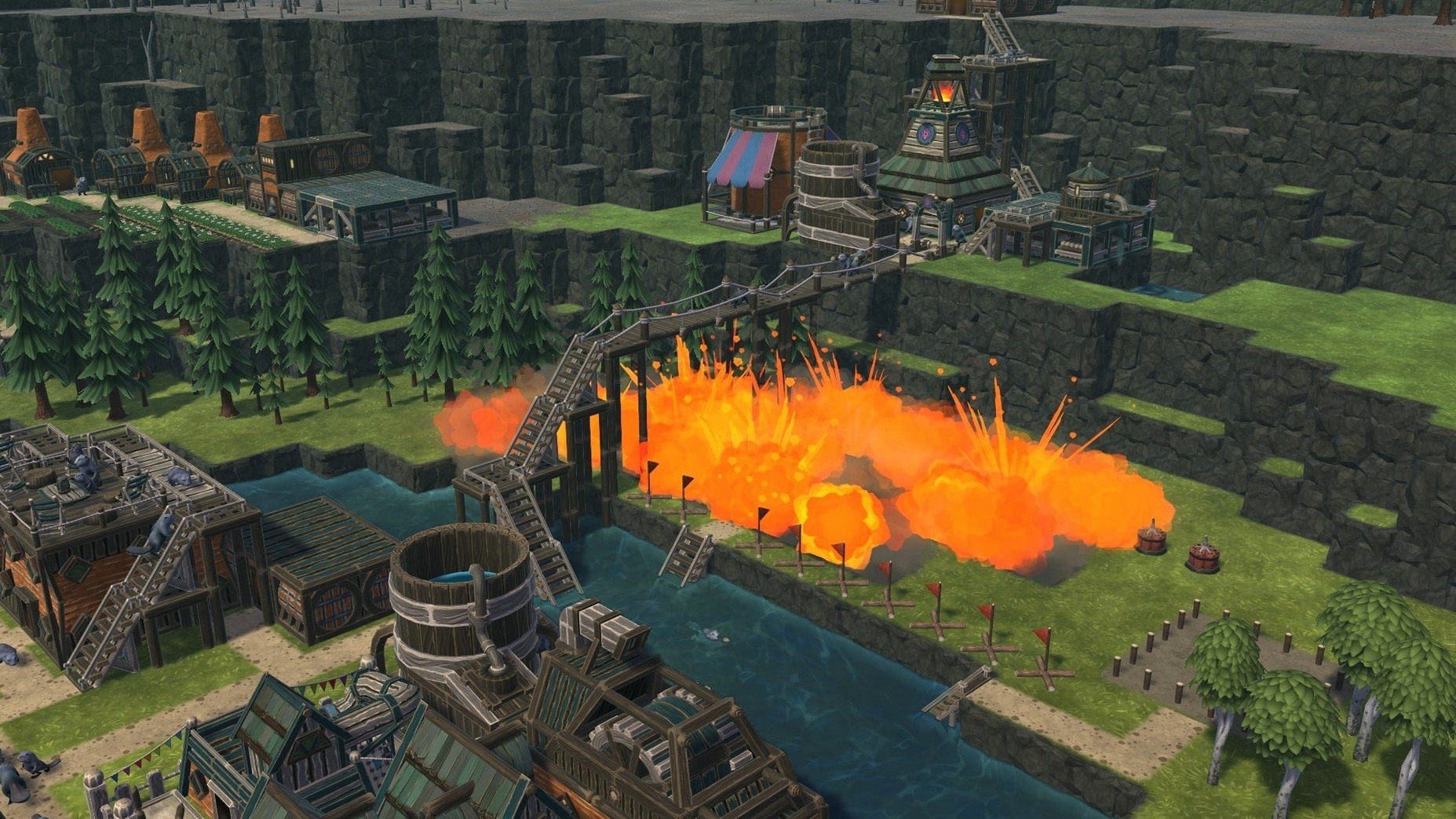
Rivers are not static. A drought drains them; a wet season floods them. You build dams to hold reserves and dig canals to steer water toward parched fields. Levees, floodgates and explosives let you re-plumb the entire map. A well-placed reservoir can carry a colony through a thirty-day dry spell.
What does building look like?
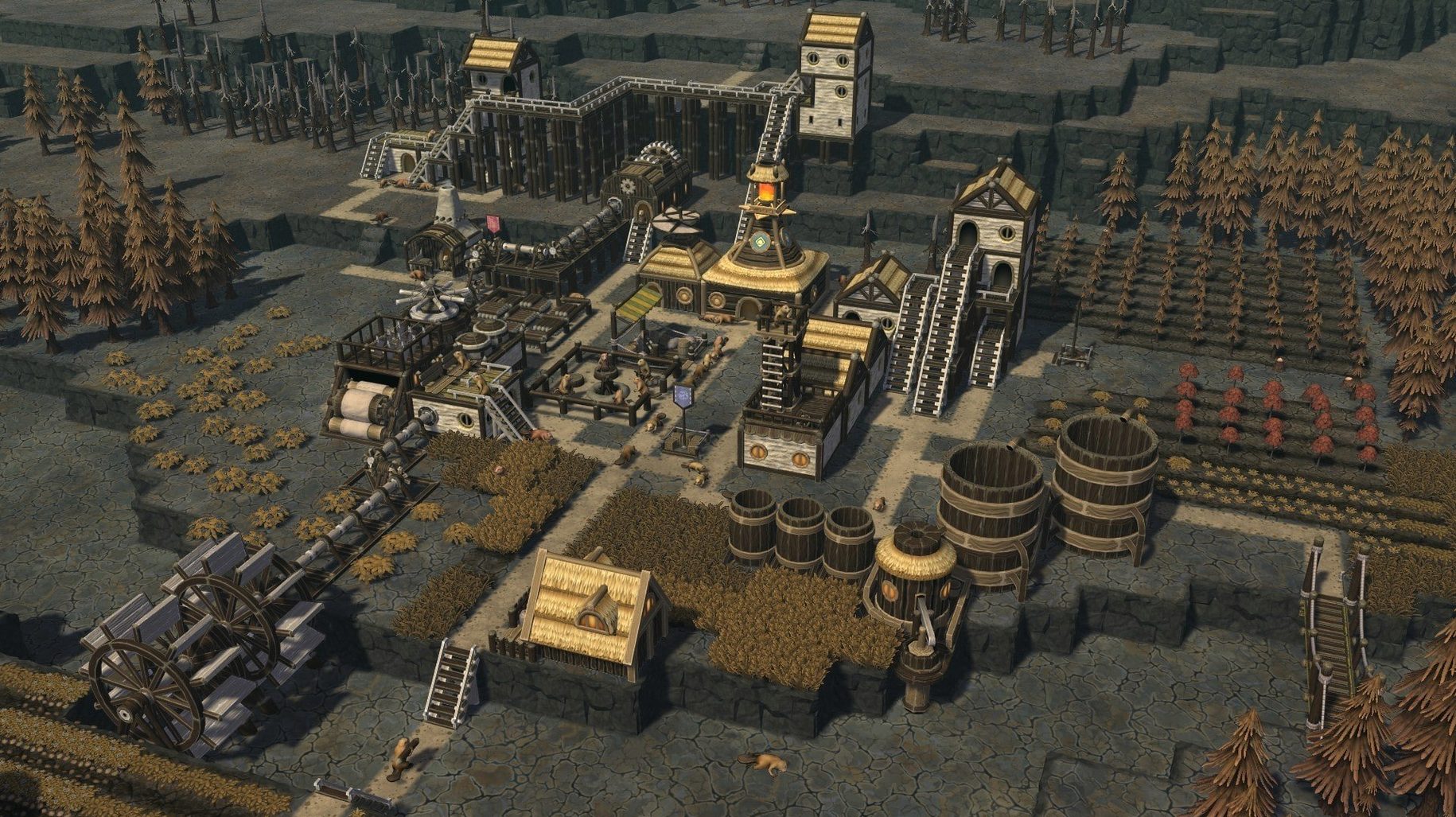
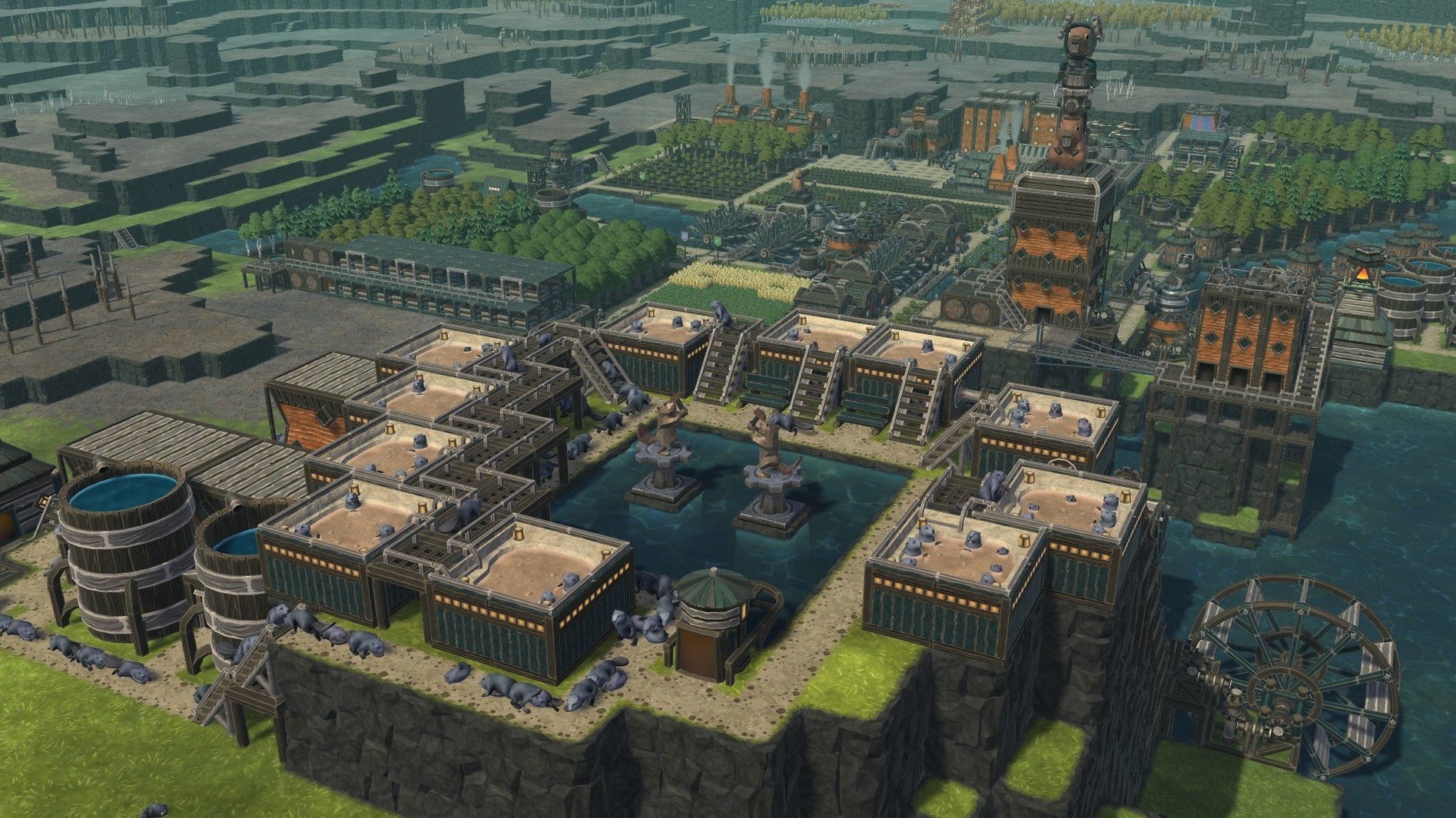
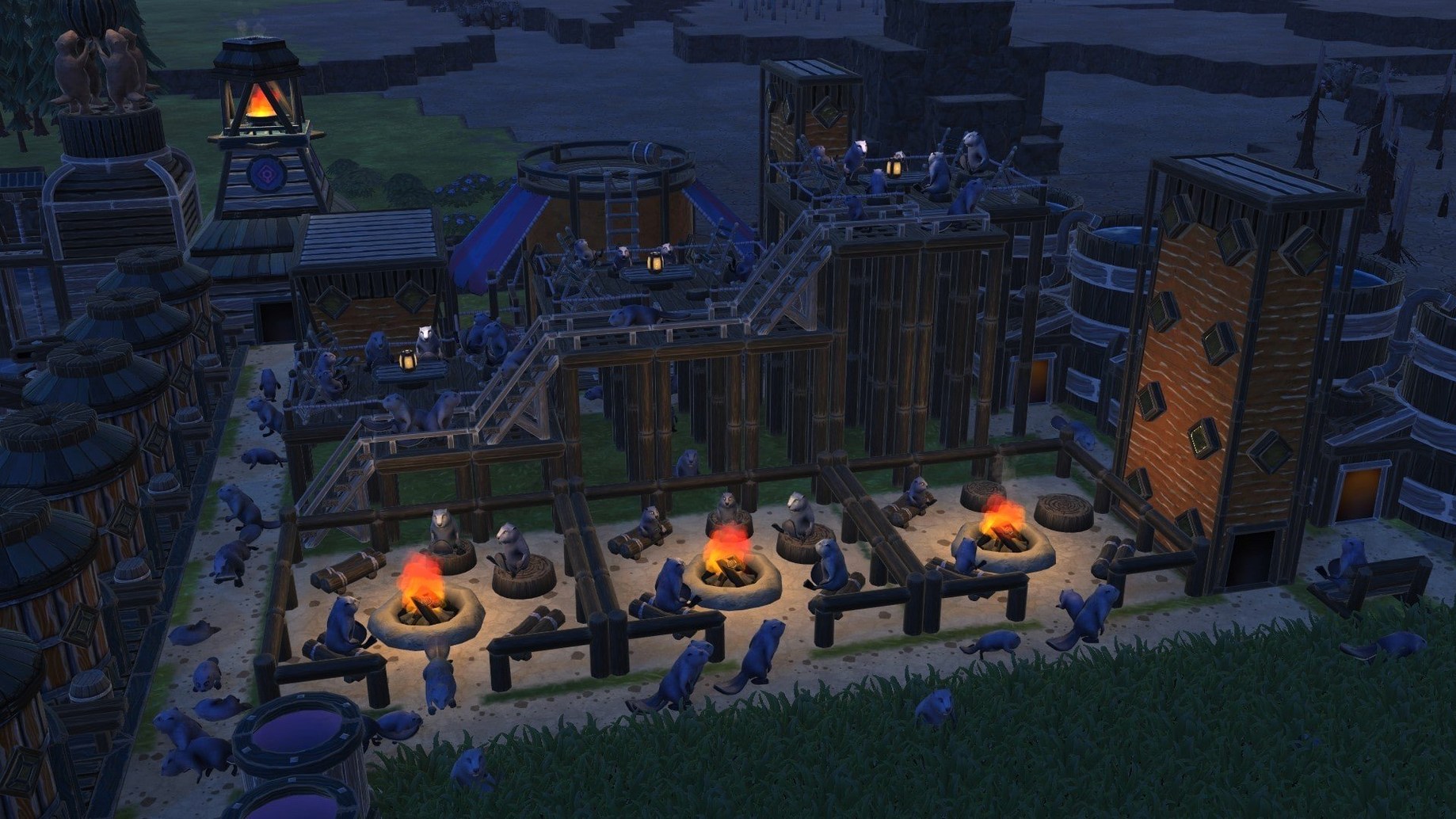
Space is tight, so beavers build upward. Platforms and bridges stack industry on top of housing, with staircases linking the layers. A lumber mill might sit directly above a bakery. The result is a dense, vertical warren that reads like a beaver-brutalist diorama — practical and oddly handsome.
What about the quieter moments?
Between droughts you zoom in to watch the colony work. Beavers run bakeries, invent engines, raise kits. The custom-map editor and community-made landscapes extend that calm long after the official maps feel familiar. In short: Timberborn gives you engineering puzzles dressed in fur, and the water never lets you relax.
Once the first dam holds and your carrots survive a drought, the next step is less about reacting and more about designing a system. The game rewards a particular sort of patience: building a structure, watching it fail, tearing half of it down and rebuilding better. The points below cover what helps in those early sessions.
Early expansion: distanced districts on berry and scrap
- Stagger your districts early. A second district centre, placed near a distant berry patch or scrap-metal ruin, pays for itself quickly. Set its migration limit low — five or six beavers — so it does not drain your main workforce before the paths are built.
- Map the water before you build. Pause, zoom out and study the river bends during a wet season. Mark the lowest bank tiles. Those are where your first dam belongs; a single misplaced block can flood your farmland.
- Reserve a demolition hotkey. You will delete things often. Rebuilding is cheaper than a failed floodgate, and the game returns all resources. Tearing down a row of levees to widen a canal feels drastic but is almost always right.
Mac coexistence: windowed play beside notes and shortcuts
Timberborn sits comfortably alongside other creative tools on a Mac. It runs in a standard window, so dragging it to a second display leaves room for a note-taking app in Split View. The game’s keyboard shortcuts do not conflict with macOS system bindings; Command-Tab switching remains responsive even during a busy late-game colony. Because the build is DRM‑free, it does not phone home or spawn background agents — Activity Monitor shows a single process that idles quietly when paused. I keep a reference map open in Preview on one screen and the game on another, which makes canal planning far less guesswork.
Canyon reservoir: floodgate-fed depth from contour to dam
Imagine a map with a narrow canyon upstream. The goal is a deep reservoir that feeds the colony through a controlled floodgate.
- Pause the game and use the contour overlay to read the canyon’s depth. Mark the narrowest point — that is your dam site.
- Place a row of levees across the gap, leaving one tile for a floodgate. Build a staircase to the top so beavers can reach it.
- Set the floodgate to 0.5 height initially. That lets the river flow while construction finishes; closing it too early floods upstream trees.
- Once the dam is sealed, dig a two-tile-wide canal from the reservoir toward your farm district. Use explosives if the terrain slopes the wrong way — one charge per tile, placed by a beaver from the explosives workshop.
- Lower the floodgate to 0.2 during droughts, raise it higher after rain. Watch the downstream water gauge and adjust.
The first time this works — green fields glowing while the riverbed downstream is dry — is quietly thrilling. The second time you will plan a bigger reservoir.
Performance under a long session
On an Apple silicon Mac the game loads a large map in under ten seconds and holds a steady frame rate with a colony of over a hundred beavers. Pathfinding stays snappy even when forty beavers cross a single suspension bridge — the engine seems to batch those calculations sensibly. Memory use climbs slowly with district count but settles around two gigabytes for a mature settlement. I have left it running overnight on a paused drought and found it in the same state the next morning, no memory pressure warnings. The main resource draw is the water simulation: when a dam breaks and a thousand cubic metres of water recalculate their flow, the fans spin up for a few seconds, then quiet down. For a colony sim that models evaporation, irrigation and current, that is a fair trade.








Correspondence 0
Take a chair or join the table to send a letter.
No correspondence on this note yet. Letters are read before they appear.