 LeCoqRoti
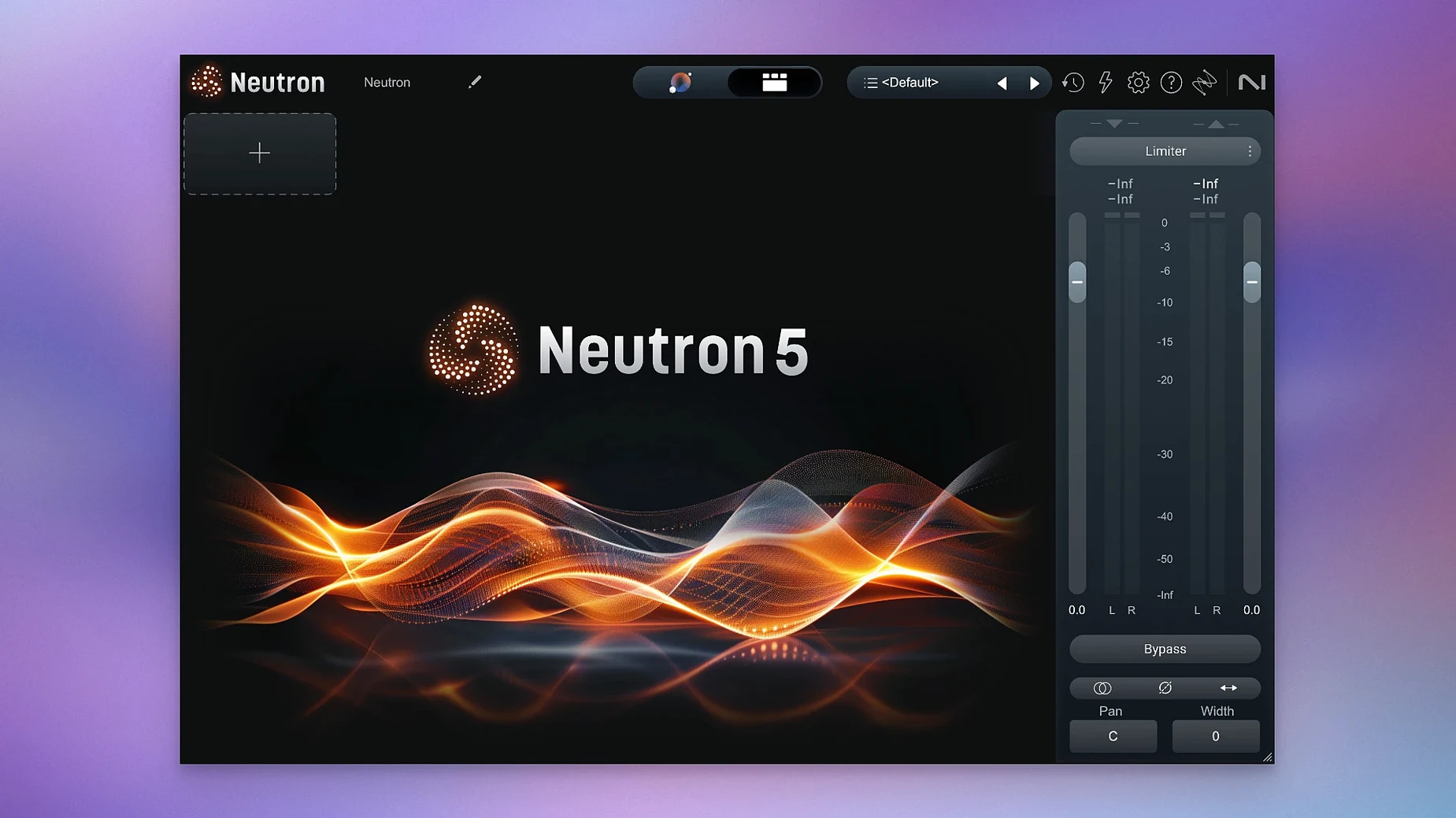
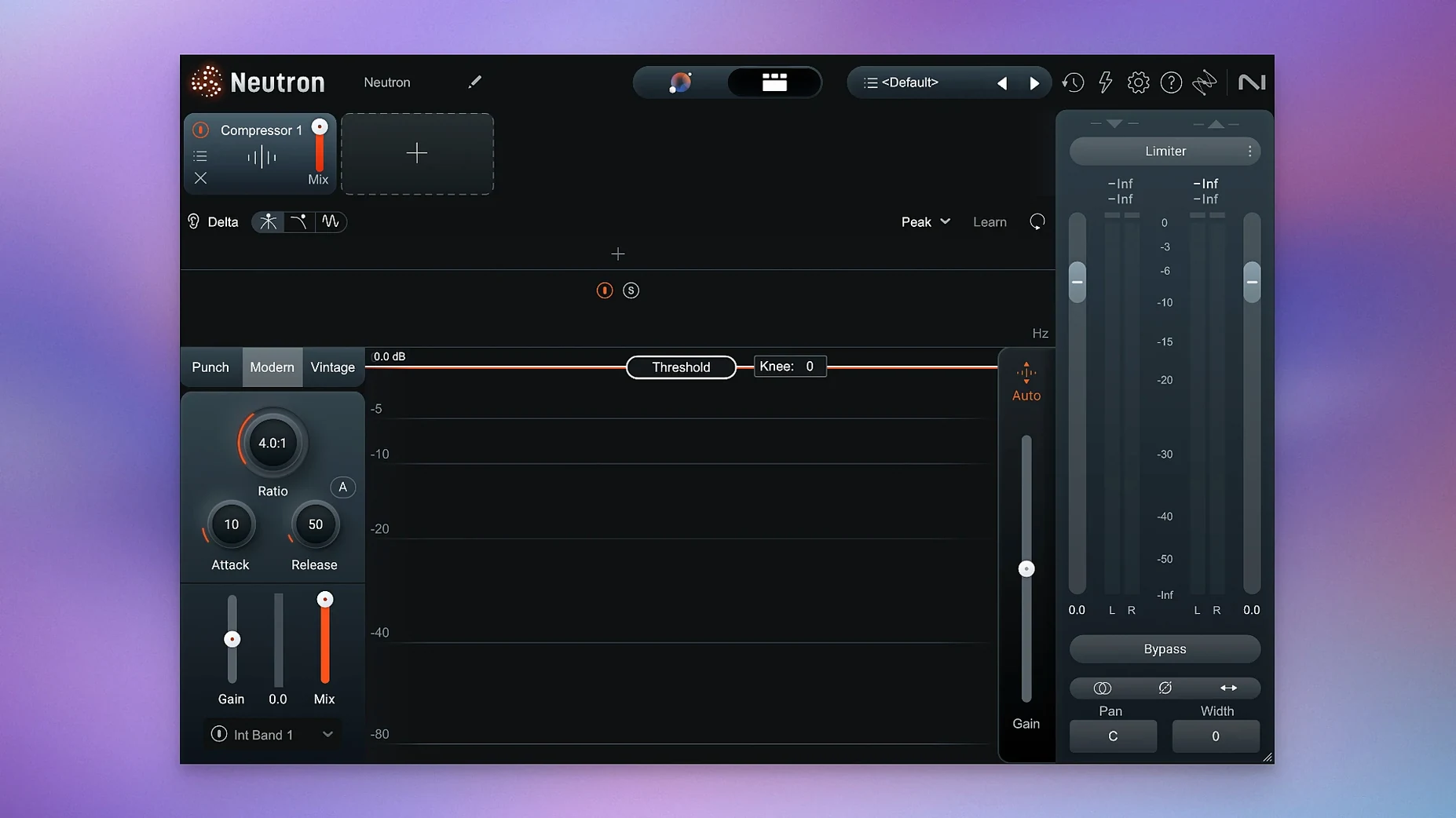
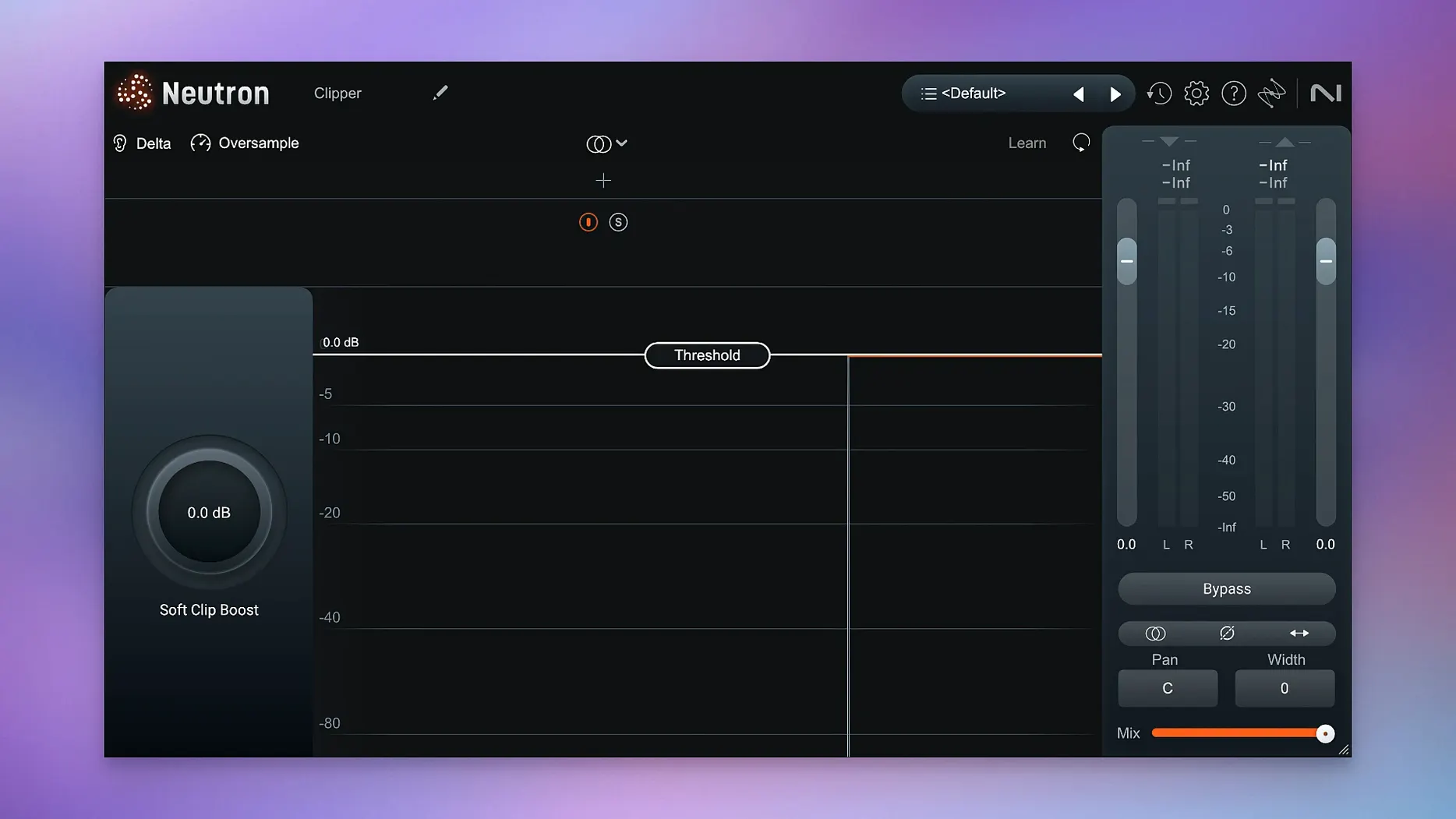
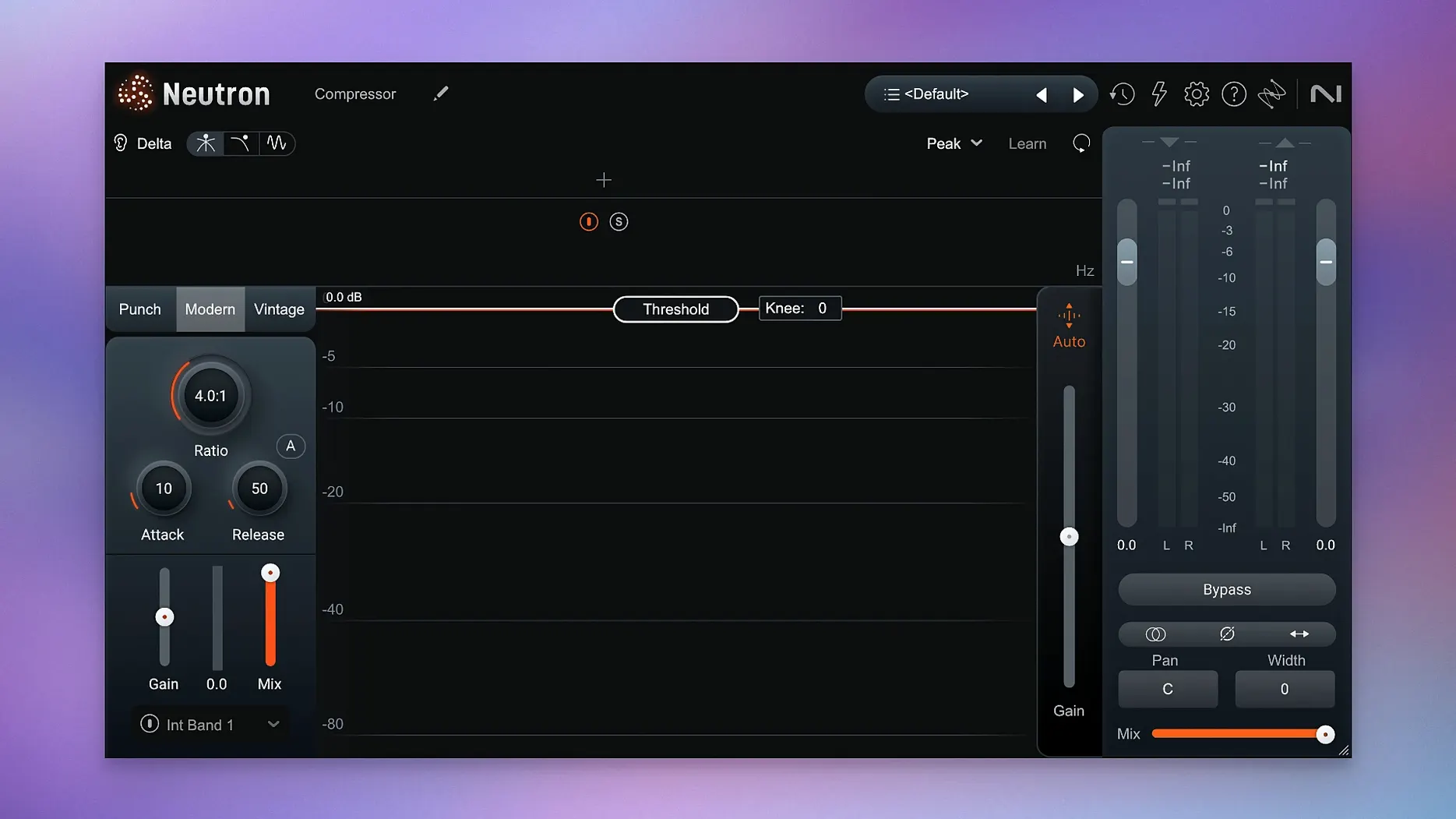
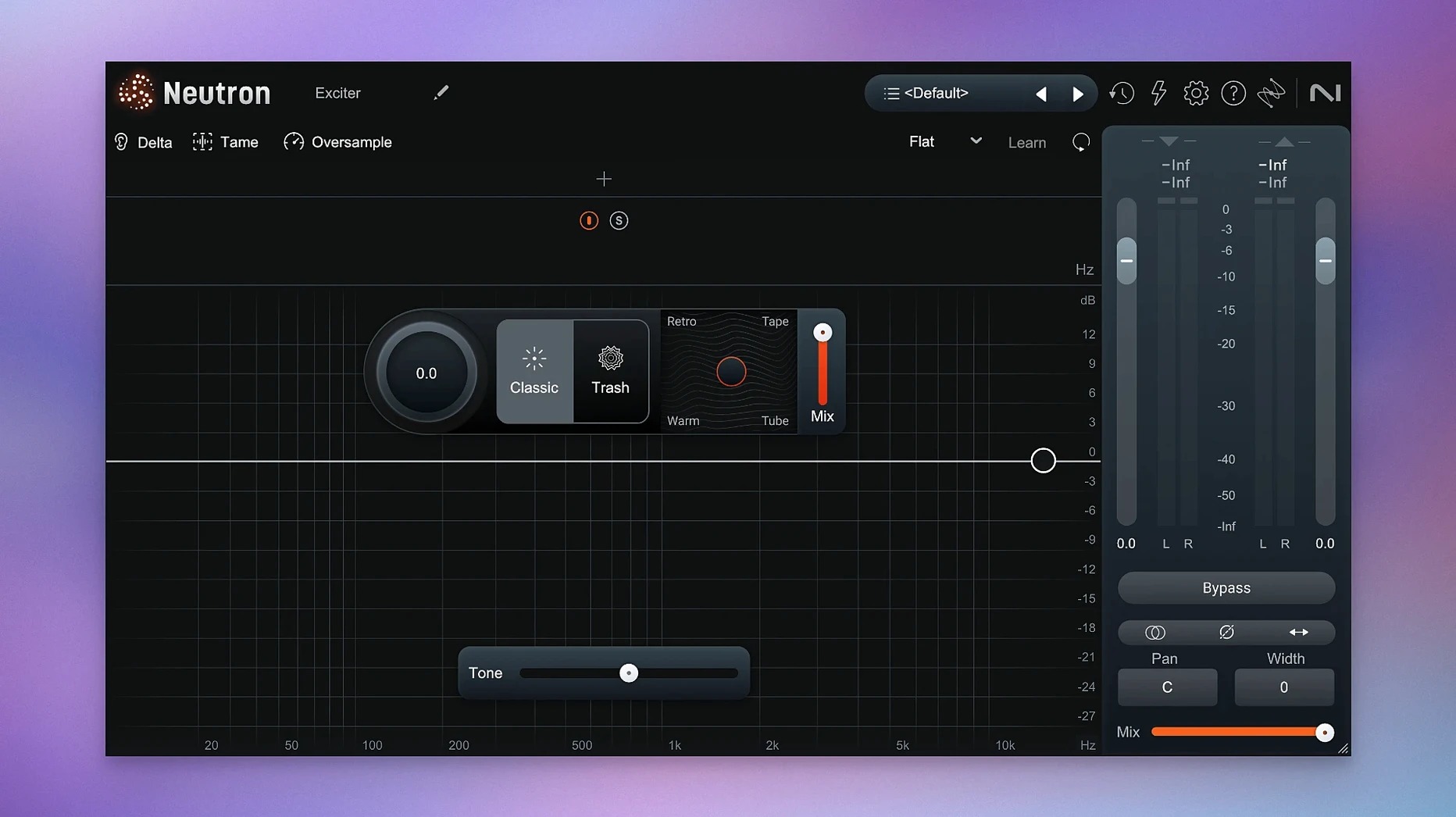
Neutron is an audio mixing suite that places an assistant inside the channel strip, offering both surgical control and machine-led suggestions in a single window. The current 5.2.0 release is a maintenance update, yet the core experience remains worth a close look for any engineer building a mix from scratch or polishing a dense arrangement.
Architecture: one mothership, ten satellites
Neutron — the full suite comprises eleven plugins: a central mothership that hosts the AI-driven Mix Assistant and ten component modules you can also load individually. The modules cover equalisation, two types of compression, transient shaping, excitation, gating, limiting, and more. Loading just the module you need keeps CPU use lean; loading the mothership gives you the Assistant View and inter-module communication.
Assistant View: guiding, not governing
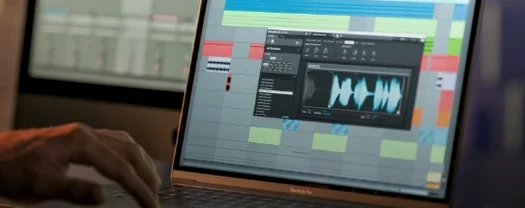
The updated Assistant View presents clearer metering and visualisations than its predecessor. You play a section of audio, the engine listens, and it returns a starting point — an EQ curve, a dynamics suggestion, a level balance. The result is never a final mix: it is a draft you can accept, tweak, or reject entirely. The interface makes it easy to compare the suggestion against the unprocessed signal, which is where its value as a learning tool becomes apparent.
In short: Neutron 5.2.0 refines a mixing suite that pairs deep manual editing with a genuinely useful second opinion, running natively on both Intel and Apple Silicon Macs under macOS 13.4 or later.
Building patience: limit the Assistant to one messy track at first
After installing, resist the urge to run the Assistant on every track and call it done. The tool rewards patience. Spend the first session on a single problematic channel — a vocal with uneven dynamics, a bass that disappears on small speakers — and work through the modules in order. The Delta button, present in each module, is the fastest way to understand what a processor is actually doing: it solos the difference between input and output, turning compression into a ghostly whisper of gain reduction and EQ into a thin ribbon of affected frequencies.
A second habit: save a default preset that disables the Assistant auto-launch and sets the mothership to open with only the Equaliser and Compressor modules active. This strips away the temptation to lean on AI before your ears have formed an opinion. Build the strip outward from that lean starting point, adding the Exciter or Transient Shaper only when the mix asks for them.
A third: route a reference track through a spare bus and feed it into Neutron's sidechain input, not for ducking but for the visual comparison the Assistant View provides. Seeing the spectral contour of a mix you trust alongside your own is humbling, and it teaches faster than any tutorial.
Solo producers: reveal frequency collisions between kick and bass
The producer working alone, without a second engineer to catch masking problems or balance issues, gets the most immediate return. Neutron's Masking module identifies collisions between two tracks — kick and bass, lead vocal and guitar — and suggests EQ cuts that clear space without thinning the source. For someone mixing on headphones in an untreated room, this is less a luxury and more a corrective lens.
Post-production editors working with dialogue and music beds will find the Gate module's visualisation unusually precise: the waveform display and adjustable hysteresis make it simple to clean breaths and room tone without chopping consonants. Video editors who occasionally handle audio mixes benefit from the Assistant's instrument profiles, which apply sensible starting curves to common sources — a voiceover treated with the speech profile, for instance, arrives with a gentle presence lift and a low-cut already in place.
Experienced mix engineers may initially bristle at the suggestion of automated assistance, but the suite earns its place as a fast diagnostic layer. Loading the mothership on the drum bus, running the Assistant with a custom reference track loaded, and then bypassing the result reveals problems you might not have caught until the car test. The tool is not replacing judgement; it is pointing a finger at the muddy 300 Hz buildup you were acclimatising to.
Settings to change immediately
Open the plugin's preferences and set the metering to peak + RMS dual mode. The default is serviceable, but the dual display exposes transient spikes that RMS alone masks — useful when dialling in the Transient Shaper on percussive material.
Switch the Equaliser module to linear-phase mode for any track that will be summed with its close-miked siblings: multi-miked guitar cabinets, stereo piano pairs, drum overheads against close mics. The default zero-latency mode is fine for tracking or single sources, but phase rotation across correlated signals can soften transients in ways the Assistant cannot predict.
In the Compressor module, change the detection circuit from RMS to peak for anything percussive — snare, claps, plucked strings — and leave it on RMS for sustained sources like pads and bowed strings. The difference is subtle until you push the ratio past 4:1, at which point the wrong detection mode makes compression feel either sluggish or brittle.
Enable the Auto-Gain on the limiter module but disable it everywhere else. The module-level auto-gain is well-intentioned but can disguise the effect of your processing; the limiter's implementation is more transparent and saves you from the loudness-bias trap when comparing before and after.
A vocal cleanup workflow, end to end
Start with a raw lead vocal, no prior processing. Insert Neutron on the channel and open the mothership with only the Gate module active. Set the threshold so the gate closes on breaths and silence but stays open through the quietest sung syllable — the waveform display makes this a visual task as much as an auditory one. Adjust the hold time to 40 ms and the release to around 150 ms to avoid abrupt chops.
Add the Equaliser module next. Engage the Delta button and sweep a narrow boost through the low-mids. When the Delta output sounds thickest, that is your mud frequency — usually somewhere between 200 and 400 Hz. Disable Delta, cut that frequency by 3 to 5 dB with a medium Q, then switch to a high shelf at 8 kHz and lift 1 to 2 dB for air. The Assistant can suggest this curve, but doing it manually trains the ear to correlate the Delta signal with the full-range result.
Insert the Compressor module after the EQ. Set a 2:1 ratio, peak detection for the vocal's consonants, attack at 10 ms to let the initial transient through, and release at 80 ms. Dial the threshold down until the gain reduction meter shows 3 to 4 dB on the loudest phrases. Use the Delta button to hear only the compressed portion — it should sound like a shadow of the vocal, not a squashed duplicate.
Finally, load the Masking module and select the instrumental bus as the sidechain source. The visualiser overlays the vocal and instrumental spectra: look for the red regions where they collide, typically in the 1 to 3 kHz range where guitars and vocal presence overlap. Apply a narrow dynamic cut on the guitar bus, triggered by the vocal, at 2 dB — just enough to carve a pocket without hollowing the arrangement. The result is a vocal that sits forward without fighting, achieved in under ten minutes with four modules and no guesswork.




Correspondence 0
Take a chair or join the table to send a letter.
No correspondence on this note yet. Letters are read before they appear.