 LeCoqRoti
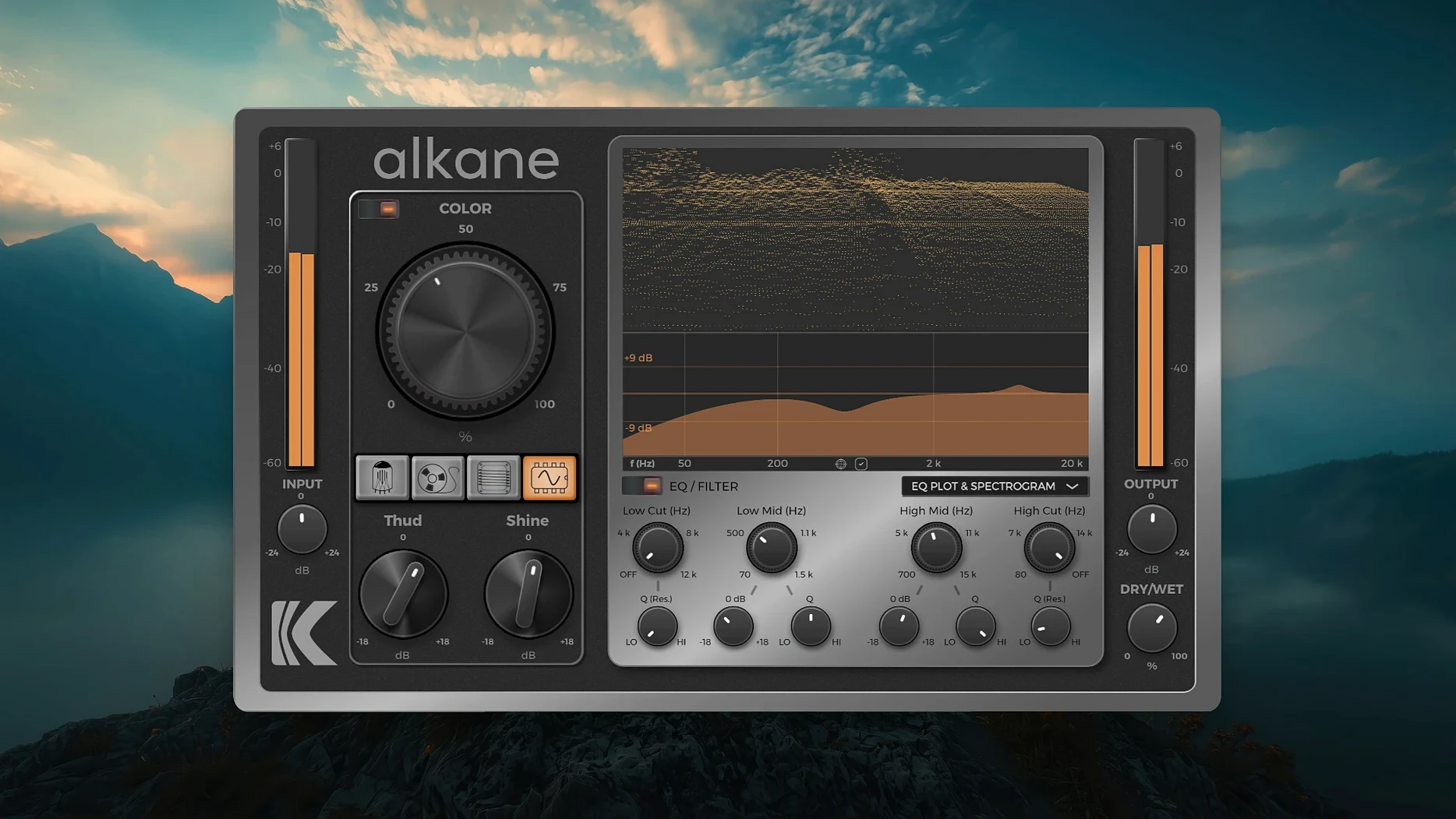
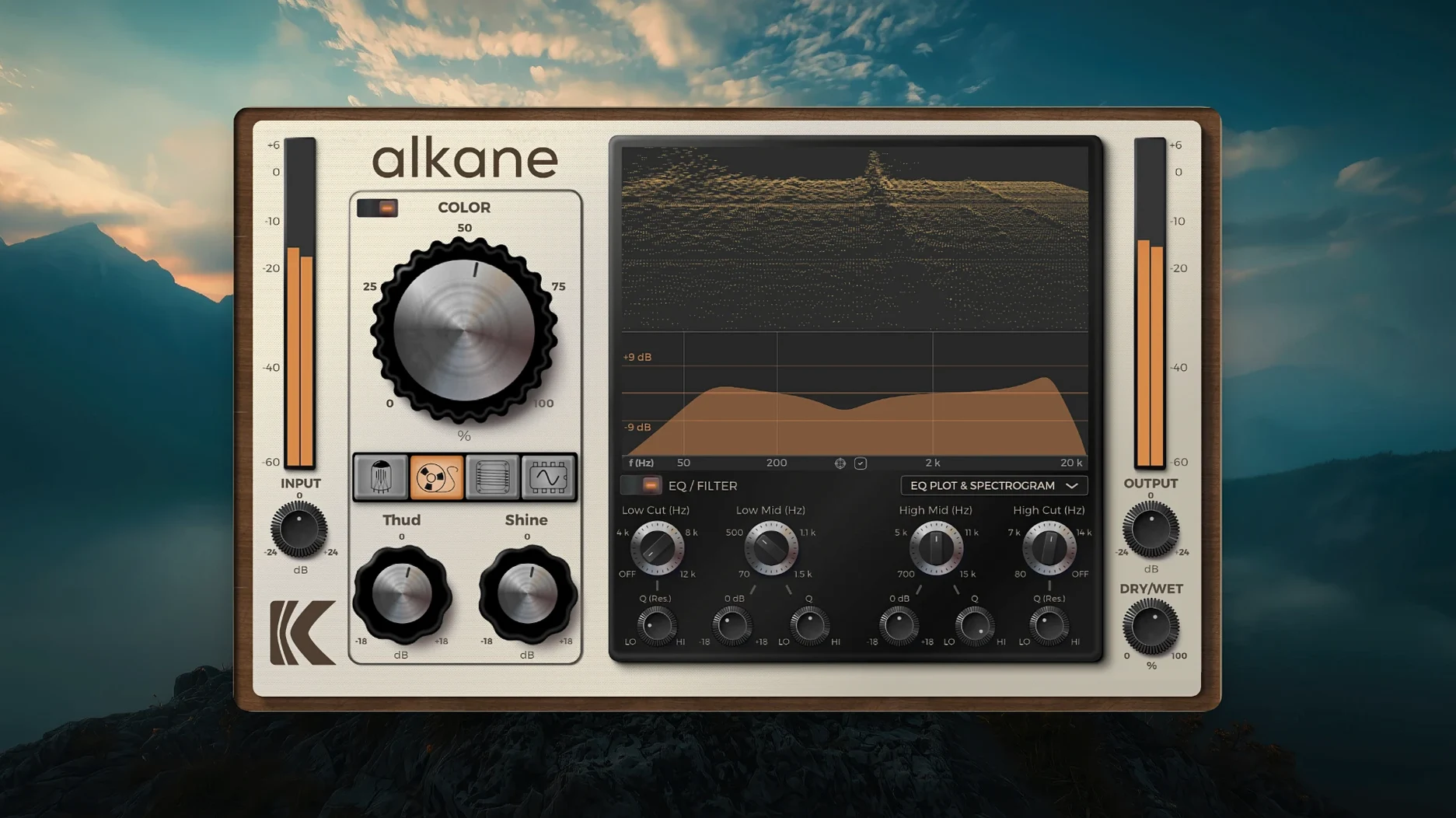
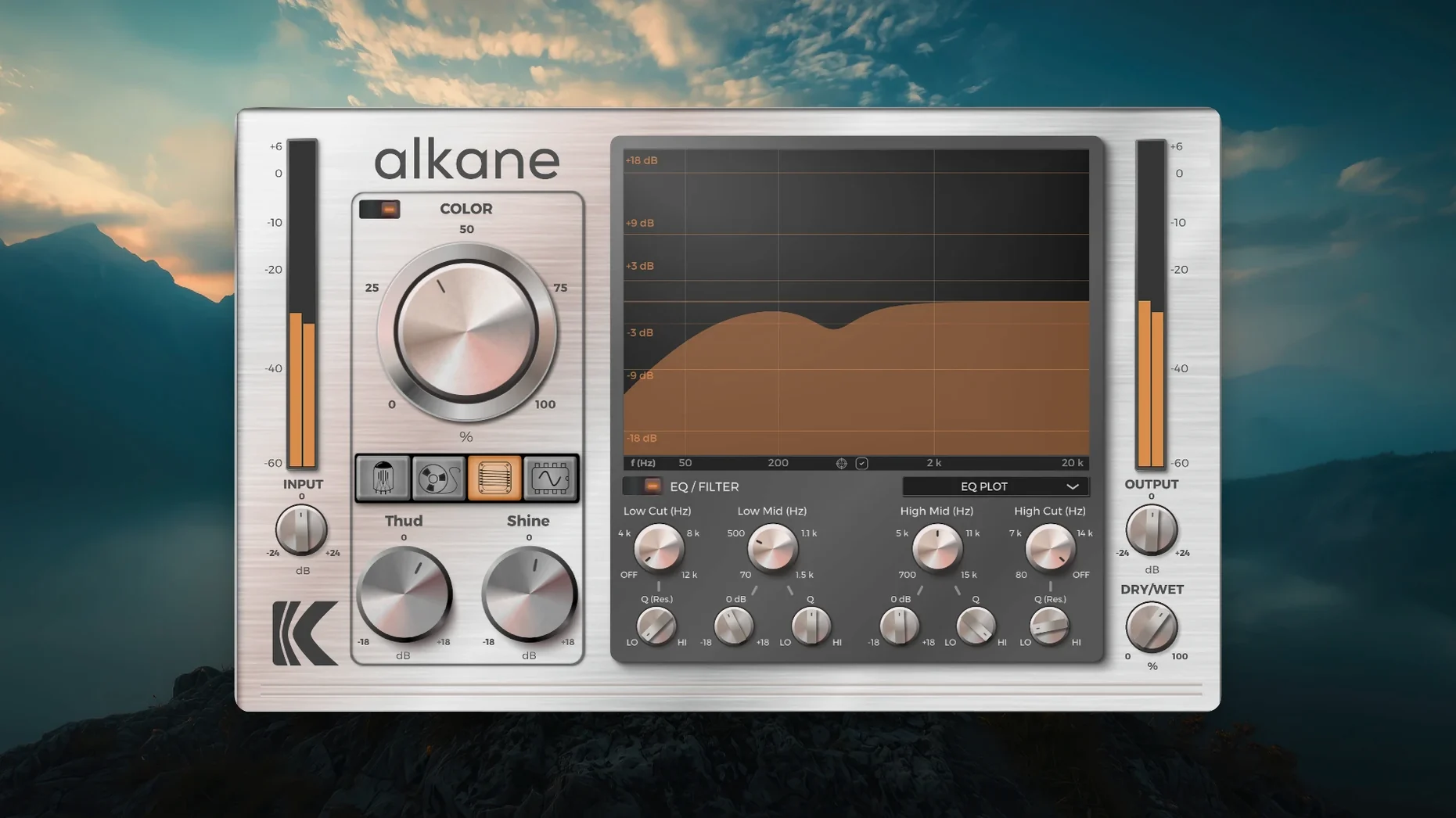
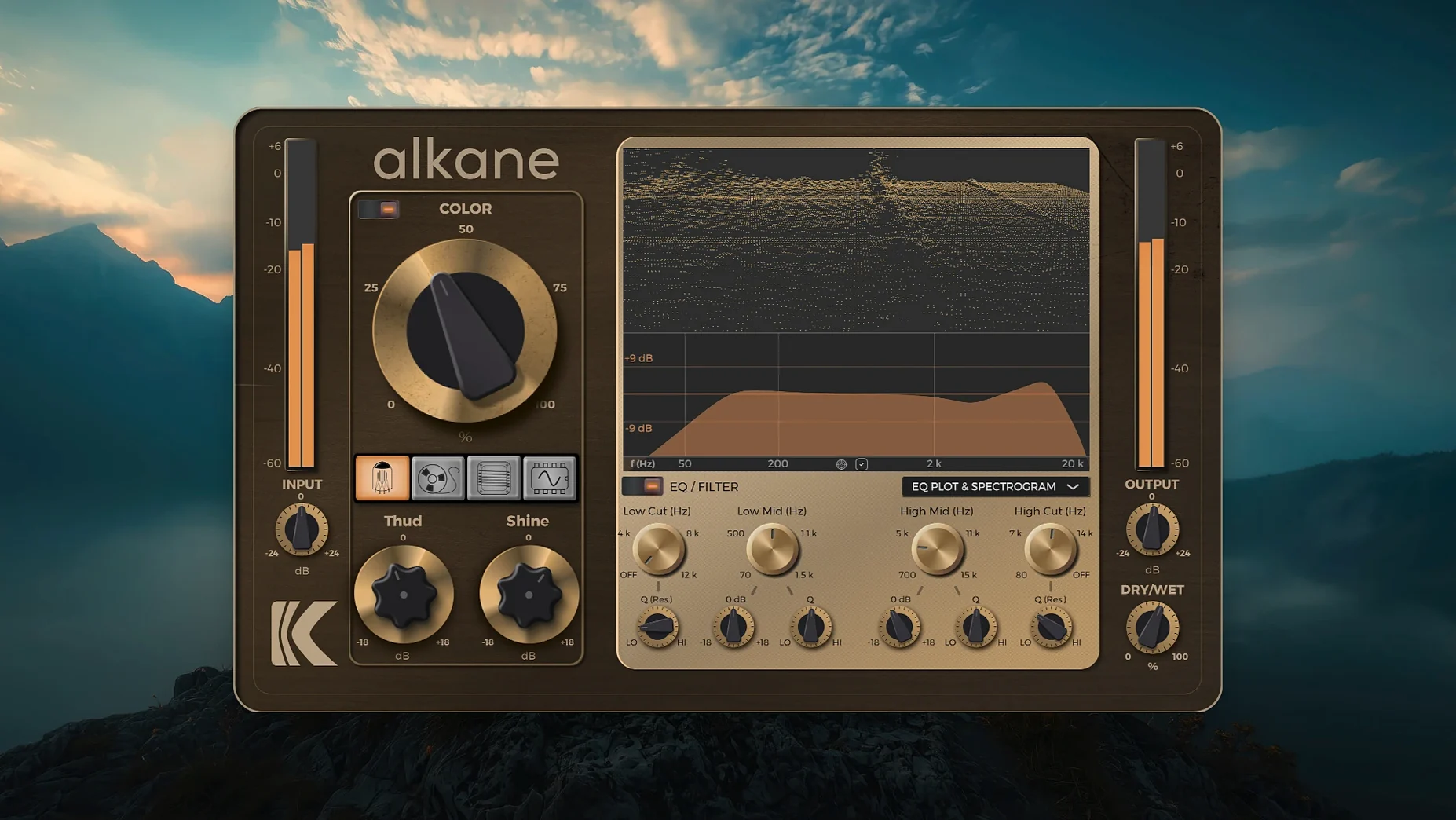
KD Alkane is a quad-circuit harmonics processor that adds character, saturation and non-linear colour to audio inside a DAW.
Role — it sits where a mix needs density: on lead vocals, drum buses, bass groups or the stereo master. The four circuits let you push different material without reaching for separate plug-ins.
Harmonics — the core processing adds harmonic content rather than simple gain. It works from gentle thickening to harder distortion, depending on how far you drive it.
Color module — a dedicated stage for transient-safe, non-linear harmonics. This is where you add weight to a snare or presence to a vocal without wrecking the transients.
EQ — high-pass and low-pass filters keep the generated harmonics under control, so the effect stays musical on buses and full mixes.
Quality — 8x oversampling keeps the processing clean at the top end, even with aggressive settings. In short: a focused colour tool for producers and music designers working in Pro Tools, Logic or Cubase.
KD Alkane fits into a session as an insert, usually early in the chain. It expects to see a reasonably dynamic signal: place it after corrective EQ but before compression if you want the harmonics to react to the full range of the performance. On a drum bus, for instance, I often insert it after the gate and before the bus compressor. The four circuit models then see the raw transients, and the compressor afterwards can shape the resulting density without fighting the plug-in's own envelope behaviour.
The plug-in also plays well with macOS audio routing. On an Apple Silicon machine, it runs natively inside Logic, Live or Cubase without a Rosetta bridge. The AU and VST3 versions appear instantly after installation; the AAX version loads in Pro Tools with no additional wrapping. Because the developer kept the format set lean, there is no standalone application or menubar helper to manage — it lives entirely inside the host. That keeps the plug-in list tidy, which I appreciate when scrolling through a large collection.
One less obvious integration: the visualiser window. It is not a separate floating pane that gets lost behind other windows. On a Retina display, the 3D spectrogram and EQ plot rescale cleanly, and you can drag the divider between the visualiser and the parameter editor to suit the task. When I am teaching a student how drive affects harmonic spread, I expand the spectrogram to fill the plug-in window; when I am mixing quickly, I collapse it to a thin strip and work from the knobs.
A working session: warming a sterile bassline
Last week a producer sent me a bass stem that had been recorded direct, no amplifier. The tone was clean but flat — the kind of sound that disappears the moment a busy arrangement kicks in. I opened the session in Logic, created a new audio track, and inserted KD Alkane in the first slot.
I started with the Tape circuit. Drive at about 40 percent, output trimmed to match the bypassed level. The low end immediately gained some glue: not distortion you can name, just a slight softening of the transient edge and a thicker sustain. That was close, but the upper harmonics still felt shy.
I switched to the Transformer circuit and brought the drive up to 55 percent. The character changed — more midrange push, a subtle hardening around 800 Hz that helped the bass poke through the guitars. I engaged the Color module at a low mix setting, around 25 percent, and swept the high-pass filter up to 120 Hz to keep the sub frequencies clean. The 3D spectrogram showed a gentle rise in second and third harmonics without the fizzy artefacts I sometimes get from single-circuit saturators.
Finally, I used the two-band parametric EQ to dip 400 Hz by 2 dB — the Transformer circuit had added a little boxiness — and added a 0.5 dB shelf at 3 kHz. The whole process took under three minutes. The bass now sat in the mix without needing a separate amp sim or multiband processing.
CPU load on M1: 2–3 percent at 8x oversampling
On an M1 MacBook Air with 16 GB of memory, a single instance of KD Alkane adds roughly 2 to 3 percent CPU load at 44.1 kHz with 8x oversampling engaged. That figure rises slightly on the Master circuit model, which seems to do more internal work, but I have never seen it climb past 5 percent on this machine. At 96 kHz the load roughly doubles, which is expected for any oversampled processor.
Stability has been uneventful — the best kind. Across several weeks of daily use in Logic 11 and Cubase 13, the plug-in has not caused a single crash or audio dropout. Bypass and reactivation during playback are smooth, with no clicks or timing glitches. The human-centred GUI scaling means the interface stays sharp when switching between the laptop display and an external 4K monitor; I have not had to quit and relaunch a session because of a blurry window.
One detail worth noting: the installer places the components in the standard system folders — /Library/Audio/Plug-Ins/Components for AU, /Library/Audio/Plug-Ins/VST3 for VST3, and the appropriate AAX directory. There is no background daemon, no licence manager polling the network. The plug-in loads in under a second on first insert, and subsequent instances appear instantly. For anyone who has waited through a sluggish validation scan, this is a quiet pleasure.
Beginner mistakes and how to avoid them
The most common misstep is stacking all four circuits at once and then wondering why the sound has turned to mush. Each circuit model has its own saturation curve and frequency emphasis; running Tube, Tape, Transformer and Synth in series, each at 70 percent drive, produces intermodulation that is difficult to rescue later. A better habit: audition one circuit at a time, find the character that suits the material, and commit to it. The Color module exists for the extra layer — you rarely need more than that.
Another error is ignoring the output level. KD Alkane does not auto-compensate for the gain added by the drive stages. A bass that sounds wonderfully thick at +6 dB above the bypassed level will fool you into thinking you have improved the tone, when in fact you are just listening to loudness. Match the output by ear or with a meter, then judge the harmonic content fairly.
Some users treat the high-pass and low-pass filters as an afterthought. On a full mix, harmonics generated below 50 Hz can muddy the low end quickly; on a vocal, harmonics above 12 kHz can make the top end feel brittle. Engaging the filters early — even with gentle slopes — keeps the added energy where it serves the arrangement. The spectrogram makes this visible, so there is little excuse for flying blind.
Finally, a small practical note: if you want to replace k'd versions with a clean installation later, remember that some older community builds of the alkane vst free download can leave residual preference files. A fresh install of the current version will read the standard macOS Audio Unit cache, but it is wise to rescan your plug-ins after updating, especially if you previously used a kalifornia dynamic alkane crack that placed files in non-standard locations—simply verify those paths are included in your DAW's plug-in manager for seamless recognition. The official installer writes only to the expected directories, which keeps migration straightforward.




Correspondence 0
Take a chair or join the table to send a letter.
No correspondence on this note yet. Letters are read before they appear.