 LeCoqRoti
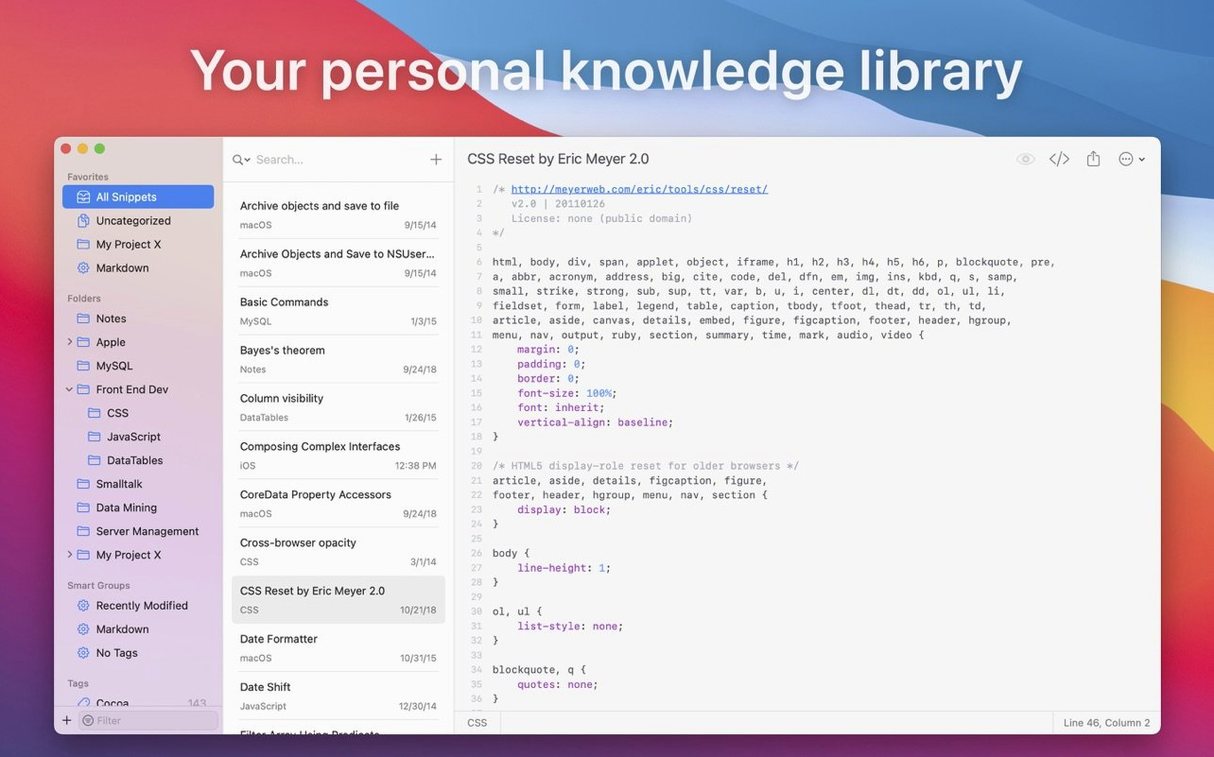
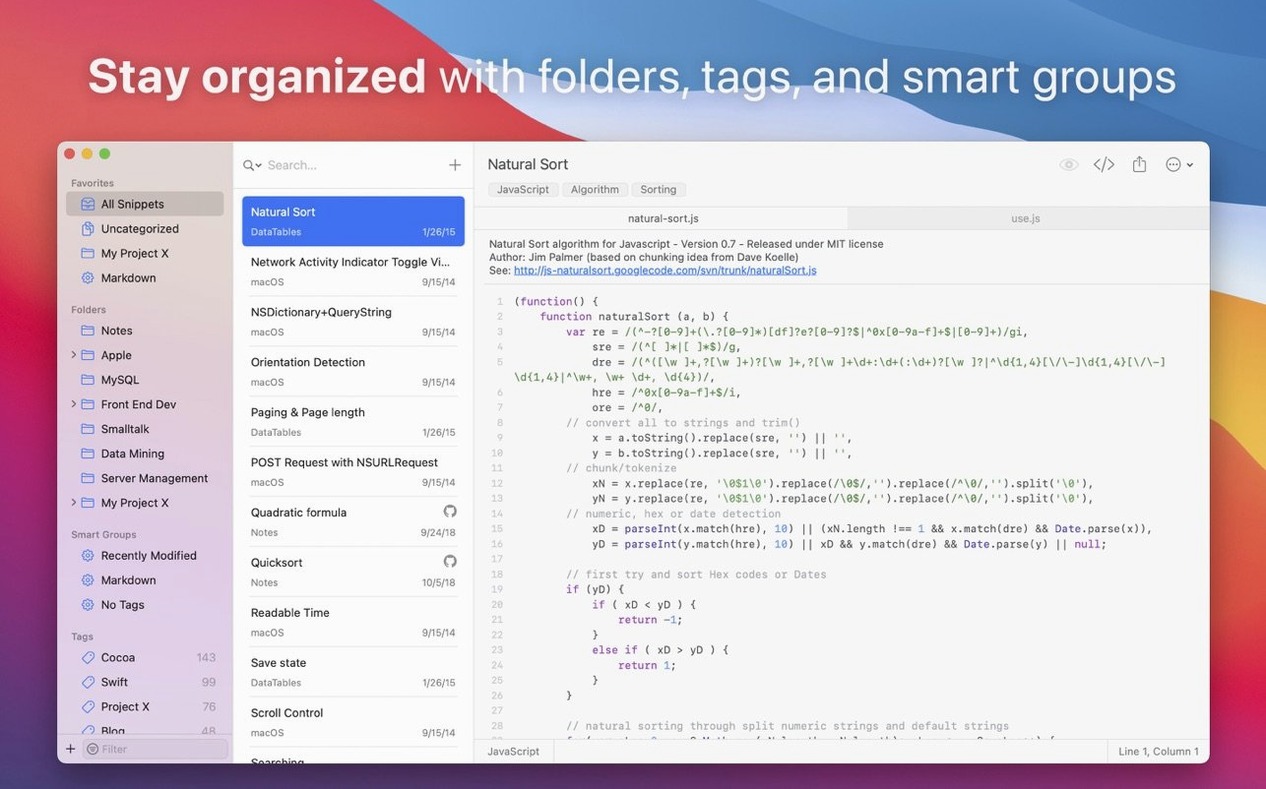
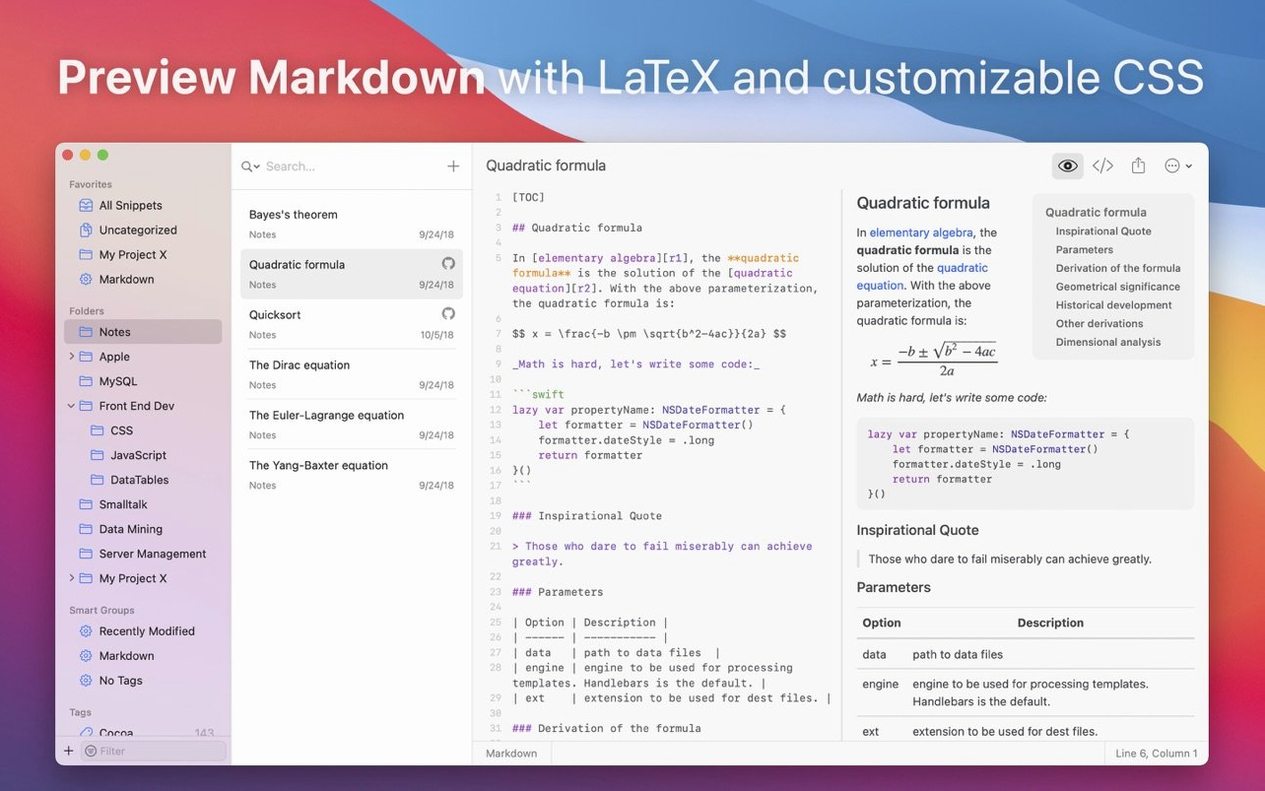
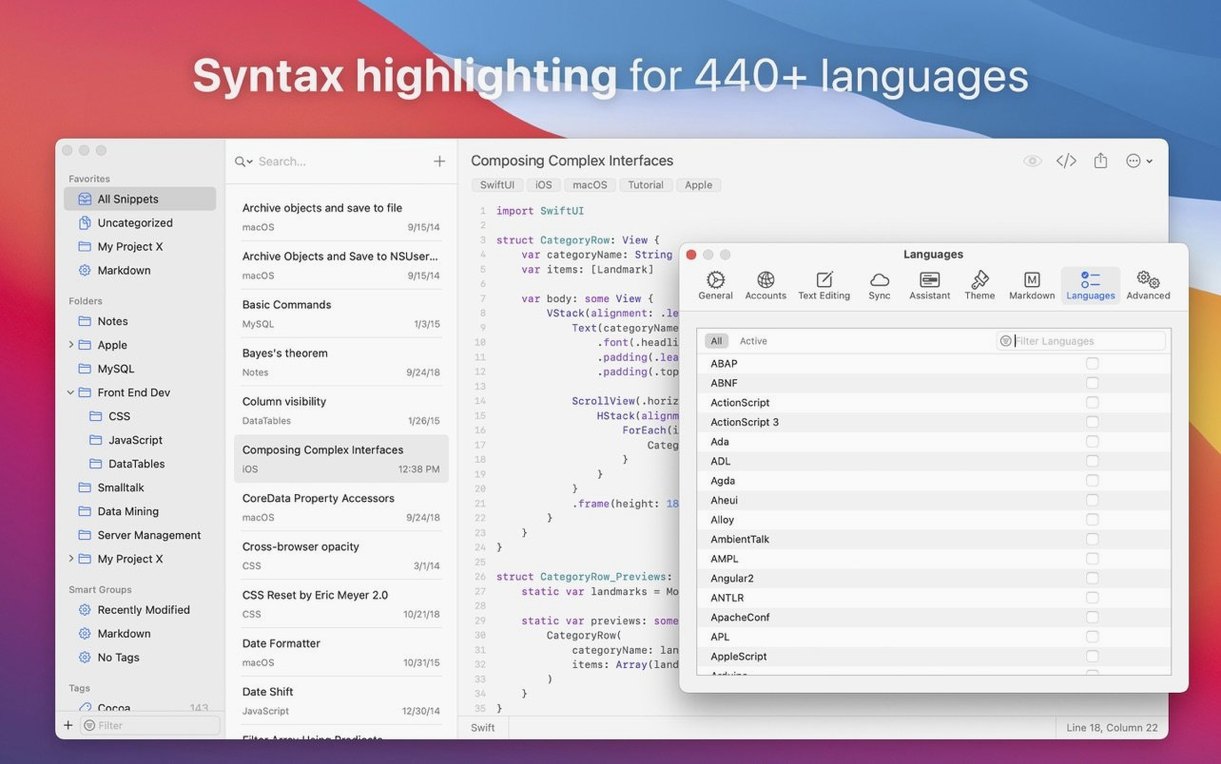
You paste a small CEL validation rule into the menu bar assistant, preview it in the Mono theme, and drop it into a shared iCloud folder before the stand-up ends.
MCP server — a built-in server that lets compatible AI coding agents fetch and insert snippets directly.
Markdown themes — four new preview styles: Modern, Compact, Mono, and Paper; each adjusts type scale and spacing for a different reading rhythm.
Shell subcommand — the lab tool now accepts a create subcommand, so you can save a snippet without leaving the terminal.
Language additions — syntax highlighting now covers BitBake, Caddyfile, CEL, PureScript, and Rell.
Sync — unchanged: Dropbox, Google Drive, and iCloud keep libraries aligned across machines.
Gist exchange — import from and export to GitHub Gist remain intact, useful for sharing with colleagues who do not use the app.
In short: version 2.7 adds thoughtful connective tissue—between the command line, AI agents, and the way you read Markdown—without disturbing the quiet clarity that was already there.
Library location: pick a sync folder before you build
After dragging the app into Applications, the first thing to do is decide where your library lives. Point the sync folder at iCloud, Dropbox, or Google Drive before creating too many snippets; moving a populated library later is possible but fussier than doing it early.
Assign tags from day one. Even if the collection feels small, a handful of well-chosen tags—validation, sql, bash, boilerplate—will save scrolling later. Smart Groups become genuinely useful once thirty or forty snippets exist, and they are far easier to tune when tags are already consistent.
The lab create subcommand deserves a shell alias. Something short like sl turns a one-liner into a saved snippet in under a second. That small change shifts the tool from a library you visit into something you feed as you work.
Menu bar assistant: instant even with hundreds of snippets
SnippetsLab has always felt light, and version 2.7 continues that. On an Apple Silicon machine the menu bar assistant opens with no perceptible delay, even with a library holding several hundred entries. Memory use hovers around 90–120 MB in normal operation, rising modestly when Markdown preview renders longer documents. I have not seen a beachball or a crash in this version, and daily backups write quietly to disk without interrupting foreground work.
Sync across iCloud adds roughly a two- to three-second lag between machines on a decent connection; Dropbox and Google Drive behave similarly. The app never locks up waiting for sync to finish, which matters when you are mid-thought and need to paste something immediately.
The MCP server, when active, sits unobtrusively and adds negligible overhead. It is the kind of feature you configure once and forget about, until an AI agent hands you back a snippet you had forgotten you saved.
A scenario: the embedded systems developer
Consider someone writing firmware in C and BitBake recipes for a Yocto build. They keep hardware register definitions as snippets, each tagged with the chip name and peripheral. A Smart Group called i2c-init collects every initialisation sequence across three different sensor drivers.
During a debug session, they copy an error trace into the menu bar assistant, find the matching register layout in two keystrokes, and paste it into their editor. Later, they export a small Gist for a colleague who needs the same sequence but works on a Linux machine without SnippetsLab. Nothing breaks the flow: no file dialogs, no scrolling through a flat list, no context switch to a browser.
That kind of session—fast search, instant preview, quiet organisation—is where the app earns its place. The addition of CEL and BitBake highlighting in version 2.7 makes those snippets easier to scan at a glance, which is a small but genuine improvement when a register map runs to forty lines.
In short: for anyone who already uses a snippetslab mac full version library, the 2.7 update tightens the connection between the tool and the places where code actually happens—terminal, AI agent, or a shared Gist.







Correspondence 0
Take a chair or join the table to send a letter.
No correspondence on this note yet. Letters are read before they appear.