 LeCoqRoti
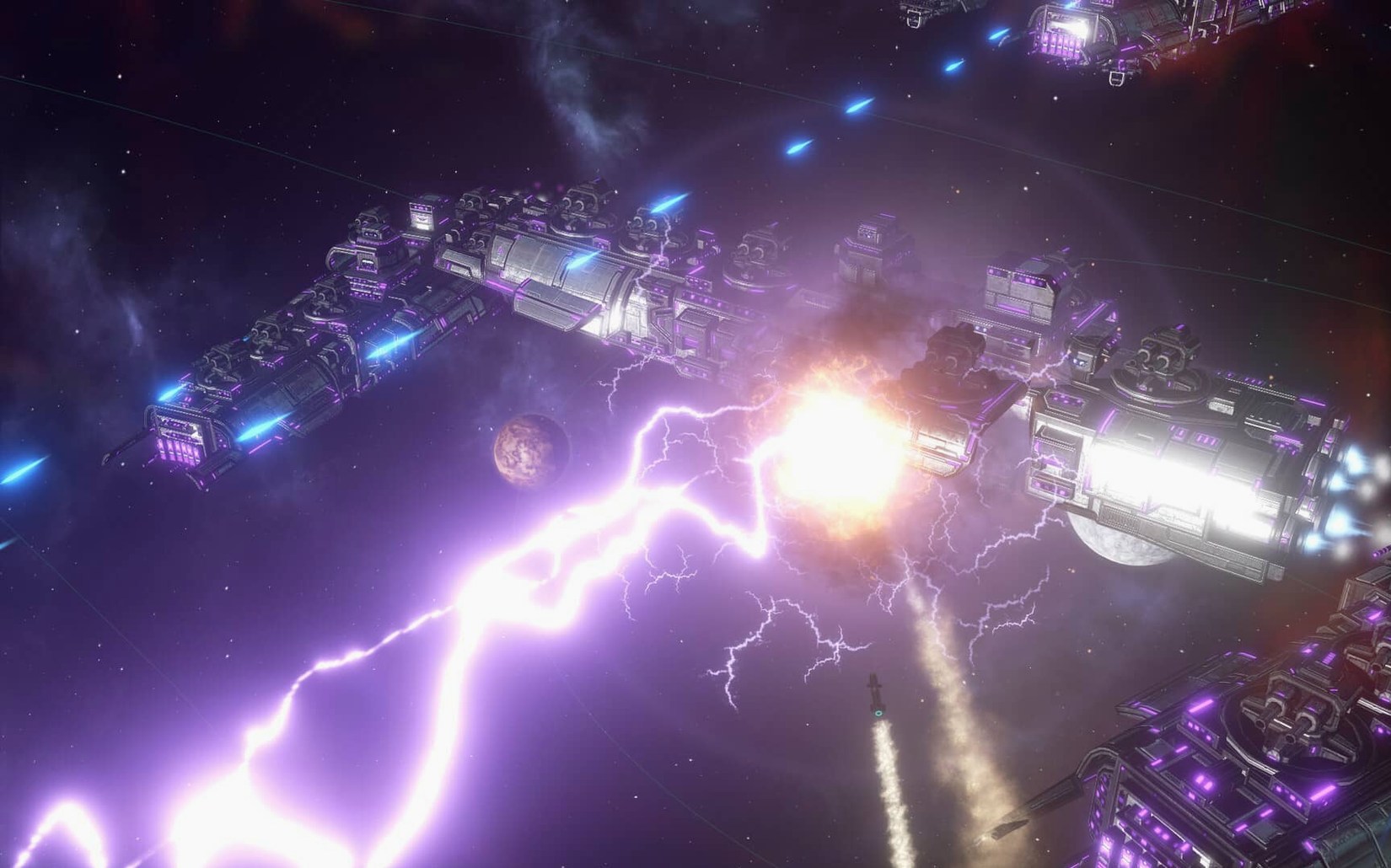
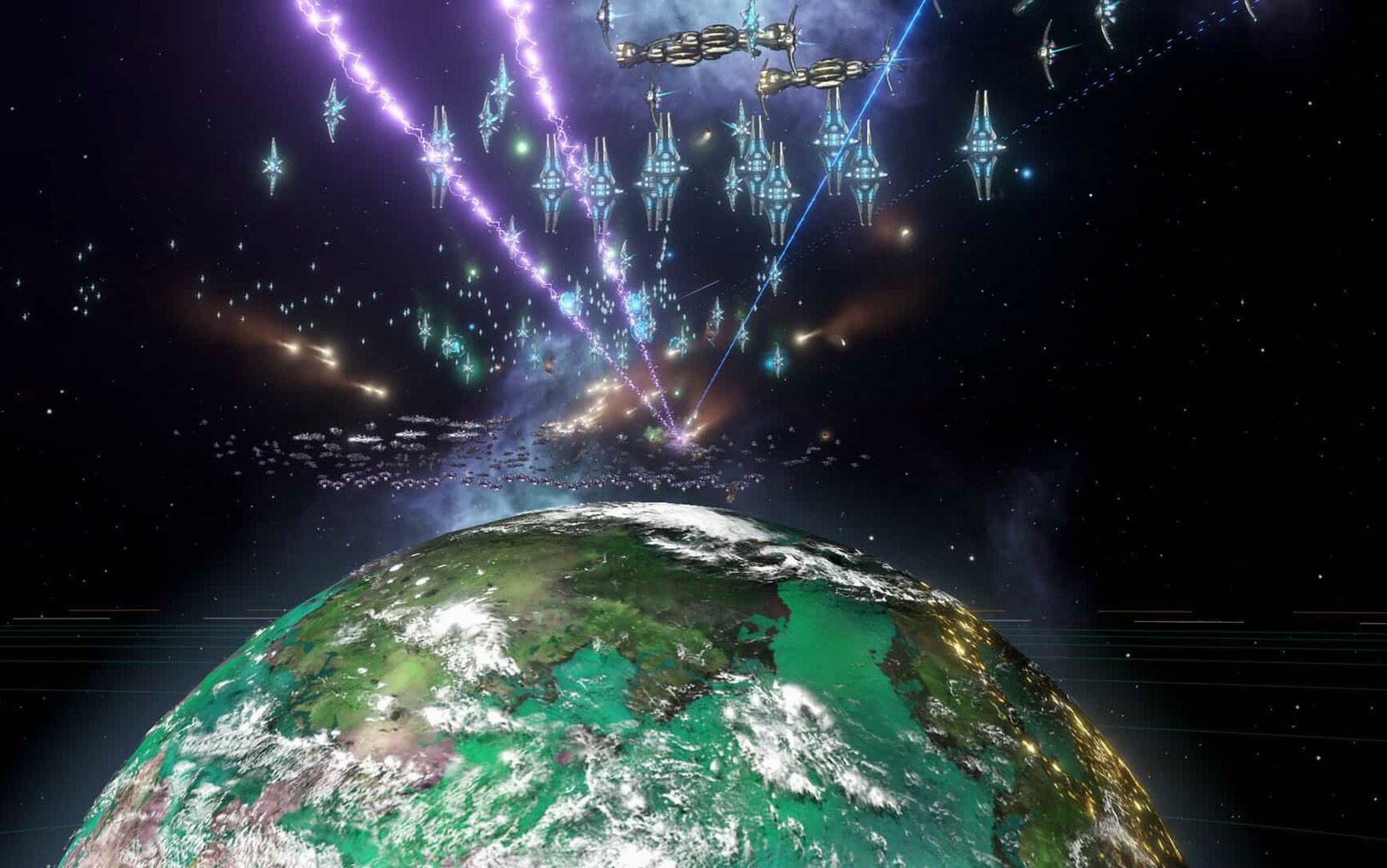
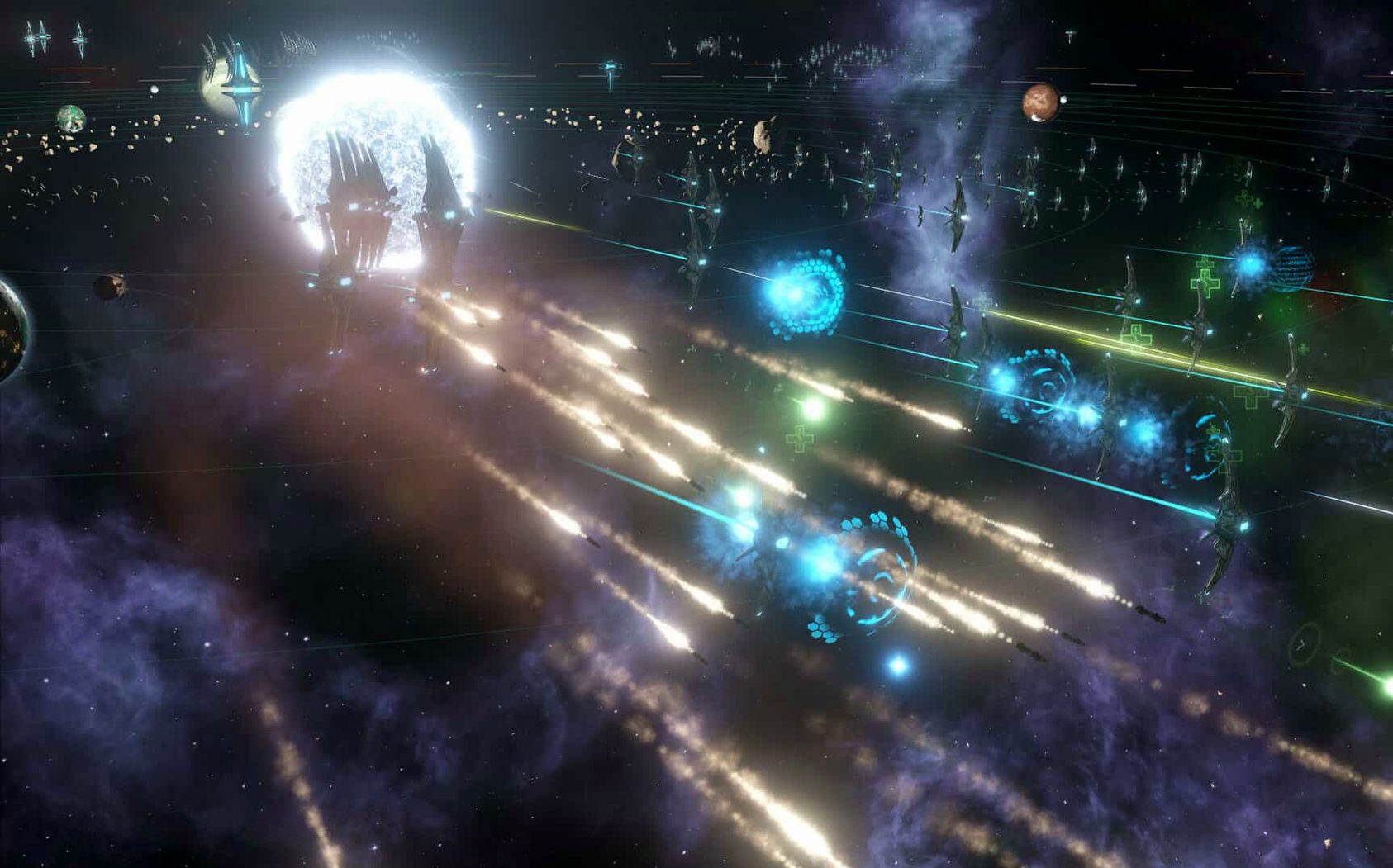
Paradox Development Studio's grand strategy is for the person who enjoys paperwork on a cosmic scale. You are not steering a single ship through a nebula; you are the invisible bureaucracy behind a fledgling interstellar empire, and the game asks you to find pleasure in queues, edicts and the slow grind of exploration.
A session begins quietly. Your science ships push into the black, one system at a time. Not every planet is habitable, and a coloniser's real work is taking samples and searching for useful resources before a frontier outpost is even discussed. The real-time clock means you watch survey cycles complete while somewhere on the other side of the galaxy an unknown polity is doing the same. You study anomaly percentages and weigh the risk of losing a scientist against the promise of a rare technology.
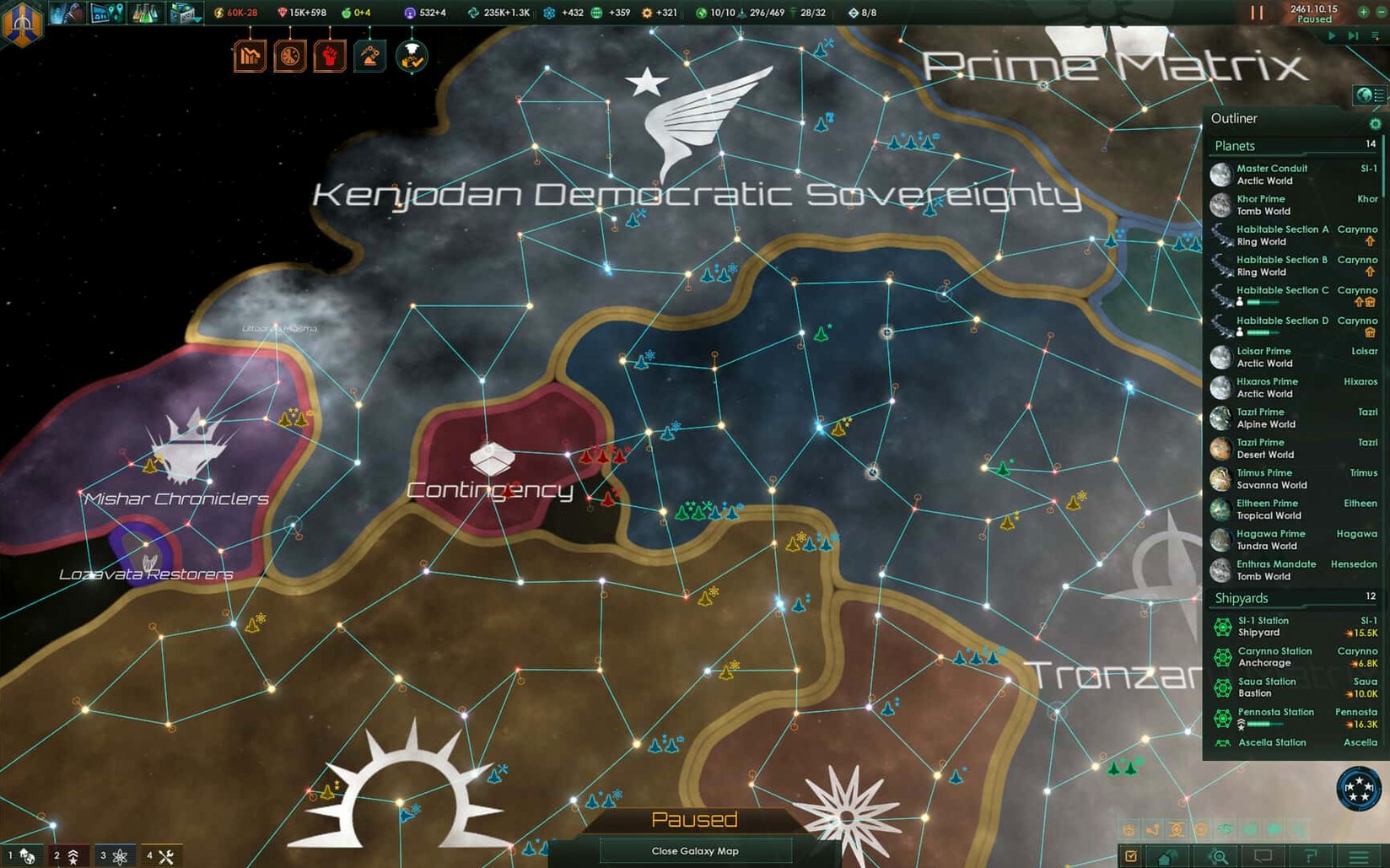
Once settlements appear, the texture shifts from discovery to administration. A planet with a handful of inhabitants is untroubled; a planet with a growing population demands attention to housing, amenities, faction alignment and the creeping drag of empire sprawl. You spend long stretches in the expansion planner, comparing habitability ratings, depositing construction orders in a fleet manager that feels like an accounting ledger, and deciding whether a new colony's mineral yield justifies the bureaucratic burden it adds.
The mid-game becomes a rhythm of queued technologies, diplomatic pings and the management of leaders who age and die. You are rarely looking at a single beautiful vista; you are looking at the outliner, the situation log and a dozen tooltip windows, yet the weight of each decision accumulates into something that feels like history rather than a spreadsheet.
Fragile empires: anomalies tick like bombs in the situation log
A new empire is fragile in ways the tutorial does not advertise. In the first few hours, the most useful habit is to keep the situation log open and treat every unresolved anomaly as a ticking clock. Science ships left idle because you were distracted by a border skirmish will cost you technologies that a neighbour will claim instead. Set survey queues of no more than four systems per ship; longer chains break when a hostile fleet passes through, and the interface will not warn you.
Energy credits feel plentiful early on, which is deceptive. The moment your first starbase upgrades and your leaders gain a second trait, the monthly balance can swing from surplus to deficit without a notification flash. Open the budget tab once per play session, even if things look stable. A common mistake among new players is building a third science ship too early: it drains unity, slows down your first tradition tree, and rarely finds anything you could not have surveyed with two. The third ship makes sense only after you have identified a neighbour whose borders you need to race against.
Pause without penalty: the spacebar stops everything instantly
One concern that surfaces repeatedly is whether the real-time pace suits a player who needs to pause and read. The answer is that pausing is the default way to play. The spacebar stops everything, and no timer penalises you for studying a species breakdown or comparing weapon stats. You can issue orders while paused, queue research, and unpause only when you are ready to see the galaxy move. The clock is a tool, not a pressure. Players coming from turn-based strategy may take an evening to adjust, but the rhythm becomes intuitive once you treat each unpause as a deliberate forward step rather than a passive wait.
A second question is whether the game runs comfortably on older Intel machines. The build is 64-bit and was tested on a modest Mac mini; the galaxy map and the late-game population calculations benefit from a capable processor, but the visual demands are not heavy. Disabling bloom and reducing multisample anti-aliasing in the settings file before your first launch is a small, worthwhile step. The settings file lives inside the Paradox Interactive folder in Documents, and opening it early lets you lower shadow resolution and disable the auto-save cloud sync, which can introduce a stutter on mechanical drives.
Outliner cleanup: right-click headers to hide empty planets
The outliner is customisable, yet many players never right-click its headers. You can collapse civilian ships into a single line, hide planets that have no building slots free, and pin fleets you want to track separately. A tidy outliner does more for your situational awareness than any notification setting.
Other details that reward early attention:
- Holding
Shiftwhile adding orders to a fleet queues them without erasing the existing chain; releasingShiftand right-clicking executes the queue immediately. - The fleet manager’s reinforce button works across multiple fleets if you select them together, saving a repetitive cycle of clicks after a battle.
- Ctrl-clicking a system on the galaxy map while a construction ship is selected sends it directly to build the next mining or research station without opening the system view.
- Renaming planets and fleets is not cosmetic: a colonised world named “Forge III” or a fleet labelled “Northern Picket” makes the outliner comprehensible when you have twenty entries.
- The expansion planner’s filter can be set to show only worlds with habitability above 60%, which hides the noise of tomb worlds and barren candidates you will never touch.
The settings file that controls interface language also stores the autosave interval. Set it to quarterly rather than yearly if you are experimenting with diplomacy or learning how federations work; the undo button does not exist in Stellaris, but a close autosave does.







Correspondence 0
Take a chair or join the table to send a letter.
No correspondence on this note yet. Letters are read before they appear.