 LeCoqRoti
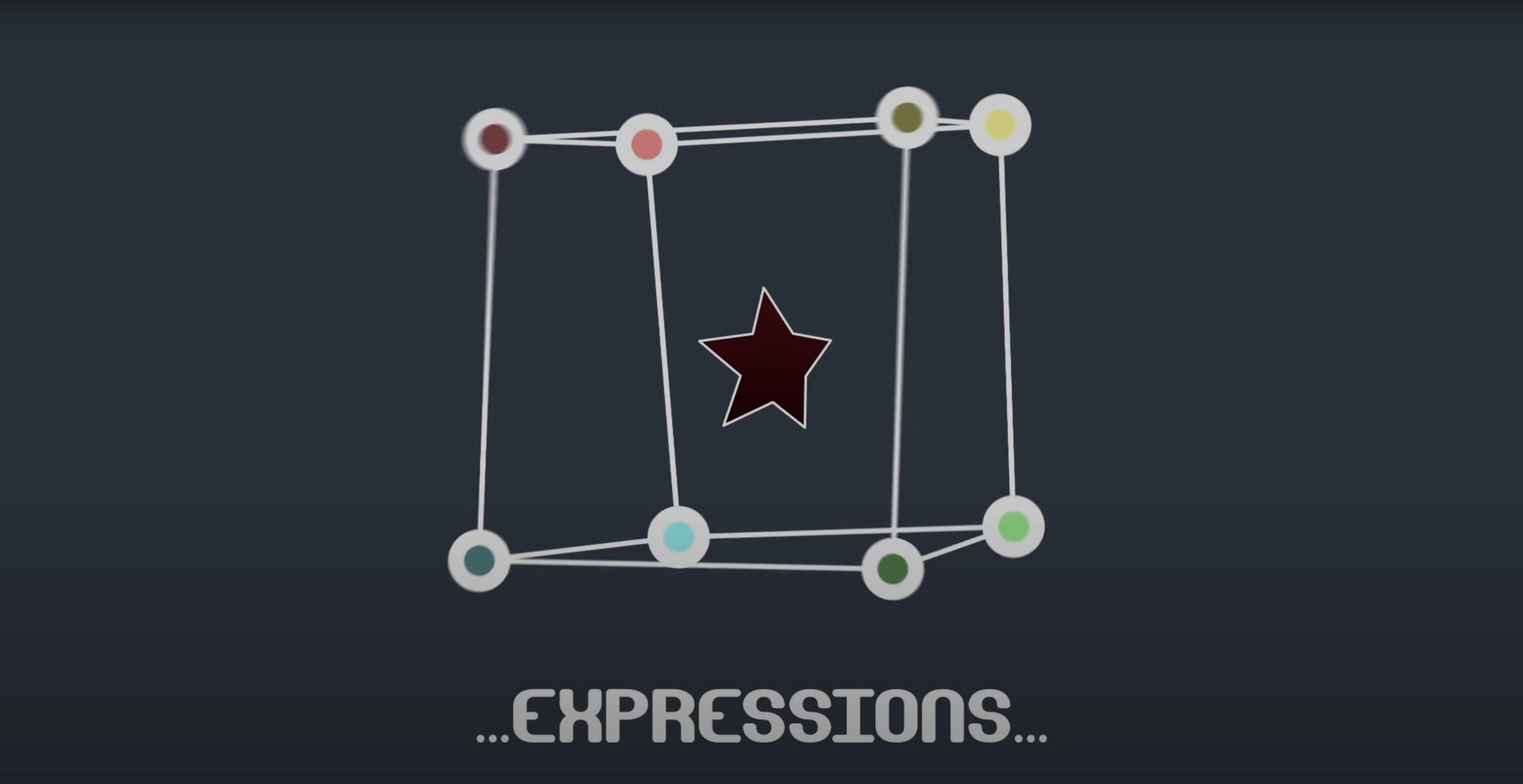
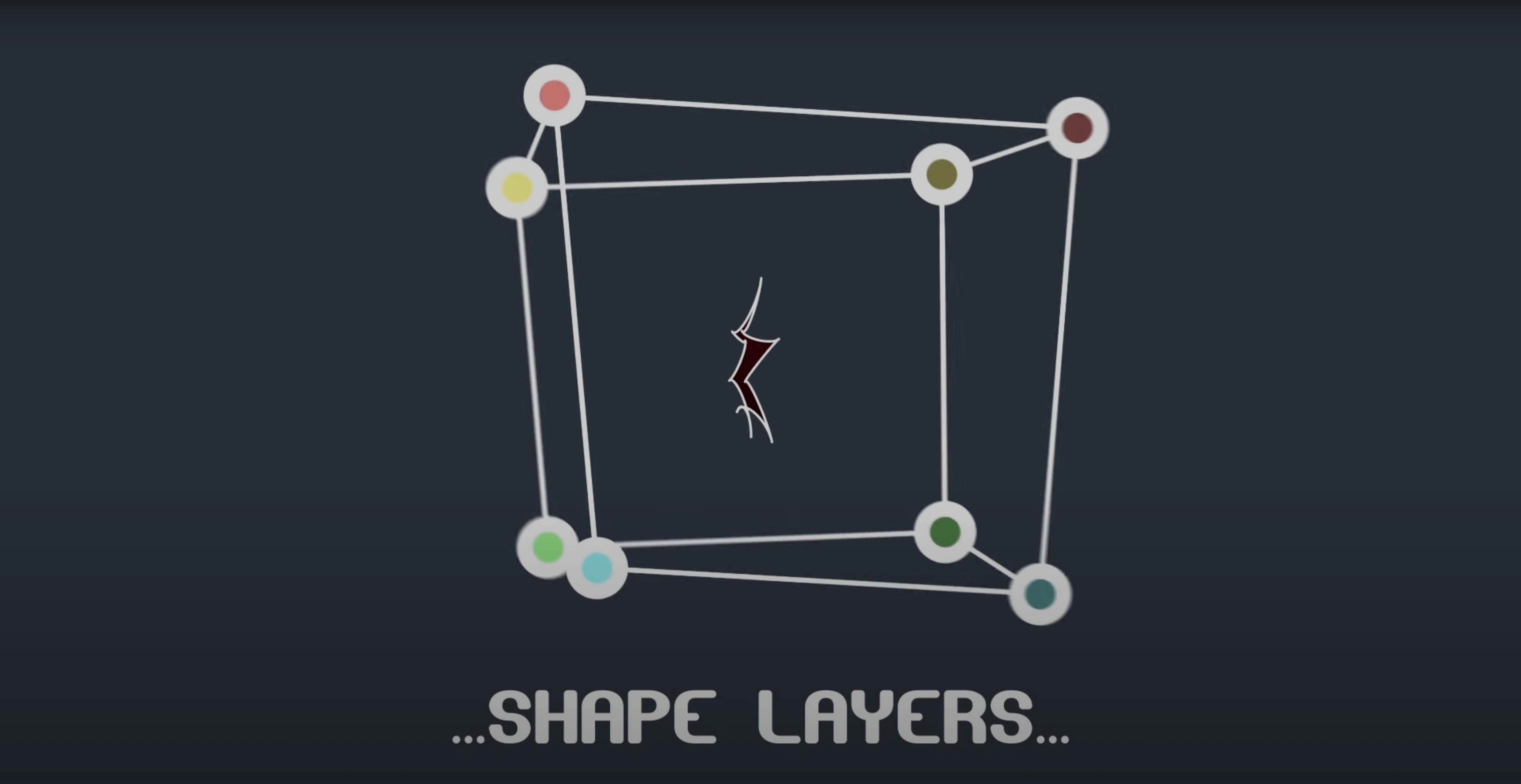
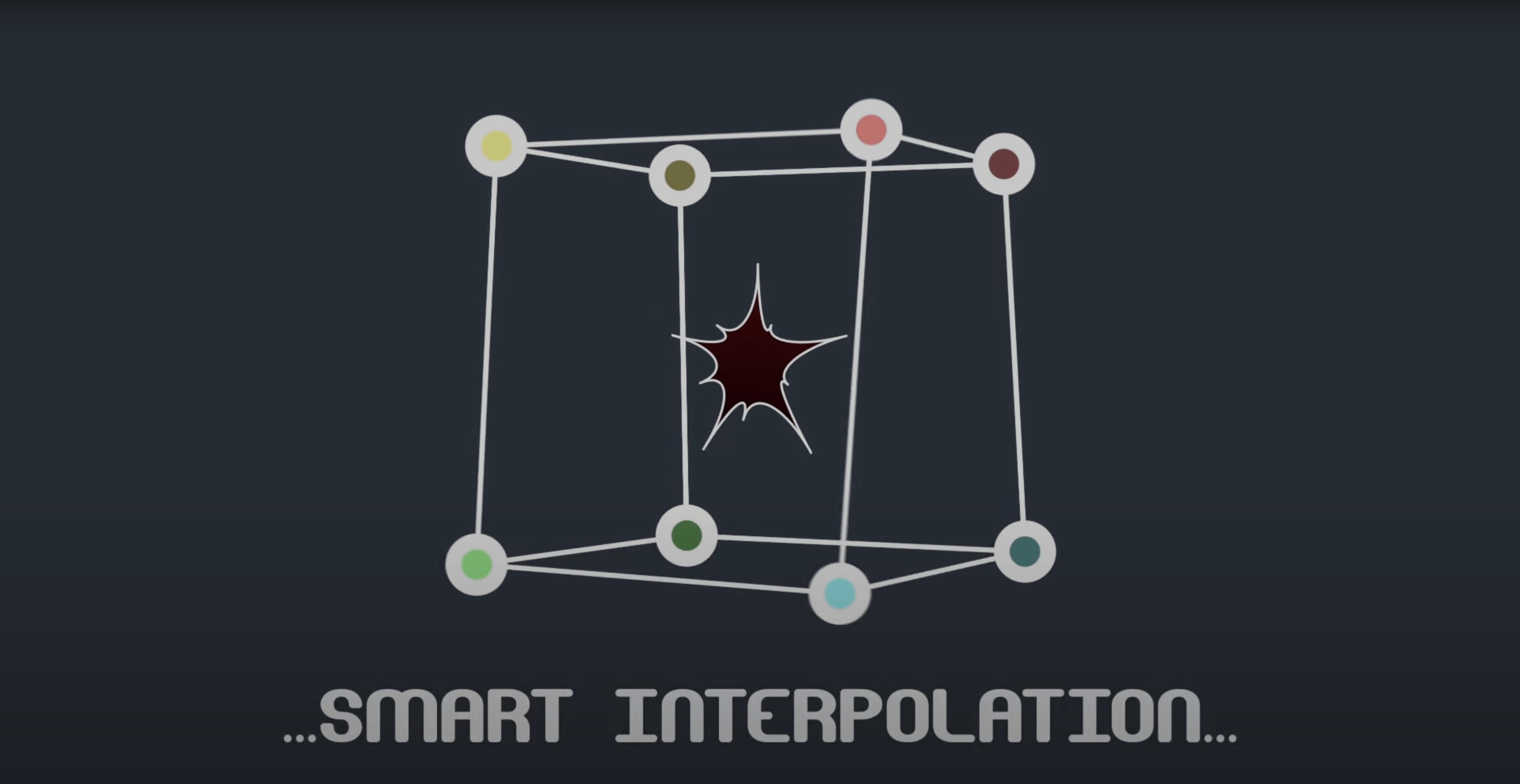
The M1 compatibility hiccup that affected Mac users has been resolved in version 2.7.5, keeping the tool steady on both Apple Silicon and Intel machines. BAO Mask Avenger hands you direct, per-vertex control over After Effects masks — something the built-in mask system was never designed to offer.
Compatibility and host requirements
The plugin runs inside After Effects, covering a generous span from CS6 right through to the 2024 release. On the Mac side, it supports both Intel and Apple Silicon architectures natively now, and the interface is presented in English. There are no standalone application versions or other host formats to juggle: this is purely an AE affair, delivered as a standard plugin that slots into your existing effects stack.
Control model: vertices, tangents and tracking
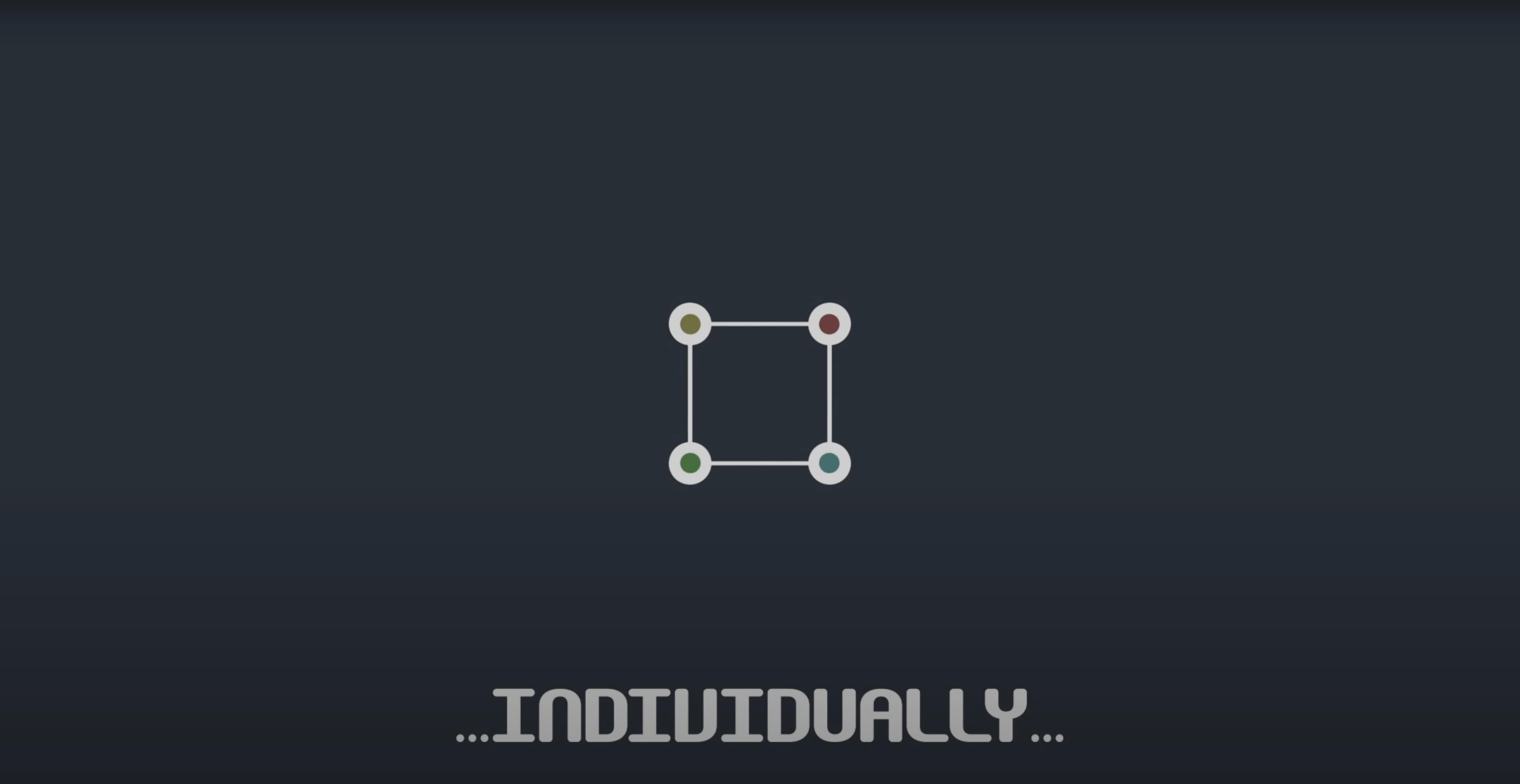
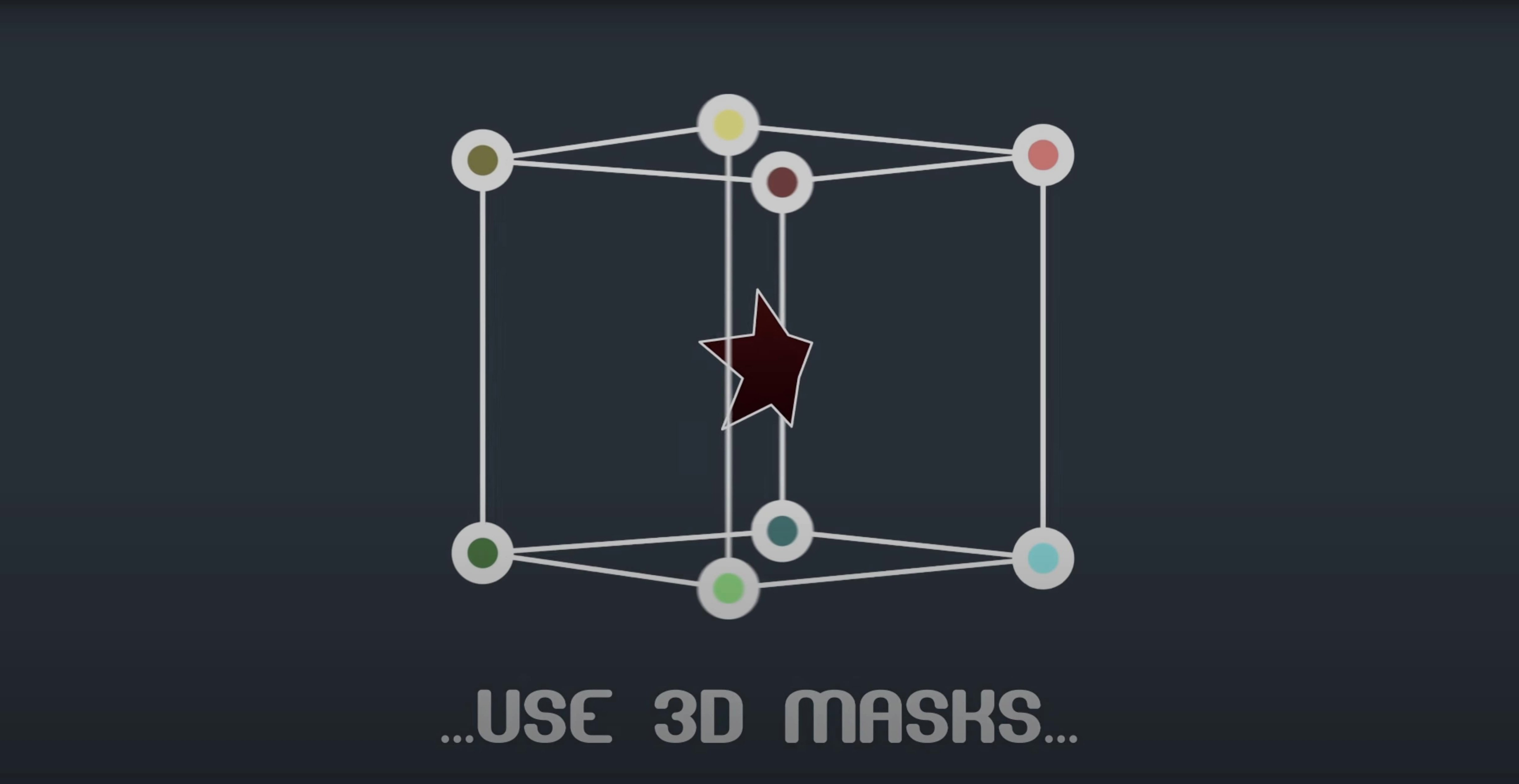
At its core, the tool lets you treat each mask vertex — and optionally its tangent handles — as an independently animatable entity. You can keyframe, ease and apply expressions to individual points, read position and orientation data from anywhere along a mask path, and even link vertices to tracker points with a pick-whip expression. The intelligent interpolation mode calculates motion based on a centre of gravity or an independent key anchor point, which proves useful when a mask needs to rotate or scale around a specific pivot. Masks built this way can be applied to shape layers, and the plugin can replace the Mask Renderer effect entirely for many workflows. In short: it turns After Effects masks from static outlines into fully articulated, trackable paths.
Imagine an animator working on a title sequence where scanned botanical illustrations drift across the frame, each leaf requiring a separate reveal matte that follows its natural curl. The masks cannot simply scale or rotate from a centre point — the edges themselves must deform organically, vertex by vertex, as the leaf unfurls. With the standard AE mask toolset this would mean countless keyframes on a mask path property, each one a blunt instrument affecting every point at once. Mask Avenger changes the arithmetic entirely. The animator assigns individual keyframes to the tip and base vertices of the leaf mask, letting the middle points follow via the intelligent interpolation mode anchored to a point near the stem. Half the keyframes, twice the fidelity. When a client asks for the same treatment on a different leaf shape two days before delivery, the expression-driven vertex links mean swapping the source mask without rebuilding the animation logic.
Fitting into a real motion graphics stack
The plugin sits naturally alongside a handful of tools that many AE artists already rely on. Its tracker pick-whip expression pairs cleanly with Mocha AE or the native point tracker, letting a roto mask follow a tracked feature with per-vertex precision rather than a single transform. On shape layers, where the built-in mask system sometimes feels like a second-class citizen, Mask Avenger treats the mask path as a first-class animatable property. The Free Transform mask tool integration means you can roughly block out a mask shape with the familiar transform handles, then hand off control to Mask Avenger for fine per-vertex work — no switching between incompatible tool modes. For studios sharing projects with freelancers who may not own the plugin, the freeze mode bakes the animation into standard AE keyframes, making the handoff painless. And if you have spent years building projects around Mask Renderer, the transition is straightforward: Mask Avenger reads position and orientation from mask paths in a way that replaces that ageing effect without forcing you to re-rig old compositions.
Workflow: linking a roto mask to a moving subject
Picture a shot where a dancer's hand traces an arc through the frame and you need a feathered light-leak effect to follow precisely along the index finger. The mask must track the finger's translation, rotation, and the subtle bending of the knuckle. Here is one way to approach it, start to finish:
- Draw a rough mask around the finger using the pen tool on the footage layer.
- Apply BAO Mask Avenger from the effects menu. The mask path moves into the plugin's control space.
- Track a distinct point near the fingertip using AE's point tracker or Mocha; export the track data as a null layer.
- Inside Mask Avenger, use the pick-whip expression on the fingertip vertex to link it to the null's position. The vertex now follows the track.
- Set the base vertex (near the knuckle) to a second tracker null, or keyframe it manually if the movement is predictable.
- Enable intelligent interpolation with an anchor point placed at the knuckle base. The middle vertices now blend between the two tracked extremes with a natural curve.
- Adjust tangent handles on the tracked vertices to refine how the mask edge eases into the movement — these tangent keyframes remain independent and tweakable without disturbing the position data.
- If the shot will be handed off to a colourist who works without the plugin, activate freeze mode on a duplicated pre-comp before sending it out.
Seeing no change after applying: select the right mask first
A frequent point of confusion arises when users apply Mask Avenger to a layer and see no immediate change. The plugin takes control of the mask path, but you must first select which mask to manage from the effect's mask index dropdown — it does not assume the topmost mask automatically. Another snag: expressions that reference tracker nulls break when the null is renamed after pick-whipping. AE does not update expression paths retroactively in Mask Avenger's custom interface; the fix is to re-pick-whip the vertex or edit the expression string directly in the plugin's expression field. Users moving between Intel and Apple Silicon machines on collaborative projects sometimes notice a brief recalculation pause when opening a project on the other architecture; this is AE re-rendering the effect's cache and is normal, not a corruption. If a mask appears to jitter during fast motion, check that the intelligent interpolation anchor is not placed too far from the mask's geometric centre — pulling it closer to the area of densest vertex movement usually stabilises the interpolation. And when freeze mode produces more keyframes than expected, it is simply baking every per-vertex channel; thinning the result with AE's keyframe cleaner on the frozen pre-comp takes seconds and leaves the motion intact.



Correspondence 0
Take a chair or join the table to send a letter.
No correspondence on this note yet. Letters are read before they appear.