 LeCoqRoti
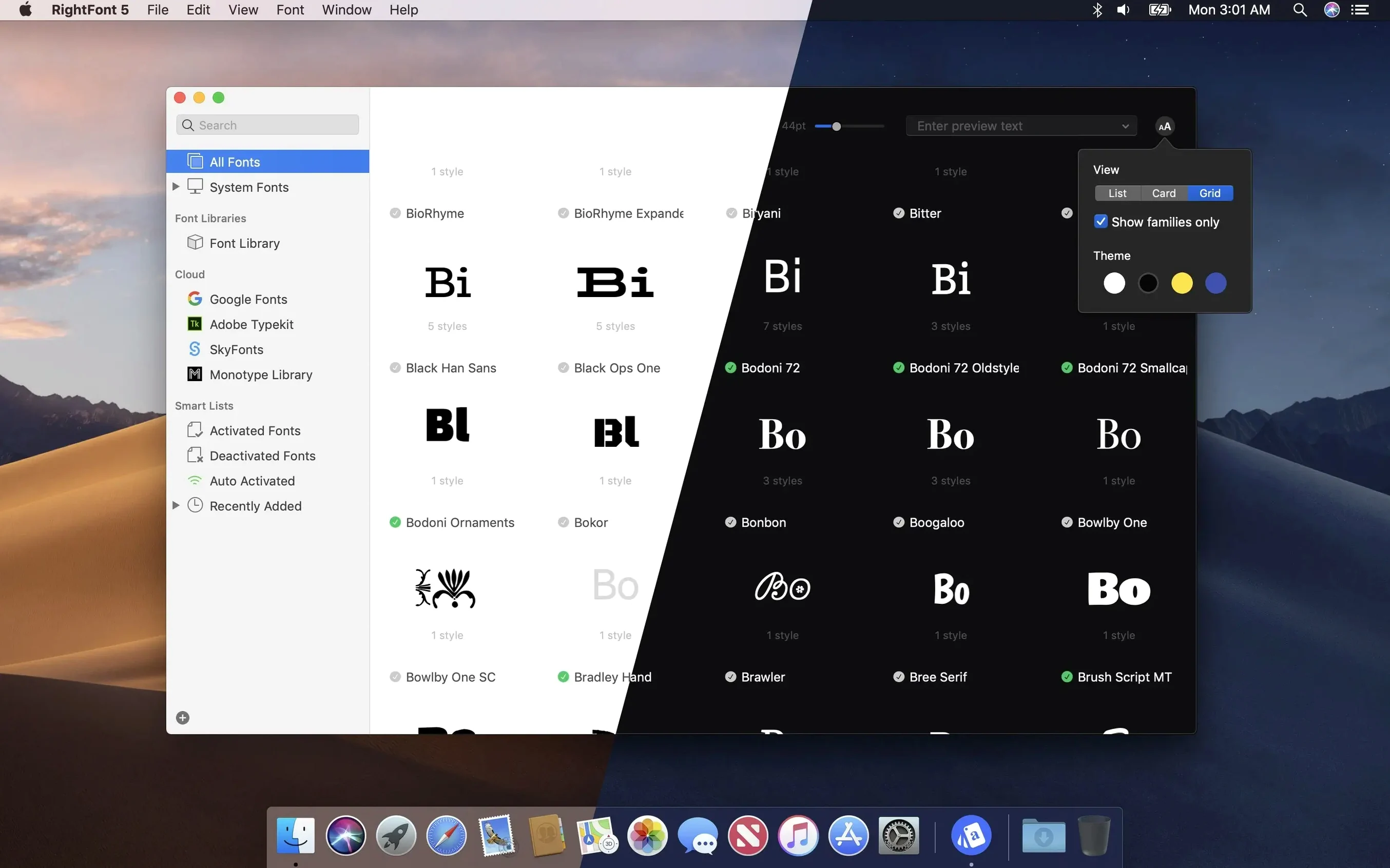
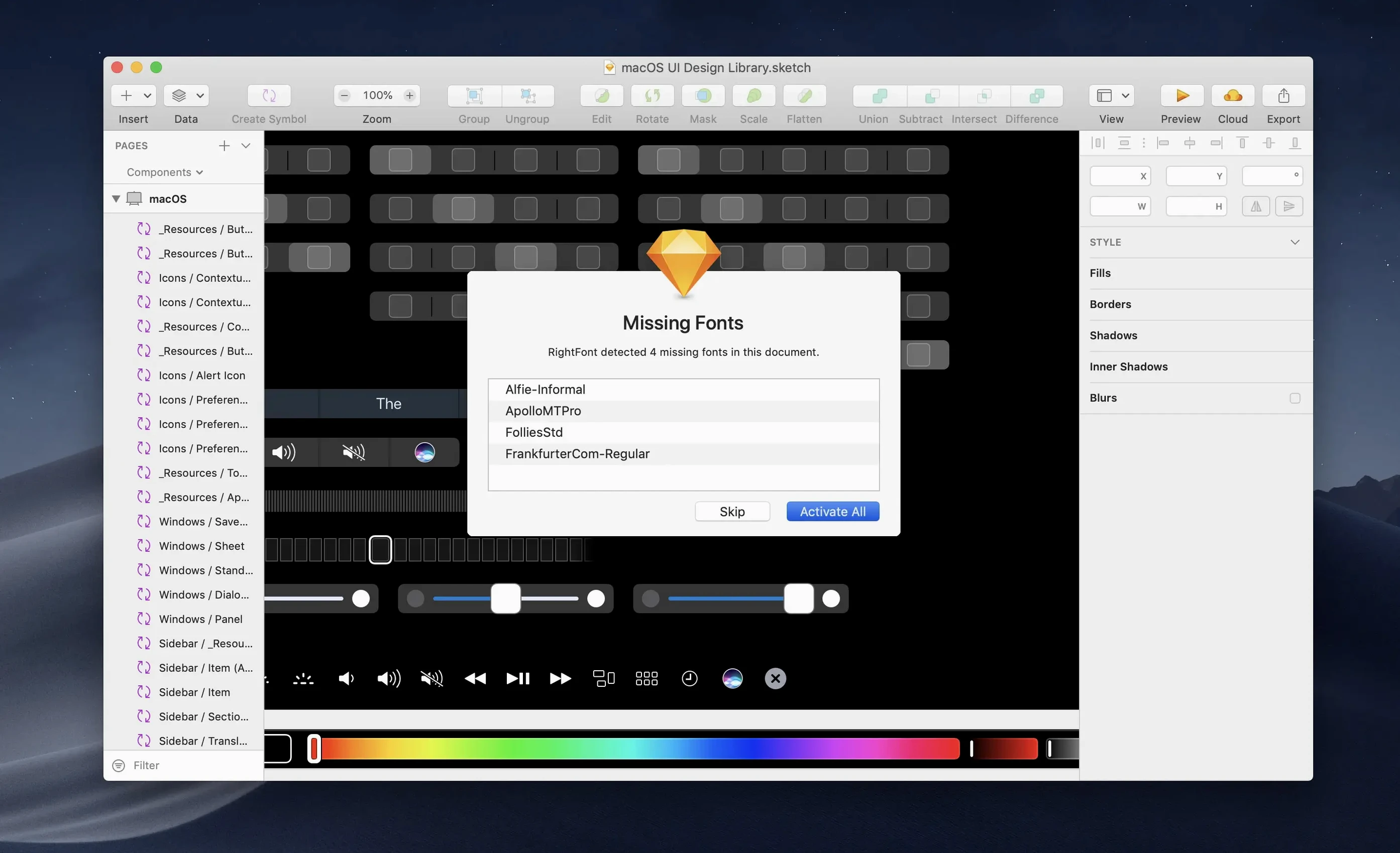
A design file lands on your desk and the first thing you see is the missing-fonts dialogue. Not once, but a dozen times across the week. The system library is swollen, client families are scattered across folders, and half the weights you need are buried somewhere in Creative Cloud. A font manager earns its place the moment it removes that friction.
- Open RightFont and let it scan your local directories, Adobe Creative Cloud libraries, and Sketch caches. The sidebar populates with a single library view, sorted by family.
- Select a candidate typeface. The preview panel renders it in adjustable sizes and a paragraph of your own choosing — no need to open a separate specimen sheet.
- Filter by classification, width, or weight using the column headers. A sans-serif with a semi-bold weight takes three clicks to isolate.
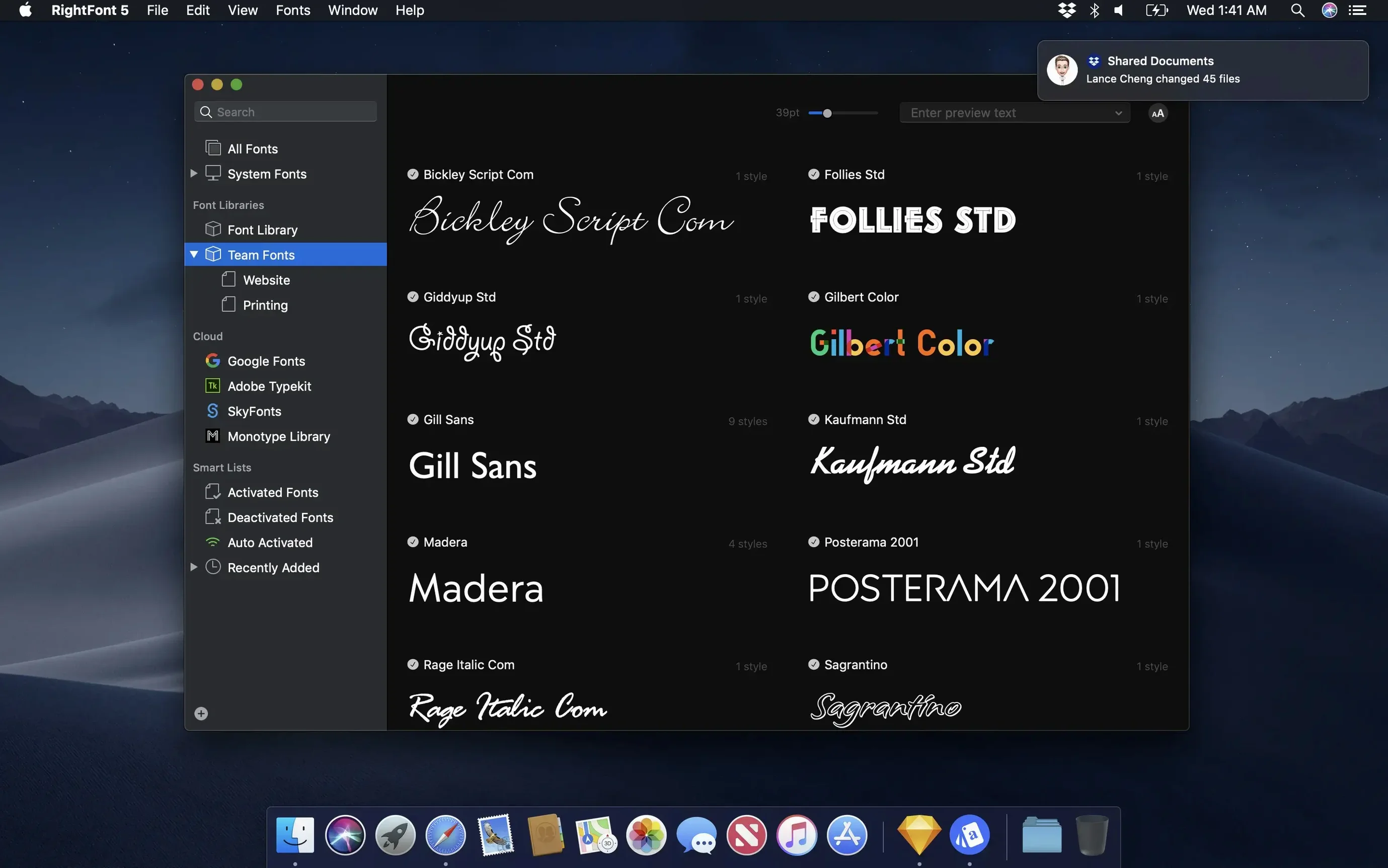
- Drag the chosen family into a new font list named after the project. This list becomes your portable activation set: one click enables every font, another deactivates them when the project closes.
- From the menu bar, activate the project list before opening the layout file. The fonts are live in Photoshop and Illustrator immediately, with no restart required.
The real economy is in the lists. A brand-identity list stays dormant until you need it; a web-font list travels with you between machines. Because the library is self-contained, moving it for backup or sharing is a matter of copying a single folder. In short: RightFont turns font activation from a daily interruption into a single, repeatable gesture.
Stability and resource use: quiet in the background
In daily work RightFont sits unobtrusively between the menu bar and the design apps, and that is precisely where it belongs. Launching it on an Apple Silicon Mac feels immediate — the library appears before the dock icon has finished its single bounce. Memory usage hovers around 120–180 MB with a library of several thousand fonts, which is modest for a tool that maintains live previews of every family. The background agent that handles auto-activation in Adobe apps adds roughly 40 MB and no perceptible CPU load when idle.
Scrolling through a large library is smooth: the preview panel re-renders type specimens without stuttering, even when you hold the arrow key down to skim quickly. Importing a folder of a hundred new fonts triggers a brief progress indicator and completes in seconds. The app has not crashed once in a full working week across Illustrator, InDesign, and Sketch — sessions where font switches happen every few minutes. That kind of quiet reliability is easy to overlook, but it is the foundation that makes the software disappear into the workflow rather than demanding attention.
Alongside other font managers: three comparisons
RightFont occupies a specific niche among Mac font managers, and the differences become clear when you place it next to a few well-known alternatives.
Typeface 3. Typeface shares the same spirit of fast browsing and elegant previews, and its tagging system is slightly more visual. Where RightFont pulls ahead is in direct integration: Typeface relies on system font activation, whereas RightFont talks directly to Creative Cloud apps and Sketch without touching /Library/Fonts. For a designer who moves between Illustrator and Photoshop all day, that direct line saves the small but cumulative annoyance of restarting an app to see a newly activated font. Typeface feels more like a personal collection browser; RightFont feels like a production tool.
FontBase. FontBase is cross-platform and free for its core feature set, which makes it an obvious first stop for students or anyone working on both Mac and Windows. Its nested-folder organisation appeals to users who think in directory trees. RightFont’s approach — flat lists with filtering by classification, weight, and width — demands less manual structuring once the library grows beyond a few hundred families. The trade-off is platform availability: RightFont is Mac-only by design, and the interface reflects that focus, from the native San Francisco styling to the tight menu bar integration that FontBase does not attempt.
FontExplorer X Pro. FontExplorer has long been the heavyweight in this space, with server-based team sharing and deep classification tools built over two decades. It is also a larger, slower application that has changed ownership and direction several times. RightFont feels like a conscious reaction against that complexity: lighter, faster, and simpler to set up on a new machine. For a solo designer or a small studio without a dedicated font server, RightFont covers the same practical needs with far less overhead. The one area where FontExplorer still leads is in granular font cache management and corruption detection, tools that matter in print production environments with very old or damaged files.
Import clarity: skipped file counts end the guesswork
Version 10.2.1 addresses several rough edges that had lingered through earlier releases. The import process now shows a clear finalisation stage and counts any unsupported files it skipped — a small change that removes the guesswork when you pull in a folder of mixed formats and want to confirm nothing important was left behind. Font imports previously failed silently on certain malformed files; the team describes them now as “more reliable,” and in practice that means fewer manual checks after a batch import.
Tag management received a quiet but useful improvement: subtags can be dragged back into the main Tags section, which restores a flexibility that had been briefly missing. For anyone who organises fonts by foundry, client, or project and occasionally nests things too deeply by mistake, this is a welcome correction.
On the compatibility side, version 10.2.1 includes fixes for Adobe Illustrator and QuarkXPress, resolving activation glitches that could leave fonts appearing as missing until the app was restarted. The release also addresses an issue specific to macOS 27, the internal build designation Apple used during early Sequoia development, suggesting active maintenance ahead of system updates. None of these are headline features, but together they make the daily rhythm of auto-activation more predictable — and predictability is what keeps a font manager from becoming part of the problem it is meant to solve.








Correspondence 0
Take a chair or join the table to send a letter.
No correspondence on this note yet. Letters are read before they appear.