 LeCoqRoti
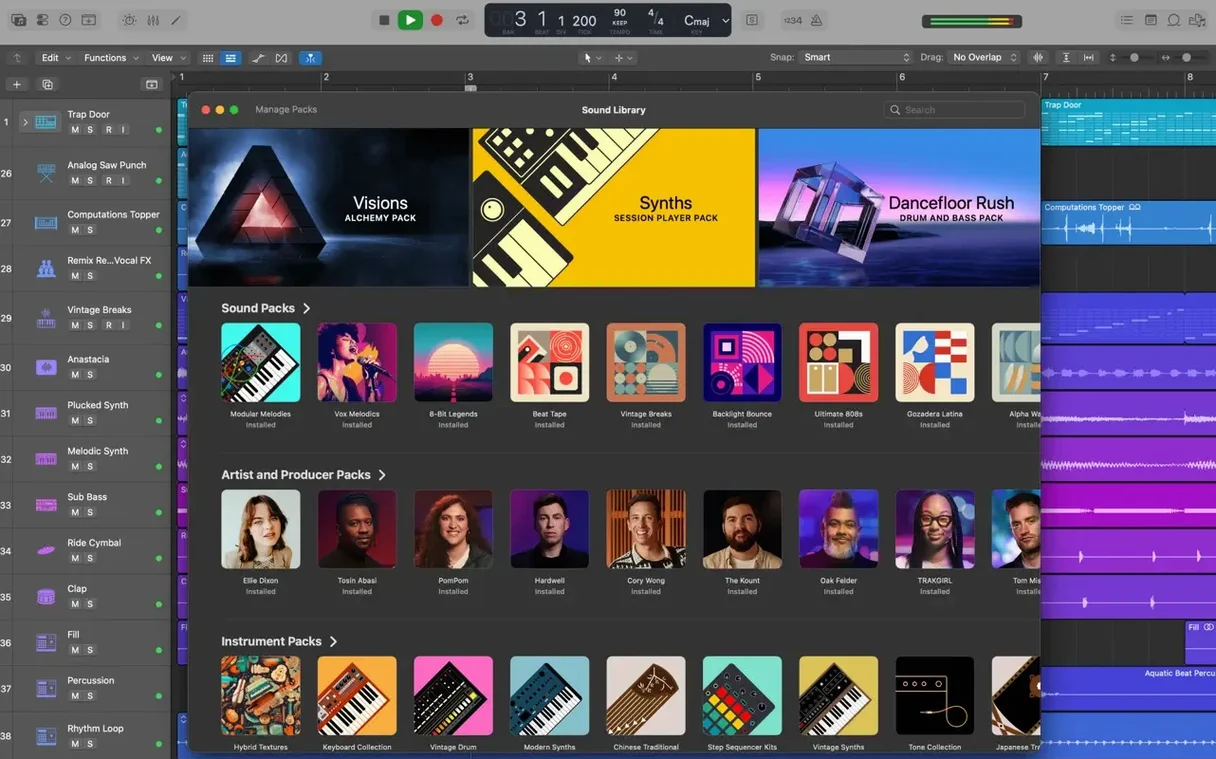
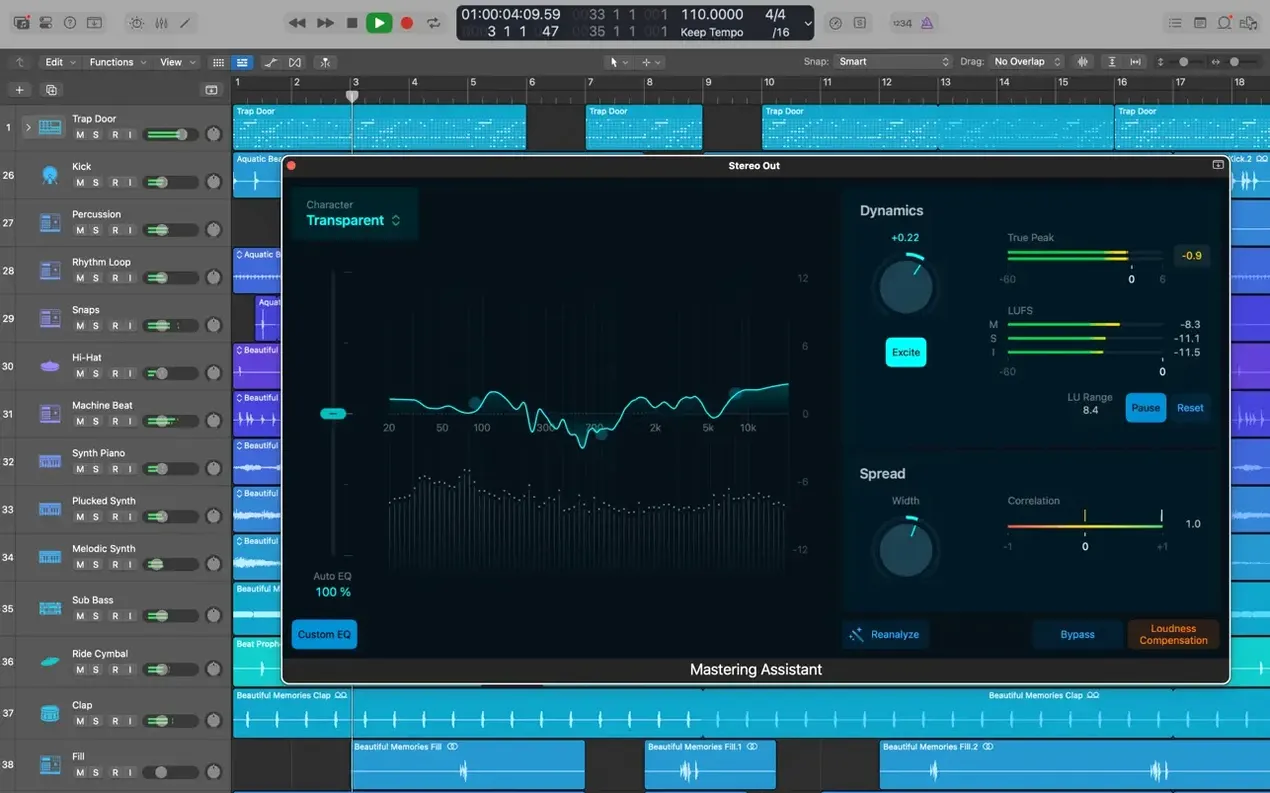
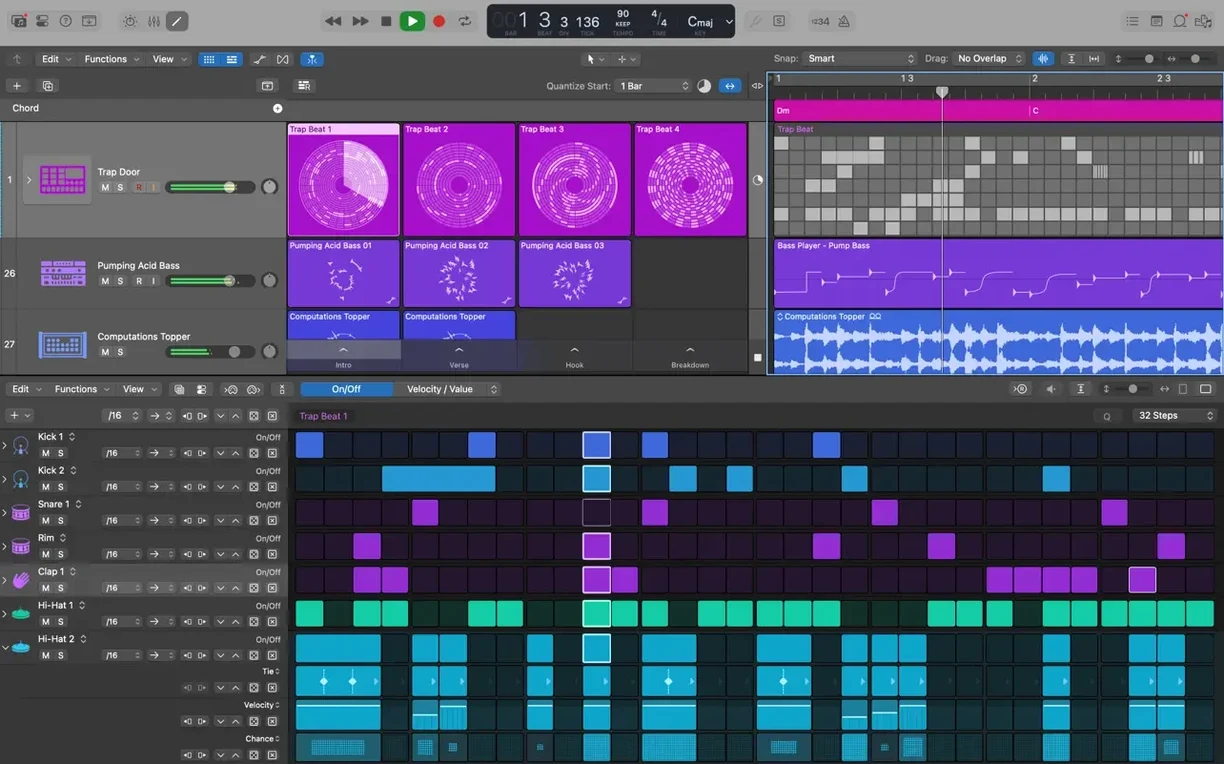
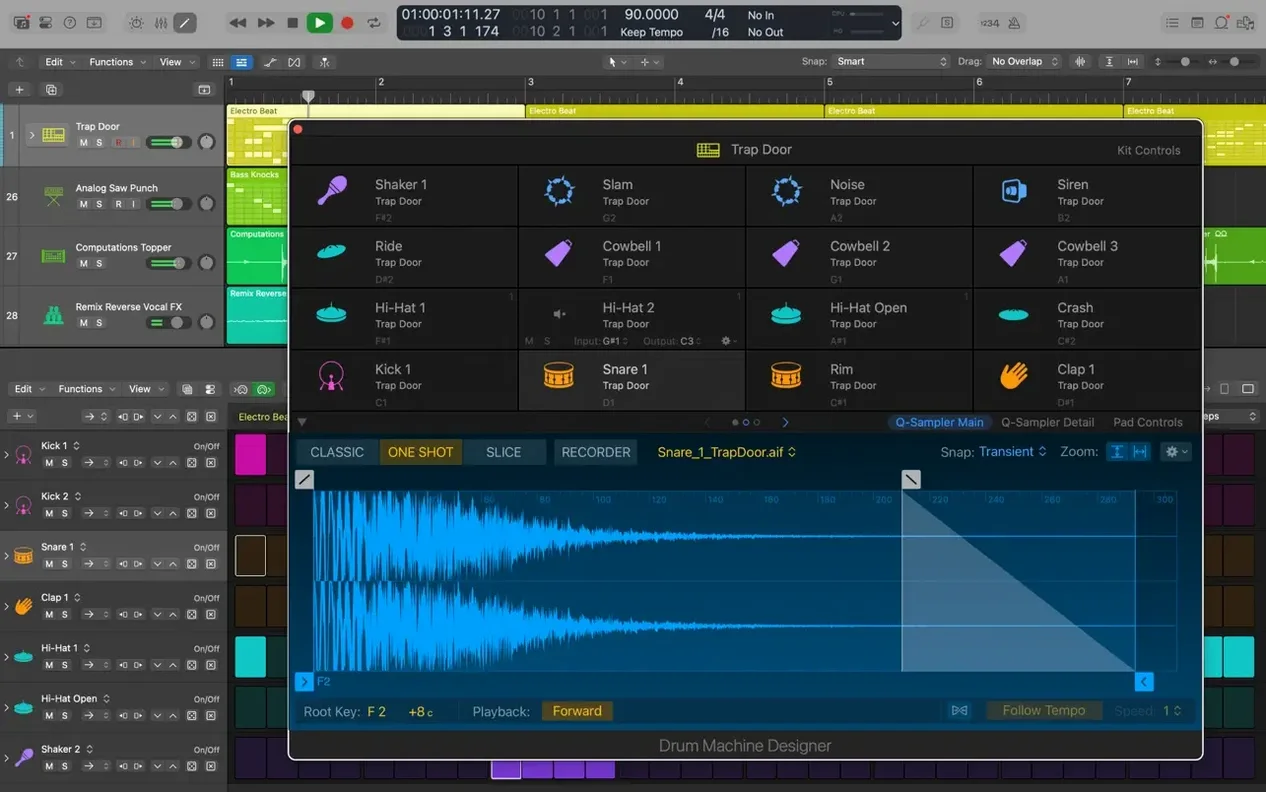
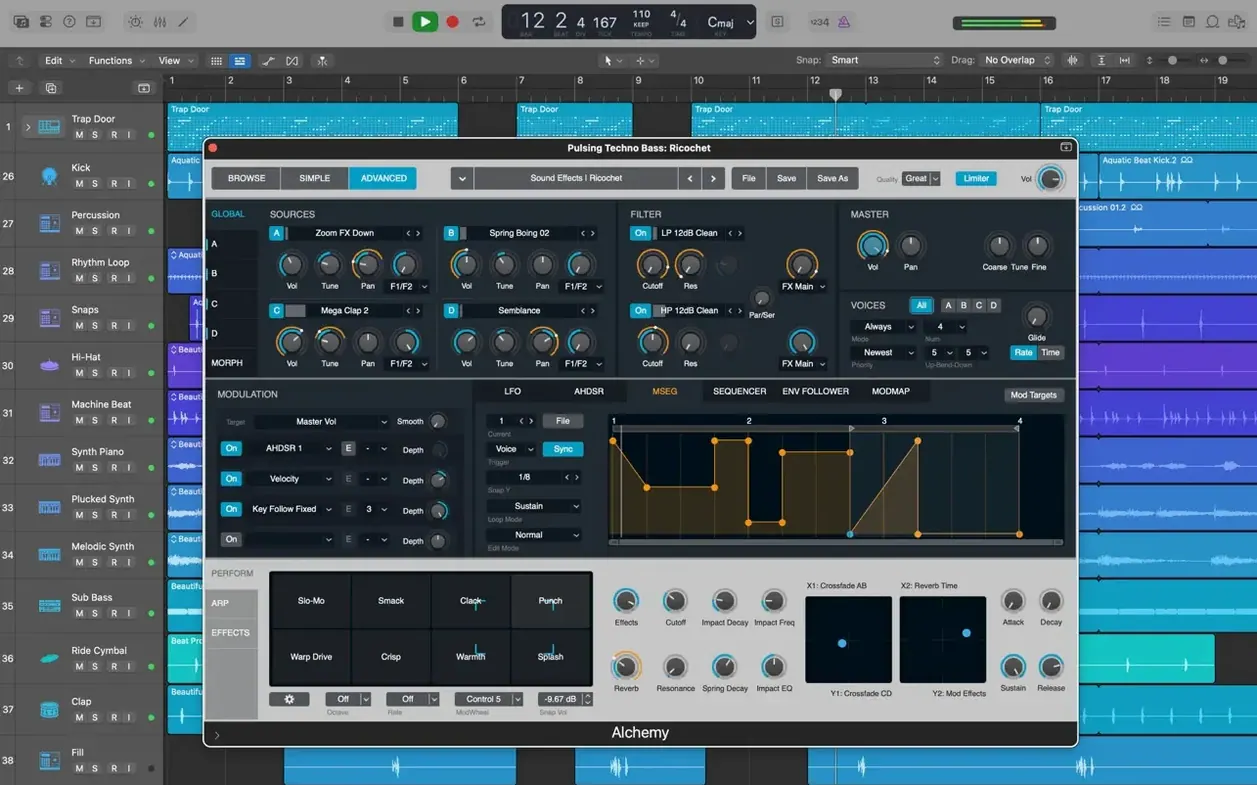
Songwriters, beat-makers and recording engineers all reach for Logic Pro when they need a deep, capable studio that lives entirely on a Mac. It handles the full arc of a project: recording audio and MIDI regions, arranging them on a timeline, editing takes with Quick Swipe Comping, and exporting a finished mix. The included sound library alone runs to more than 7,000 Apple Loops, and you can extend the palette with third-party Audio Unit plug-ins.
Before installing, check the requirements carefully. Logic Pro asks for macOS 15.6, a 1280 × 768 display or higher, and 4 GB of RAM. Disk space is the real appetite: a minimum install wants 6 GB free, while the full Sound Library needs 63 GB. The app runs natively on both Intel and Apple Silicon machines, and all third-party instruments must be 64-bit Audio Unit plug-ins.
Once it is in place, the tools suggest their own workflows. Flex Pitch corrects vocal pitch directly on a waveform. Drum Kit Designer lets you build kits from sampled drums, and Pedalboard chains guitar effects with a drag-and-drop pedal tray. You can even start an idea on an iPhone or iPad in GarageBand and send it through iCloud to add new tracks to a Logic project.
Older sessions are not left behind: the app opens projects created in Logic 5 or later, so archives from years ago can breathe again on current hardware.
Blank canvas to rough arrangement: one track at a time
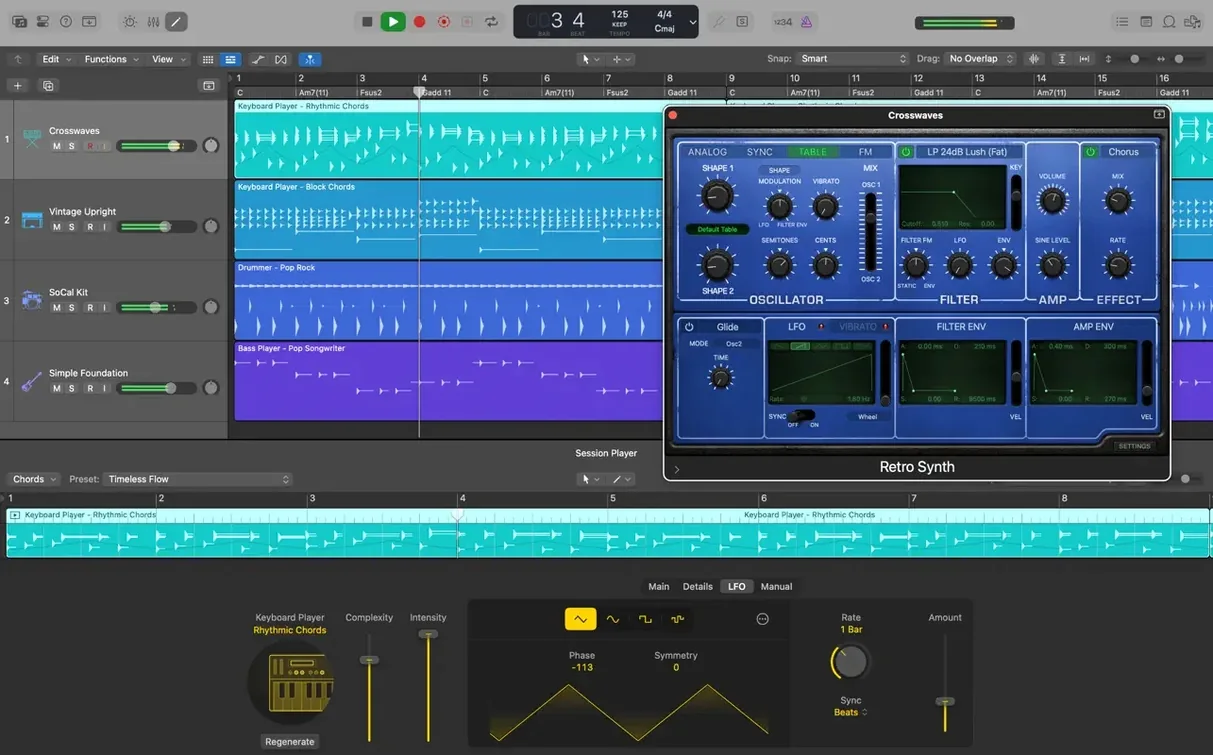
Open Logic Pro and the first choice is the Project Chooser. Select an empty project, pick a software instrument track, and the library opens on the left. A single key command — Y — hides it again once a sound is chosen. The screen settles into the Main window with one empty MIDI region on track one.
Tap out a chord progression on a controller keyboard; the region fills with notes. With the region selected, Command-R repeats it across sixteen bars. A second track, this time a bass patch from the Alchemy synth, follows. The cycle range is set to four bars, and Logic loops while the bassline is played in. It sits a little behind the beat — select the region, open the Piano Roll with P, select all notes and nudge them a few ticks left. Tight.
Drums come next. Create a Drummer track, choose one of the 28 drummers — say, Anders in an indie rock style — and drag the yellow puck in the Drummer editor to adjust complexity and loudness. The performance follows the kick and snare pattern from the chordal loop without any manual programming. Convert it to MIDI regions later if you want fine control over individual hits.
Comping a vocal is equally direct. Record three takes on an audio track, looped over the same eight-bar section. Click the disclosure triangle on the region header, and Quick Swipe Comping presents all takes stacked vertically. Swipe across the best phrases from each take; Logic crossfades the boundaries automatically. A single click flattens the comp into a merged region, ready for Flex Pitch if a note or two needs nudging toward the centre of the scale.
By the end of a thirty-minute sketch, the project has eight tracks, a rough mix balance set with Track Stacks grouping the drums, and a stereo output that already sounds like a record in progress. No third-party plug-in has been loaded. Everything came from the stock library.
Clip-launching rival Live: improvisation versus linear flow
Logic Pro sits in a small group of serious Mac-native music production environments. Three common alternatives differ in character rather than sheer feature count.
Ableton Live: Live thinks in clips and scenes. Its Session View encourages improvisation and non-linear arranging, which suits electronic producers and live performers. Logic arranges on a linear timeline; the Tracks area is closer to a traditional multitrack tape machine. Live's warping algorithms are more immediate for tempo-mangling, but Logic's Flex Time offers equivalent control once you learn its marquee-tool gestures. The stock instrument and effect collection in Logic is substantially deeper — Alchemy alone outpaces any single instrument bundled with Live.
Steinberg Cubase: Cubase has a longer cross-platform history and a MIDI editor that some composers prefer for orchestral work. Its Expression Maps handle complex articulations elegantly. Logic counters with Drummer, a feature with no direct Cubase equivalent, and a more integrated sound library. Both handle large track counts without issue, though Logic's Track Alternatives feel more fluid for experimenting with different arrangement versions than Cubase's version-tracking approach.
Studio One: PreSonus Studio One has a clean, drag-and-drop-centric interface that appeals to users who find Logic's inspector-heavy layout cluttered. Its Project Page for mastering is a genuine differentiator. Logic responds with Selection-based Processing — rendering effects directly onto selected audio files without setting up aux channels — and a deeper stock plug-in roster that includes convolution reverb and modelled guitar amplifiers out of the box.
In daily use: a mix engineer's morning
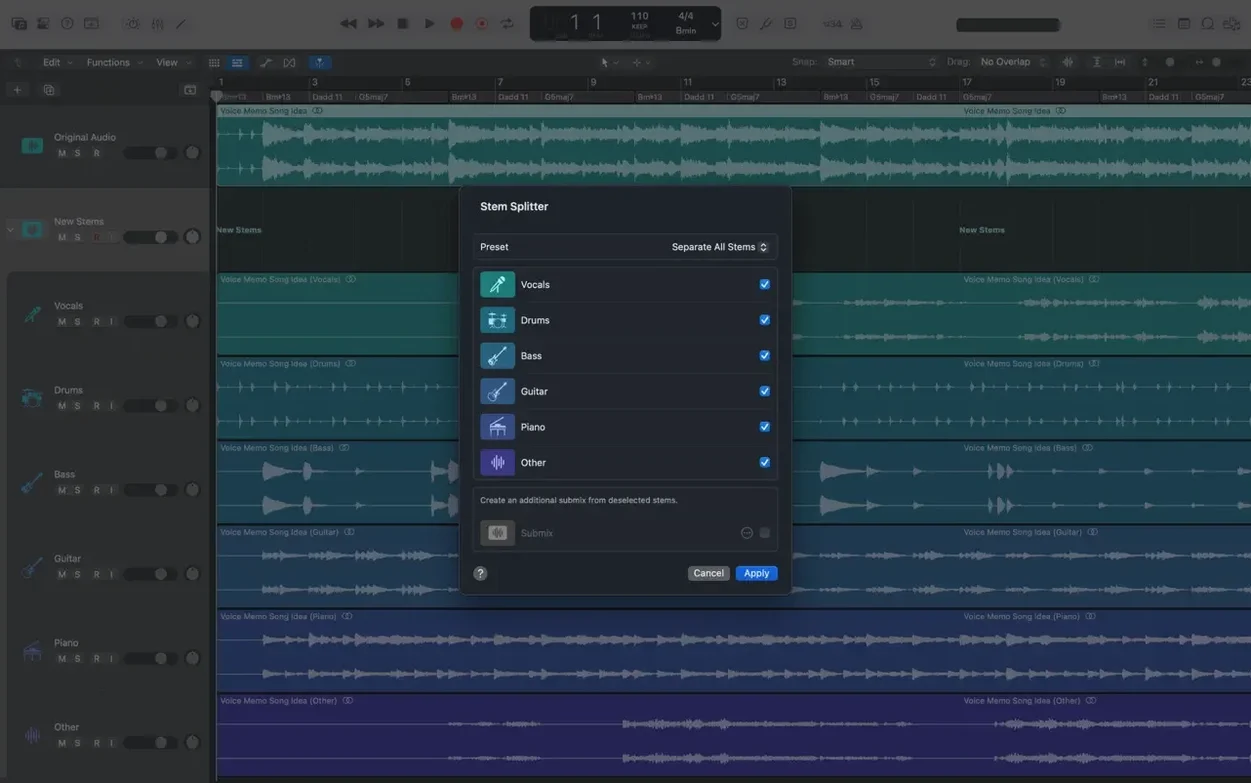
Consider an independent mix engineer who receives stems from a client late on a Tuesday. The folder contains forty-eight 24-bit WAV files, all starting at bar one. Logic imports them in one drag from the Finder, automatically placing each file on its own track and aligning them to the timeline.
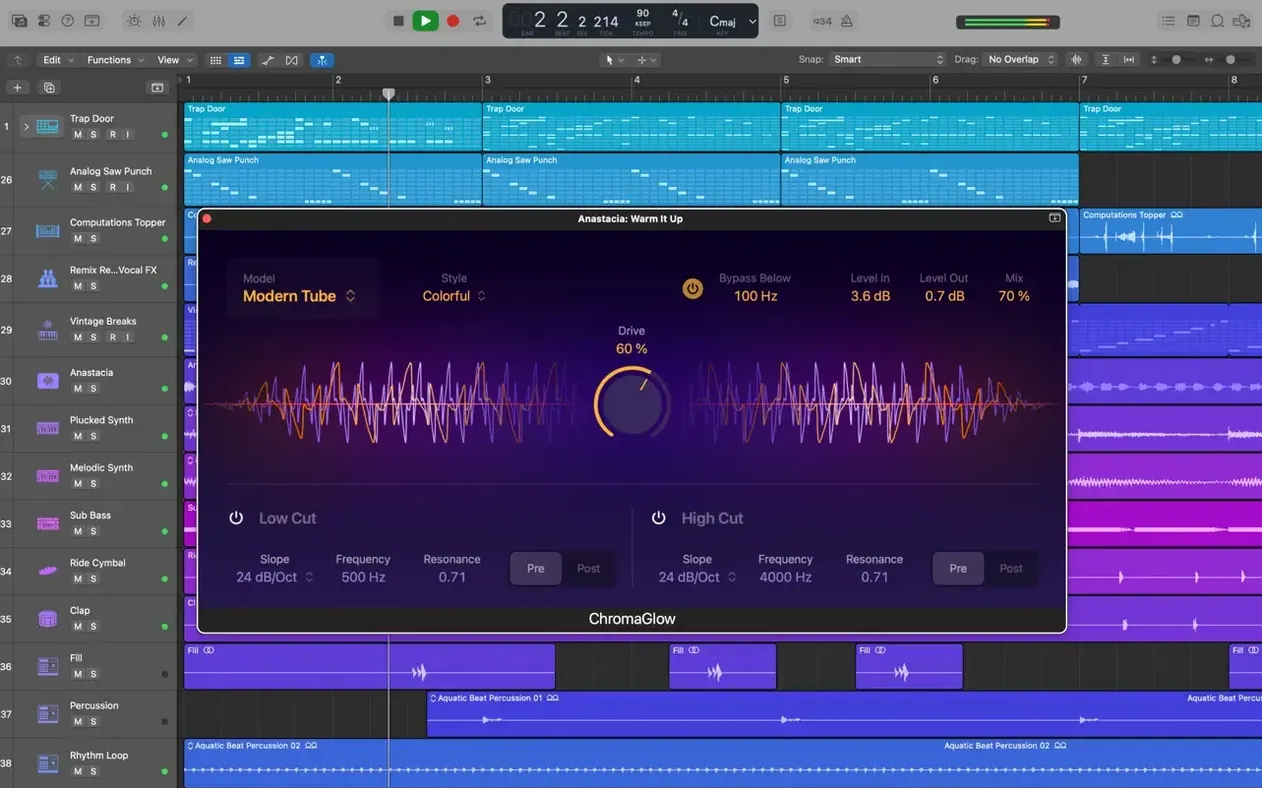
The first task is organisation. Selecting all drum tracks and pressing Shift-Command-D creates a Track Stack with a summing bus. Kick and snare get their own compressors from the stock Dynamics plug-in; the parallel compression channel is set up with a send to a bus loaded with the Vintage VCA model. Smart Controls on the drum bus map the stack's key parameters — compression threshold, EQ tilt, send level — onto a single pane of knobs, which speeds up balancing far more than opening five plug-in windows.
Flex Time tightens a slack bass performance against the kick drum transients. The engineer enables Flex view, selects Slicing mode, and drags transient markers until the bass locks into the pocket. The process is non-destructive; bypassing Flex returns the region to its original timing.
By midday the mix is balanced, automated, and printed to a 24-bit stereo file. Memory pressure stays low throughout — the app hovers around 3.2 GB of RAM with sixty tracks and moderate plug-in loads. The fan on a MacBook Pro remains inaudible. Occasional disk-spinning cursors appear only when the full Sound Library triggers a large patch load, and even those resolve within a second or two on Apple Silicon.
Apple Silicon launch: under five seconds to an open project
On an Apple Silicon Mac, Logic launches in under five seconds and opens a moderate project in roughly the same time. Intel machines are slower but still respectable. The most noticeable gain on Apple Silicon is plug-in scanning: a folder of 200 third-party Audio Units validates in under a minute on an M-series chip, compared with several minutes on older Intel MacBook Pros.
Stability has improved markedly in version 12.3.1. The fix for unexpected quits when playing MIDI alongside video resolves a longstanding frustration for post-production users, and the performance boost for tracks with many regions makes heavily edited projects scroll and zoom without micro-pauses. Cursor Tool modes now engage instantly — selecting the Marquee tool no longer requires a tiny mouse wiggle to register, which sounds trivial but eliminates a daily friction point.
Disk usage is worth planning around. The full Sound Library at 63 GB is not optional if you want all the sampled instruments and Apple Loops, but you can relocate it to an external drive from the Sound Library Manager. Logic streams samples from SSD quickly enough that an external Thunderbolt enclosure causes no audible dropouts. Memory usage scales with project complexity; a hundred-track session with heavy sampling and convolution reverbs can push beyond 8 GB, but Logic's dynamic plug-in unloading keeps idle tracks from consuming CPU cycles.
Enable Advanced Tools: the switch that shows hidden editing
- Advanced Tools: Go to Logic Pro > Settings > Advanced and enable all advanced tools. Without this, many editing and production features remain hidden — including Track Alternatives, Flex editing, and the full MIDI transform set. The app presents a simplified face until this toggle is on.
- Recording file type: Under Settings > Recording, switch the default recording format from AIFF to WAV (24-bit, 48 kHz if your projects suit it). WAV files transfer more cleanly between DAWs and collaborators. Logic's AIFF default is a legacy preference.
- Cycle auto-create: In Settings > General > Cycle, disable "Auto-create Cycle from marquee selection." When left on, a careless click in the ruler creates a cycle zone, which can silently truncate playback during a listening pass.
- Snap behaviour: Set the Snap mode (top-right of the Tracks area) to "Smart" rather than "Beat." Smart snap respects both the grid and the position of other regions, which makes lining up audio clips against existing material far less fiddly.
- Project backups: In File > Project Settings > General, set "Auto Backup" to the last ten saves and choose a backup folder outside the project package. This costs negligible disk space and has rescued more than one session from an overzealous edit.







Correspondence 0
Take a chair or join the table to send a letter.
No correspondence on this note yet. Letters are read before they appear.