 LeCoqRoti
A cinemagraph is a still photograph in which a single, contained movement repeats endlessly — steam rising from coffee, a model's hair lifting in a breeze. Cinemagraph Pro is the Mac tool for making them.
Choose a still frame: the anchor
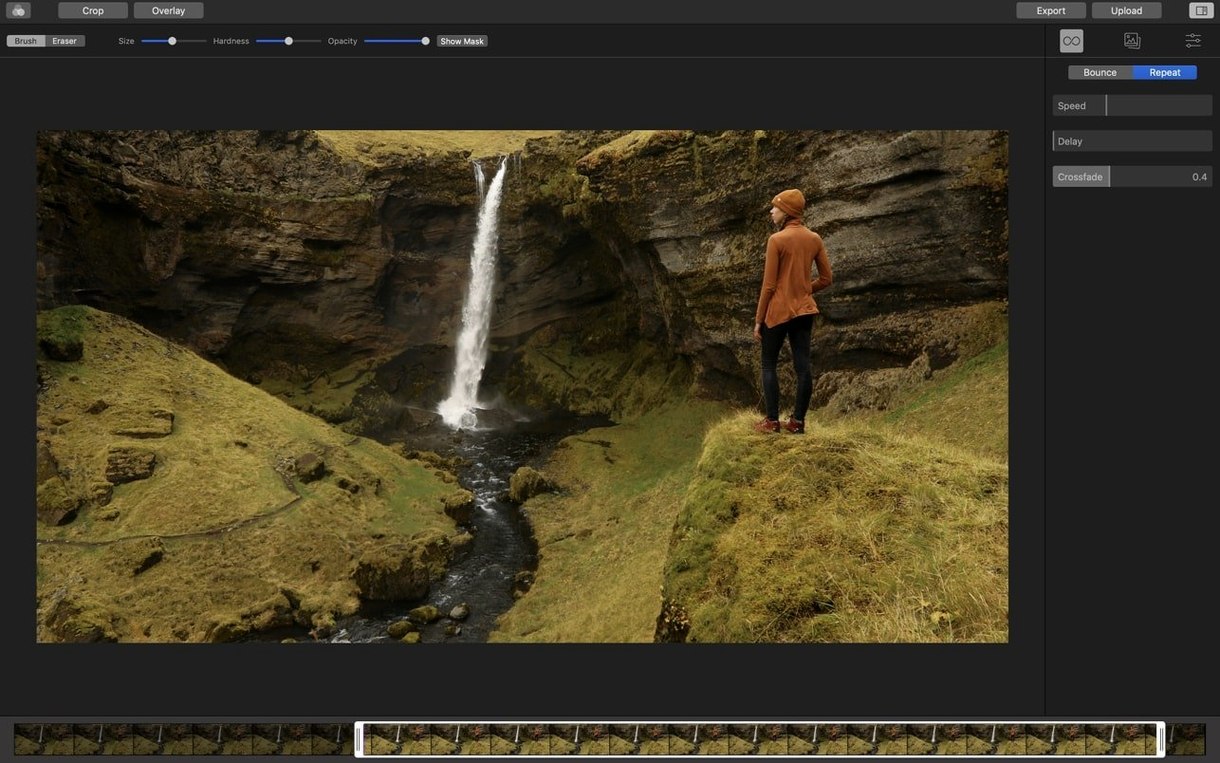
Import a short video clip and scrub to the moment you want as your photograph. That frame becomes the static bed of the image, hiding everything except the motion you later reveal.
Paint the living part: a mask
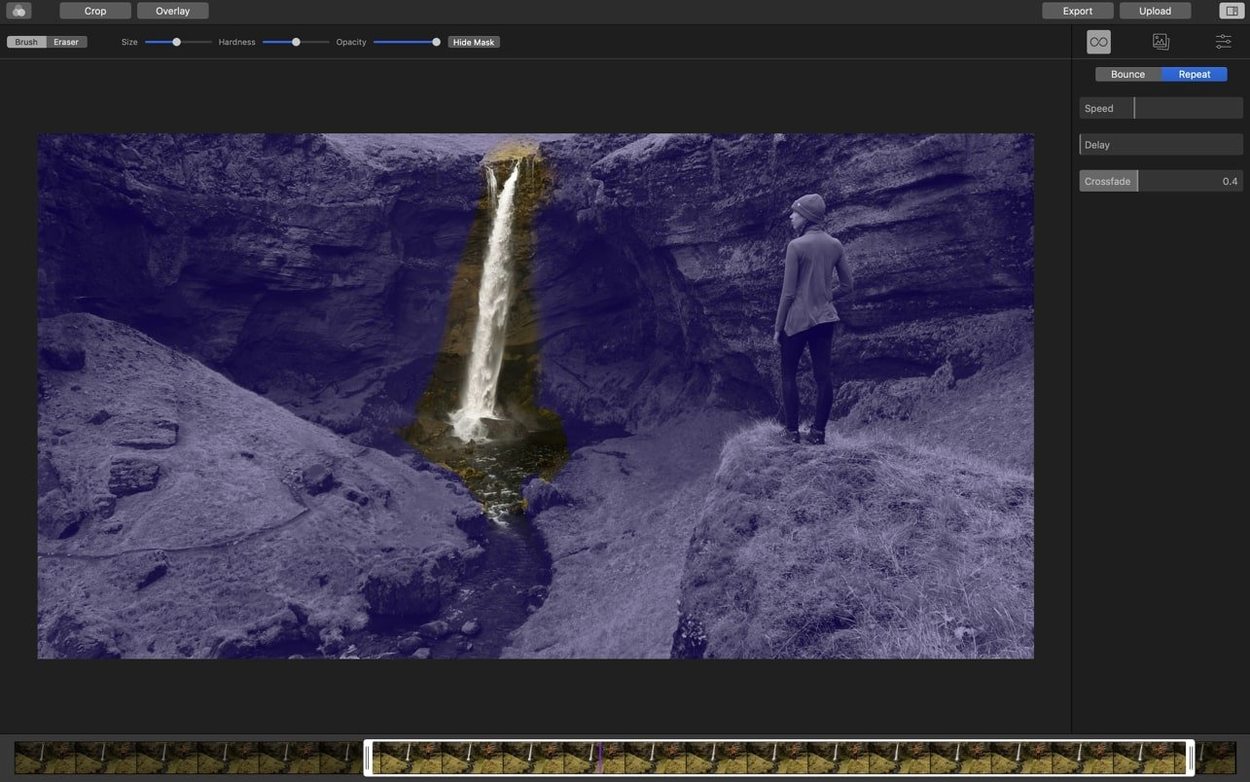
With a brush, paint over the area you want to keep alive. Only the masked surface moves; the rest stays frozen. A light touch works best here — animate a single element and let the stillness around it do the heavy lifting.
Trim a clean loop: no seam
Adjust the in and out points of your clip until the motion cycles without a visible jump. The loop should feel like breathing, not like a glitch. When it is right, export to H.264, HEVC, ProRes or a GIF.
Visible loop jump: trim harder and switch to bounce mode
A handful of problems surface often enough to be worth mentioning. The most frequent is a visible jump at the loop point — usually solved by trimming more aggressively than you expect, then switching to bounce mode, which reverses playback at the end of the clip and hides the seam entirely. If the masked area flickers, lower the brush hardness and feather the edge; a hard brush cut into a soft gradient will always draw the eye.
Imported footage that refuses to mask cleanly is almost always a tripod issue. Handheld video introduces micro-movements across the whole frame, so the still base no longer matches the moving region. The fix is simple: shoot locked down. For existing handheld clips, the stabilisation inside Final Cut Pro or DaVinci Resolve can sometimes rescue a take before it reaches Cinemagraph Pro.
Export sizes occasionally surprise people — a four-second loop can balloon past fifty megabytes as a GIF. Switching the export format to H.264 with a modest bitrate keeps the file small and sharp, and most platforms now accept video loops where a GIF once ruled.
Masking over 4K: previews stay lag-free on Apple Silicon
The app launches quickly on Apple Silicon and feels light on its feet during masking — live previews update without perceptible lag, even when brushing over 4K footage. On Intel machines the experience is still smooth, though scrubbing through long clips can spin the fans up earlier. Memory use sits around 400 to 700 MB for most projects; not featherweight, but reasonable for a video-adjacent tool.
Stability has been uneventful in the current build. Crashes are rare during editing, and autosave has quietly rescued a few sessions without drama. The one quirk worth noting: leaving a project open while the Mac sleeps occasionally produces a blank preview on wake. Closing and reopening the project clears it, and Flixel are aware of the issue.
Before installing: what the app actually expects from your machine
Locked-off camera: a cheap tripod transforms your results
You do. A locked-off camera is the difference between a cinemagraph and a wobbly video with a frozen patch. Handheld footage can sometimes be salvaged, but the results will never match a stable plate. Even a cheap tripod transforms the output.
Can I use this for commercial work?
The export codecs tell the story: ProRes 422 and 4444 are built for post-production pipelines, and H.264 with an alpha channel is possible for web delivery. Designers drop cinemagraphs into social campaigns, digital signage and email headers regularly — the format attracts attention without the weight of a full video asset.
Does it handle long clips or just short loops?
Cinemagraph Pro is designed around the loop, so anything beyond a few seconds is outside its remit. You trim to a short selection, set the loop behaviour, and export. For longer motion work, a conventional editor is the better tool. Here, brevity is the point.
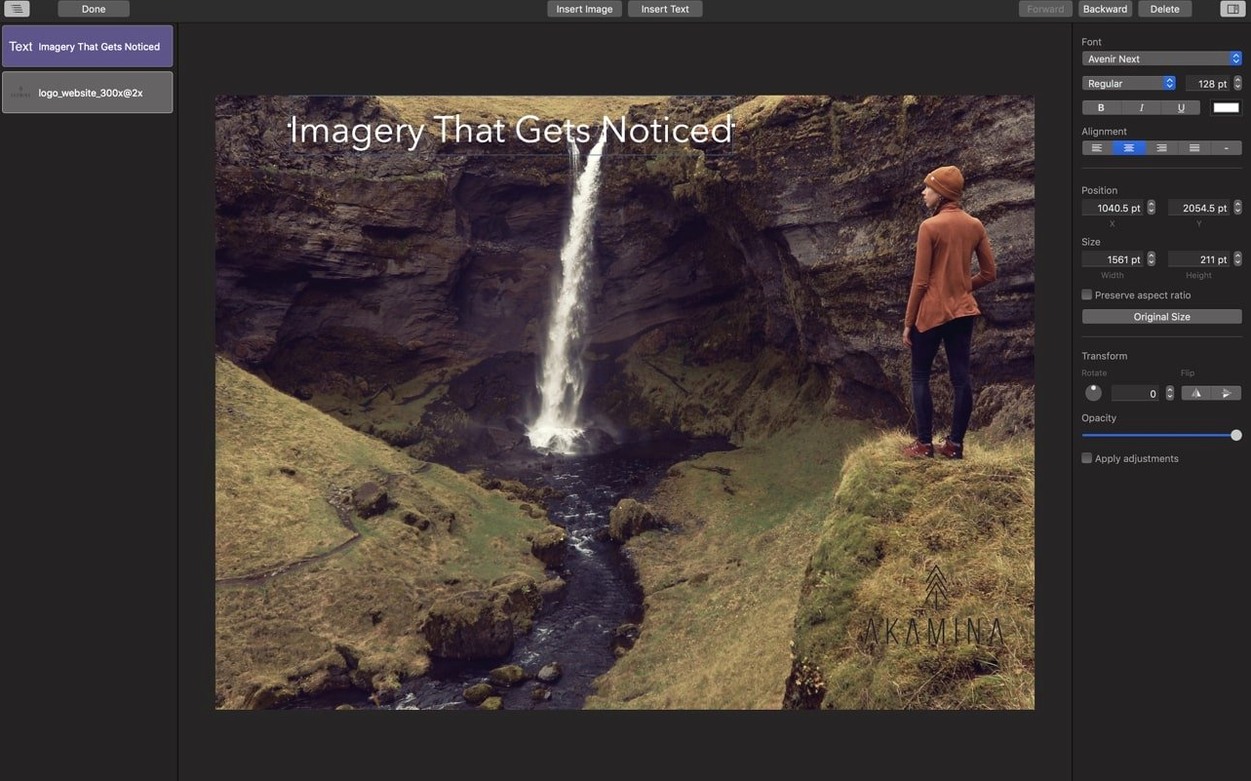
Some users looking for a cinemagraph pro mac workflow also ask about text and graphic overlays. The overlay layer system handles PNGs and type with basic positioning — enough for a watermark or a title, though not a substitute for a compositing tool.








Correspondence 0
Take a chair or join the table to send a letter.
No correspondence on this note yet. Letters are read before they appear.