 LeCoqRoti

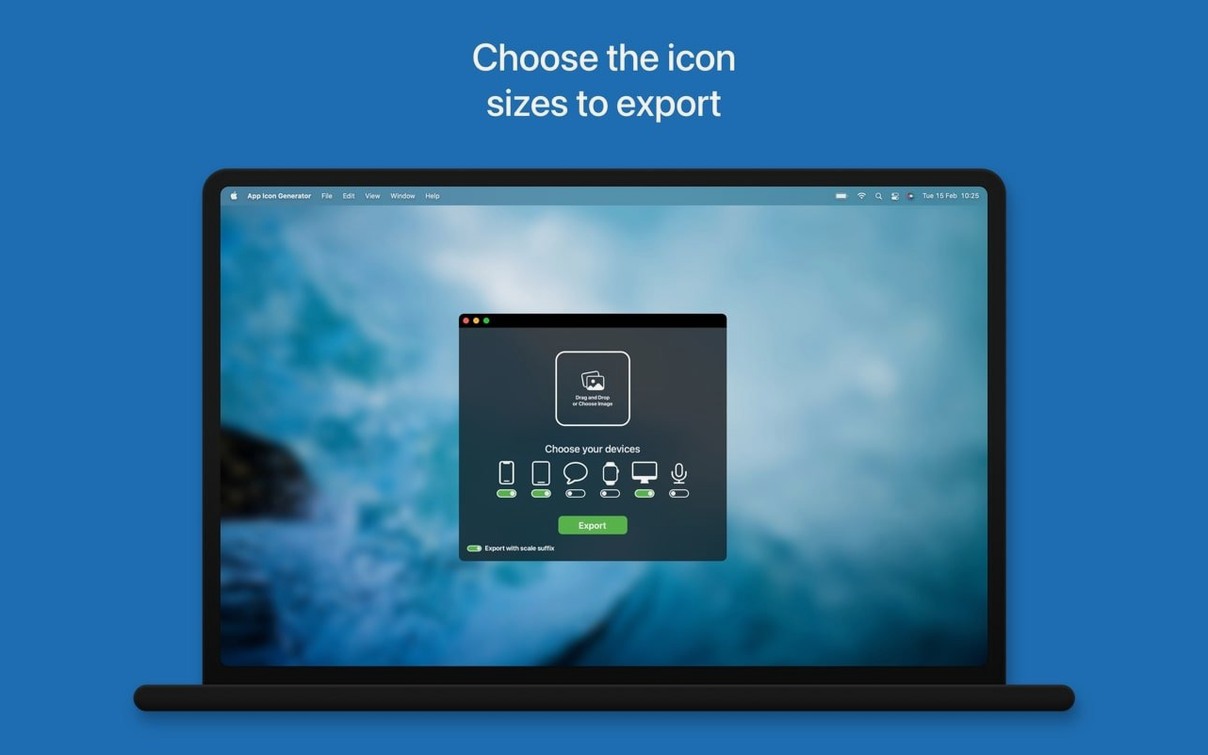
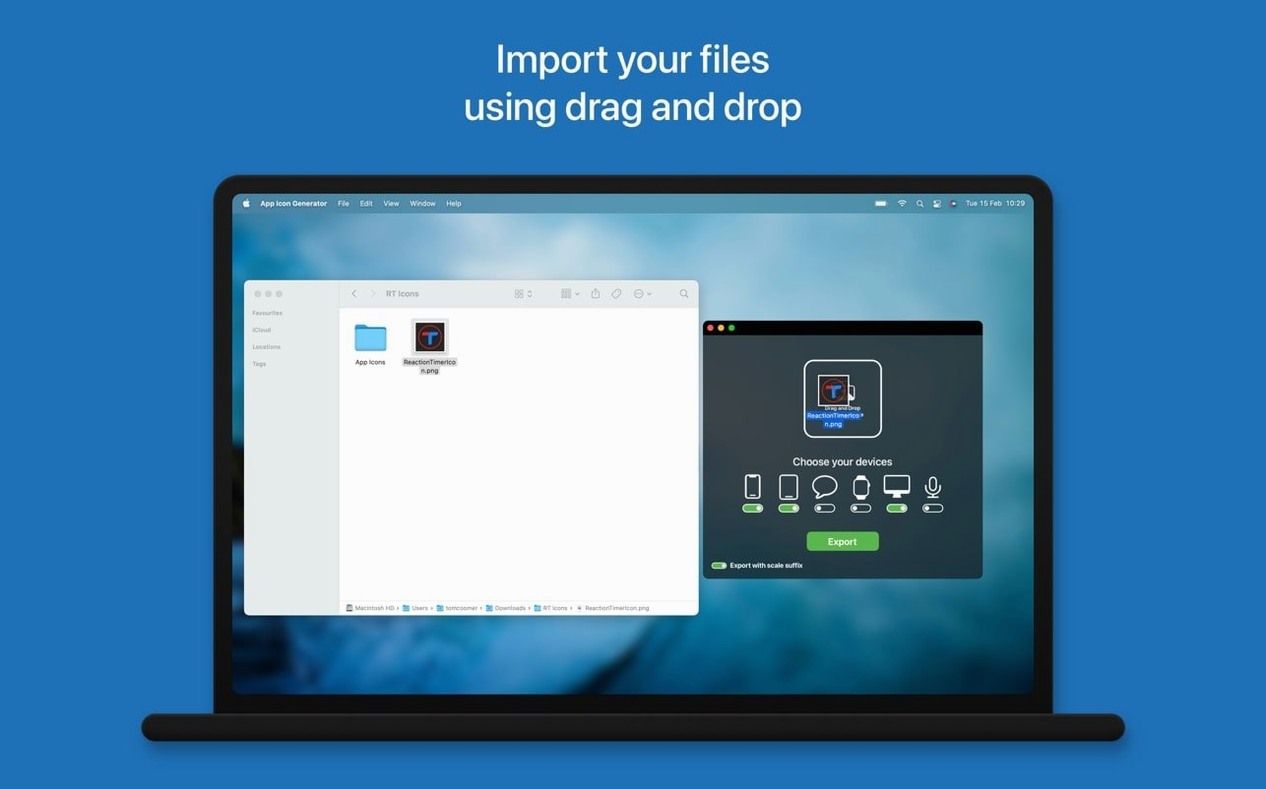
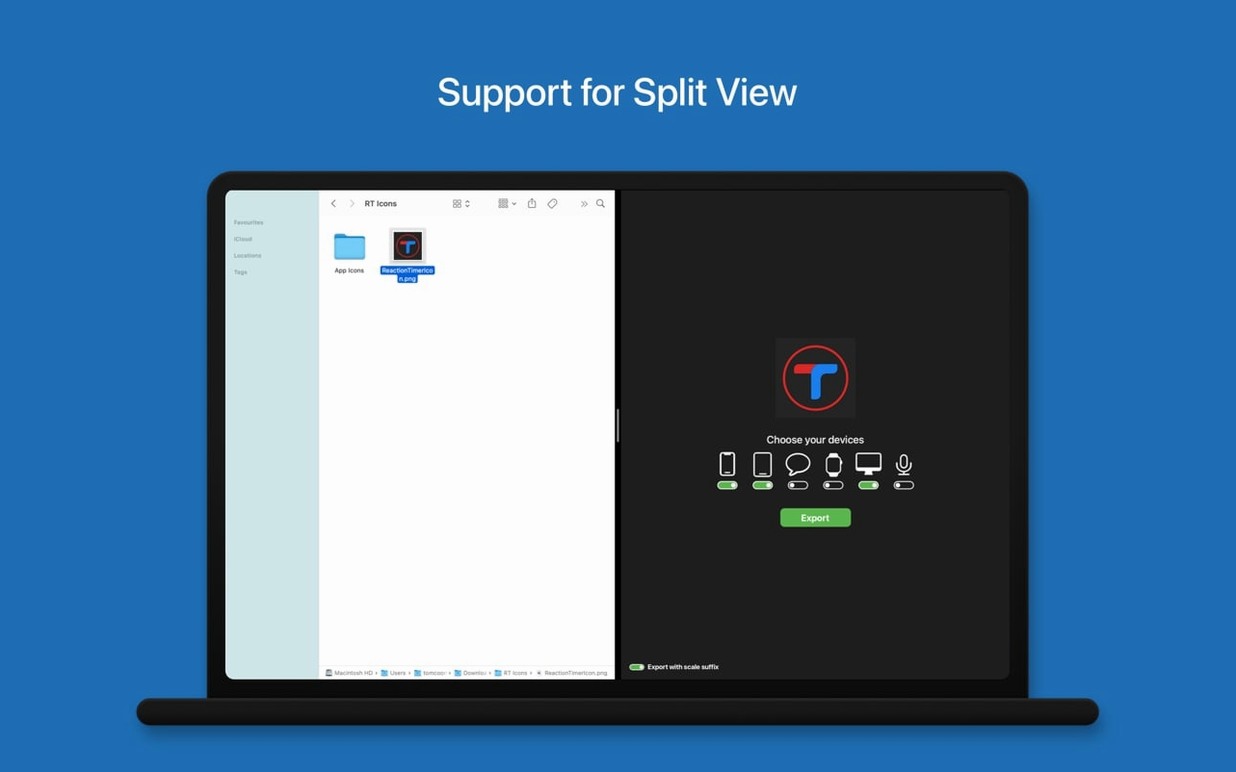
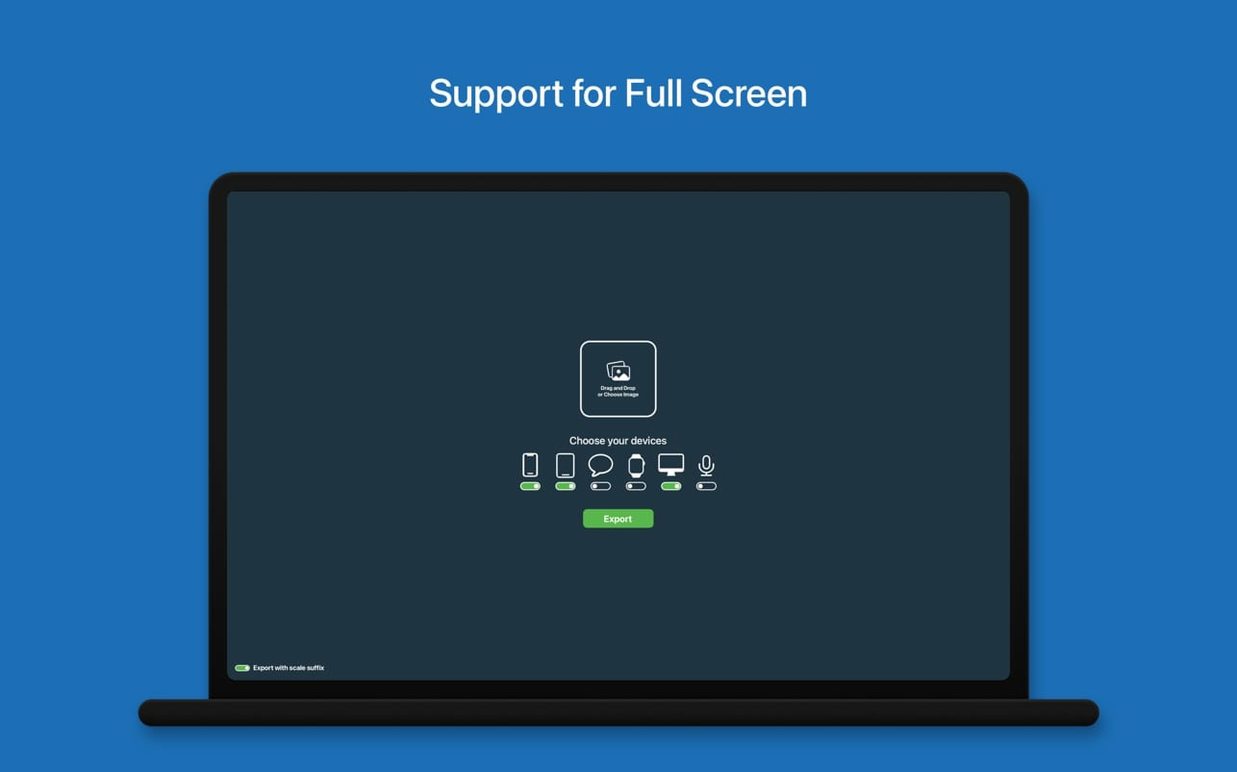
Anyone building an app for iOS, macOS, or watchOS knows the chore of resizing icons for every required slot. App Icon Generator is a focused Mac tool that takes a single source image, automatically resizes it to every needed dimension, names each file correctly, and saves them into folders organised by size. For Xcode projects, it can export a complete App Icon Set ready to drop into an asset catalogue.
Getting started: drag, drop, done
The workflow is deliberately simple. Drag an image onto the main window, choose your target platform and icon type, then click export. The app handles the rest — no manual renaming, no guesswork about dimensions. The latest version (1.7.0) adds support for the icon sizes introduced in Xcode 16 and improves compatibility with iOS 18, so the output stays current with Apple’s latest templates.
What a newcomer should try first
Begin with a square PNG or JPEG, ideally at least 1024 pixels wide. Export a single platform set to see how the app organises files into named folders. Then try the Xcode App Icon Set option: it produces a ready-to-use AppIcon.appiconset folder with the correct Contents.json inside. This alone saves several minutes of manual setup per project.
Remembers your last platform selection between sessions
After a few days with App Icon Generator, certain details reveal themselves as genuine time-savers. The app remembers your last platform selection between sessions, so if you are iterating on the same iOS project repeatedly, you skip one click each time. The preview window updates in real time as you switch between target devices; it is helpful for spotting a composition that will crop awkwardly at 29 pixels before you export.
The export folder naming is worth noting. Each size folder uses the exact pixel dimension as its name (128×128, 256×256, and so on), which makes bulk imports into Finder or Xcode predictable. If you hold down the Option key while dragging a new image into the window, the app clears the previous source without requiring a trip to the menu. Small, but welcome when you are processing a batch of app concepts quickly.
Manually set up each slice in Pixelmator Pro for icon exports
The landscape of icon-generation software on macOS is not crowded, but a few alternatives exist. Pixelmator Pro can resize and export multiple icon sizes via its slice and export tools, but it requires setting up each slice manually and then naming the output files yourself. App Icon Generator removes that manual layer entirely: you provide one image, and the naming and folder structure are handled automatically.
iConvert Icons is another option for developers who need standard desktop and mobile icon sizes. Its workflow is wizard-based, which some people prefer, but it does not export Xcode App Icon Set folders. The difference here is structural: App Icon Generator’s output matches Apple’s asset-catalogue format directly, so there is no post-processing step to rearrange files before importing them into an Xcode project.
GIMP with a batch-processing script can theoretically achieve similar results, but the setup time and debugging of shell scripts makes it impractical for regular use. App Icon Generator occupies the space between a full image editor and a script: it does one thing and does it without configuration overhead.
Questions usually asked before installing
Does the app work with non-square source images? Yes, but the results depend on the target format. For iOS and macOS icons, which are square, the app centres the image and fills the remaining space with transparency. For watchOS, where circular masks are common, the app applies a centred crop. If your source is rectangular, it is wise to check the preview before exporting.
Can I use it for Android or Windows app icons? The export presets are built for Apple platforms, but the custom export option lets you specify any pixel size. The naming convention will not match Android’s ic_launcher scheme or Windows .ico requirements, but you can rename the files afterwards. The tool is designed for Apple ecosystems, but flexible enough to assist elsewhere with minor manual work.
What happens if my image is smaller than the required icon size? The app upsamples the image using nearest-neighbour interpolation rather than blurring it. This keeps pixel edges crisp, which matters for small icons where sharpness is critical. For very large upscaling, starting with a higher-resolution source is recommended.
Does it save processing presets for repeated use? Not in version 1.7.0. The app remembers the last platform selection, but you cannot save a named profile. For daily use on the same project, this is not a problem; for agencies handling multiple clients, you will reselect the target each time you switch projects.
Is the app icon generator mac torrent files available? App Icon Generator is distributed through direct download channels; the install process involves mounting a disk image and running a short terminal command to bypass Gatekeeper, then dragging the application into the Applications folder. For those who prefer using a Mac torrent to obtain the software, ensure your torrent client is configured correctly and verify the integrity of the downloaded disk image before mounting. The procedure is straightforward and documented on the developer’s site.






Correspondence 0
Take a chair or join the table to send a letter.
No correspondence on this note yet. Letters are read before they appear.