 LeCoqRoti
Motion to games: one app for the full 3D pipeline
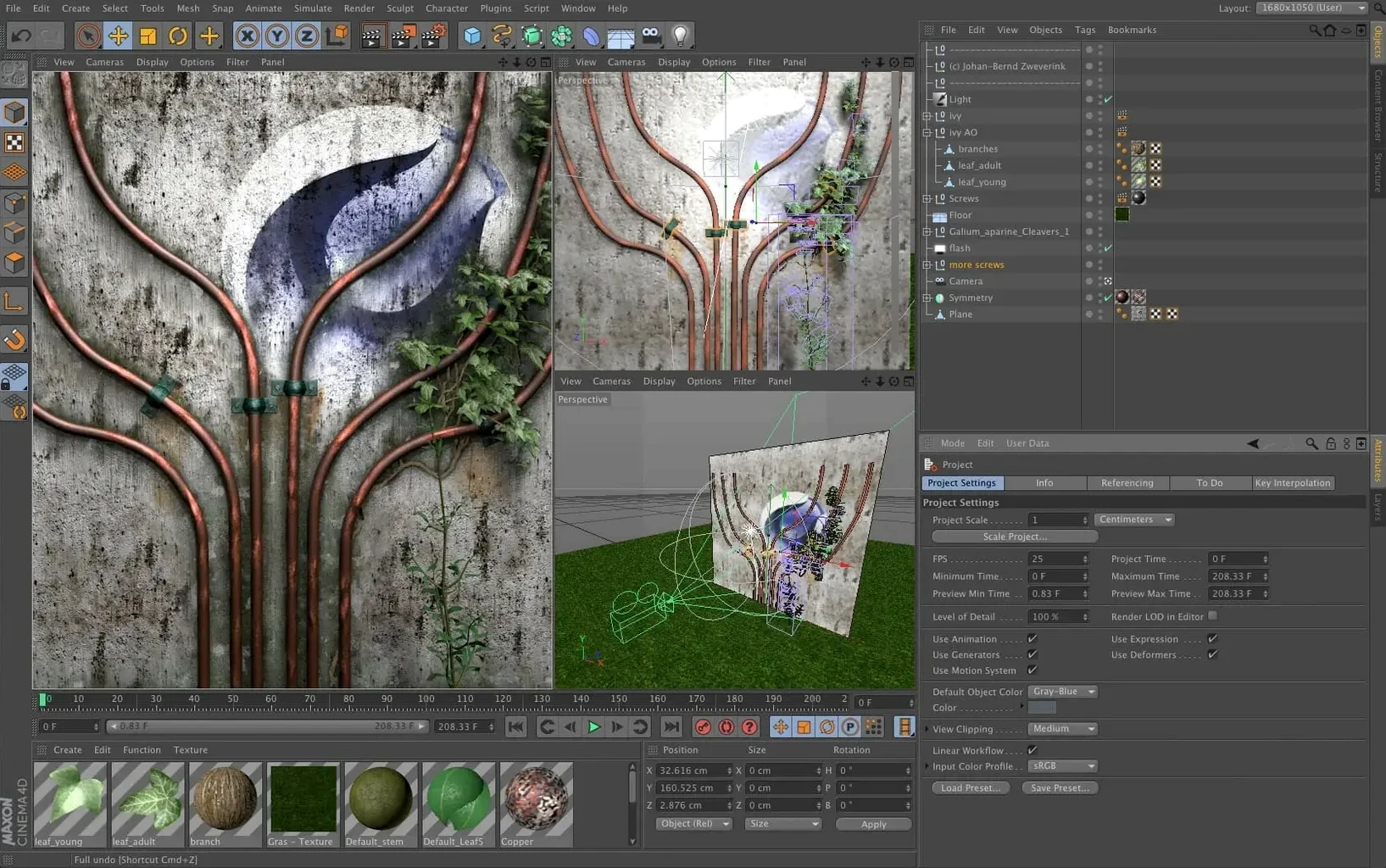
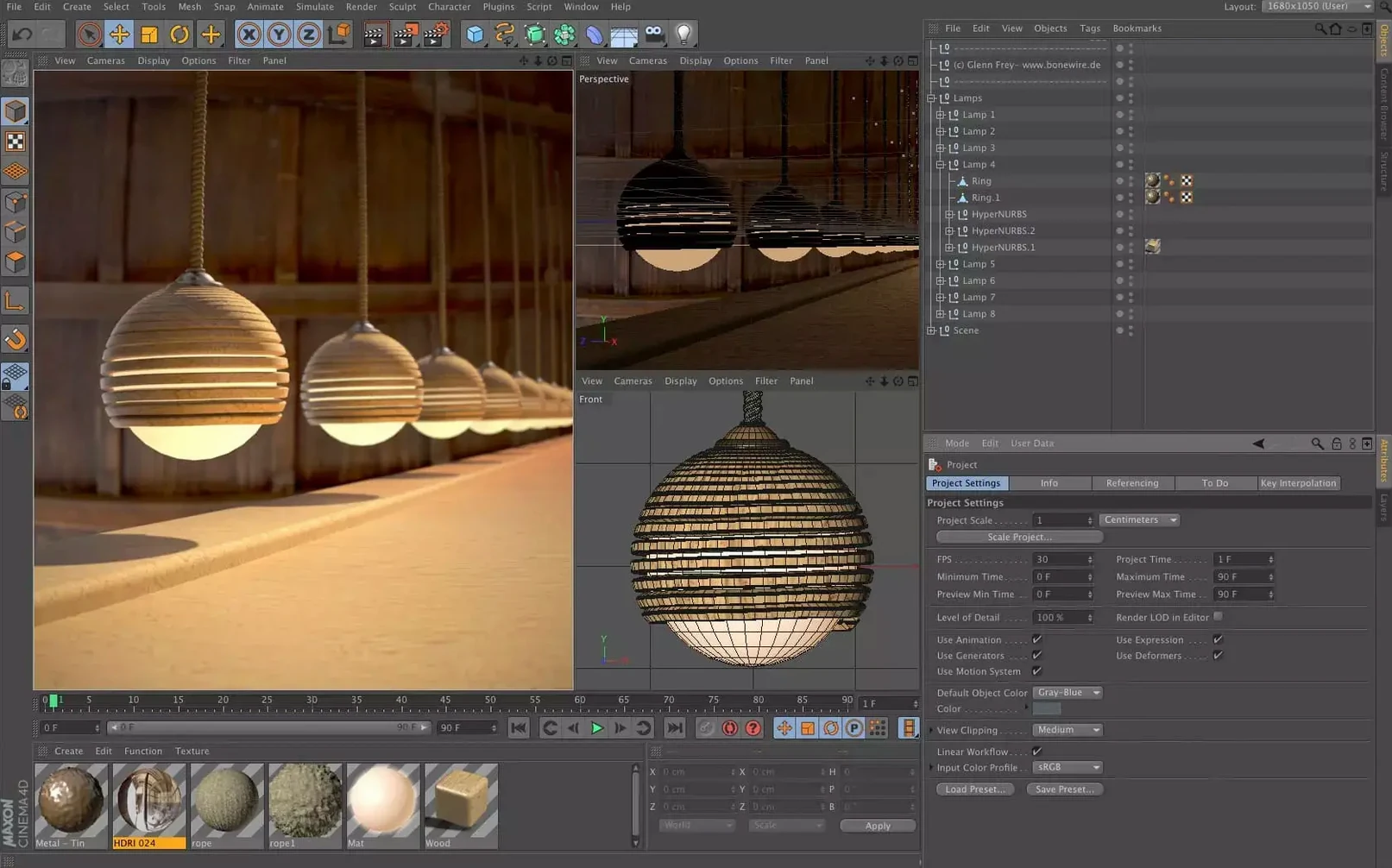
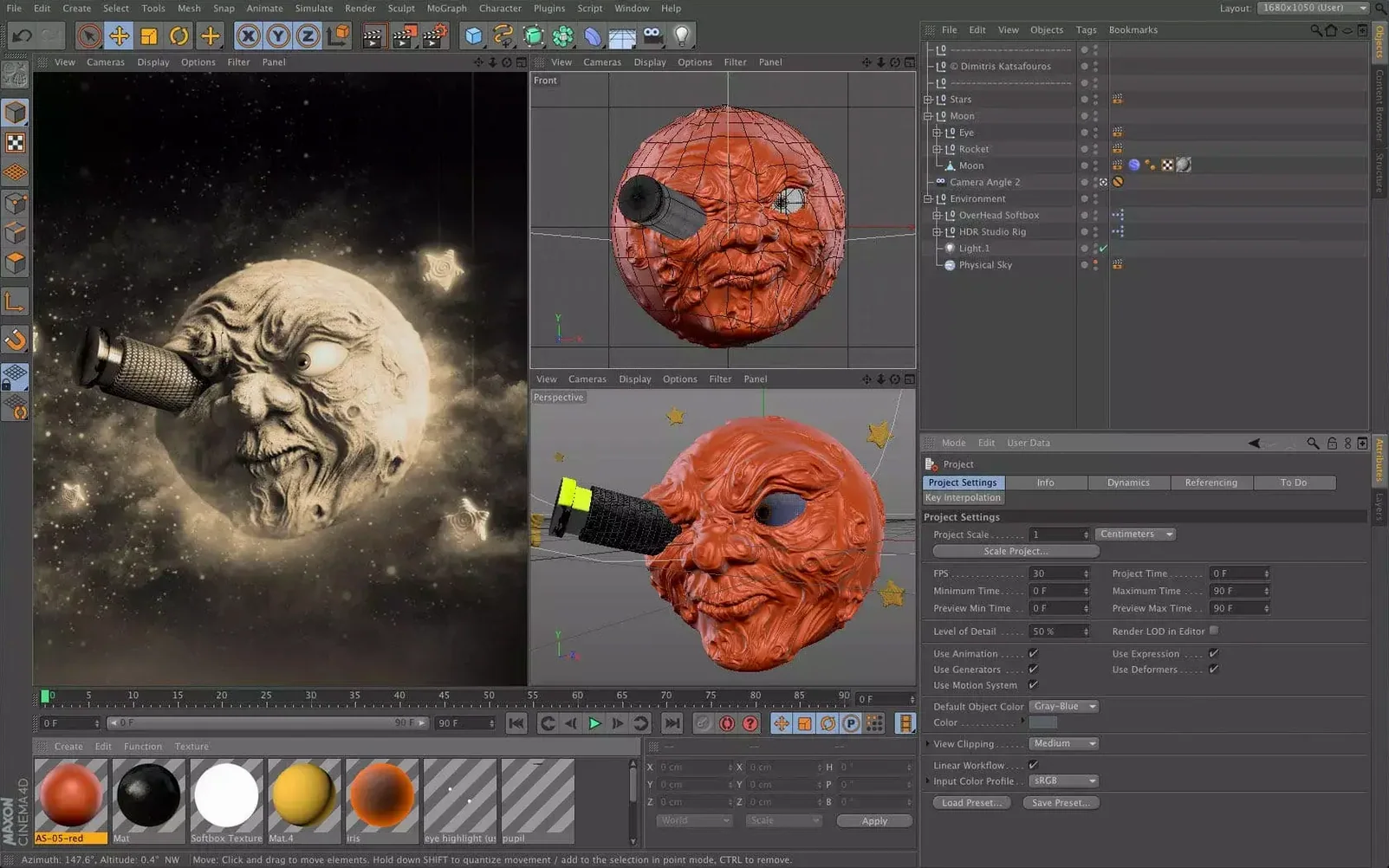
Motion designers, visual effects artists, architects and game developers all turn to Cinema 4D. The reason is straightforward: it handles the whole 3D pipeline without forcing you into a single specialism. Modelling, animation, simulation and rendering live in one application with an interface that stays out of your way.
Scene logic: Capsules bring node-based control into the Object Manager
- Scene building with nodes and Capsules. Data import and spline generation run through the scene node system, the Scene Manager, and a feature called Capsules. Capsules let you use node-based logic directly inside the classic Object Manager, which means you can tap into procedural power without abandoning a familiar layout.
- Modelling and simulation. Polygonal and spline-based modelling sit alongside a suite of simulation tools for cloth, soft bodies, rigid bodies and particles. The preset-based workflow shortens the setup time: drag a material or a simulation preset onto an object and adjust from there.
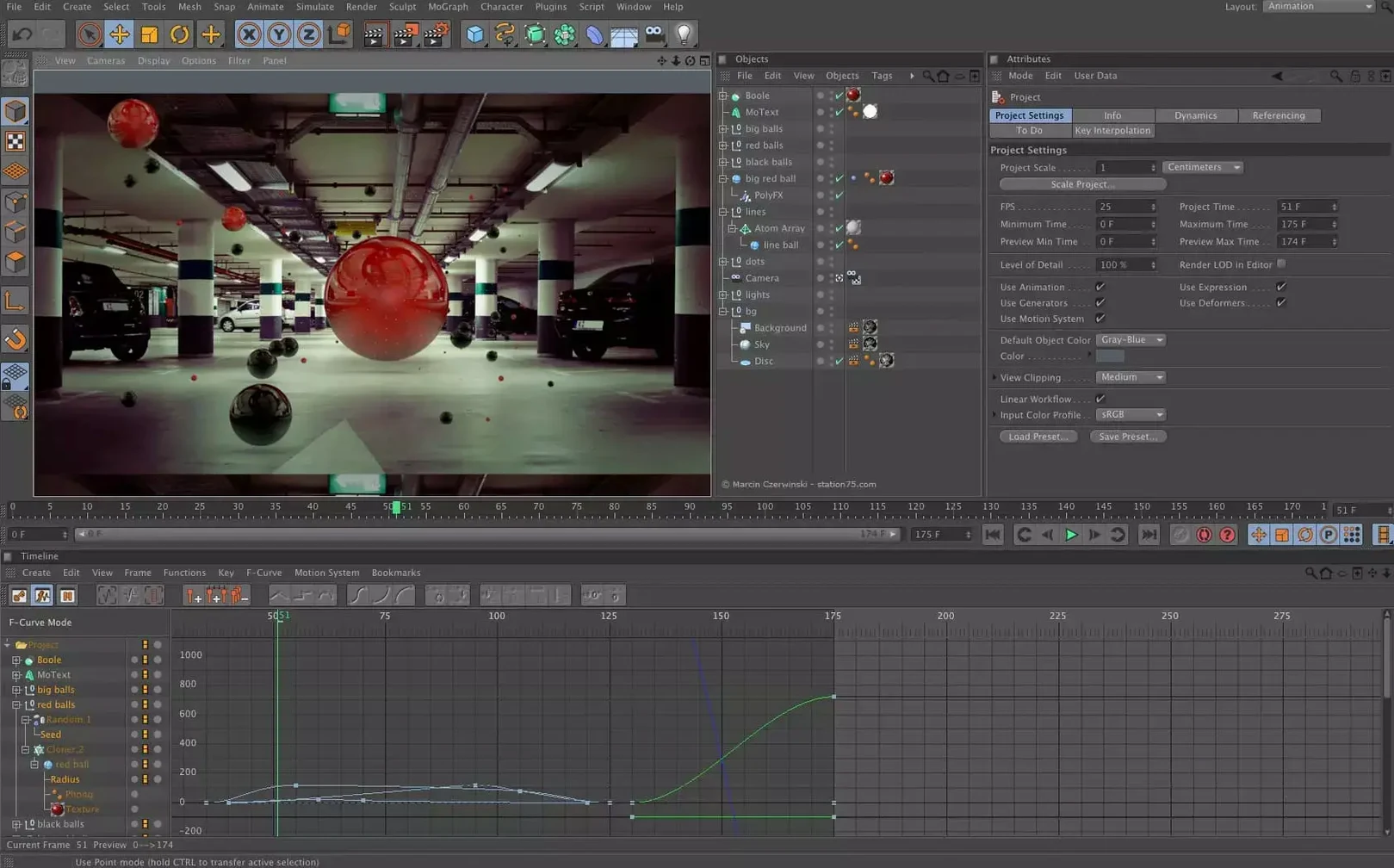
- Animation. Keyframe, procedural and character animation tools share the same timeline. The modernized interface presents updated panels that keep the focus on motion curves and timing rather than hunting through menus.
- Rendering with Redshift. The built-in Redshift renderer handles final output, from photorealistic stills to animation sequences. It supports biased GPU rendering and is tuned for speed during iterative look development.
Cinema 4D is used across design, motion graphics, visual effects, AR, MR, VR, architectural visualization and game development. It runs natively on Apple Silicon and Intel Macs, as well as Windows on Arm, with an interface localised into ten languages.
Performance: a sense of calm under load
On a modern Mac, Cinema 4D 2024.2 rarely feels heavy. The viewport redraws at speed even with moderately complex scenes, and the switch to Redshift for interactive preview rendering is quick enough that you stop noticing it after the first few sessions. Memory use climbs with scene complexity, as you would expect, but the application releases resources cleanly when you close a project — no creeping bloat over a long day. Large texture sets and high-poly models ask for patience during import, yet once they are in the viewport, navigation stays fluid.
Stability has been one of the quiet strengths of recent releases. Crashes are infrequent in daily modelling and animation work, though they can still appear when you push experimental node graphs or third-party Python scripts. The autosave system writes backups at regular intervals without a perceptible pause, which turns what might be a catastrophe into a mild inconvenience. For anyone who works with cinema 4d torrent builds, the experience is identical to the standard distribution once the package is installed correctly, though you sacrifice access to the asset browser’s online content.
Beginners: the three habits that cause trouble
New users tend to trip over the same things, and none of them are the software’s fault. The first is ignoring the object hierarchy. Cinema 4D treats a null object as an anchor for transforms, and dropping a model into the scene without parenting it to a sensible hierarchy leads to animation curves that fight each other. The second is over-reliance on automatic lighting: the default light rig is a starting point, not a final look. Renders that seem flat are almost always a lighting problem, not a material problem. The third is skipping the cinema 4d mac torrent installation’s included guide and then wondering why Redshift does not appear. The renderer needs a clean activation step, and the package notes walk through it plainly.
Arch viz deadline: from CAD spline to client-ready interior
Consider an architect who needs to present a residential interior to a client by Friday. She imports a CAD floor plan as a spline, extrudes the walls, and drops in furniture from a pre-built asset library. The Scene Manager lets her isolate the kitchen cabinetry and swap materials without disturbing the lighting setup she tuned the night before. She uses a Capsule to scatter potted plants along the window sill — procedural placement, adjustable count, no manual duplication. By Thursday afternoon she has three camera angles rendering through Redshift, and she lets the batch queue run overnight while she prepares the presentation boards. The workflow is linear, visual, and does not ask her to become a full-time 3D generalist.
Small things, easily overlooked
A handful of shortcuts and interface details reward the attentive user:
- Hold
Ctrlwhile dragging a material. It duplicates the material instead of moving it, which saves a trip to the Material Manager when you need a variation. - Middle-click on a parameter. It resets to the default value instantly. This works in the Attribute Manager and in most node parameters.
- The Commander palette. Press
Shift+Cand start typing. It searches every command in the application. Once you learn its name, you never need to hunt through menus again. - Viewport solo. Select an object and press
Alt+Sto isolate it in the viewport. Tap again to return to the full scene. Simple, but it becomes second nature during detailed modelling. - Redshift IPR region. Click and drag in the Render View to define a render region. Only that rectangle updates, which makes material tweaks almost real-time.
These are not hidden features; they are simply items that the splash-screen tips do not always mention. Users coming from a 4d cinema download route sometimes overlook them because they jump straight into tutorials that focus on big-picture workflows. Spending an afternoon with the Commander and the right-click context menus pays back quickly.






Correspondence 0
Take a chair or join the table to send a letter.
No correspondence on this note yet. Letters are read before they appear.