 LeCoqRoti
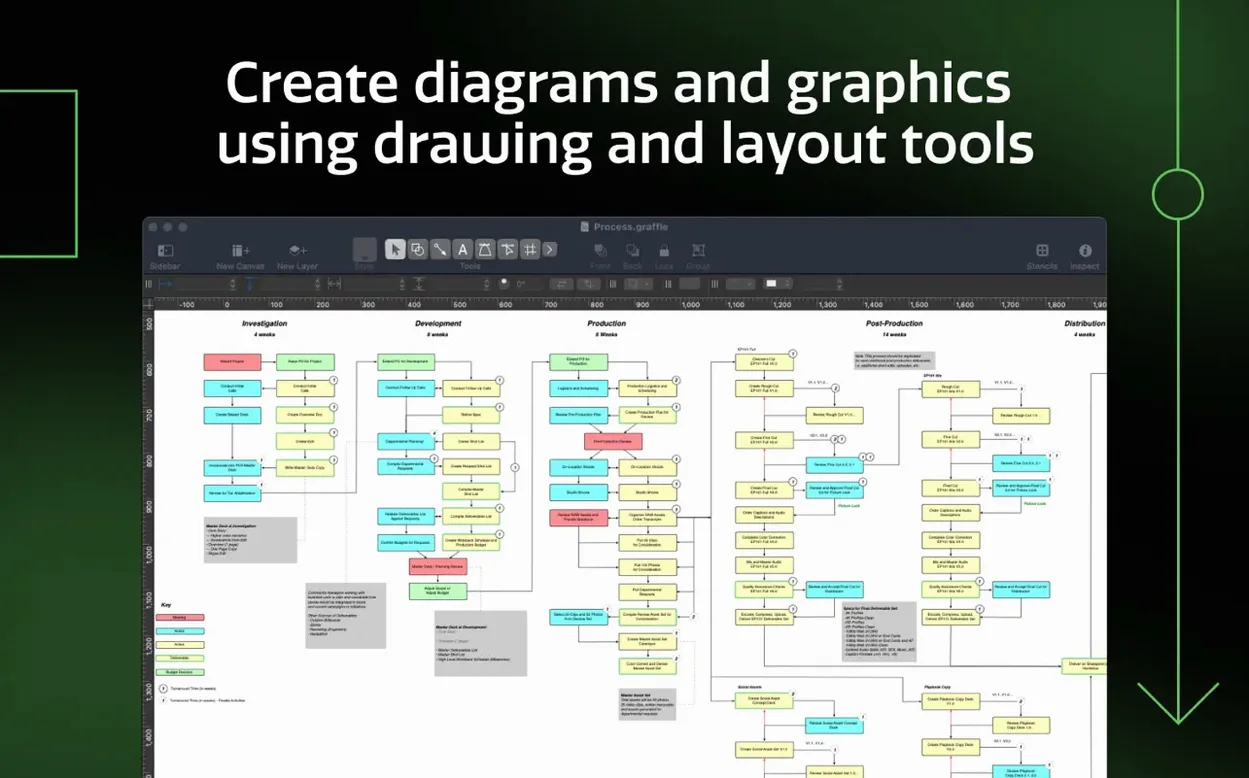
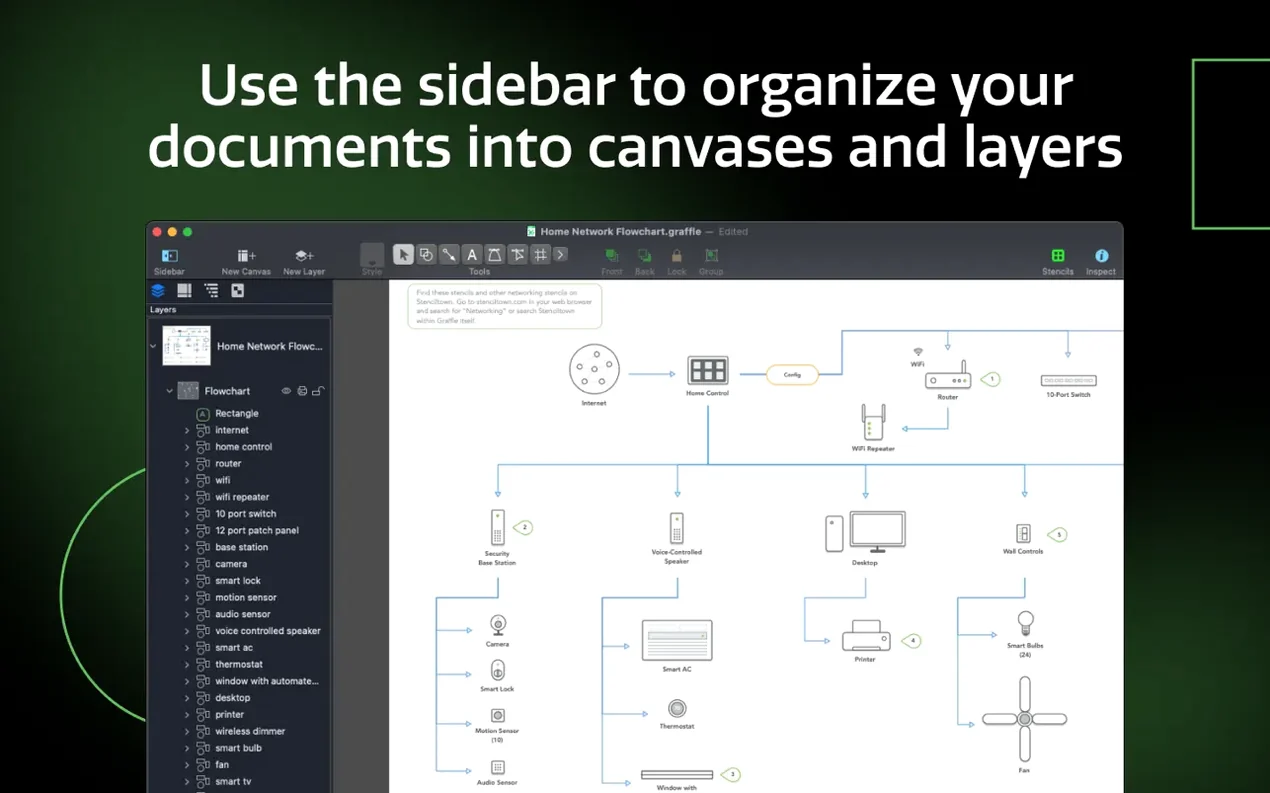
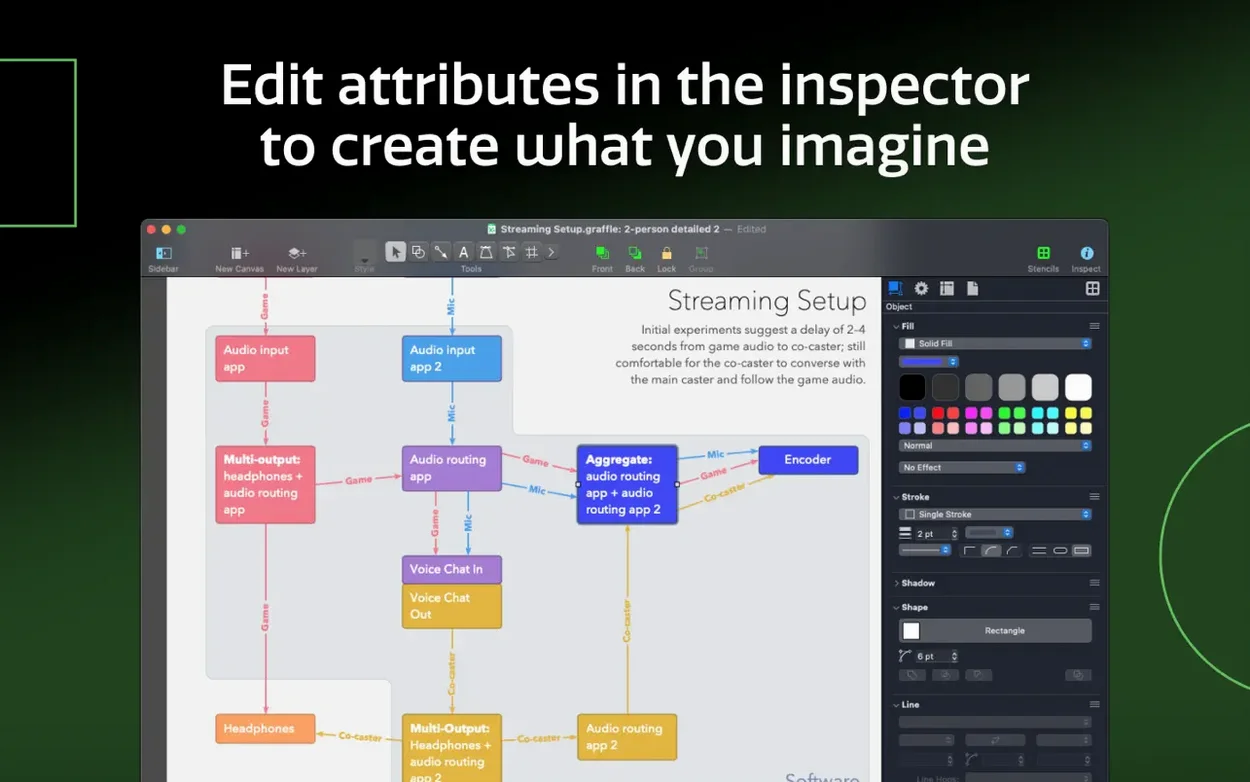
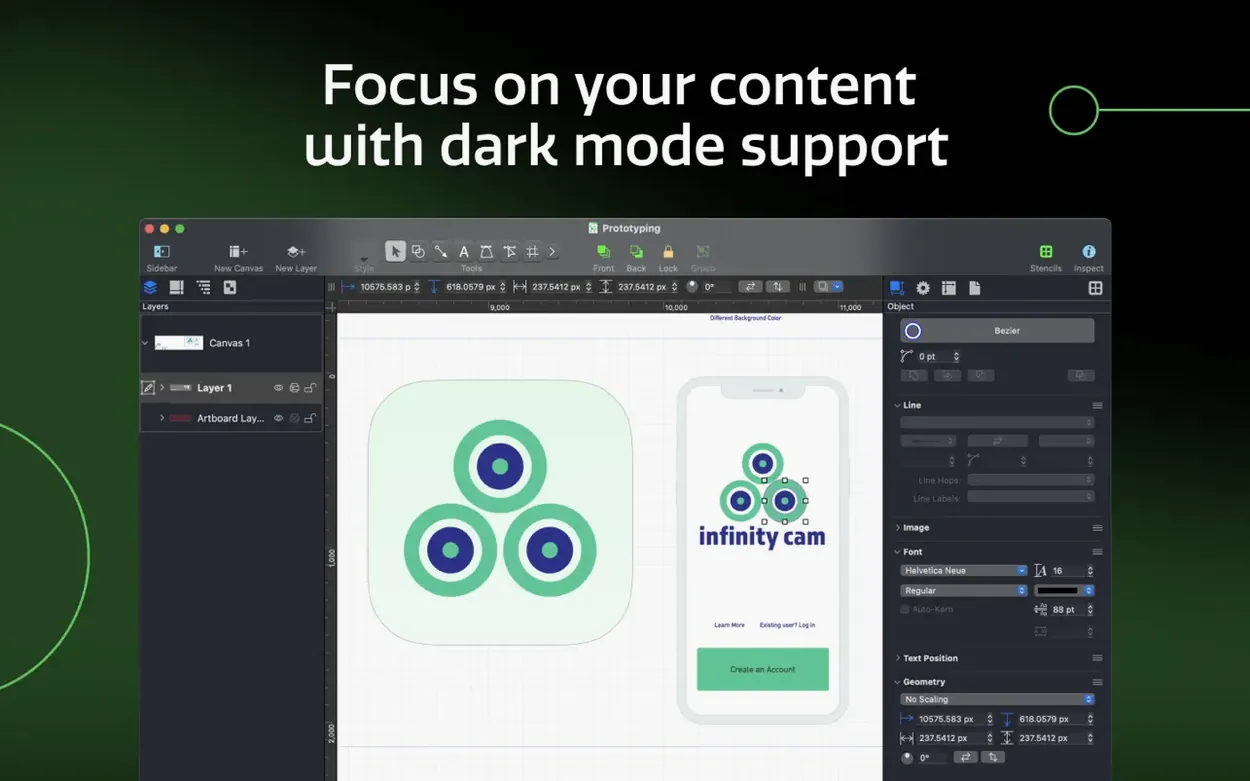
Seventy-four shape combinations sit in the stencil library, yet the first thing you notice opening OmniGraffle Pro 7.26 is how little the interface imposes on a blank canvas. The inspector collapses to a single column; the toolbar shows six icons. This restraint makes sense once you begin a real task — mapping a website’s information architecture, for instance, where the thinking should feel uninterrupted.
A wireframe from scratch: four steps
- Create a new document and switch on the shared layers panel. Place a browser chrome bar on one layer so it repeats across every artboard without duplication.
- Drag page-level containers from the wireframe stencil onto the canvas. Group them into a table to control spacing and add rows as the page depth grows.
- Import a Visio VSS stencil from a client’s legacy library. The shapes arrive with their original colours and connection points intact, ready to drop into the diagram.
- When the structure is approved, export the OmniGraffle layers to Photoshop layers — each screen level becomes a named PSD layer group for the visual designer to refine.
Shared layers and table grouping
Two Pro features carry the weight here. Shared layers let you maintain a single navigation bar across twenty-five wireframe screens; editing it once updates every instance. Table grouping turns a scattered set of content blocks into a rigid, evenly spaced grid — adding a row for a new footer module takes one command rather than manual nudging. The Visio import reads VSD, VDX, VSS stencils and VST templates, so legacy Microsoft diagram assets do not need redrawing. Xcode project diagrams can be generated automatically, which proves useful when documenting a growing iOS codebase alongside its interface mockups.
Precision-first Mac users: three profiles that fit
Not every diagramming tool suits every person equally. OmniGraffle Pro rewards a particular kind of Mac user — someone who values precision over speed alone and who expects interface elements to stay out of the way until needed.
UX and product designers working across multiple screens or states of a single interface. Shared layers, artboards and table grouping mean a change to a persistent element propagates instantly. The Photoshop layer export bridges the gap between wireframe and visual design without requiring a third-party converter.
Technical writers and system architects documenting software structures. The automatic Xcode project diagram generator turns a sprawling codebase into a readable visual map. Visio VSD and VDX import means diagrams received from Windows-based engineering teams open without conversion tools. The ability to convert text into shapes and lines into shapes gives precise control over callouts and annotation marks that generic office suites cannot match.
Information architects and process modellers handling large, nested hierarchies. The sidebar canvas manager keeps dozens of diagrams in a single document, while the inspector provides numeric control over every coordinate, stroke weight and bezier point. For anyone migrating from Microsoft Visio, the VSS stencil and VST template support preserves years of accumulated shape libraries.
Scenario: a technical writer documents an API change
She receives a Visio VDX file from the backend team — a sequence diagram showing a new authentication flow. The file opens in OmniGraffle Pro with all actors, lifelines and message arrows intact. She duplicates the canvas, then uses the shared layers panel to add her own annotation layer: numbered callouts, a legend box and a title block. The annotation layer sits above the engineers' original diagram without altering it. When the backend team updates the flow a week later and sends a revised VDX, she replaces the base layer and the annotations remain in place. She exports the result as a single-page PDF for the documentation portal and as a layered PSD for the design team to pull into their release illustrations. One document, two outputs, no redrawing.
Canvas size: match fixed dimensions to your output
OmniGraffle Pro ships with sensible defaults, but a few adjustments tighten the workflow considerably.
- Canvas size: switch from automatic to a fixed dimension that matches your output — 1440 × 900 for screen mockups, A3 for printed process charts. Automatic sizing tends to grow with every dragged shape and produces awkward export margins.
- Grid and guides: set the grid spacing to 8 points and enable snap-to-grid. For interface work, 8-point grids align with macOS and iOS design conventions. Turn on smart alignment guides for shapes; they appear as faint orange lines and make edge-matching nearly automatic.
- Inspector layout: collapse the inspector to a single column via the button in its top-left corner. The multi-column default is information-rich but consumes horizontal space better spent on the canvas. Reopen extra columns only when adjusting stroke properties or type details.
- Keyboard shortcuts: export your shortcut set from the OmniGraffle menu and store it alongside other configuration files. If you work across a desktop and a laptop, import the same set on both machines. The shortcut for "Convert text to shape" (unassigned by default) deserves a combination — it turns labels into editable bezier outlines in one step.
Visio imports: ask for VDX to fix garbled shapes
Visio files open with missing or garbled shapes. This usually happens when a VSD file references proprietary Visio add-on stencils that were not embedded. Ask the sender to save the file as VDX (the XML-based Visio format) rather than binary VSD, and to include the associated VSS stencils in the same folder. VDX and VSS import in OmniGraffle Pro is more reliable because it reads the XML structure directly rather than translating the binary format.
Artboard content shifts when exporting to Photoshop layers. OmniGraffle maps each layer to a PSD layer group, but the export uses absolute canvas coordinates. If objects on different artboards share the same layer, they can overlap in the PSD output. The fix: before exporting, open the layers sidebar and confirm that each artboard's content lives on its own dedicated layer. Move any shared elements to a separate "global" layer and toggle its visibility before export if it is not needed in the PSD.
Performance slows with large documents. Documents containing dozens of artboards and hundreds of complex bezier shapes can tax even recent Apple Silicon machines. Two practical steps help: turn off "live preview" for shadow and reflection effects in the View menu — these render continuously during drag operations. And use the "Reduce file size" command in the File menu periodically; it strips unused stencils and cached preview data that accumulate over long editing sessions.
Table groups misbehave when adding rows. If a table group refuses to accept a new row cleanly, check whether any child shapes have manual position overrides. Select the table and use the "Reset geometry" option in the Arrange menu before inserting rows. This clears stray offsets and restores the table's automatic spacing logic.
OmniGraffle crack installations or torrent versions can introduce their own quirks. Corrupt preference files, missing localisation bundles and broken Visio import are the most frequent side effects reported. If the app refuses to open VDX files or the stencil library appears empty, verifying that the OmniGraffle crack or torrent package includes complete localisation bundles and a valid VDX import module usually sets things right. The same holds for macOS Golden Gate 27 compatibility — version 7.26 addressed those issues specifically, so an older build will show redraw glitches and inspector lag.
In short: a quiet canvas, a capable import engine and a handful of well-placed settings adjustments turn OmniGraffle Pro into the diagramming tool that adapts to an existing workflow rather than demanding a new one.







Correspondence 0
Take a chair or join the table to send a letter.
No correspondence on this note yet. Letters are read before they appear.